


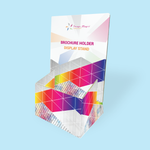
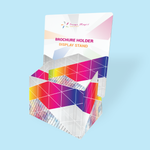
Brochure Holders (Display Systems)
Choose Options | Get Started To Direct Order
Click Button Below To Order
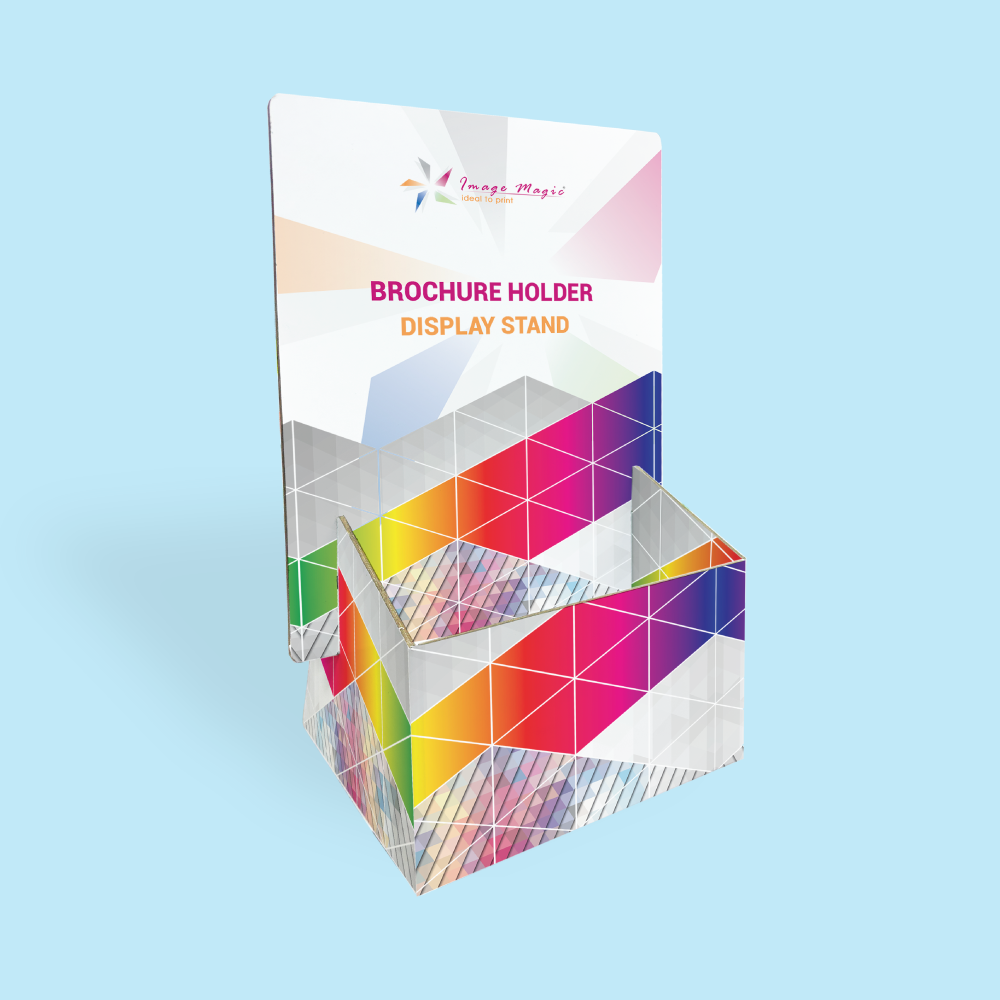
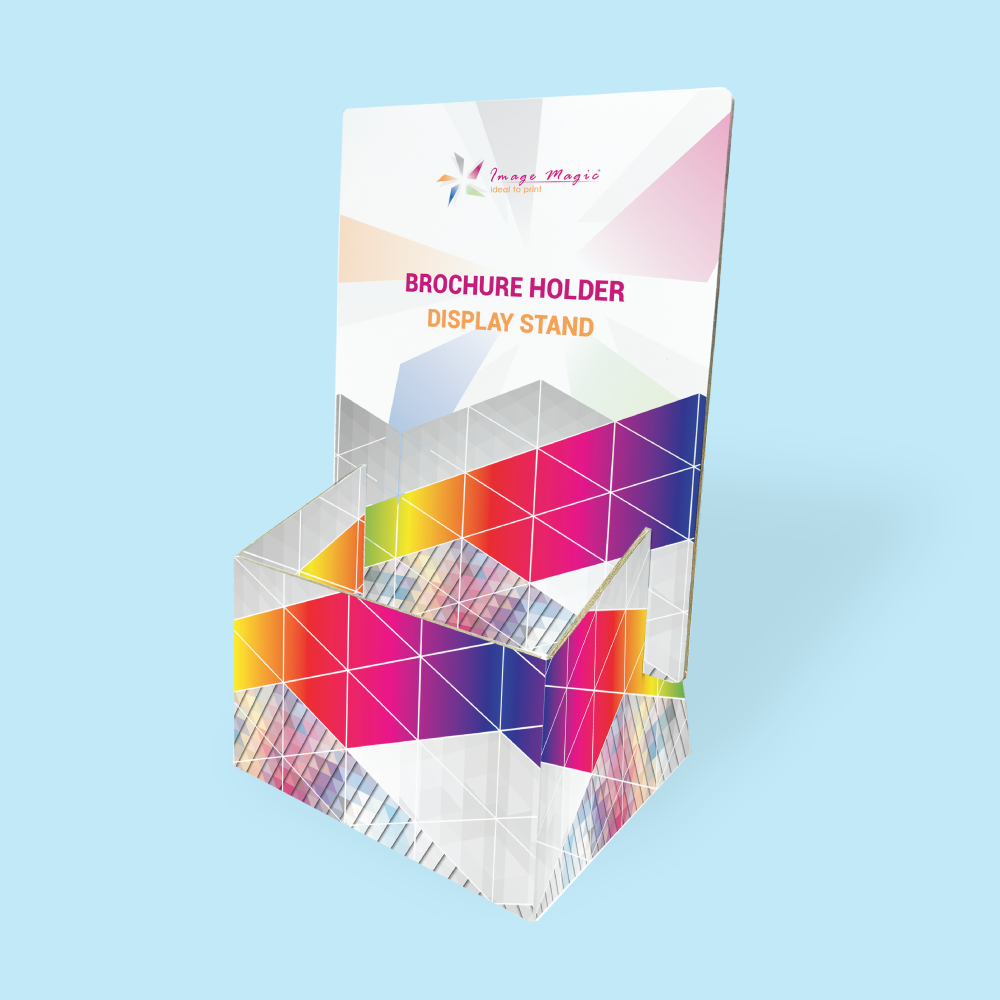
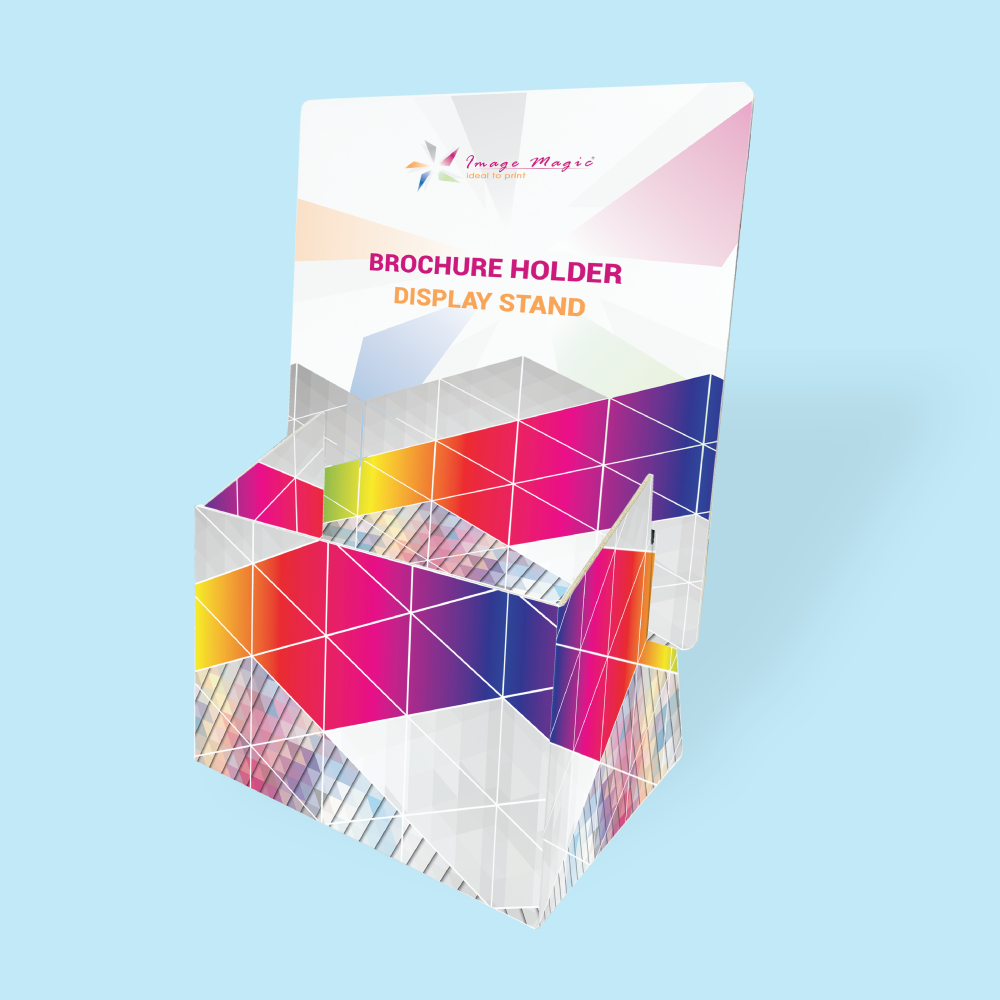
Custom Printed DL & A5 Counter Brochure Holders
Display brochures, flyers and promotional leaflets neatly on counters, reception desks, exhibition tables and retail displays. These custom printed holders are produced on rigid 1000gsm chipboard with full-colour printing and a foldable countertop structure.
Current Product Specifications
Choose the Holder by Brochure Size
Measure the printed material that will be inserted into the holder before selecting the product.
 DL Brochure Holder
Designed for brochures or leaflets measuring approximately 99 × 210mm. Suitable for promotional leaflets, service lists, menus, price lists and compact information sheets.
 A5 Brochure Holder
Designed for brochures or leaflets measuring approximately 148 × 210mm. Suitable for A5 flyers, brochures, programmes, catalogues and information sheets.
Material, Printing & Construction
Suitable for
Artwork Preparation Guidelines
Brochure holder artwork must be prepared using the correct structural template. Do not create the holder artwork as a simple DL or A5 rectangle.
Use the Correct Holder Template
- Download the DL or A5 Brochure Holder guideline.
- Prepare artwork using the complete flat holder dieline.
- Do not resize the template.
- Do not use a normal DL or A5 brochure template for the holder artwork.
Cutting, Folding & Guide Lines
- Keep structural cutting and folding guides on a separate non-printing layer.
- Do not remove or reposition the structural lines from the official template.
- Avoid placing important text directly on fold, crease, slot or joining areas.
- Check the assembled orientation before submitting the final file.
Bleed & Safe Area
- Add 3mm bleed where printed artwork reaches a cutting edge.
- Extend background colours and images completely through the bleed.
- Keep logos, wording and QR codes inside the safe areas shown on the holder template.
- Allow additional clearance around folding and structural areas.
File Format & Colour
- AI or PDF is recommended for structural artwork.
- EPS may also be supplied where compatible.
- Prepare printed artwork in CMYK colour mode.
- Raster images should be approximately 300 DPI at final size.
- Convert fonts to outlines or embed them correctly.
Both-Sided Artwork
- The current printing option is full colour on both sides.
- Follow the official template to determine which areas become the outside and inside surfaces.
- Check that artwork is not upside down after the holder is folded and assembled.
- Clearly label artwork layers or pages where required.
Before Sending Artwork
- Confirm DL or A5 brochure-holder size.
- Confirm that the brochure itself fits the selected holder.
- Check all cutting and folding guides.
- Check spelling, telephone numbers and QR codes.
- Confirm the finishing option selected in the calculator.
- Confirm the required completion and delivery date.
How to Order Brochure Holders
- Select Holder Size Choose DL or A5 according to the brochure being displayed.
- Select Specifications Confirm quantity, material and the available finishing.
- Use the Dieline Prepare artwork using the correct structural holder template.
- Upload Artwork Submit complete print-ready artwork for production.
Frequently Asked Questions
What brochure sizes can the holders display?
Is 99 × 210mm the artwork size of the DL holder?
What material is the brochure holder made from?
Is the brochure holder printed on both sides?
Can I use the brochure holder outdoors?
Can it hold thick catalogues or booklets?
Can I order an A4 or custom-size holder?
How long does production take?
Need Custom Printed Brochure Holders?
Select DL or A5 according to the brochure you need to display, then prepare your branding using the correct brochure-holder dieline.
WhatsApp +6012-651 2849Download Product Guideline
Upload Artwork Guideline
File Format: AI, PDF, EPS, JPEG (min 300dpi)
Colour Mode: CMYK
Artwork Size: Match your brochure size (A4, A5, etc)
Bleed: 3mm on all sides
Fonts must be outlined



