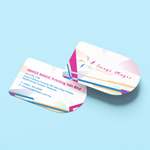
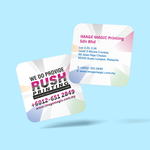
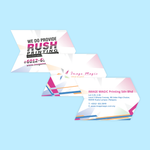
Custom Shape Business Cards (Business Cards)
Choose Options | Get Started To Direct Order
Click Button Below To Order
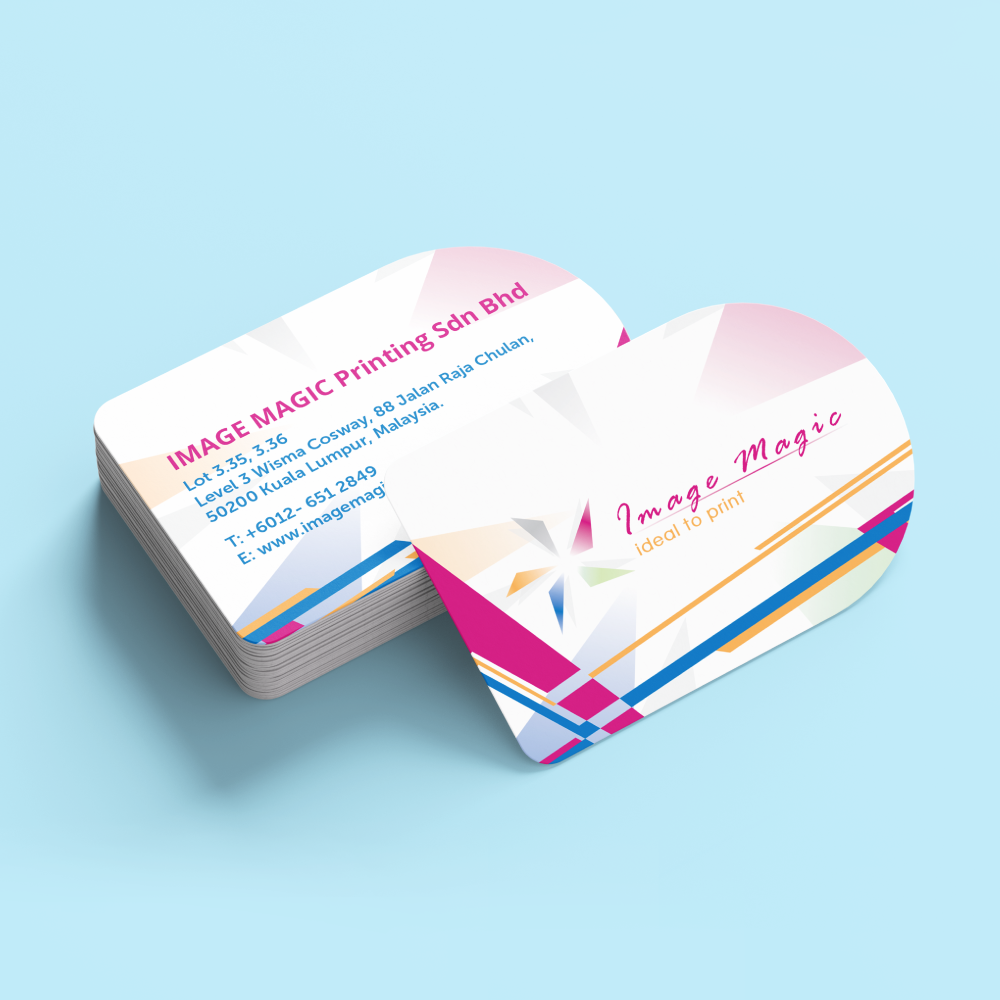
Die-Cut Business Cards Within a 90 × 54mm Area
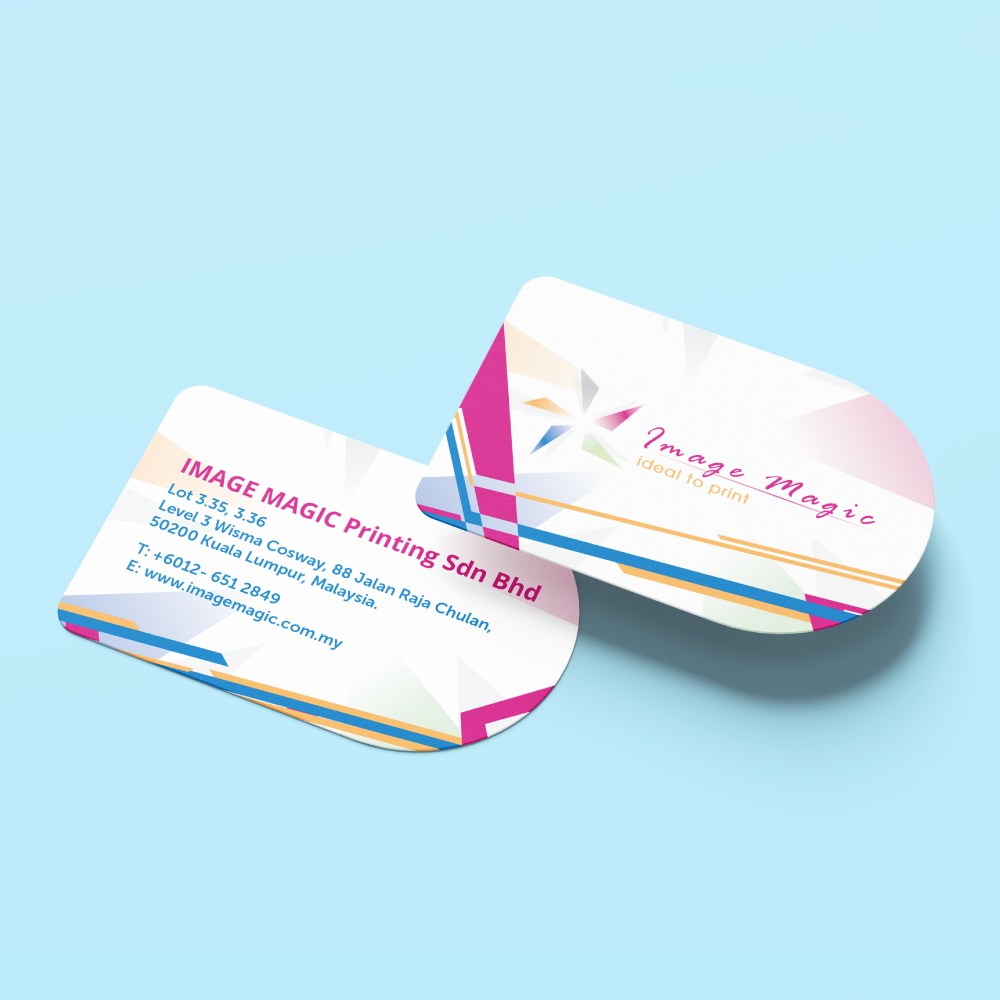
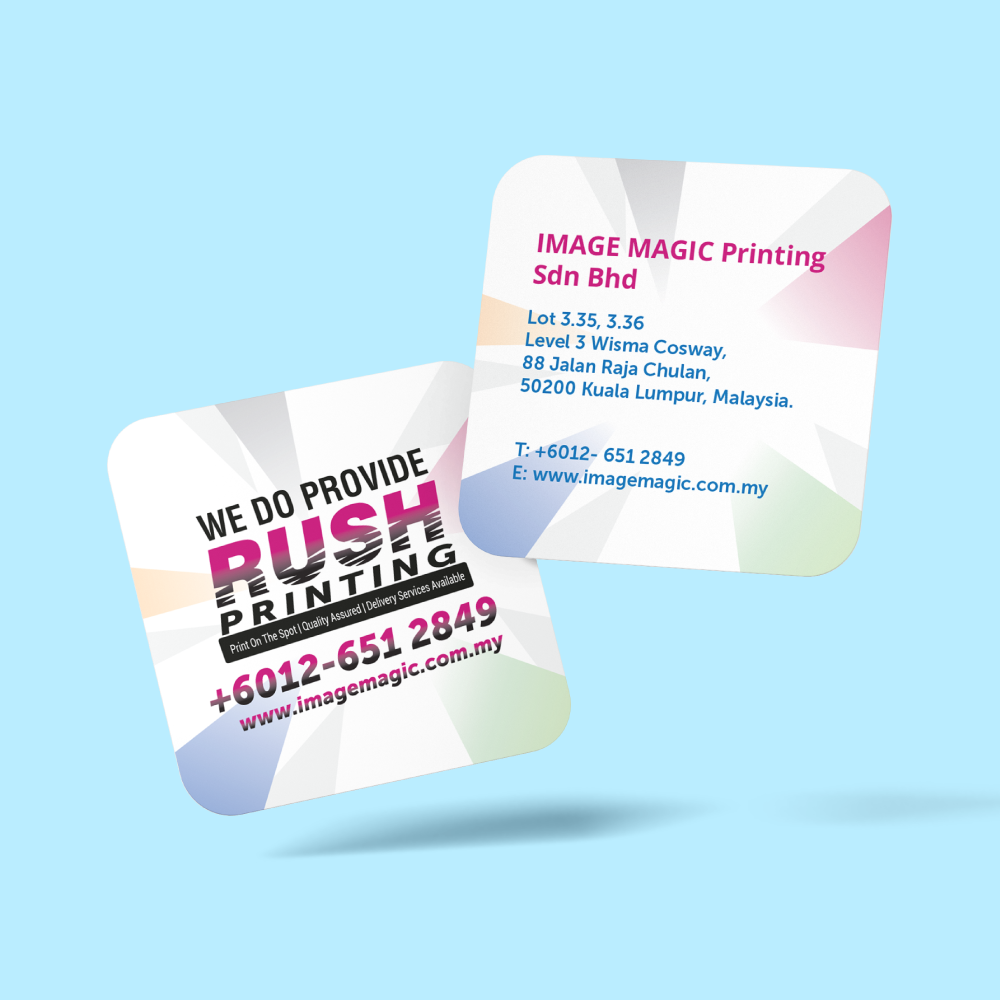
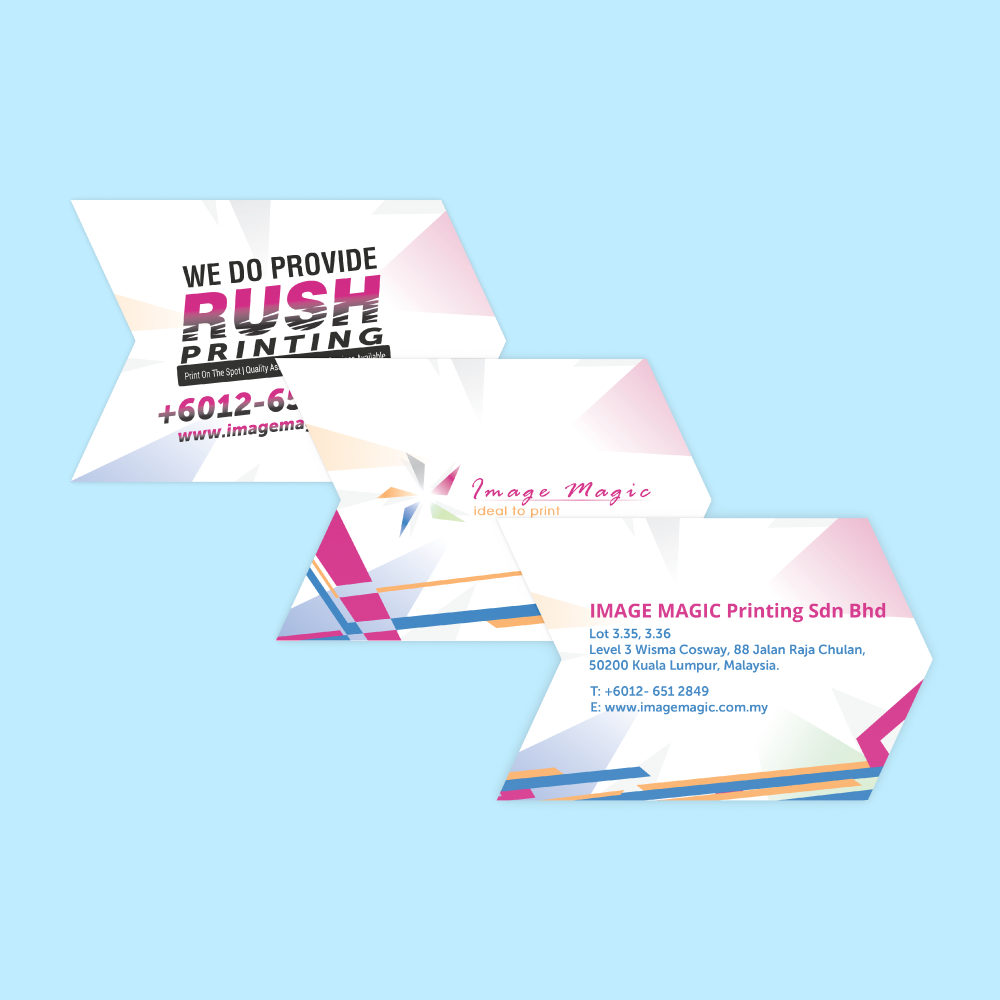
Create custom-shaped business cards using your own cutting outline. Choose a round, oval, square or freeform design that fits within the maximum 90 × 54mm production area.
Current Product Specifications
Example Shape Possibilities
These are examples of cutting outlines, not separate size options. Every shape must fit within 90 × 54mm.
Suitable for circular logos, icons and compact branding.
Suitable for horizontally arranged names and logos.
Suitable for modern layouts and structured brand marks.
Suitable for simplified product, symbol or logo-inspired outlines.
Printing Options
Lamination Options
The available lamination options are applied to both sides.
Gives both sides a smoother and less reflective finish.
Gives both sides a shinier and more reflective finish.
Suitable for
Artwork Preparation Guidelines
Supply the printed artwork together with a clear vector cutting outline.
File Format and Colour
- Accepted formats include PDF, AI and PSD.
- PDF or AI is recommended when supplying a vector cutting outline.
- Prepare printed artwork in CMYK colour mode.
- Raster images should be approximately 300 DPI at final printing size.
- Convert fonts to outlines or embed them correctly.
Custom Cutting Outline
- Supply one closed vector cutting path.
- Place the cutting path on a separate layer or identify it using a separate spot colour.
- Do not rasterise or flatten the vector cutting path.
- The complete outline must fit within the 90 × 54mm maximum area.
- Avoid overlapping, duplicated or open cutting paths.
Bleed and Safe Area
- Add 3mm bleed outside the complete cutting outline.
- Extend background colours and images fully through the bleed.
- Keep important text and logos safely inside the cutting outline.
- Allow additional internal space near narrow curves, points and complex edges.
Shape Design Recommendations
- Use smooth curves and simplified outlines where possible.
- Avoid very narrow sections that may bend or tear easily.
- Avoid tiny internal holes or highly detailed cut-outs.
- Avoid placing important content close to pointed or irregular edges.
- Check that the finished card remains practical to hold and store.
Single- and Double-Sided Artwork
- Upload one printed face for single-sided printing.
- Upload clearly labelled front and back artwork for double-sided printing.
- Use the same cutting outline position for both sides.
- Check the back orientation against the final shape.
Before Uploading
- Confirm that the shape fits within 90 × 54mm.
- Confirm single- or double-sided printing.
- Confirm matte or gloss double-sided lamination.
- Check names, job titles and contact information.
- Test QR codes from the final exported artwork.
- Ensure that the cutting path remains visible as a separate vector element.
How to Order Custom-Shape Business Cards
- Choose the Printing Select full-colour single-sided or double-sided printing.
- Choose the Lamination Select double-sided matte or gloss lamination.
- Prepare the Shape Create a vector cutting outline within 90 × 54mm.
- Upload the Artwork Submit the print file and complete cutting outline.
Frequently Asked Questions
Click a question to view the answer.
What is the minimum order quantity?
What is the maximum card size?
What card material is used?
Can the card be printed on both sides?
What lamination options are available?
Can I order a circle or oval card?
What artwork files are required?
How long does production take?
Need Custom-Shape Business Cards?
Prepare a custom cutting outline within 90 × 54mm, select your printing and lamination options, and upload complete print-ready artwork.
WhatsApp +6012-651 2849From 100 pieces per design • Within 90 × 54mm • 260gsm Art Card • Three-working-day production
Download Product Guideline
Upload Artwork Guideline
File Format: PDF / AI / PSD (300 DPI)
Size: Within 90mm × 54mm or provide custom dimensions
Bleed: 3mm on all edges
Colour Mode: CMYK
Die-cut Shape: Include vector outline on separate layer or color
Fonts: Outlined or embedded
📥 Our team will assist you in preparing the cut line file if needed.


![[Economy] Flat Flyers](https://d2k7xl8xl93d43.cloudfront.net/images/opt/product/620_Flat-Flyer-_Economy_-5.png?v=6767)