


Fridge Magnets (Marketing)
Choose Options | Get Started To Direct Order
Click Button Below To Order
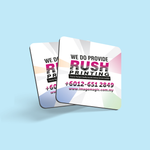
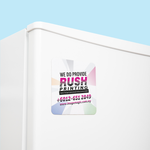
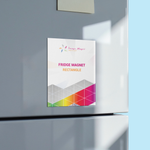
A7 Flexible Fridge Magnets in Five Shape Options
Print your supplied logo, promotional message, souvenir artwork or campaign graphic on a lightweight magnetic sheet. Choose rectangle, square, circle, oval or custom-shape cutting with matte, gloss or soft-touch front lamination.
Current Product Details
A7 Size and Cutting Template
The A7 option provides the standard artwork area. The final visible shape depends on the selected cutting outline.
Available Magnet Shapes
Select the shape before preparing the final artwork and cutting line.
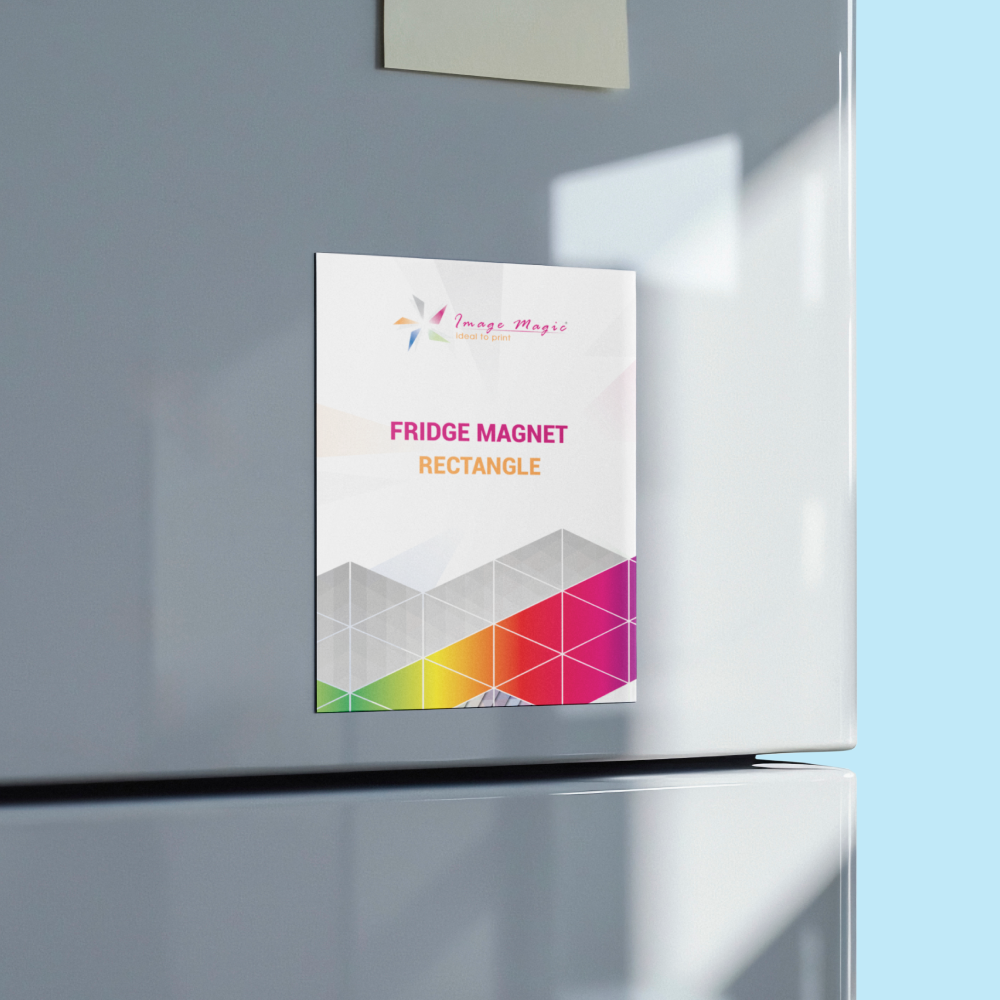
 Rectangle
Suitable for logos, contact details and promotional text.
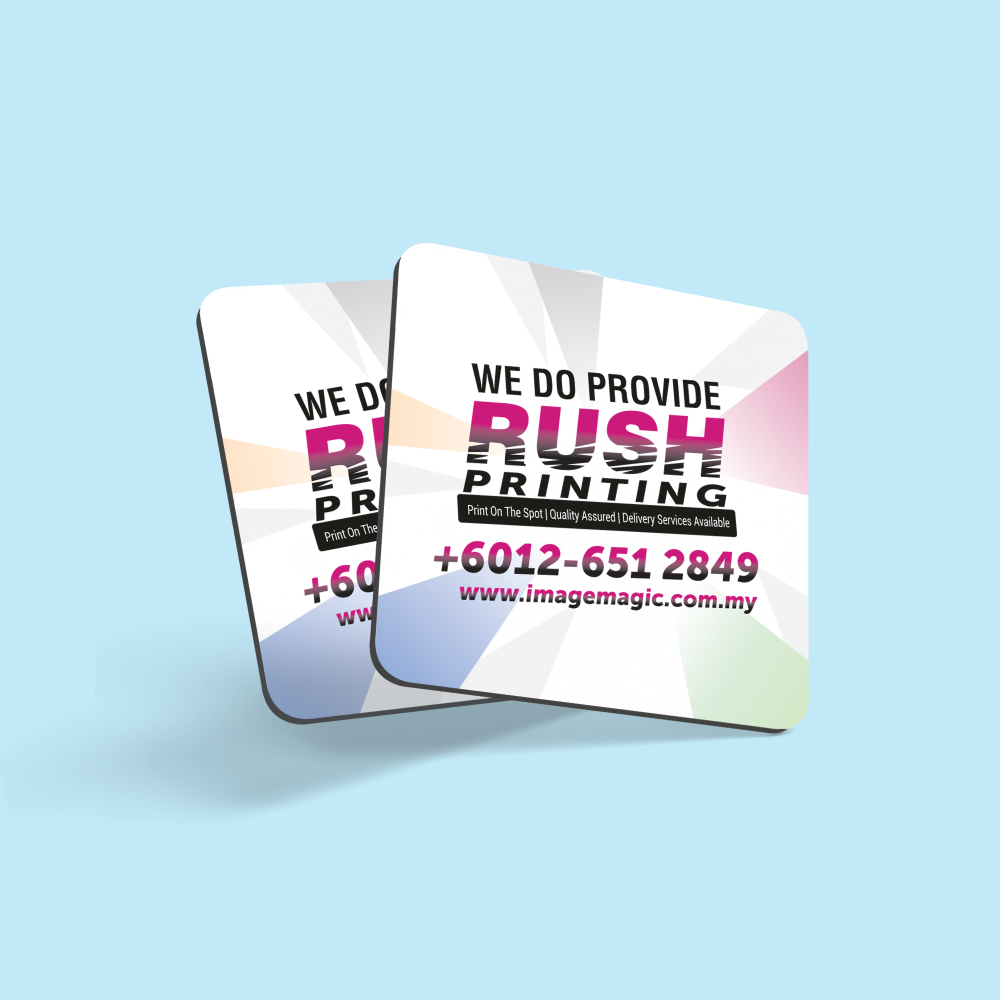
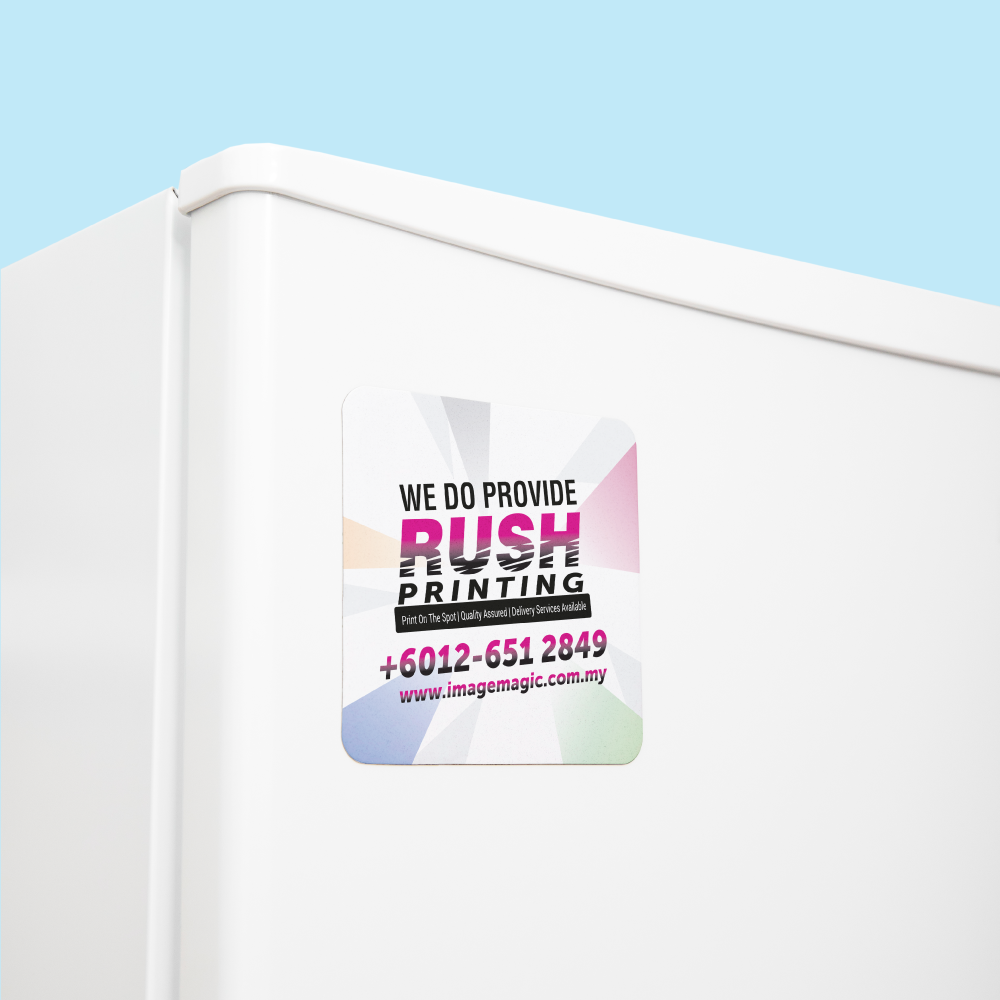
 Square
Suitable for compact branding and balanced artwork.
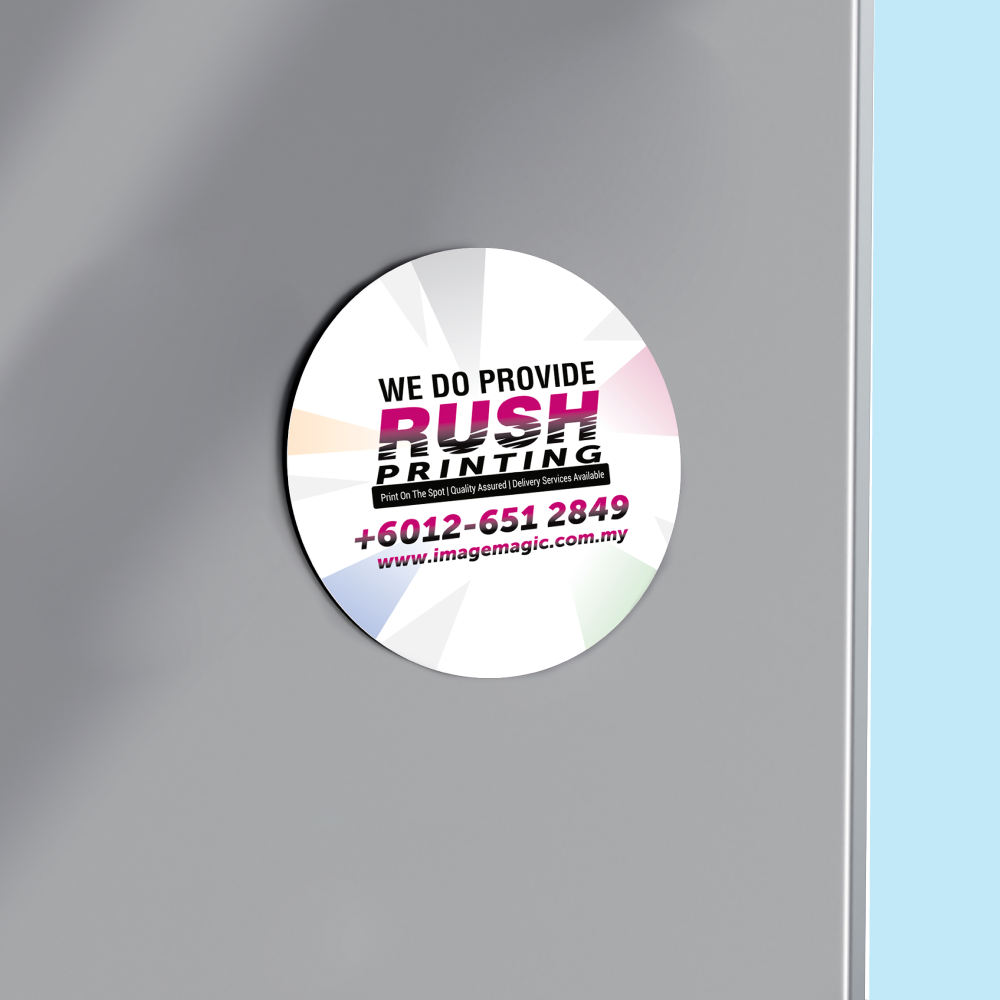
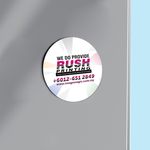
 Circle
Suitable for round logos, emblems and souvenir artwork.
 Oval
OvalSuitable for horizontal logos and decorative designs.
 Custom Shape
Uses a supplied vector cutting line within the A7 area.
Material, Printing and Use
Front Lamination Options
Lamination is applied to the printed front surface.
Provides a smoother appearance with reduced surface shine.
Provides a reflective finish that suits colourful artwork.
Provides a smooth, lower-glare surface with a softer feel.
Multiple Designs and Quantities
Suitable for
Artwork Preparation Guidelines
Prepare complete print-ready artwork using the current downloadable template.
Use the Official Template
- Select the magnet shape before preparing artwork.
- Download the current product guideline.
- Prepare artwork at actual size using a 1:1 scale.
- Do not rely on the suggested sizes in the old description.
- The downloadable template should govern the final cut and artwork dimensions.
File and Colour Requirements
- Accepted formats include PDF, AI, EPS and PNG.
- PDF or AI is recommended for print-ready artwork.
- Prepare printed artwork in CMYK colour mode.
- Raster images should be approximately 300 dpi at the final printing size.
- Convert fonts to outlines or embed them correctly.
Safe Area
- Keep essential text and logos at least 5 mm away from the outer cutting edge.
- Avoid thin borders close to the shape outline.
- Keep QR codes, telephone numbers and important details inside the safe area.
- Allow for minor cutting movement during finishing.
Custom-Shape Cut Line
- Supply a closed vector cutting path for a custom shape.
- Place the cutting path on a separate layer.
- Use magenta to identify the cut line.
- Do not rasterise the cutting path.
- Avoid highly intricate edges and extremely sharp internal corners.
Basic Technical File Check
- Image Magic may perform a basic technical check for size, safe area and cutting-line setup.
- The check is not a design, layout, retouching or proofreading service.
- Customers remain responsible for spelling, telephone numbers, dates and QR codes.
- Incorrect or incomplete files may affect the completion schedule.
Before Approving Production
- Confirm the required quantity per design.
- Confirm the selected cutting shape.
- Confirm matte, gloss or soft-touch lamination.
- Check all logos, text and contact information.
- Test QR codes from the final exported artwork.
- Confirm the required completion and delivery date.
How to Order Fridge Magnets
- Select the Quantity Choose the required quantity for each individual design.
- Select the Shape Choose rectangle, square, circle, oval or custom shape.
- Select the Lamination Choose matte, gloss or soft-touch front lamination.
- Upload Artwork Submit the print-ready artwork and cut line where required.
Watch the Fridge Magnet Product Video View the flexible magnetic material and printed product.
Frequently Asked Questions
Click a question to view the answer.
What is the starting order quantity?
What size is available?
What magnetic material is used?
What shapes are available?
Is a custom size available?
What lamination options are available?
How should I prepare a custom cut line?
How long does production take?
Need Custom Fridge Magnets?
Send us your selected shape, quantity, required completion date and print-ready artwork. For a custom shape, include the vector cutting line in the final artwork file.
WhatsApp +6012-651 2849A7 product size • 0.45 mm magnetic sheet • Full-colour print • Matte, gloss or soft-touch lamination
Templates
To start, select the product size, preview the design guidelines, download the guidelines for reference, and proceed with the customization options.
Download Product Guideline
Upload Artwork Guideline
File type: PDF / AI / EPS / PNG (300 DPI)
Colour mode: CMYK
Add 3mm bleed on all sides
Safe zone: Keep essential text/logos 5mm from edge
For die-cut shapes: Include cut line layer (in magenta)



