


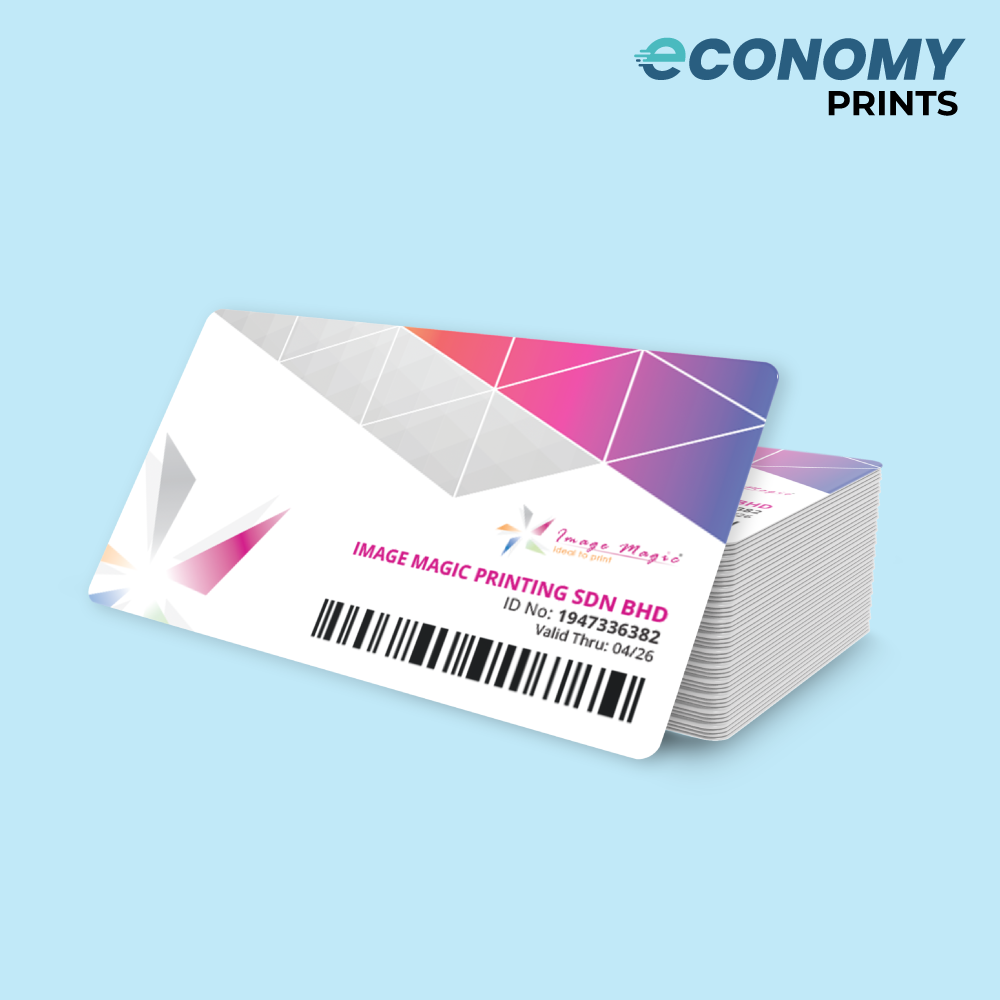
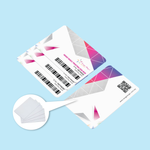
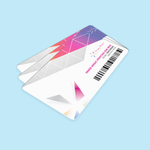
[Economy] Membership Cards (Marketing)
Choose Options | Get Started To Direct Order
Click Button Below To Order
Economy PVC Membership & Loyalty Cards for Larger Quantity Orders
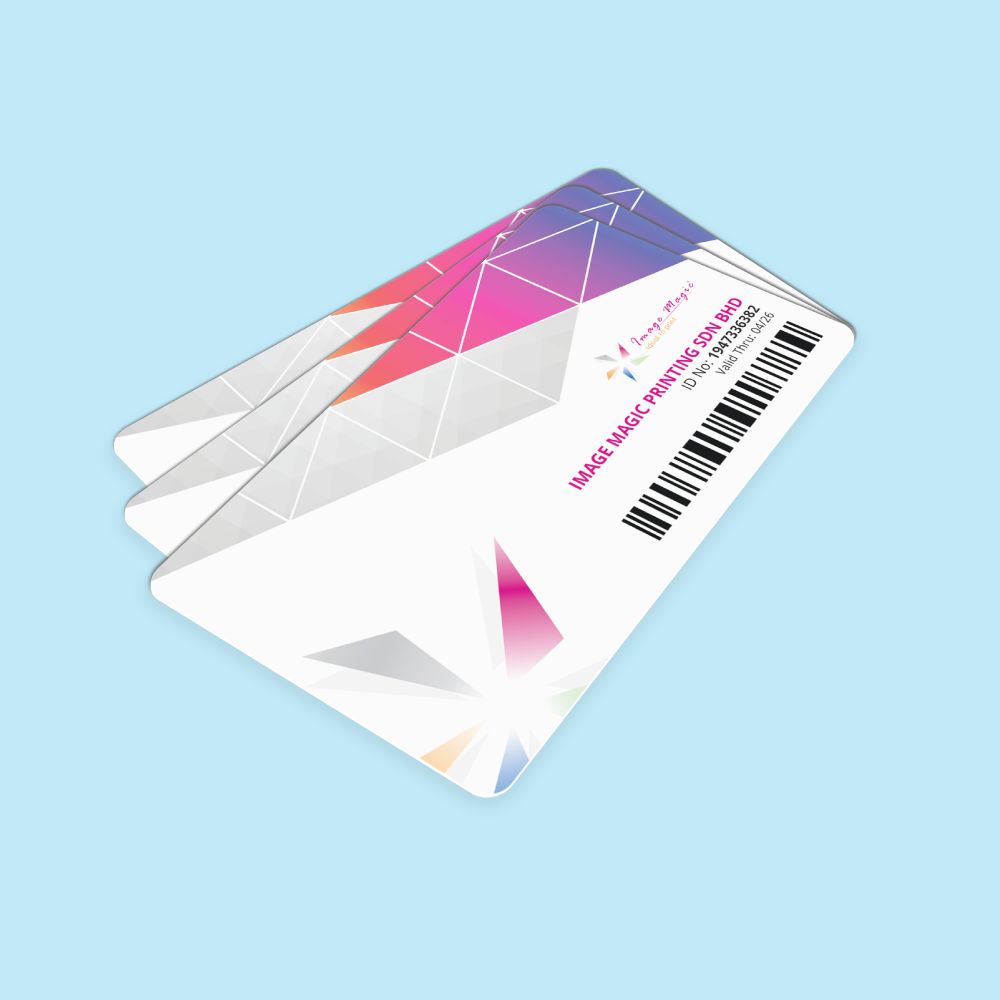
Order bulk membership card printing in Malaysia for loyalty programmes, gyms, clubs, associations, alumni groups, retailers and member organisations. The Economy product is positioned for larger-volume orders where unit cost is more important than express turnaround.
Current Economy Membership Card Product Options
The current direct-order calculator publicly exposes Sizes, Quantity Per Design, Orientation and Printing Sides & Color. Keep the description aligned with those actual selectors, and treat other finishes or accessories as separate enquiries unless they are added to the calculator.
| Sizes | Select the active size in the calculator. The current downloadable Economy front/back guideline is labelled 85mm × 54mm. Do not copy the Express product's 85.5mm × 54mm dimension into this page unless production confirms both products use the same finished size. |
|---|---|
| Quantity Per Design | Choose the required bulk quantity for one base design. The current page copy says orders start from 100 pieces, but the public crawl does not expose every quantity tier; the live selector is the source of truth. |
| Orientation | Landscape or Portrait. |
| Printing Sides & Color | Full Color Printing Single Sided or Full Color Printing Both Sided. |
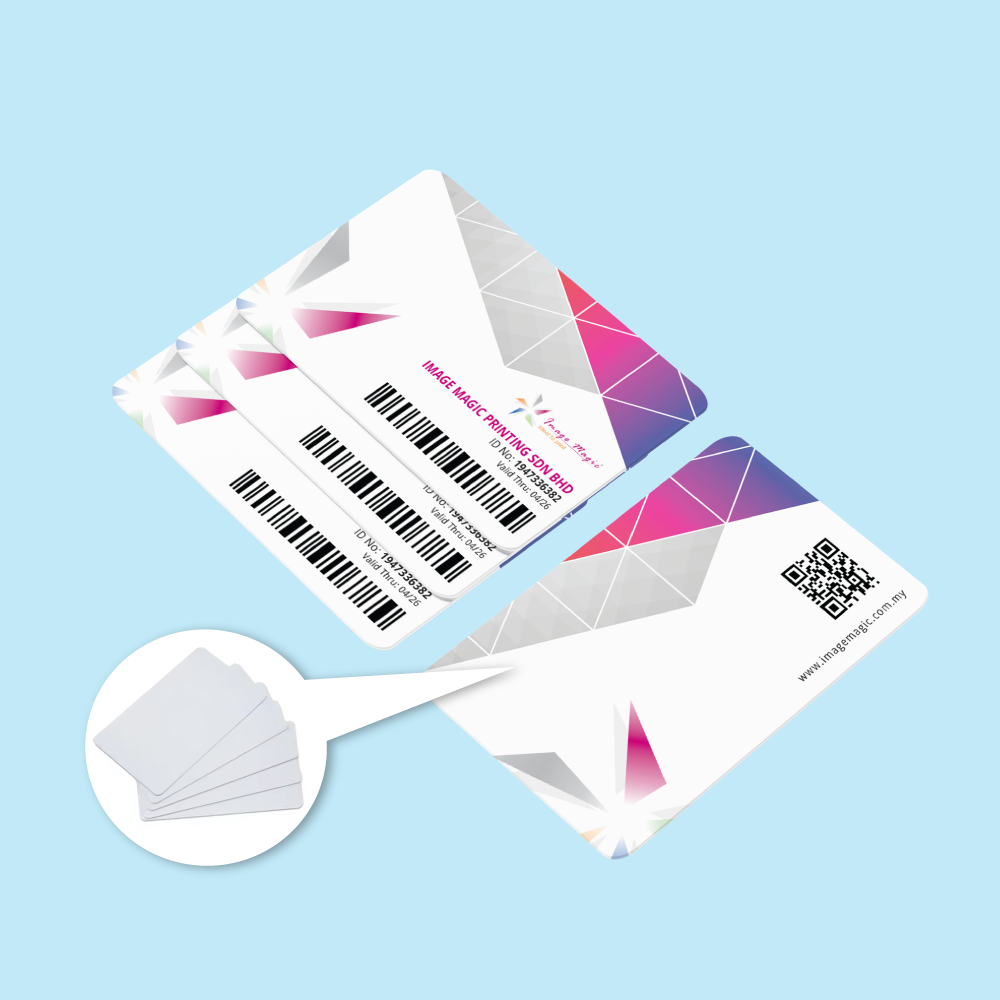
| Variable Data | Names, member IDs, expiry dates, QR values and barcode values may be supplied through the approved Excel/CSV workflow when required. |
Economy vs Express Membership Cards
Keep the two products clearly separated so the Economy page targets bulk-order search intent while the Express page targets faster and lower-quantity membership-card jobs.
 Economy Membership Cards
- Best positioned for bulk membership and loyalty-card programmes.
- Current page describes approximately 14–21 working days production.
- Landscape or portrait orientation.
- Full-colour single-sided or both-sided printing.
- Excel/CSV variable-data workflow for member records.
- Current category starting total is RM998.80.
 Express Membership Cards
- Better positioned for urgent or smaller membership-card orders.
- Current Express page states 3–5 working days standard production.
- Rush production is described as 1–2 working days, subject to availability.
- Express page separately identifies 0.76mm PVC and CR80 85.5mm × 54mm.
- Do not automatically copy Express material, size or finishing claims to Economy.
Variable Member Data, QR Codes and Barcodes
Economy membership cards can use one base design with changing member information supplied through a structured spreadsheet. Variable-data support should be described as a print-personalisation workflow, not as a separate smart-card or database system.
Member Name | Membership No | Expiry Date | Category | QR Value | Barcode Value
Membership Card Artwork Preparation
Upload final print-ready artwork. Image Magic performs a basic file preflight; the customer remains responsible for final design content, member data, spelling, code values and selected specifications.
Card Artwork File
- Use AI or PDF as stated in the current Economy guideline.
- Prepare the artwork at actual size, 1:1 scale.
- Use the exact current Economy template for trim and bleed setup.
- Convert all fonts to outlines.
Colour and Resolution
- Colour mode: CMYK.
- Recommended image resolution: approximately 300 DPI.
- Avoid heavily compressed logos and screenshots.
- Use final production colours rather than RGB screen-only values.
Safe Zone
- Keep important text and logos at least 5mm from the edge.
- Keep barcodes and QR codes clear of rounded corners and trim tolerance.
- Do not place critical member data too close to the card edge.
- Use the downloadable Economy template as the final reference.
Single-Sided and Both-Sided Files
- Single-sided orders require front artwork only.
- Both-sided orders require separate front and back artwork.
- Label files clearly as Front and Back.
- Check orientation before exporting the final artwork.
Excel or CSV Member Data
- Use one row per unique member record.
- Use clear column headings.
- Format membership numbers and barcode values as text when needed.
- Remove formulas, hidden rows and unused sheets before upload.
Barcode and QR Data
- Provide the required barcode type or QR encoded string.
- Keep adequate contrast and quiet space around each code.
- Test codes at actual printed size before mass production.
- Verify that URLs and encoded member references are final.
Data Privacy and Approval
- Submit only member data you are authorised to print.
- Avoid unnecessary personal or sensitive information.
- Review a merged proof or sample data output before bulk production when applicable.
- Check names, numbers, dates and code values carefully.
Before Uploading
- Confirm size, quantity, orientation and printing sides.
- Confirm whether variable data is required.
- Check that all spreadsheet records match the final artwork layout.
- Remove draft files and duplicate data rows.
Popular Uses for Bulk Membership Cards
Features That Need Separate Confirmation
The previous CMS lists several premium finishes and accessories as if they are standard Economy options. Keep them out of the main specification unless they are formally added to the calculator.
How to Order Economy Membership Cards
- Select Size and Quantity Choose the active Economy card size and required bulk quantity per design.
- Select Orientation Choose Landscape or Portrait to match the artwork.
- Select Printing Sides Choose Full Color Printing Single Sided or Full Color Printing Both Sided.
- Upload Artwork and Member Data Submit AI/PDF artwork and the Excel/CSV data file when variable names, numbers, QR codes or barcodes are required.
Frequently Asked Questions
What is the difference between Economy and Express Membership Cards?
What size are Economy Membership Cards?
Can I print different member names and numbers?
Can the cards contain QR codes and barcodes?
Do QR codes make these smart access cards?
Is hot stamping included?
How long does Economy Membership Card production take?
What is the current starting price?
Order Bulk Membership Cards in Malaysia
Select the current Economy card size, bulk quantity, Landscape or Portrait orientation, and single- or both-side full-colour printing. Upload final AI/PDF artwork plus Excel or CSV member data when personalisation is required.
WhatsApp +6012-651 2849Bulk PVC cards • Landscape / Portrait • Single / Both sides • Variable data ready
Download Product Guideline
Upload Artwork Guideline
Design Format: AI / PDF with outlined fonts
Data File: Excel (.xlsx or .csv) with columns: Name, ID, Expiry, etc.
Barcode/QR: Provide barcode type or embedded URL/code string
Resolution: 300 DPI
Colour Mode: CMYK
Safe Zone: Keep text/logo 5mm from edge
🎯 Request our free membership card design template + data format guide via WhatsApp.



