


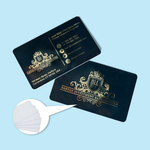
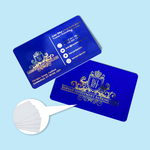
[Express] Membership Cards (Marketing)
Choose Options | Get Started To Direct Order
Click Button Below To Order
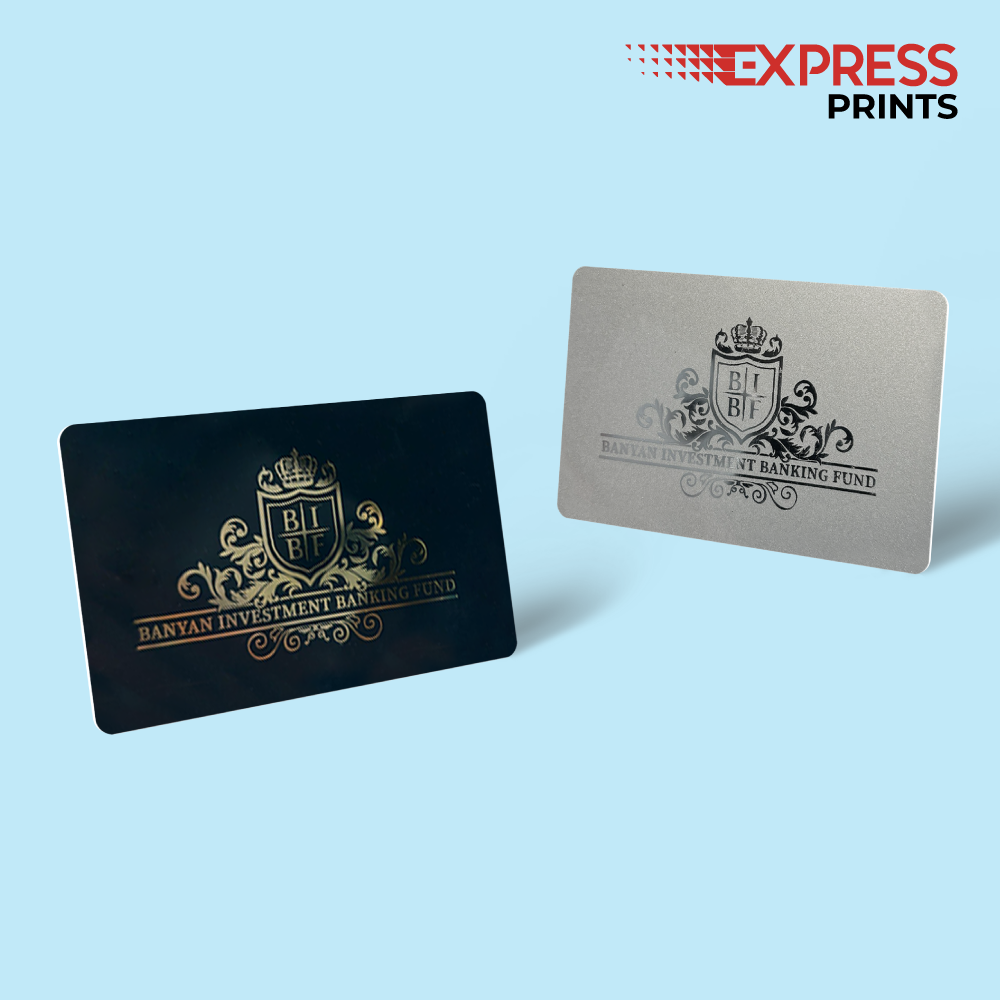
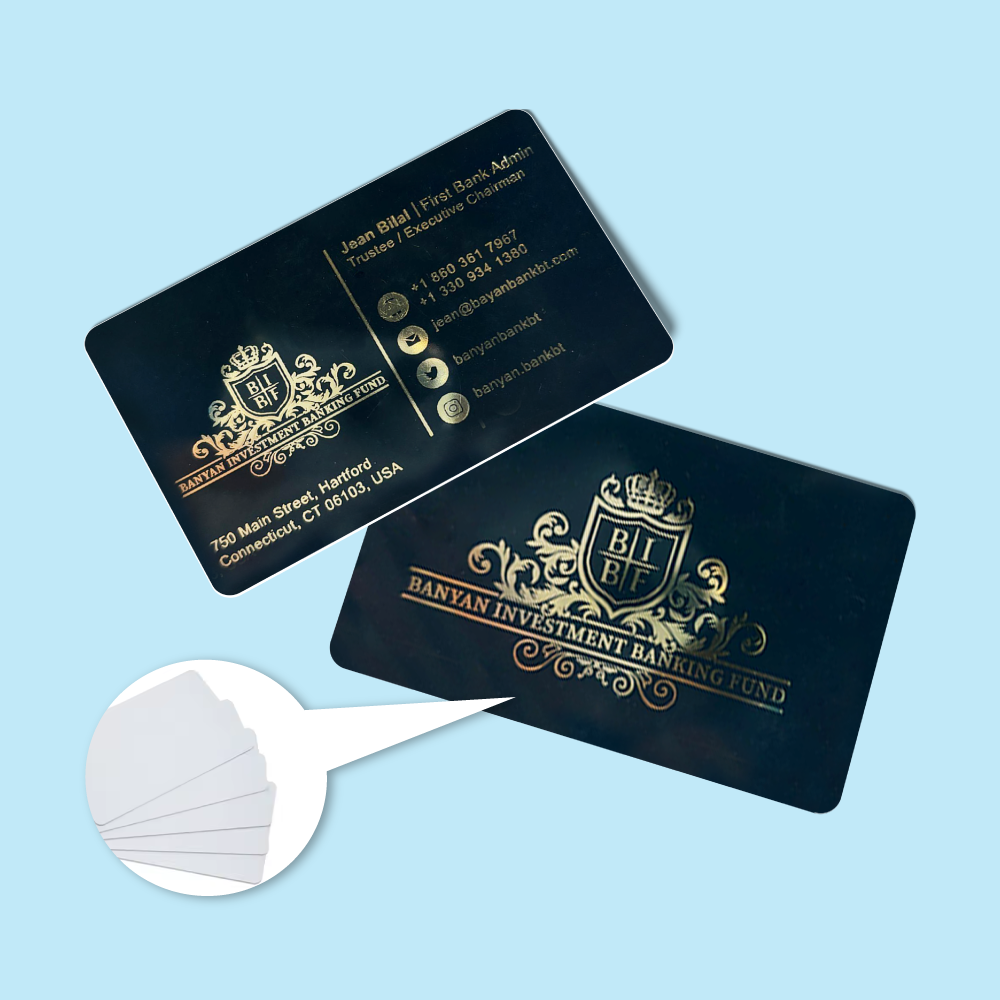
Express PVC Membership & Loyalty Cards with Personalisation and Gold Hot Stamping
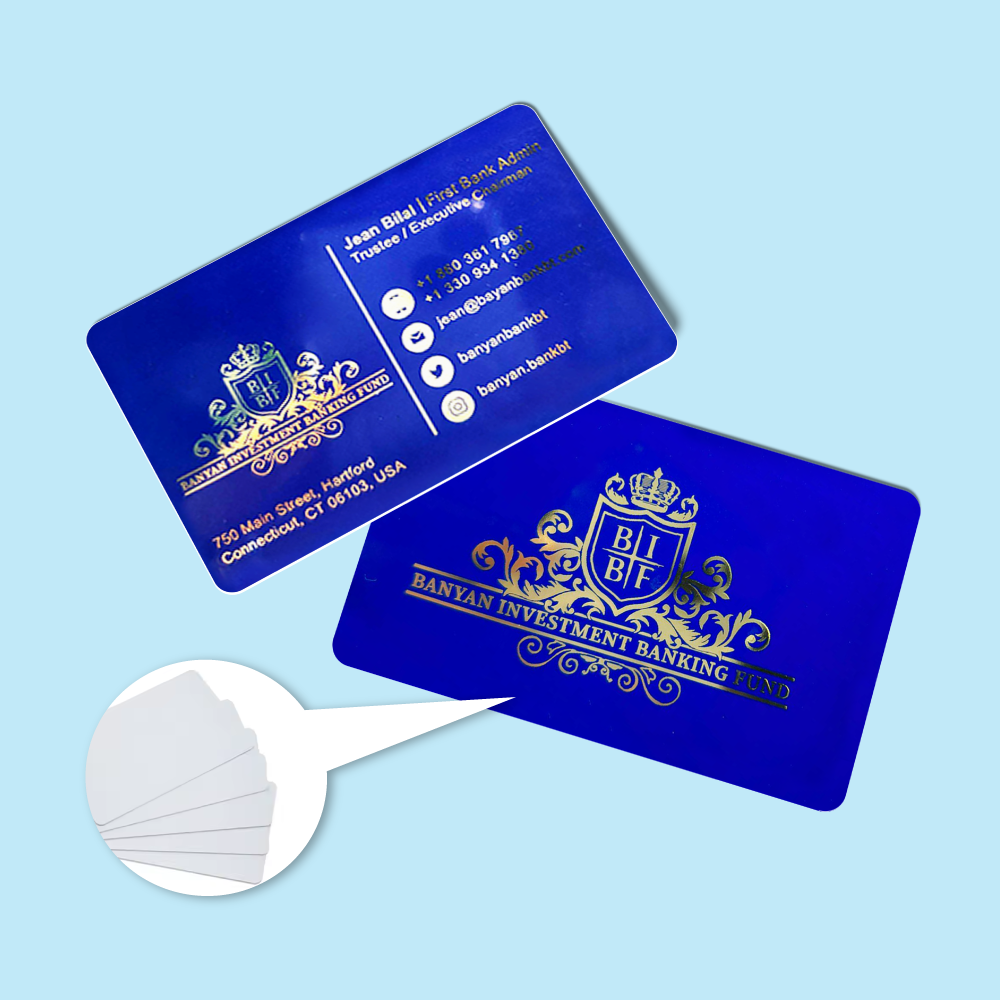
Order membership card printing in Malaysia for gyms, clubs, retail loyalty programmes, associations, alumni groups and member organisations. The Express product supports lower-quantity, faster-turnaround jobs with standard white PVC, gold-background or silver-background cards, optional personal names, numbering, hole punching and gold hot stamping.
Current Express Membership Card Options
The current live product configuration includes more finishing choices than the Economy Membership Card product. Match the customer description to these actual selectors so buyers know exactly what each option means.
| Sizes | Select the current size in the live calculator. The product description states CR80 85.5mm × 54mm, while the current download filenames still say 90mm × 56mm; use the latest confirmed template and correct this inconsistency. |
|---|---|
| Quantity of Cards per Name | Enter the number of identical copies required for each unique person when personalised names are used. For one card per member, select one copy per name. |
| Material Type | 0.76mm PVC Card, 0.76mm Gold Background Card, or 0.76mm Silver Background Card. The current translated selector says “0.76 Micron”; this should be corrected to 0.76mm. |
| Printing Sides & Color | Full Color Printing Single Sided or Full Color Printing Both Sided. |
| Gold Hot Stamping | Not Required, Front Only, or Front and Back. |
| Personalized Name | Not Required or Required. Supply the final member-name list in Excel/CSV when variable names are required. |
| Numbering | Not Required or Required. Supply the exact starting number, sequence or member IDs when numbering is not a simple automatic run. |
| Hole Punch | Not Required or Required. Keep important text, QR codes, barcodes and member numbers clear of the punch area. |
| Production Time | Use the schedule selected in the live calculator. Current page copy describes standard express production around 3–5 working days and rush production around 1–2 working days, subject to print queue and data complexity. |
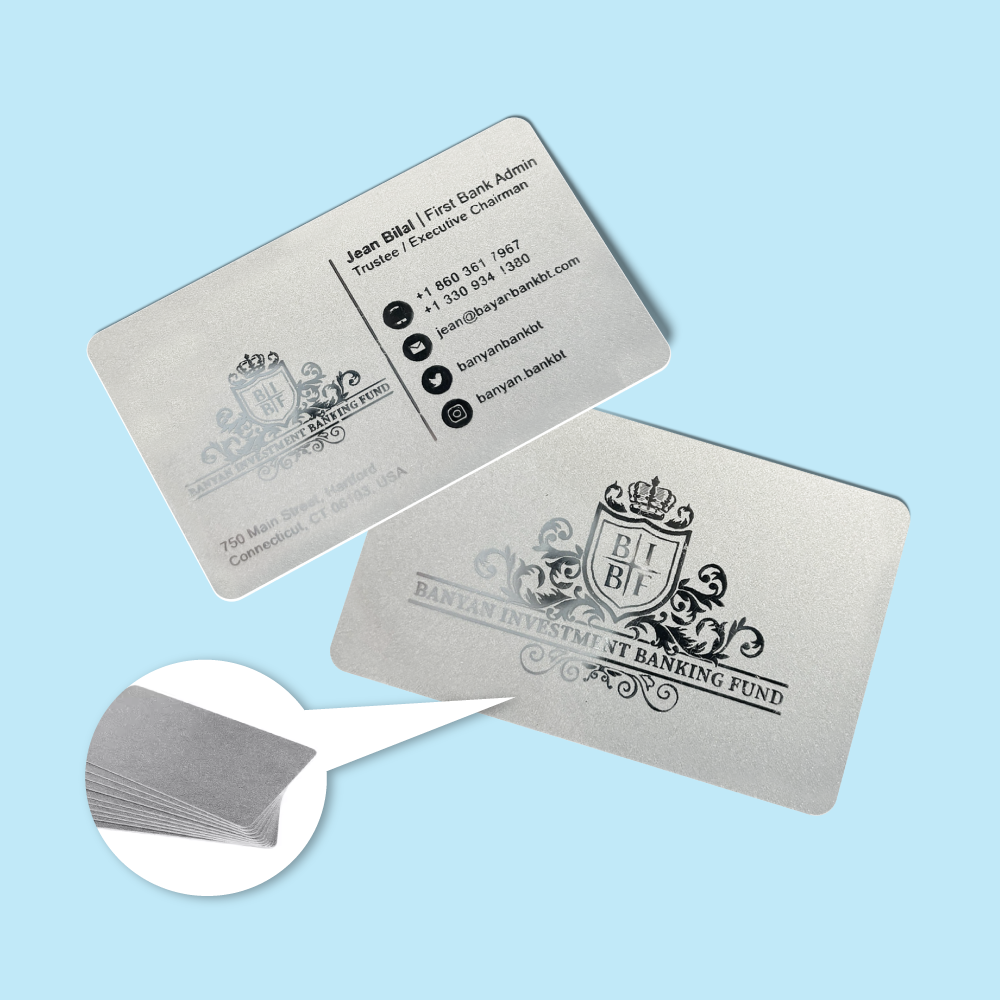
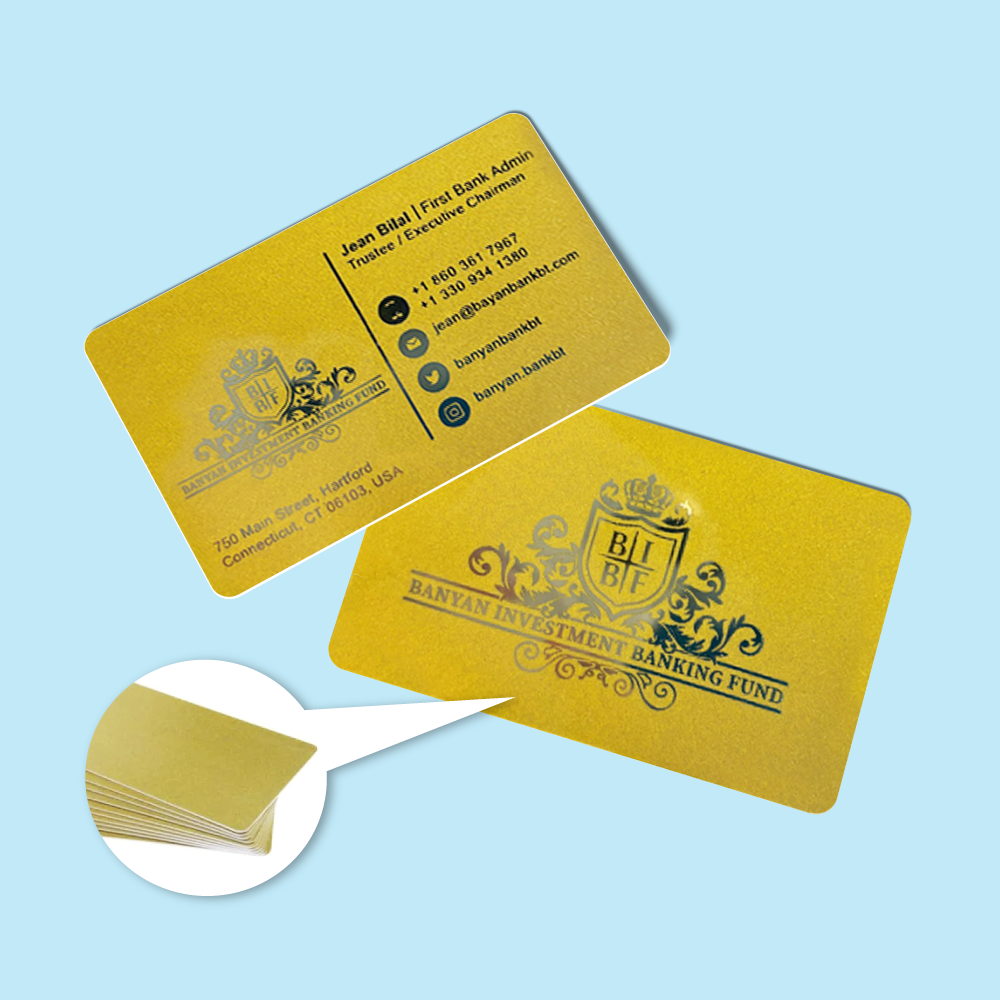
Choose Standard, Gold-Background or Silver-Background PVC
Material background and hot stamping are different features. A metallic background changes the entire card base appearance, while hot stamping applies selected metallic details to specific artwork areas.
Standard white PVC base for general membership, gym, loyalty and club cards. Unprinted white areas remain white.
Metallic-looking gold base material for premium member tiers, VIP cards and branded loyalty programmes. Printed colours can look different over the gold base.
Silver base material for modern or premium card designs. Unprinted areas reveal the silver background rather than opaque white.
Gold Hot Stamping Finishing
Gold Hot Stamping is a separate premium finishing option. It should not be described as “gold/silver printing” because the current calculator specifically exposes Gold Hot Stamping, while gold and silver also appear separately as card-background material choices.
Hot Stamping Options
Personalised Names, Numbers, QR Codes and Barcodes
Personalised Name and Numbering are direct product selectors. Barcode and QR code printing are supported through the artwork/data workflow rather than a separate visible calculator field.
Name | Membership No | Expiry Date | Category | QR Value | Barcode Value
How “Quantity of Cards per Name” Works
Express Membership Card Artwork Preparation
Supply final print-ready artwork. Image Magic performs a basic file preflight for size, margin, colour setup and print readiness. Variable data composition from an approved base template is a production merge workflow, not a general card-design service.
Card Size and Bleed
- Current product description: CR80 85.5mm × 54mm.
- Current upload guideline: 85.5mm × 54mm plus 3mm bleed.
- Prepare artwork at actual size, 1:1 scale.
- Use the latest selected product template as the final production reference.
Template Filename Mismatch
- The current downloadable files are labelled membership_card_90mm_x_56mm_front/back.
- This conflicts with the published 85.5mm × 54mm CR80 specification.
- Rename or replace those templates after production confirms the correct finished and bleed dimensions.
- Do not make customers guess which dimension is correct.
Colour and Resolution
- Colour mode: CMYK.
- Recommended image resolution: approximately 300 DPI.
- Convert fonts to outlines.
- Use high-resolution logos and photos.
Front and Back Files
- Single-sided orders require front artwork only.
- Both-sided orders require front and back artwork.
- Label files clearly as Front and Back.
- Check orientation and data placement before upload.
Gold Hot Stamp Mask
- Supply a separate vector mask for the stamped areas.
- Use solid 100% black shapes on a white/empty background.
- Keep the stamp area approximately 3mm inside the cutter guide.
- Avoid gradients, shadows, transparency and very thin lines.
Excel / CSV Personalisation Data
- Use one row per unique card record.
- Use clear column headings.
- Preserve leading zeros by formatting number columns as text.
- Remove hidden rows, formulas and unused worksheets before upload.
Hole-Punch Safe Area
- Confirm the punch location before production.
- Keep names, numbers, QR codes, barcodes and logos clear of the punch zone.
- Do not place hot stamping over the punch position.
- Check compatibility with the intended clip or lanyard.
Express Cut-Off
- The current upload page asks for artwork before 5:00 PM.
- Late or incorrect artwork can affect the express production schedule.
- Payment and approved production files should be completed before relying on an urgent timeline.
- Delivery time is separate from production time.
Express vs Economy Membership Cards
 Express Membership Cards
Best for lower-quantity or urgent PVC membership-card jobs requiring material choices, gold hot stamping, personal names, numbering or hole punching.
 Economy Membership Cards
Better for larger membership and loyalty programmes where bulk quantity and lower unit cost are more important than express production.
View Economy Membership Cards ID Cards
Choose ID Cards when staff, student or visitor identification with individual photographs is the main requirement rather than a loyalty or membership programme.
View ID CardsPopular Uses for Express Membership Cards
Frequently Asked Questions
What material options are available?
Can I print both sides?
Can I add gold foil?
Is silver hot stamping available?
Can each card have a different name and number?
Can I add QR codes or barcodes?
Can the card be punched for a lanyard?
How fast is Express Membership Card production?
Order Express Membership Cards in Malaysia
Choose the current card size, quantity per name, 0.76mm standard/gold/silver PVC background, single- or both-side full-colour printing, gold hot stamping, personalisation, numbering and hole punching, then upload print-ready artwork and variable data where required.
WhatsApp +6012-651 2849Standard / Gold / Silver PVC • Gold hot stamping • Names • Numbering • Hole punch
Download Product Guideline
Upload Artwork Guideline
File format: AI / PDF / EPS / PSD (layered)
Colour mode: CMYK, 300 DPI
Size: 85.5mm x 54mm + 3mm bleed
Fonts: Outlined or embedded
Data (for variable text): Excel or CSV with clear headings
Barcode/QR: Send code or request auto-generation



