


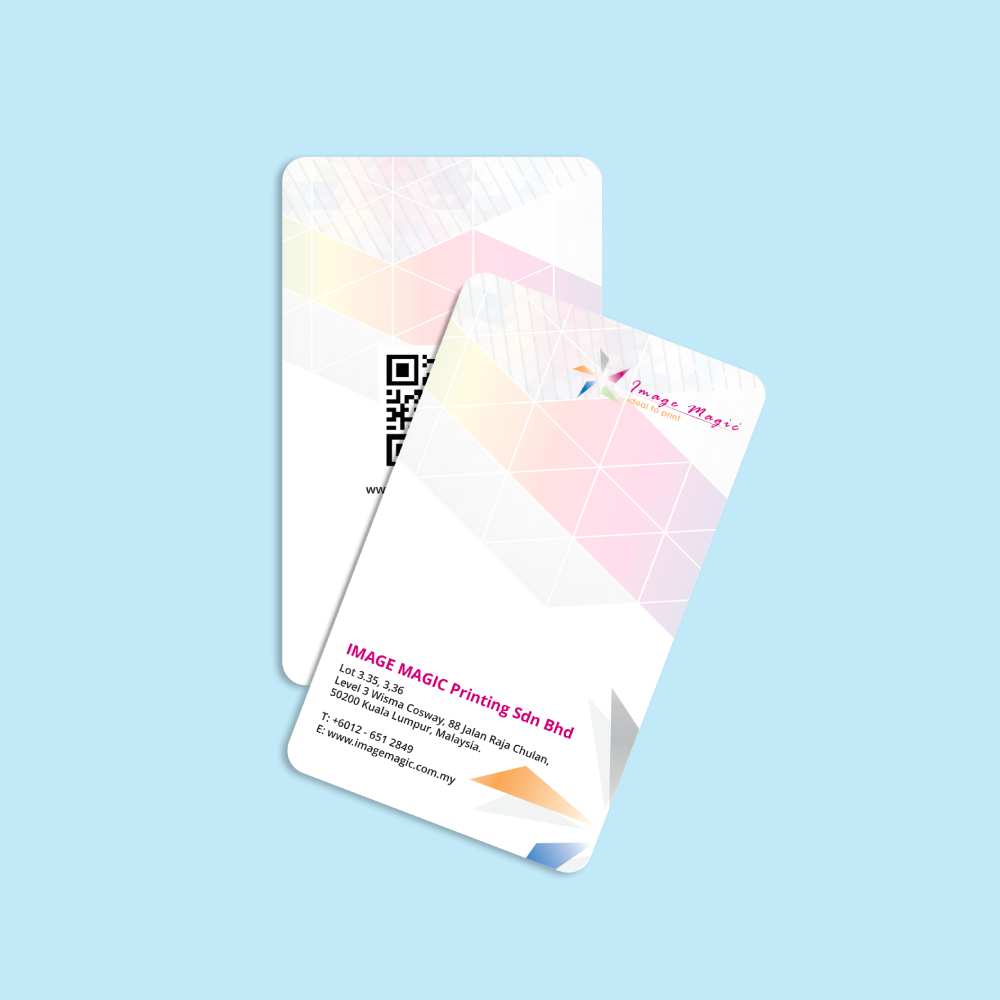
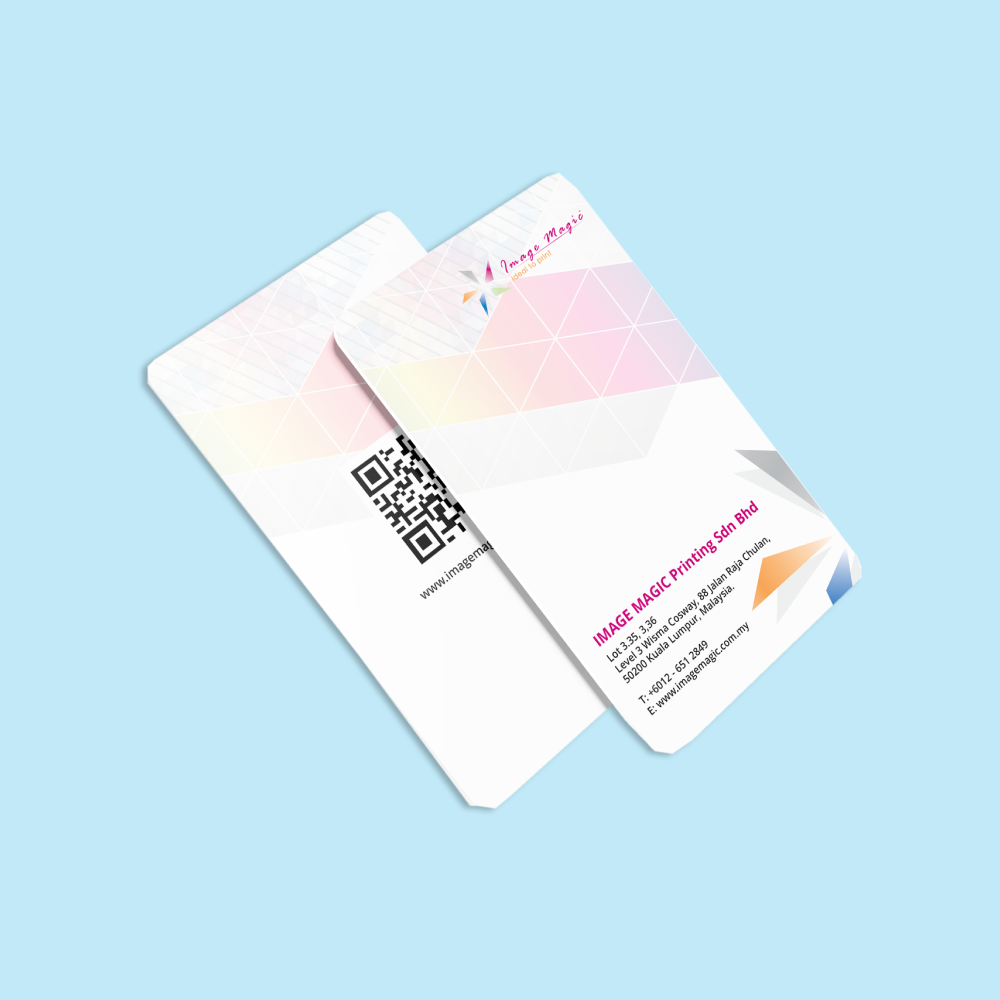
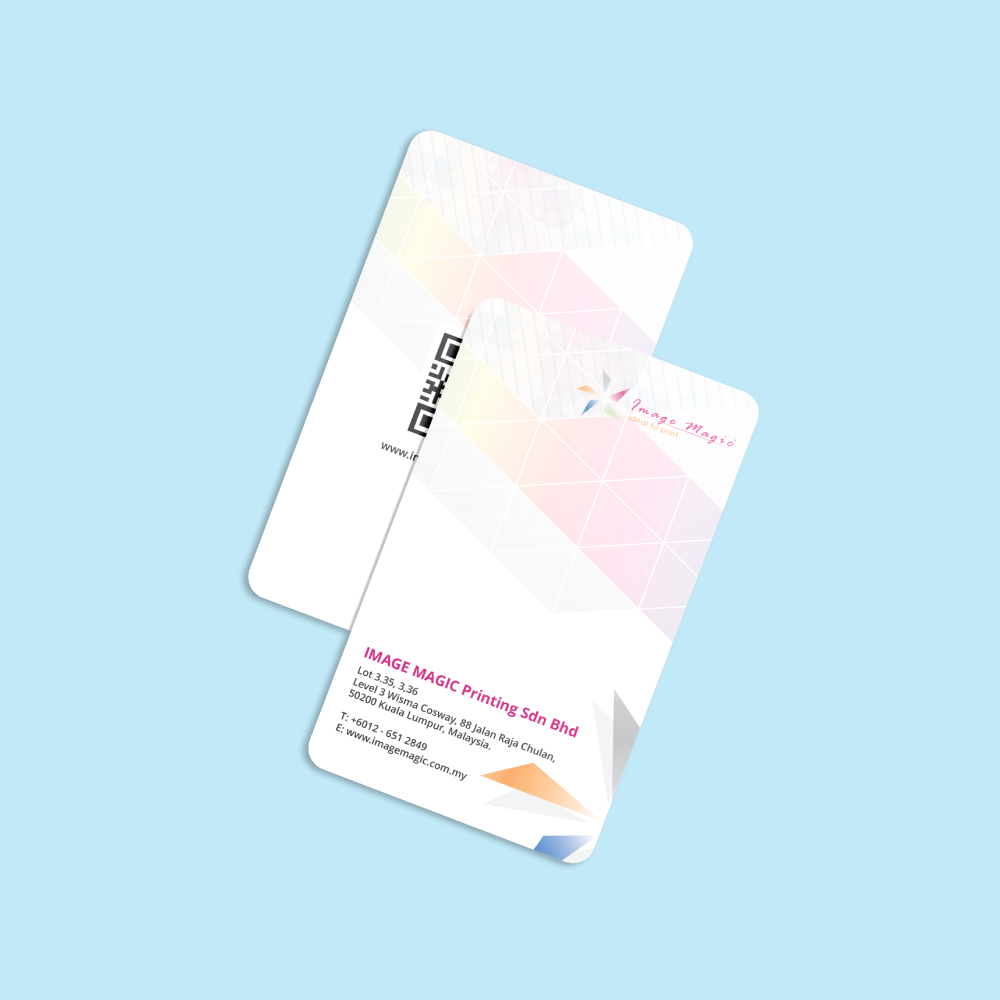
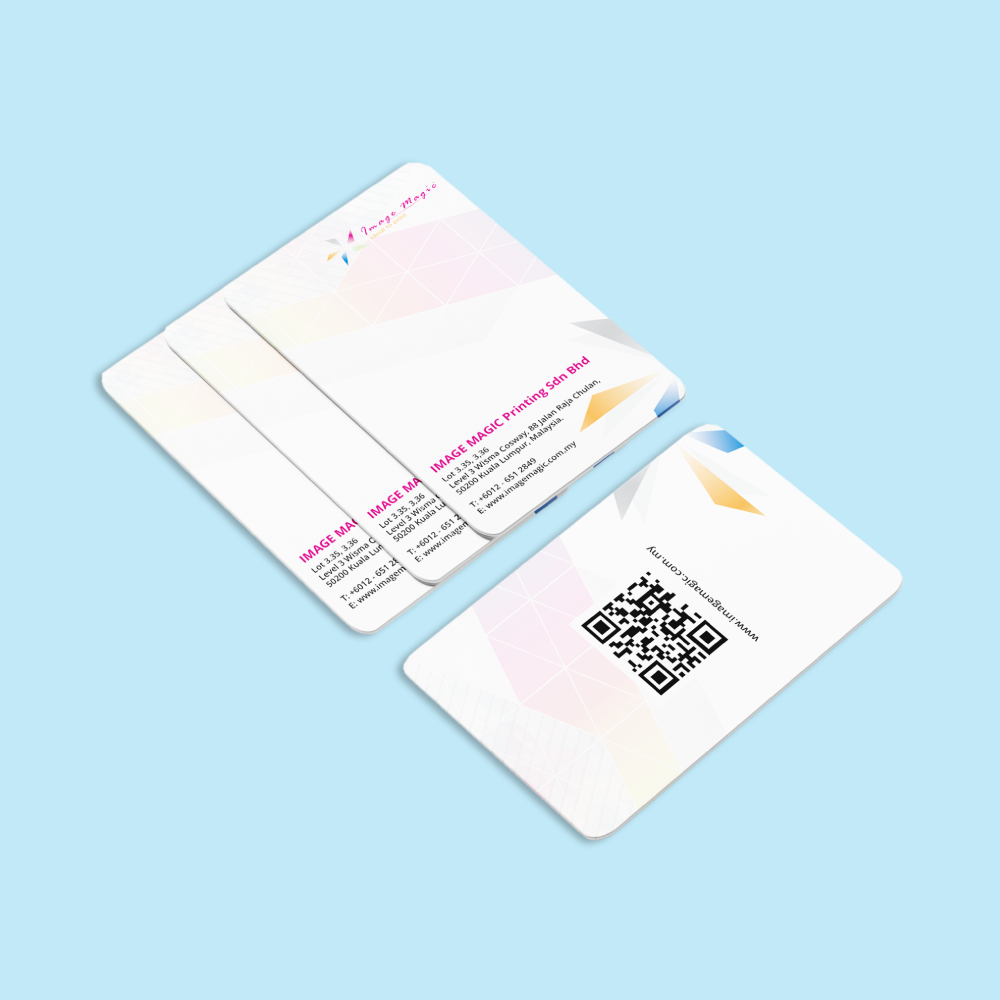
ID Cards (Marketing)
Choose Options | Get Started To Direct Order
Click Button Below To Order
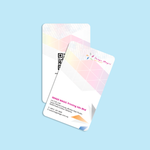
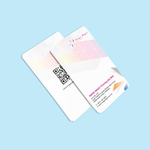
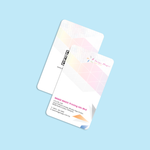
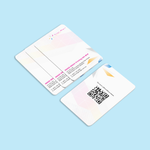
Custom PVC Staff, Student, Visitor and Event Identification Cards
Order custom PVC ID cards in Malaysia for employees, students, contractors, visitors, volunteers and event teams. Each card can carry a photo, name, department, staff number, QR code, barcode or other approved variable information, with one-sided or two-sided full-colour printing and optional Spot UV.
Current ID Card Product Specifications
The specifications below match the currently indexed order fields. Select the card size, quantity per name, printing sides, PVC material, Spot UV option, hole punching and production schedule before uploading print-ready artwork.
How Each Product Option Affects the Finished ID Card
ID Cards and Membership Cards Are Different Products
Both products use a credit-card-style format, but they serve different ordering and finishing needs. Keep the pages separate so they do not compete for the same search intent.
Best for staff, employee, student, contractor and visitor identification. The current calculator focuses on quantity per name, single- or double-sided colour printing, optional Spot UV and optional hole punching.
The Express Membership Card product offers standard, gold-background and silver-background PVC materials together with hot stamping, name personalisation, numbering and hole-punch selections.
View Express Membership CardsThe Economy Membership Card product is intended for larger loyalty, club, association and membership programmes where bulk pricing and a longer production schedule are more important.
View Economy Membership CardsPhoto and Variable Data Printing
Personalised ID cards may use a common background design while changing the photograph, name, department, ID number, barcode or QR code for each card.
Spot UV Artwork Requirements
Spot UV is a selective glossy highlight, not a security feature. It should be used on fixed design elements rather than changing personal data.
Popular Uses for Custom PVC ID Cards
ID Card Artwork and Data Preparation
Upload print-ready artwork. Image Magic performs a basic preflight for size, margin, alignment and colour setup; the customer remains responsible for the final design, spelling, personal data, photo matching, barcode values and QR-code destinations.
Card Artwork File
- Recommended format: print-ready PDF or AI.
- Use the selected 85.5mm × 54mm card template.
- Add 3mm bleed when the background reaches the edge.
- Keep important text and logos approximately 3–5mm inside the edge.
- Outline or embed every font.
Colour and Images
- Prepare print artwork in CMYK where possible.
- Supply photographs as clear JPG or PNG files.
- Use approximately 300 DPI at the final printed size.
- Avoid very dark, blurred or heavily compressed profile photos.
- Do not enlarge low-resolution images taken from messaging apps.
Excel or CSV Data File
- Use one row for each unique person.
- Use clear column headings.
- Format ID numbers and barcode values as text to preserve leading zeros.
- Remove hidden rows, formulas and unused worksheets.
- Proofread every field before uploading.
Photo File Naming
- Name every photo using a unique staff, student or record ID.
- Use the same identifier in the spreadsheet Photo Filename column.
- Avoid duplicate filenames and generic names such as image1.jpg.
- Place all photos in one clearly labelled folder before creating the ZIP file.
Barcode and QR Code Data
- State the barcode symbology when a barcode is required.
- Supply the final encoded value, not a screenshot of the code.
- Confirm that QR destinations are active and final.
- Test a printed sample using the intended device or scanner.
Hole-Punch Safe Area
- Confirm the punch position before production.
- Keep photos, names, logos, codes and important text away from the punch zone.
- Do not place Spot UV over the hole area.
- Check that portrait and landscape layouts suit the intended clip or lanyard.
Multiple Print-Ready Card Files
- ZIP all individual print-ready PDFs into one upload when every card is already prepared.
- Separate front and back files clearly.
- Use consistent filenames so each front can be matched to the correct back.
- Do not upload incomplete draft files together with approved artwork.
Personal Data and Approval
- Submit only data you are authorised to use and print.
- Avoid including unnecessary personal or sensitive information.
- Use a secure file-transfer method for staff and student data.
- Review and approve the final merged proof before production.
How to Order ID Cards Online
- Select the Card Options Choose size, quantity per name, printing sides, PVC material, Spot UV and hole punching.
- Prepare Artwork and Data Finalise the front and back design, photos, spreadsheet and any barcode or QR values.
- Upload Print-Ready Files Upload PDF or AI artwork plus the Excel/CSV, images and Spot UV masks required.
- Approve Before Production Check every name, photograph, code, side and finishing selection before printing begins.
Frequently Asked Questions
What size are the ID cards?
Can every card have a different name and photograph?
Can I order only one ID card?
Can Spot UV be applied over a photograph or QR code?
Does a printed QR code make the card an access card?
Are lanyards and holders included?
How should I provide variable data?
How long does production take?
Related Identification Products
Choose Event Name Tags when the badge needs more space than a CR80 card or must fit an A7, A6 or larger event holder.
View Event Name TagsOrder lanyards separately when the ID card requires branded neckwear for staff, exhibitions, schools or events.
View Custom LanyardsChoose Membership Cards for loyalty, club, points, association and member-number programmes rather than employee photo identification.
View Membership CardsOrder Custom PVC ID Cards in Malaysia
Select the quantity per name, printing sides, PVC material, Spot UV, hole-punch option and production schedule, then upload your print-ready artwork, approved personal data and photographs.
WhatsApp +6012-651 2849CR80 PVC card • From 1 card per name • Variable photos and data • Spot UV optional
Download Product Guideline
Upload Artwork Guideline
File format: AI / PDF (outlined fonts)
Image format: JPG / PNG (300 DPI, cropped headshot)
Excel/CSV: For name, designation, ID number, barcode (if variable)
Colour Mode: CMYK
Size: 85.5mm x 54mm with 3mm bleed
📝 Free card layout template and Excel import guide available on request.



