


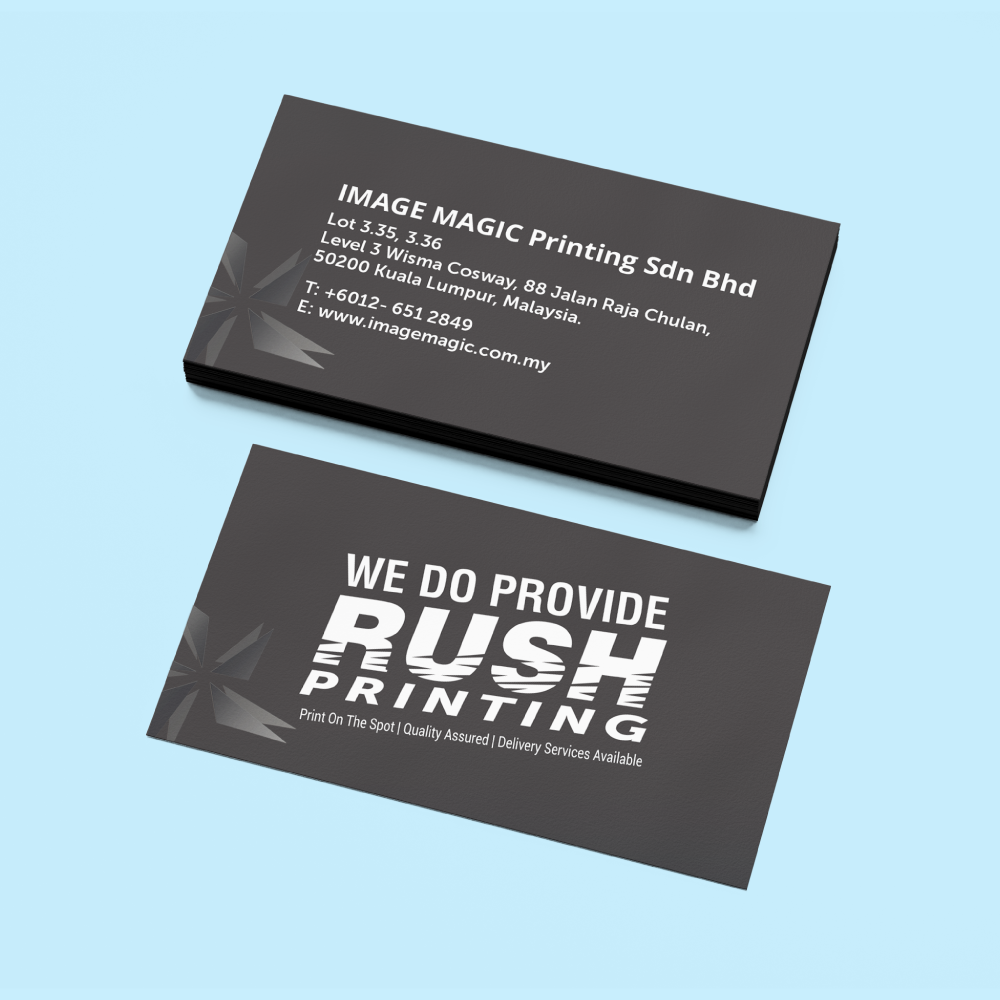
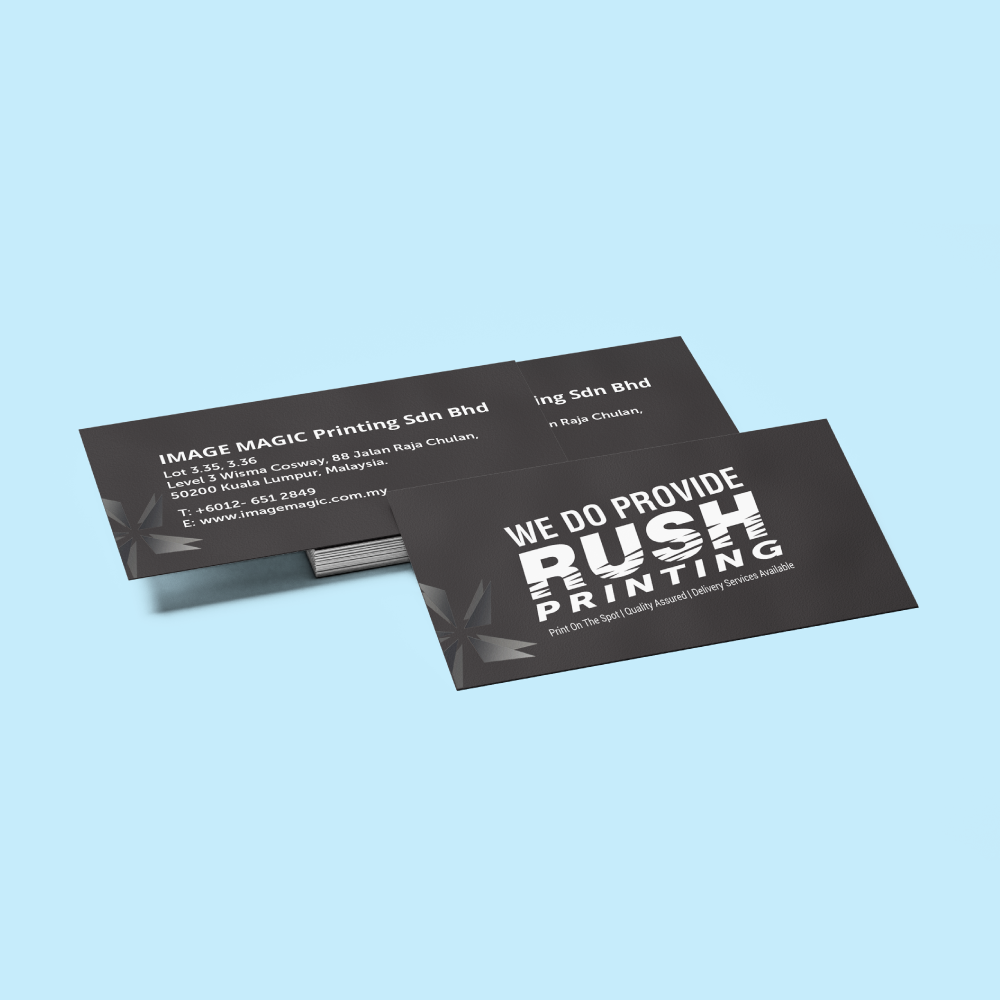
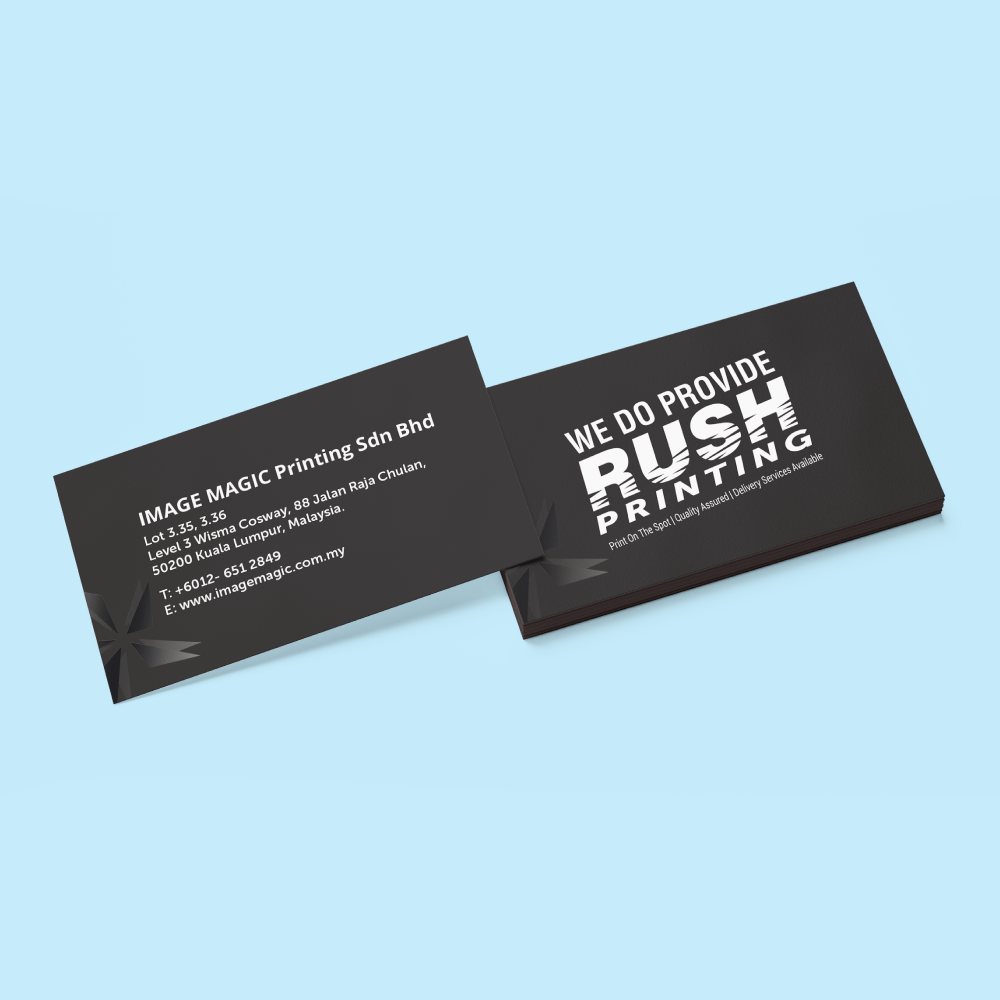
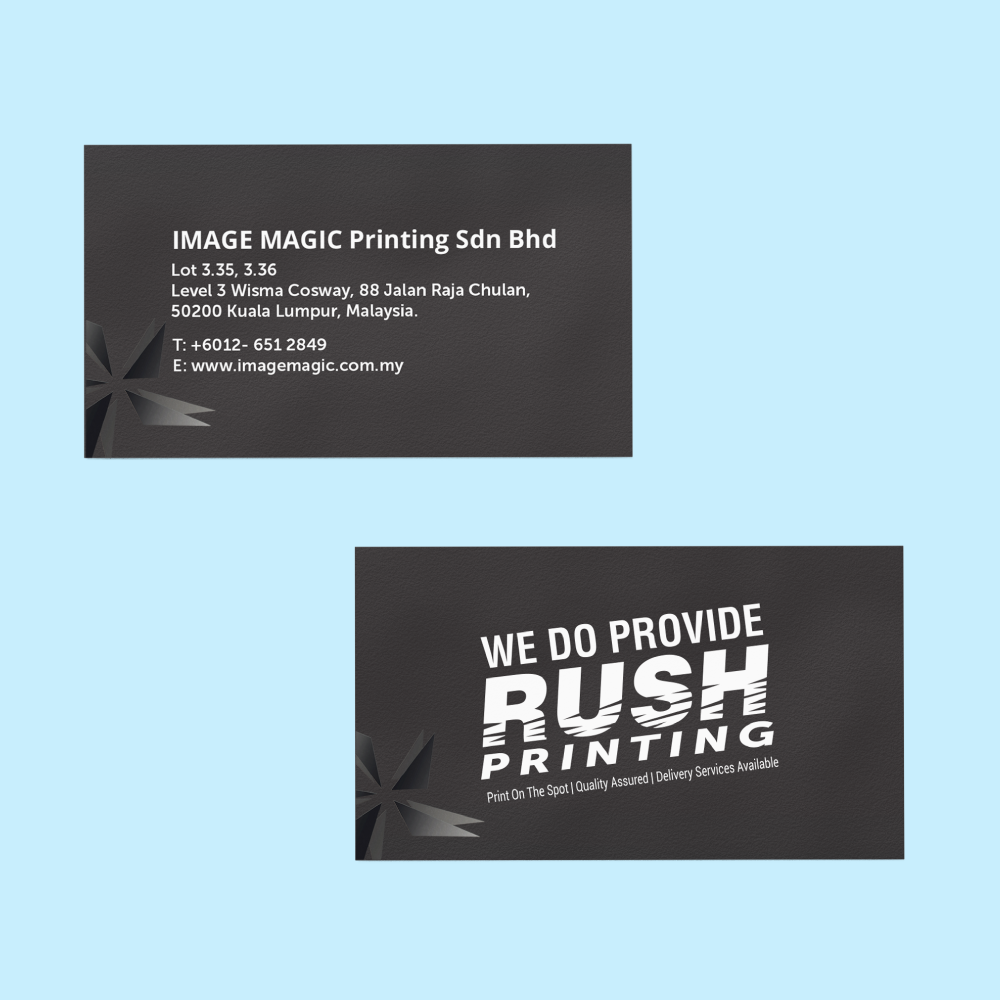
Spot UV Business Cards (Business Cards)
Choose Options | Get Started To Direct Order
Click Button Below To Order
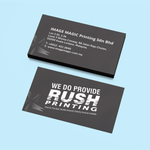
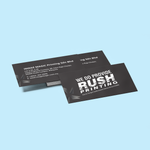
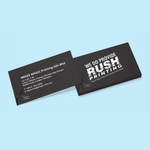
Matte Business Cards with Selective Gloss Highlights
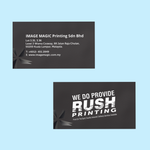
Create premium business cards with matte lamination on both sides and selective transparent Spot UV gloss. Choose Spot UV on the front only or on both the front and back to highlight supplied logos, names, icons, patterns or selected graphic details.
Current Product Specifications
| Finished Size | 90 × 54mm |
|---|---|
| Minimum Quantity | 300 pieces per design |
| Paper | 250gsm Gloss Art Card |
| Printing | Full-colour single-sided or full-colour both-sided printing |
| Paper Finishing | Matte lamination on both sides with Spot UV on the front, or matte lamination on both sides with Spot UV on the front and back |
| Corners | Sharp or rounded corners |
| Production | 4 working days |
Choose Your Spot UV Finishing
Both card surfaces receive matte lamination, while selective transparent gloss is applied to chosen elements on the front.
Both surfaces receive matte lamination and selective transparent gloss is applied to chosen elements on both the front and back.
What Is Spot UV?
Spot UV is applied only to the areas identified in the separate UV mask. It does not cover the complete card.
The glossy highlighted areas create visible contrast against the surrounding matte-laminated surface.
Spot UV is clear gloss. Choose Hot Stamped Business Cards when gold, silver or coloured foil is required.
Logos, names, patterns and selected graphic details usually create clearer contrast than coating large areas.
Artwork Requirements
Printed Artwork File
- Accepted formats include PDF, AI and PSD.
- Prepare the finished card at 90 × 54mm.
- Add 3mm bleed on every side.
- Prepare colour artwork in CMYK.
- Use approximately 300 DPI images at final size.
- Outline or embed all fonts.
Front Spot UV Mask
- Supply the front UV mask as a separate file.
- Use solid black for areas requiring Spot UV.
- Leave all non-UV areas white or empty.
- The mask must align exactly with the front printed artwork.
Back Spot UV Mask
- A separate back mask is required when front-and-back Spot UV is selected.
- Use solid black for the selected back UV areas.
- The back mask must align exactly with the back printed artwork.
- Clearly label the files as Front UV and Back UV.
UV Mask Recommendations
- Use clean vector shapes where possible.
- Avoid gradients, shadows and transparency.
- Avoid very fine lines and extremely small text.
- Keep essential UV details away from the trim edge.
- Check every mask element against the final printed artwork.
Single- and Both-Sided Printing
- Supply front artwork for single-sided printing.
- Supply clearly labelled front and back artwork for both-sided printing.
- Front-and-back Spot UV should be paired with both-sided printing.
- Check the back orientation before submission.
Before Uploading
- Confirm the printing sides.
- Confirm front-only or front-and-back Spot UV.
- Confirm sharp or rounded corners.
- Check names, titles and contact information.
- Test QR codes from the final exported artwork.
- Check that every UV mask aligns correctly.
Suitable for
How to Order
- Select Printing Choose full-colour single-sided or both-sided printing.
- Select Spot UV Choose front-only or front-and-back Spot UV.
- Select Corners Choose sharp or rounded corners.
- Upload All Files Submit the print artwork and required UV mask files.
Frequently Asked Questions
What is Spot UV?
Can Spot UV be applied on both sides?
Is matte lamination applied on both sides?
What is the minimum order quantity?
What paper is used?
Can the card be printed on both sides?
What files are required for both-side Spot UV?
How long does production take?
Need Spot UV Business Cards?
Select your printing sides, Spot UV sides and corner style, then upload the complete printed artwork and corresponding Spot UV mask files.
WhatsApp +6012-651 2849Download Product Guideline
Upload Artwork Guideline
File Format: PDF / AI / PSD (300 DPI)
Size: 90mm × 54mm with 3mm bleed
Colour Mode: CMYK
Spot UV Layer: Submit a separate file with black mask (black = gloss area)
Fonts: Outlined or embedded
📥 Not sure how? Let us assist with setting up your Spot UV layer.



