


Corner-Stapled Document Printing (Documents)
Choose Options | Get Started To Direct Order
Click Button Below To Order
Corner-Stapled Document Printing for Reports, Notes & Business Documents
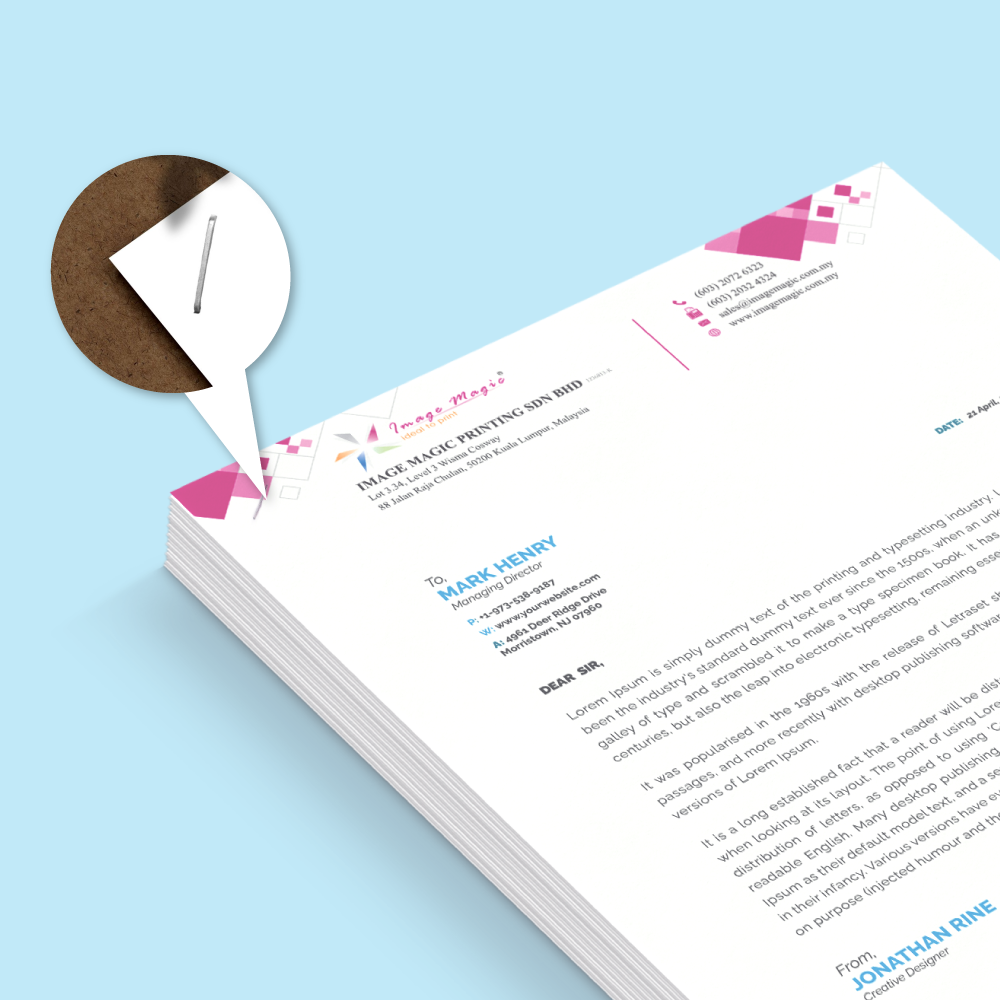
Order professionally printed document sets with one neat staple in the top-left corner. This practical finishing is ideal for reports, handouts, quotations, training notes, forms and everyday office documents.
Choose A5, A4, Letter or A3, then select the pages per set, number of complete sets, black-and-white or full-colour printing, single- or double-sided output and your preferred Simili paper weight.
How Pages and Complete Sets Are Counted
Select an even total from 4 to 50 pages. Every blank page retained in the uploaded PDF counts as one page.
Order 10–100 complete sets in steps of 10, then 150–500 sets in steps of 50.
Current Stapled Document Product Options
| Finished size | A5 (148 × 210 mm), A4 (210 × 297 mm), Letter (216 × 279 mm) or A3 (297 × 420 mm) |
|---|---|
| Pages per set | 4–50 pages in even totals |
| Order quantity | 10–500 complete document sets |
| Printing | Black & White or Full Colour; Single Sided or Both Sided |
| Paper | Simili 80 gsm, 100 gsm, 120 gsm or 140 gsm |
| Finishing | One staple in the top-left corner of each complete set |
| Production | 2 working days for fewer than 1,000 copies, subject to print-ready artwork and order confirmation |
Choose Your Printing Mode
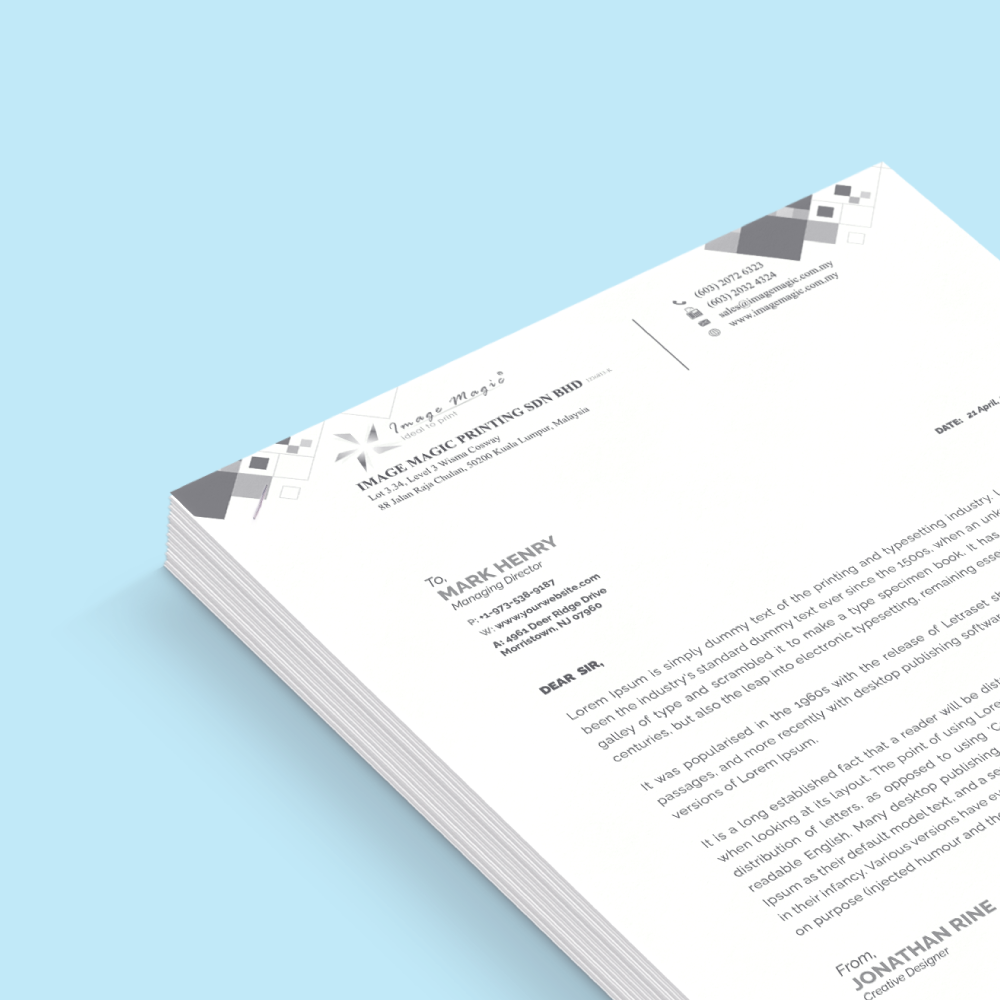
A cost-effective choice for text-heavy notes, forms, internal reports and reference documents.
Reduces the number of sheets while keeping text documents compact and economical.
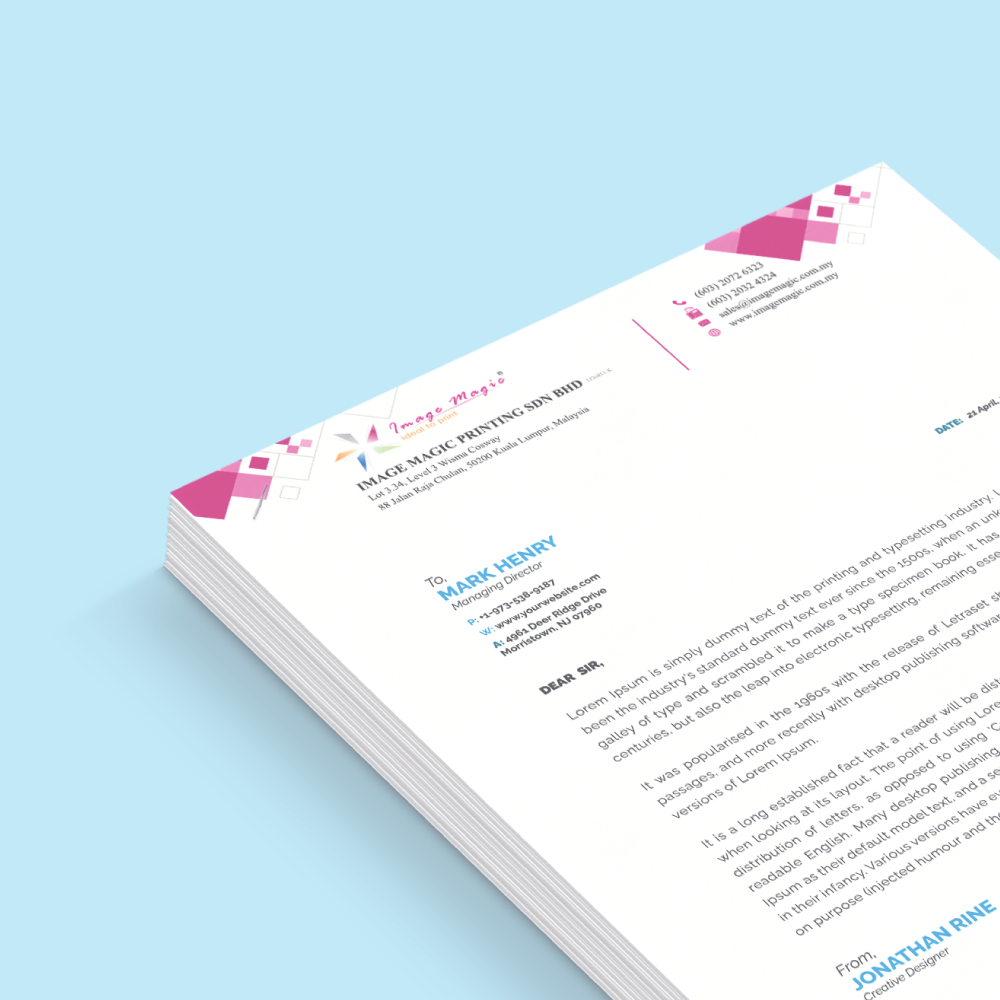
Suitable for presentations, charts, branded documents, images and customer-facing handouts.
Combines colour presentation with a more compact double-sided document format.
Choose the Simili Paper Weight
Lightweight and economical for everyday documents and high-page-count sets.
A balanced general-purpose choice with a slightly more substantial feel.
A smoother, more premium option for presentations and important reports.
The firmest available choice for documents that need greater body and durability.
Popular Uses for Stapled Document Printing
Artwork Guidelines
PDF and finished size
- Upload one print-ready PDF at the exact A5, A4, Letter or A3 size selected in the order.
- Do not include printer spreads or imposed layouts.
Page order and blank pages
- Arrange all single pages in final reading order.
- Retain every intentional blank page because blank pages count toward the selected total.
Print quality
- Embed or outline all fonts and use clear, high-resolution images.
- 300 dpi is recommended; use CMYK for colour and grayscale for black-and-white artwork.
Staple-safe margin
- Keep page numbers, logos, QR codes, signatures and important text at least 12 mm away from the top-left stapled corner.
- Keep important content safely inside all finished edges.
How to Order Stapled Documents Online
- Choose size and complete setsSelect A5, A4, Letter or A3 and the required number of identical document sets.
- Select pages, printing and paperChoose Total Pages, printing mode and Simili paper weight.
- Upload the final PDFSubmit one print-ready PDF with pages in the correct reading order.
- Review and confirmCheck the selected specifications and confirm the order for production.
Frequently Asked Questions
What document sizes are available?
Choose A5 (148 × 210 mm), A4 (210 × 297 mm), Letter (216 × 279 mm) or A3 (297 × 420 mm).
How many pages can each document contain?
Select an even total from 4 to 50 pages. A blank page in the uploaded file still counts as one page.
What order quantities are available?
Order 10 to 100 sets in steps of 10, then 150 to 500 sets in steps of 50.
Can I print in black and white or colour?
Yes. Choose black-and-white or full-colour printing, with single-sided or double-sided output.
Which paper stocks can I choose?
Simili paper is available in 80 gsm, 100 gsm, 120 gsm and 140 gsm.
How are the documents finished?
Each completed document set receives one neat staple in the top-left corner.
How long does production take?
The listed production option is 2 working days for orders below 1,000 copies, subject to print-ready artwork and order confirmation.
What file should I upload?
Upload a print-ready PDF at the correct finished size, with pages in reading order and all fonts and images embedded.
Order Stapled Document Printing in Malaysia
Need help confirming the correct size, page count, quantity, printing mode or paper weight before ordering?
WhatsApp +6012-651 2849A5 / A4 / Letter / A3 • 4–50 Pages • 10–500 Sets • B&W / Full Colour
Templates
To start, select the product size, preview the design guidelines, download the guidelines for reference, and proceed with the customization options.
Artwork Upload Guide
Prepare your file using the checklist below to reduce artwork queries and production delays.
PDF is preferred. Create the artwork at the exact A5, A4, Letter or A3 finished size selected in the order.
Combine the complete document into one PDF. Arrange single pages in final reading order and retain every required blank page.
Embed or outline fonts. Use clear, high-resolution images; 300 dpi is recommended. CMYK is recommended for colour and grayscale for B&W.
Keep page numbers, logos, QR codes, signatures and other important content at least 12 mm away from the top-left stapled corner.
- The PDF size matches the selected finished size.
- The PDF page count matches the Total Pages option.
- All pages are upright and arranged in reading order.
- Fonts and linked graphics are embedded or outlined.
- No printer spreads or imposed layouts are included.
- If supporting files are required, combine them into one clearly named ZIP file instead of uploading separate loose files.
Image Magic may perform a basic artwork check, but the customer remains responsible for final content, spelling, page order and print-ready quality.



