




Vinyl Cut Stickers (Stickers & Decals)
Choose Options | Get Started To Direct Order
Click Button Below To Order
Vinyl Lettering, Cut Logos and Print-and-Cut Decals
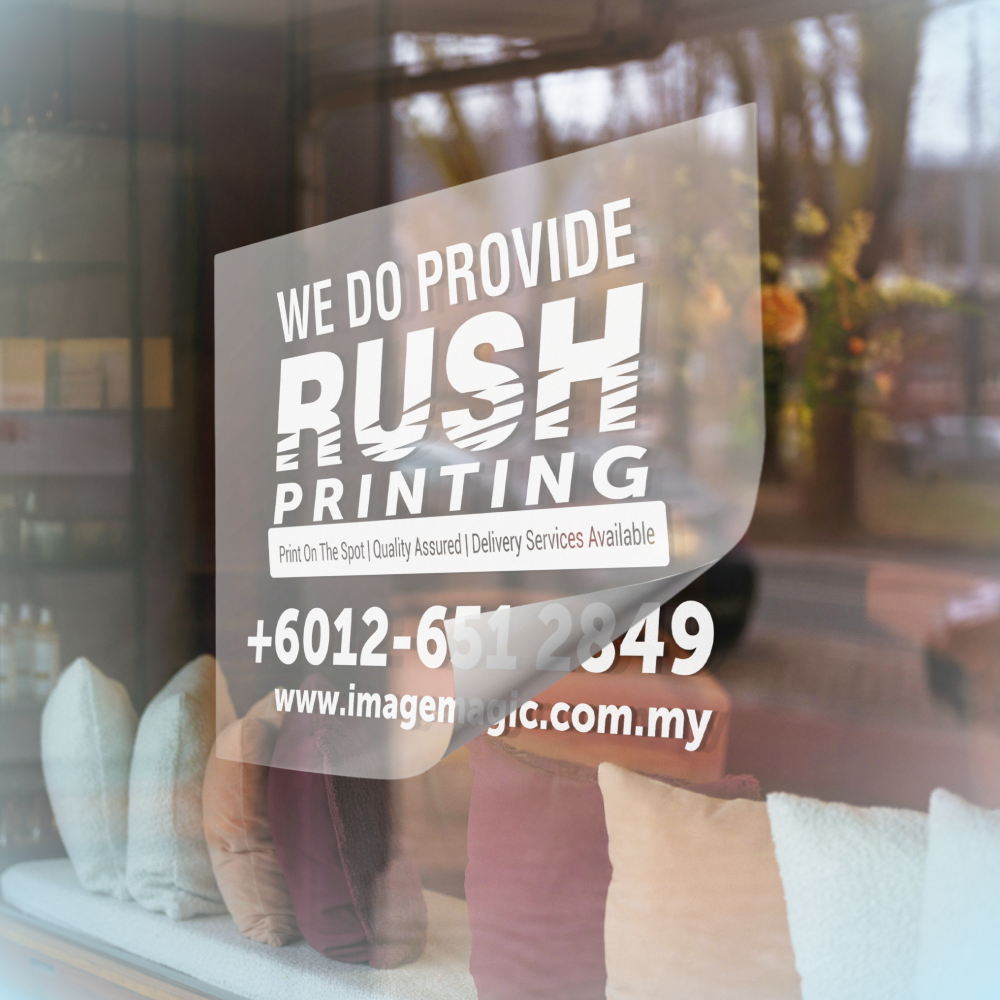
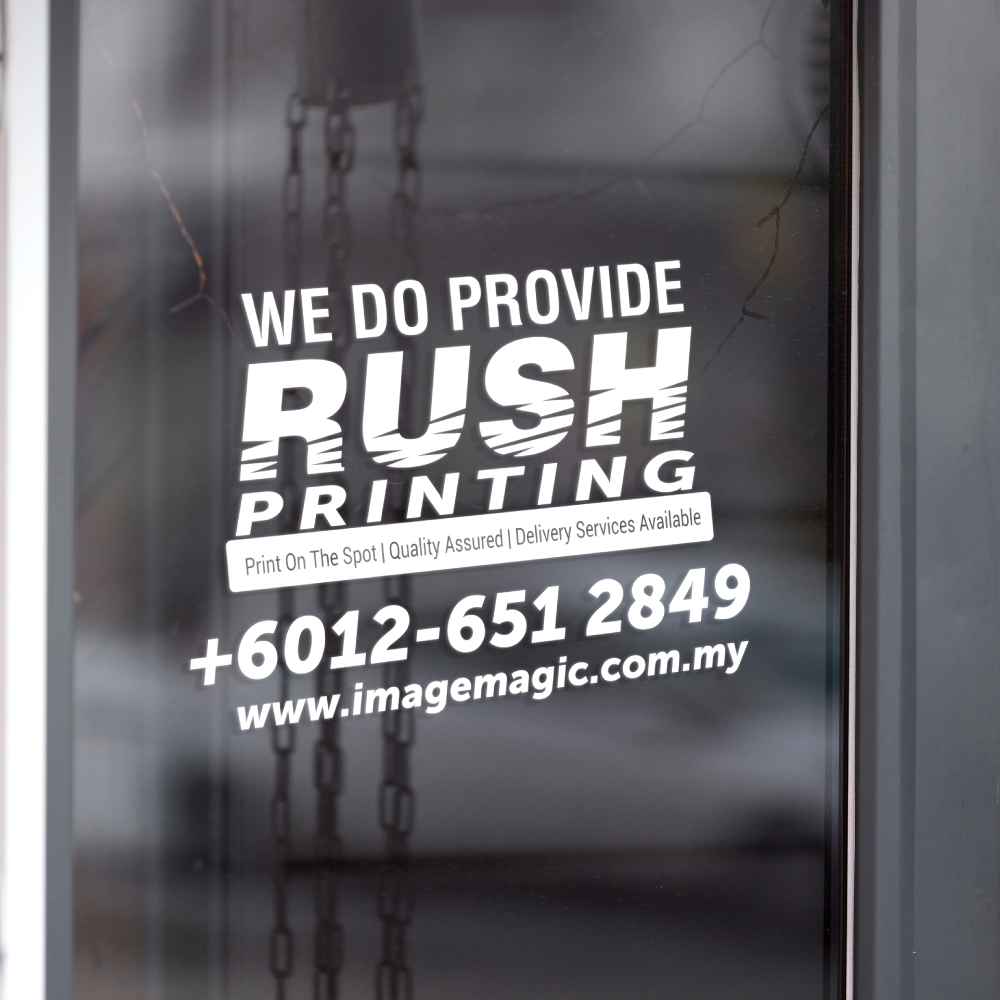
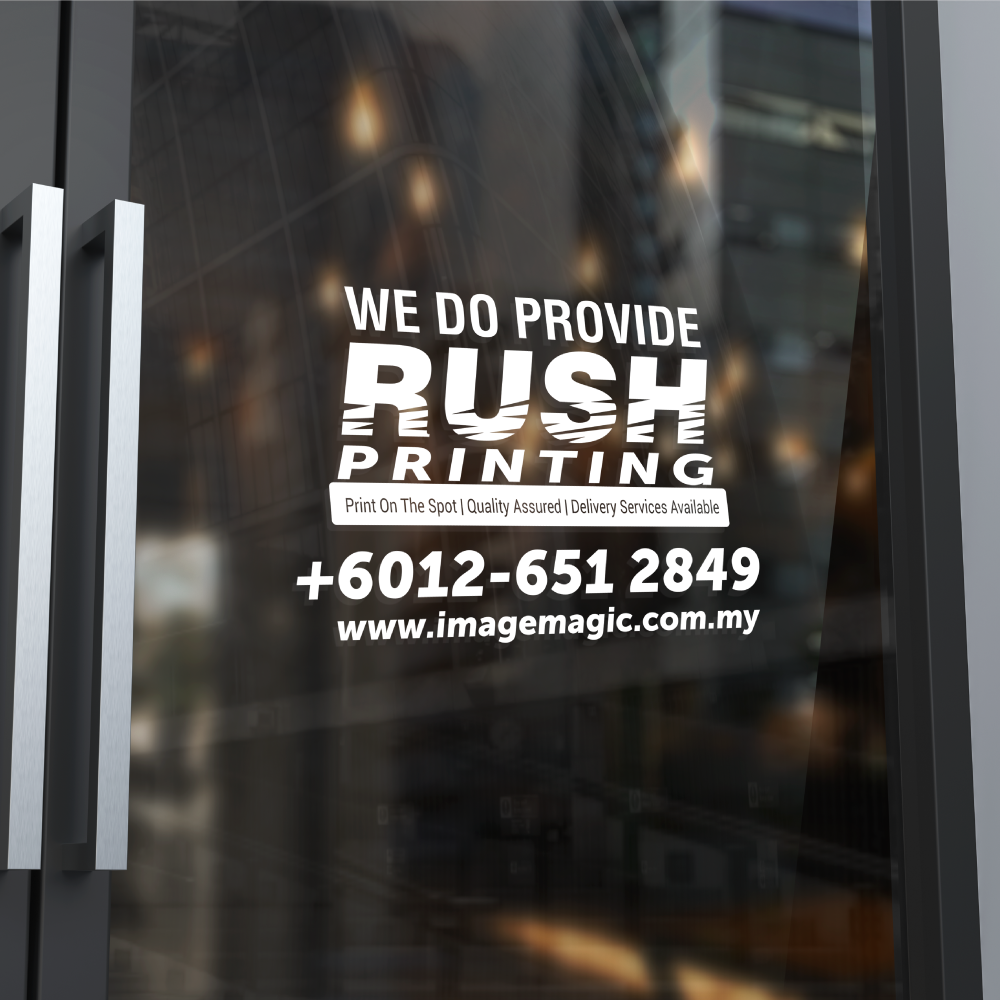
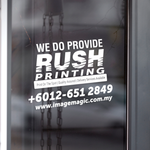
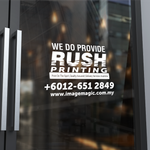
Order custom vinyl cut stickers for shopfront glass, office doors, acrylic panels, vehicle panels and other suitable smooth surfaces. Choose 3M printable vinyl for full-colour CMYK print and cut, or ORACAL 651 solid-colour vinyl for cut-only lettering and logos. Transfer tape is included to keep separate elements aligned during application.
Current Product Specifications
Available Vinyl Materials
Choose the material according to whether the artwork requires full-colour printing or a single solid vinyl colour.
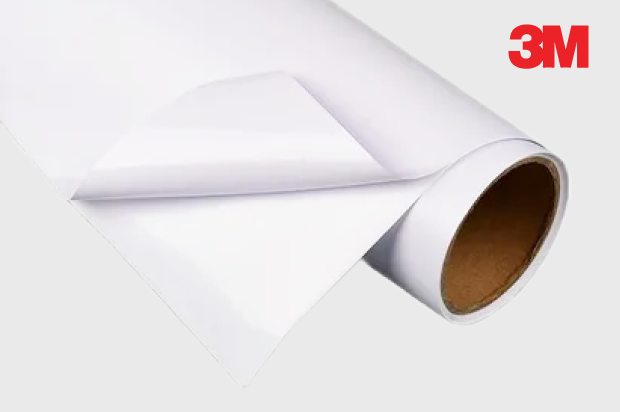
Printable gloss adhesive vinyl for multi-colour logos, text, gradients and graphic artwork.
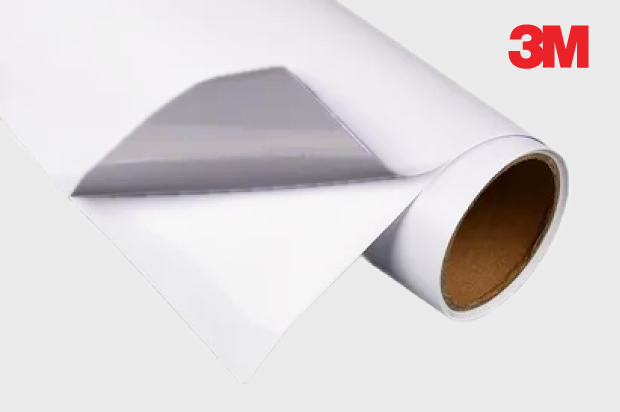
Printable vinyl with a grey adhesive backing for improved opacity over darker or previously printed smooth surfaces.
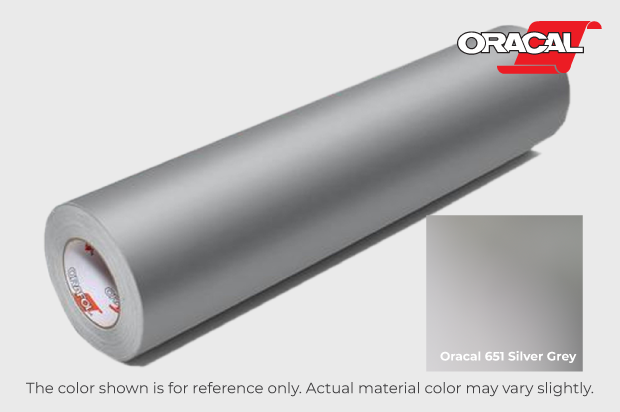
Solid-colour silver grey vinyl for lettering, numbers, simple logos and decorative cut graphics without CMYK printing.
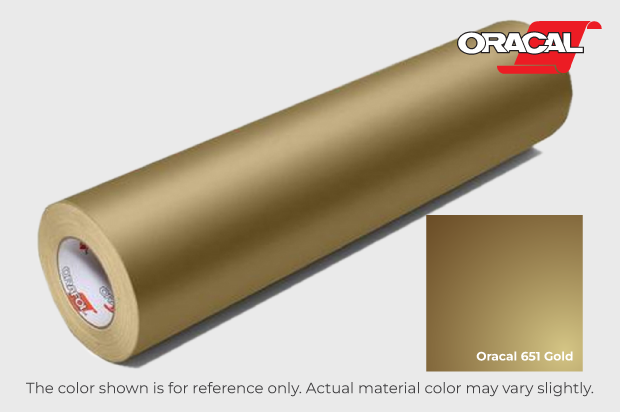
Solid-colour metallic gold vinyl for premium-looking lettering, logos and decorative details without CMYK printing.
Print and Cut or Cut Only?
 Print CMYK and Cut
Use a 3M printable vinyl when the artwork contains multiple colours, gradients, detailed graphics or photographic elements.
 Cut Only
Use an ORACAL 651 colour when the finished result should use the vinyl's existing solid colour with no ink printing.
Ordering Options
Suitable for
Choose the Right Sticker Product
 Vinyl Cut Stickers
Suitable for individual lettering, cut logos and print-and-cut graphics supplied with transfer tape.
 Vehicle or Window Stickers
Choose a more specific product for larger vehicle graphics, transparent window materials or removable glass applications.
View Vehicle StickersView Window Stickers
Artwork Preparation Guidelines
Submit print-ready artwork that matches the selected material and finishing method.
Recommended File Types
- AI, PDF, SVG or EPS vector artwork is recommended.
- Prepare the design at the required finished size.
- Convert all fonts to outlines before uploading.
- Clearly label each artwork version when ordering multiple designs.
Cut-Only ORACAL Artwork
- Use clean vector shapes for all letters and logo elements.
- Avoid gradients, shadows, transparency and photographic effects.
- The selected vinyl colour provides the final colour.
- Use sufficiently thick strokes and avoid excessively small cut details.
3M Print-and-Cut Artwork
- Prepare printed colours in CMYK where possible.
- Use suitable-resolution images at the final output size.
- Include the intended background, border or outline in the final artwork.
- Keep important text and logo details safely inside the cut edge.
Surface Preparation
- Apply to a clean, dry and dust-free smooth surface.
- Remove oil, wax and loose contamination before installation.
- Test a small area before applying to painted walls or sensitive finishes.
- Avoid rough, damp, heavily textured or freshly painted surfaces.
Outside or Inside Window Application
Before Uploading
- Confirm the finished size and quantity per design.
- Confirm the selected 3M or ORACAL material.
- Confirm Print CMYK and Cut or Cut Only.
- Check spelling, phone numbers, operating hours and logo details.
How to Order Vinyl Cut Stickers
- Select Size and QuantityChoose the required measurement and quantity for each artwork design.
- Select the MaterialChoose a 3M printable vinyl or an ORACAL 651 solid-colour vinyl.
- Match the FinishingUse Print CMYK and Cut for 3M, or Cut Only for ORACAL 651.
- Upload ArtworkSubmit the final print-ready vector or high-resolution artwork for production.
Frequently Asked Questions
What is the difference between Print CMYK and Cut Only?
Will the sticker have a background?
Is transfer tape included?
Can I order only one piece?
Can it be installed inside a window?
What artwork should I upload?
How long does production take?
Which option should I choose for a multi-colour logo?
Need Custom Vinyl Cut Stickers?
Select the size, quantity, vinyl material and matching finishing option, then upload your final print-ready artwork.
WhatsApp +6012-651 2849From 1 piece - 3M print and cut - ORACAL 651 cut only - Transfer tape included
Templates
To start, select the product size, preview the design guidelines, download the guidelines for reference, and proceed with the customization options.
Upload Artwork Guideline
File Type: AI / PDF / SVG / EPS (Vector)
Fonts: Outlined
Minimum stroke width: 1mm
Size: Provide actual dimensions required
Colour: Specify solid vinyl colour(s) from available swatches
📥 Need help converting your logo to vector? We can assist.



