


- Home
- Stationery & Marketing
- Marketing
- Name Tag Prints
Name Tag Prints (Marketing)
Choose Options | Get Started To Direct Order
Click Button Below To Order
Personalised Conference, Seminar and Exhibition Badges
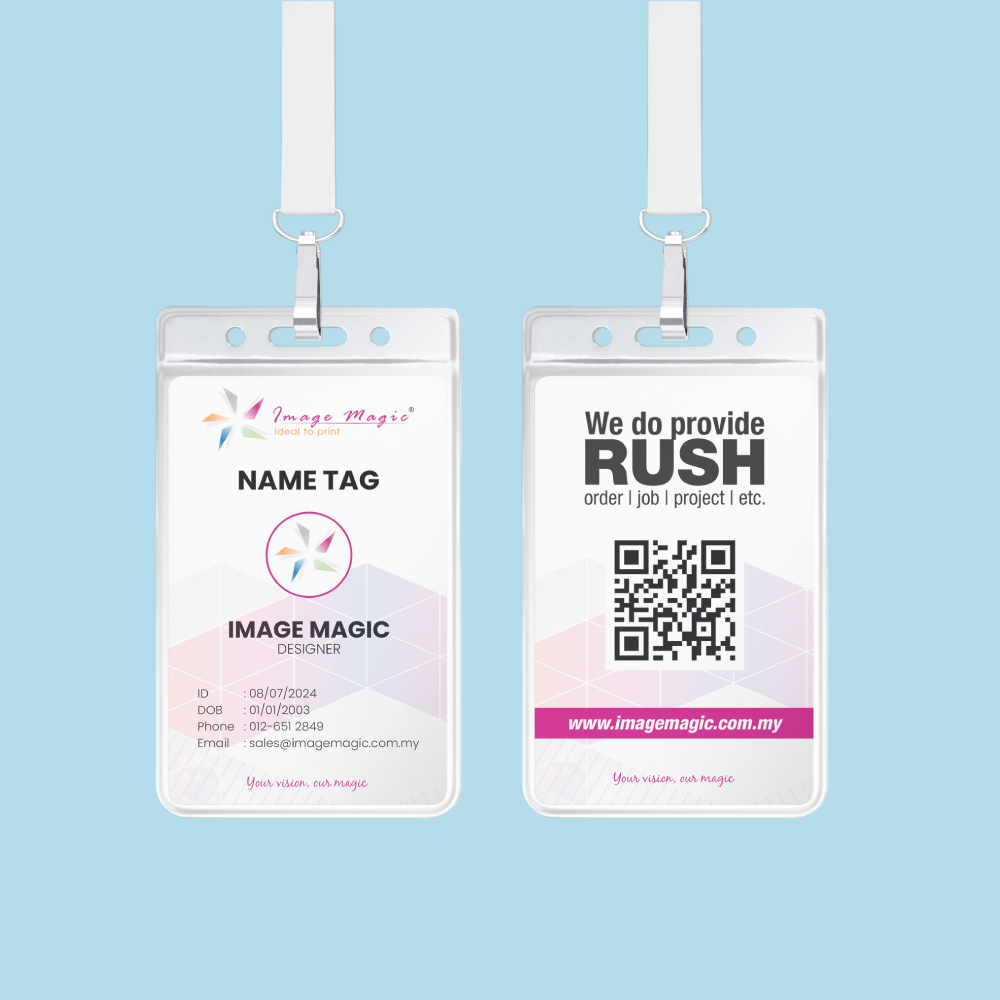
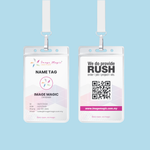
Order custom event name tags in Malaysia for conferences, seminars, exhibitions, workshops, training programmes and corporate events. Print each attendee's name, job title, company, category, QR code, barcode or serial number using a common event design and customer-supplied variable data.
Current Event Name Tag Product Options
The current direct-order calculator exposes four main fields: Sizes, Quantity Per Name with Personalization, Card Paper Type, and Printing Sides & Color. The description should follow these fields and should not present separate accessories as included options.
How the Online Options Match the Finished Name Tag
Choosing an Event Name Tag Size
Choose a badge large enough for the attendee name to remain readable from a practical networking distance. The sizes below are common formats described on the current page; order only a size that is available in the live calculator.
Suitable for shorter names, simple event branding and compact workshop or training badges.
Provides more room for a large attendee name, company, category, event logo and scannable QR code.
Suitable for exhibition, conference and multi-line attendee information when the matching holder or finishing is confirmed.
Choosing the Correct Card Paper Type
The live field is named Card Paper Type. Select only a stock that appears in the calculator and use the material description below as application guidance rather than as a substitute for the live specification.
Suitable for conferences, seminars, workshops and exhibitions in dry indoor environments. Heavier card feels more rigid, while the final surface depends on the selected stock and any confirmed finish.
Choose a synthetic stock only when it appears in Card Paper Type. Synthetic material can provide improved water and tear resistance, but final performance depends on the exact stock, print and finishing.
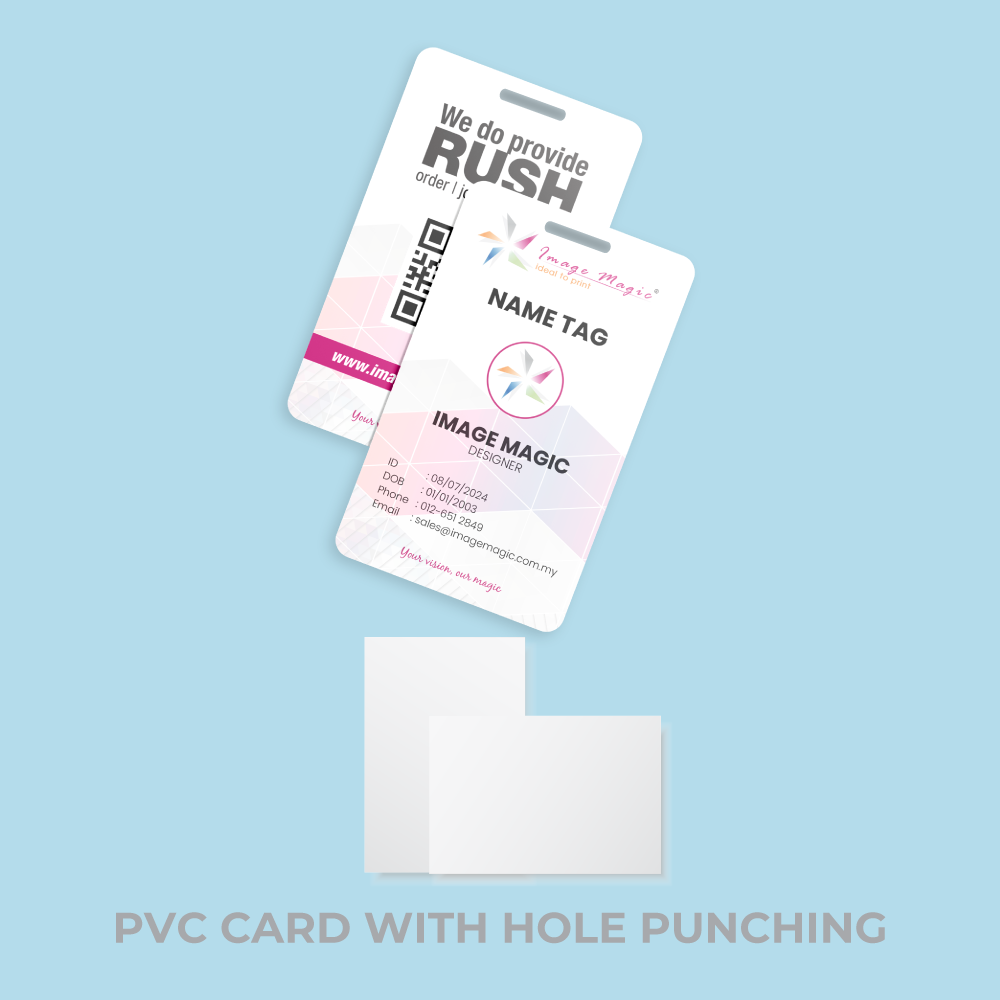
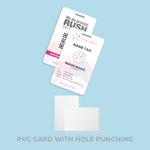
A credit-card-style PVC badge is better handled through the ID Card product unless the same material is explicitly available in the Name Tag calculator.
View PVC ID CardsPersonalised Attendee Names and Variable Data
One event design can be merged with customer-supplied attendee data. Prepare the list carefully because spelling, company names, categories and encoded values are printed from the approved data file.
QR Code and Barcode Printing Guidelines
Lanyards, Holders and Attachment Options
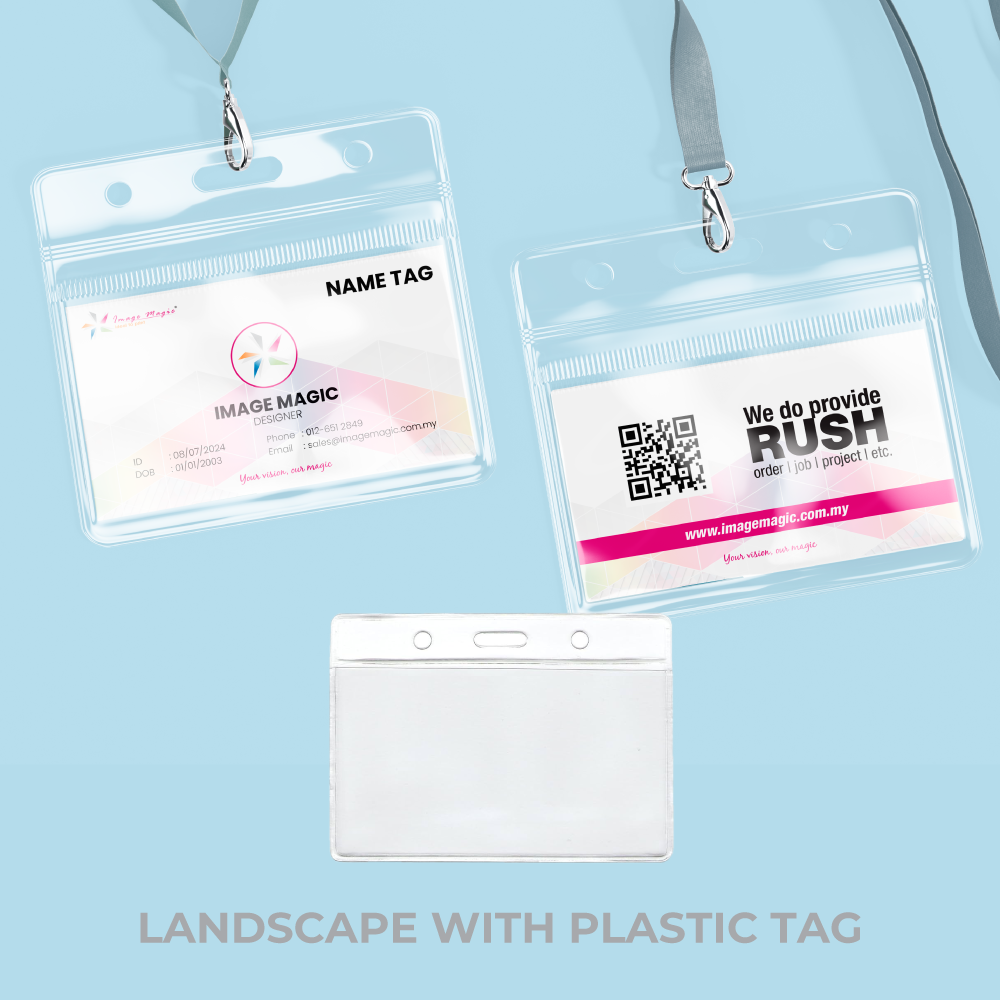
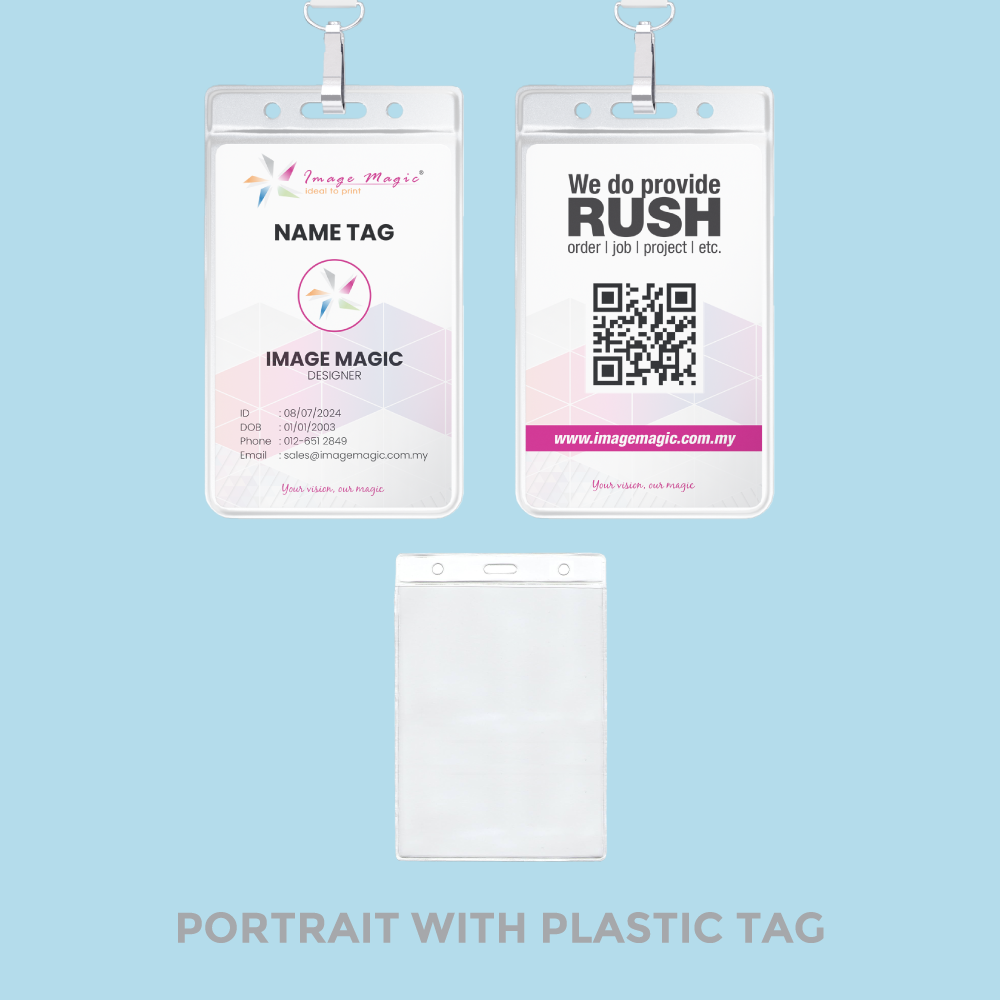
Select the printed name tag first, then confirm the correct attachment separately. The badge size, orientation and material must fit the chosen holder or clip.
Order branded lanyards separately when you require a printed logo, event name, buckle, plastic clip or a particular hook type.
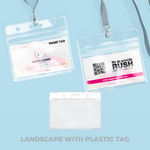
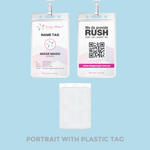
View Custom LanyardsConfirm the holder's internal width, height and portrait or landscape orientation before ordering the printed inserts.
Use a punch hole only when it is available or separately confirmed. Keep names, logos and QR codes away from the punch position.
Popular Uses for Personalised Event Name Tags
Event Name Tags, PVC ID Cards or Tickets?
Best for conferences, seminars and exhibitions where attendee names, companies, categories and event branding change for each person.
Choose ID Cards for reusable staff, student, contractor or visitor identification in a credit-card-style PVC format.
View PVC ID CardsChoose tickets when the printed item is intended for entry, redemption, numbering, perforation or admission control.
View Event TicketsEvent Name Tag Artwork and Data Preparation
Upload print-ready artwork. Image Magic performs a basic file preflight for size, bleed, safe area and colour settings; the customer remains responsible for the final design, attendee information and encoded values.
Print Artwork File
- PDF or AI is recommended for the main badge design.
- Use CMYK colour where possible.
- Prepare artwork at the exact selected size and orientation.
- Add 3mm bleed on every edge when the background reaches the trim.
- Outline or embed all fonts.
Safe Area and Readability
- Keep important content at least 5mm inside the trim edge.
- Allow extra clearance for punch holes, clips and holder edges.
- Make the attendee name the most prominent variable field.
- Avoid very small text and low-contrast colour combinations.
Excel or CSV File
- Use one row for every unique name tag.
- Use clear column headings and plain text values.
- Format serial numbers, IDs and barcode values as text.
- Remove formulas, hidden rows and unused sheets.
- Proofread all data before upload.
QR Codes and Barcodes
- Provide the final URL or encoded string for each attendee.
- State the required barcode type.
- Maintain sufficient quiet space and contrast.
- Test a printed sample with the intended scanner or phone.
Single-Sided and Double-Sided Files
- Single-sided orders require front artwork only.
- Double-sided orders require separate front and back artwork.
- Label files clearly as Front and Back.
- Check the correct rotation for landscape and portrait badges.
Multiple Event Categories
- Use a Category column for Speaker, VIP, Exhibitor, Crew or other groups.
- Confirm whether categories share one layout or require separate artwork.
- Different base designs may need separate order items.
- Do not split one selected quantity across unrelated specifications.
Data Privacy and Approval
- Submit only attendee information you are authorised to print.
- Avoid collecting unnecessary personal or sensitive data.
- Use a secure transfer method for attendee lists.
- Review and approve the merged proof before production.
Before Uploading
- Confirm size, quantity per name, card stock and printing sides.
- Confirm the holder or attachment separately when required.
- Check every name, title, company and category.
- Test final QR-code and barcode values.
- Remove draft artwork and duplicate data rows.
How to Order Event Name Tags Online
- Select the Product Options Choose size, quantity per name, card paper type and single- or double-sided printing.
- Prepare the Event Design Finalise the front and back artwork with bleed, safe area and variable-data placeholders.
- Prepare Attendee Data Supply the final Excel or CSV file with names, companies, categories and code values.
- Approve Before Production Check the merged proof, quantities, card stock, orientation and attachment requirements.
Frequently Asked Questions
Can every name tag have a different attendee name?
What is the best size for a conference badge?
Are lanyards included with the name tags?
Can I order PVC holders with the badges?
Are event name tags waterproof?
Can I print QR codes or barcodes?
How should I submit the attendee list?
How long does production take?
Order Personalised Event Name Tags in Malaysia
Select the badge size, quantity per attendee, card paper type and printing sides, then upload your print-ready event design and final Excel or CSV attendee list.
WhatsApp +6012-651 2849Personalised names • Excel or CSV merge • QR and barcode ready • Single or double-sided
Templates
To start, select the product size, preview the design guidelines, download the guidelines for reference, and proceed with the customization options.
Upload Artwork Guideline
Format: PDF / AI / PSD / JPG (300 DPI)
Colour Mode: CMYK
Size: Add 3mm bleed on all edges
Font: Outlined or embedded
Variable Data: Provide Excel file with attendee info
QR Codes: Provide destination URL or list of encoded strings
📥 Need a template? Ask us for A6 or 95×135mm badge layout.
Related products




Main Links
Information
Newsletter
Image Magic Printing Sdn Bhd (201701022647) (1236813-K)
- Phone +603 2072 6323
- Email [email protected]
- Click Here - Our Shop Location
- Monday - Friday
9am - 6pm
Saturday 9am - 1pm
Categories
Popular Products
- PRODUCTS
- TEMPLATES
Categories
Popular Products
- PRODUCTS
- TEMPLATES