


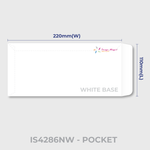
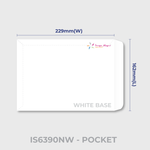
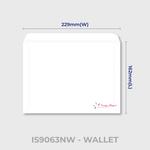
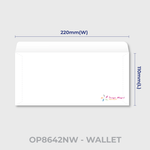
Envelopes (Stationery)
Choose Options | Get Started To Direct Order
Click Button Below To Order
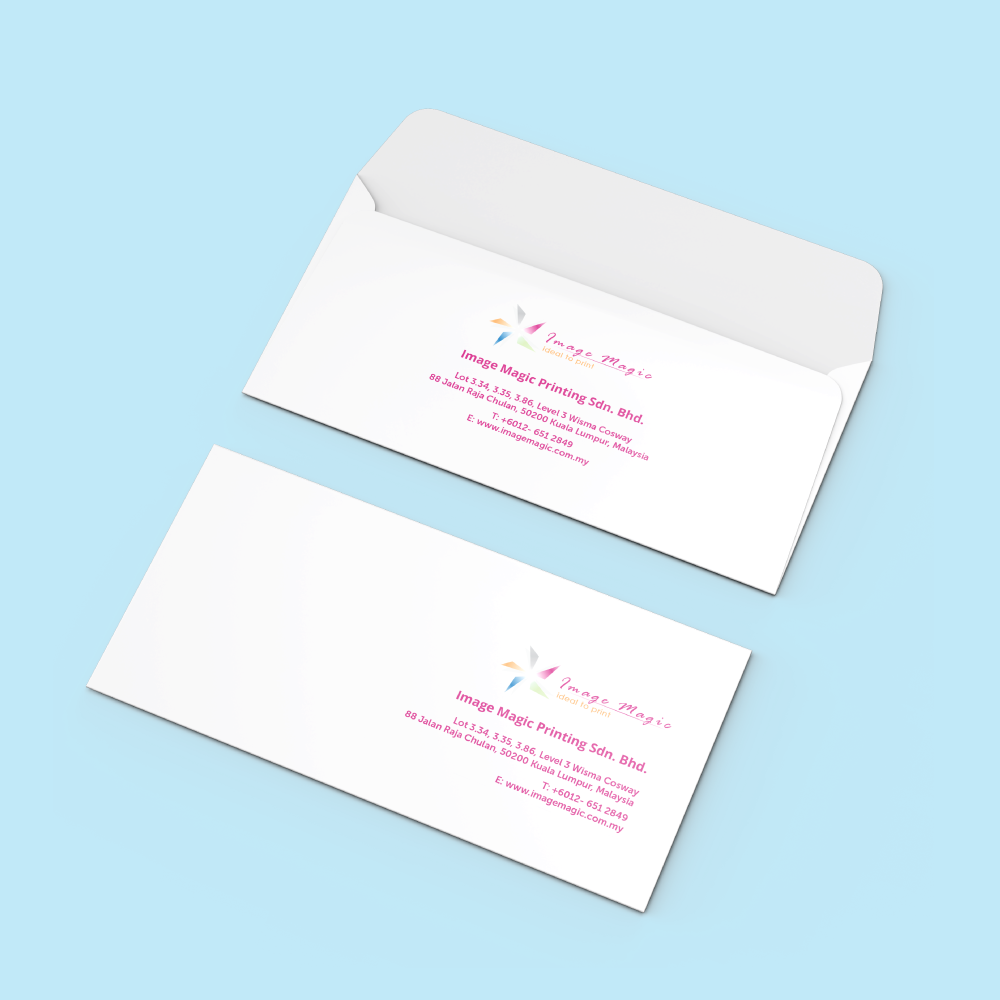
Custom Printing on Ready-Made Business Envelopes
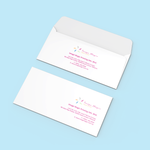
Print your company logo, return address and branding on ready-made white envelopes for business correspondence, invoices, official documents, invitations and corporate mailings. Choose the required envelope type first so the correct size, window position and artwork template are used.
Current Product Configuration
Choose the Correct Envelope Type
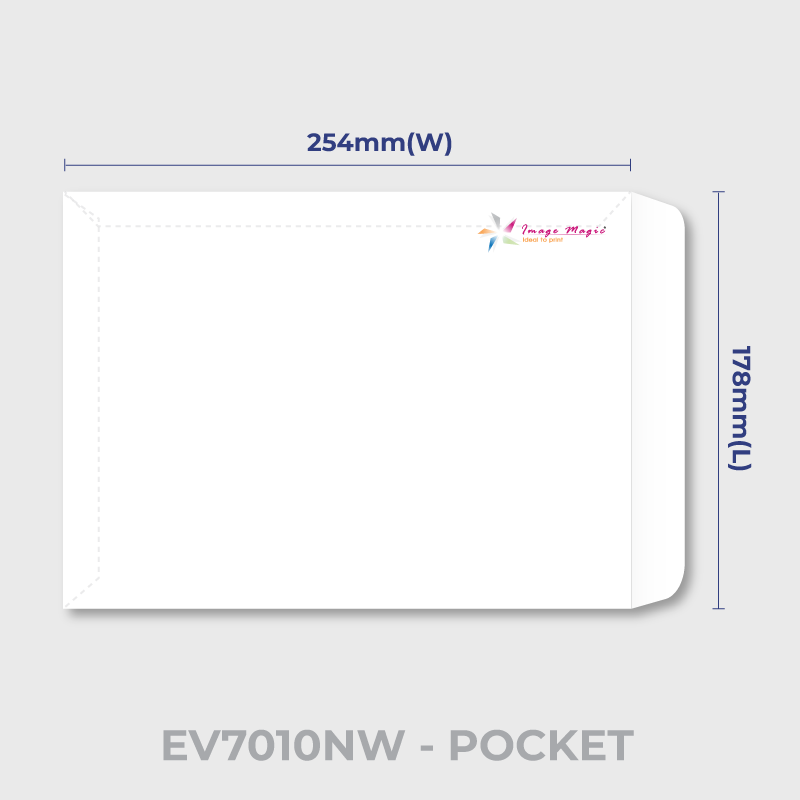
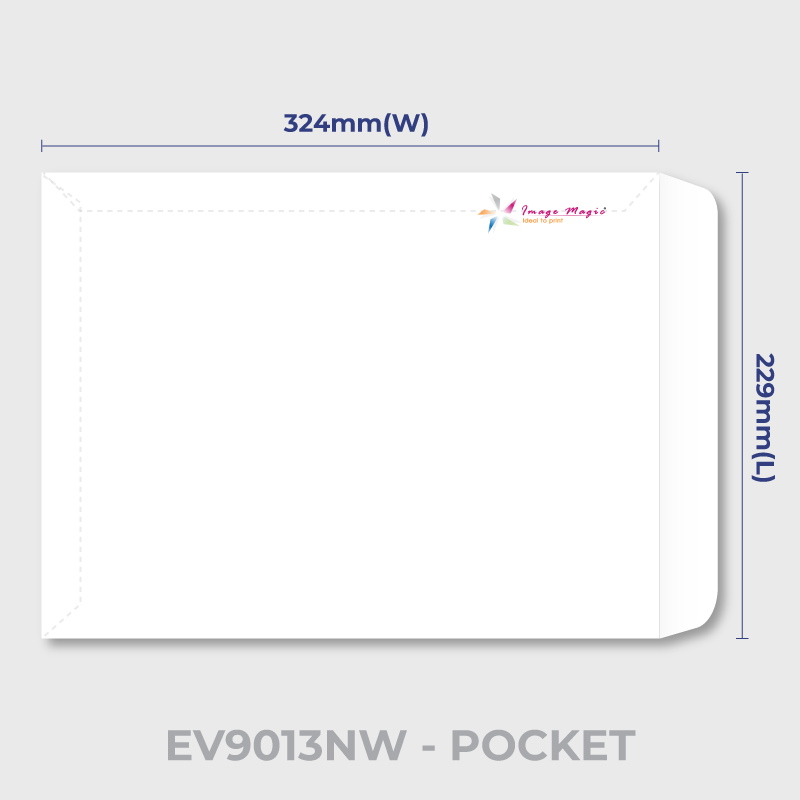
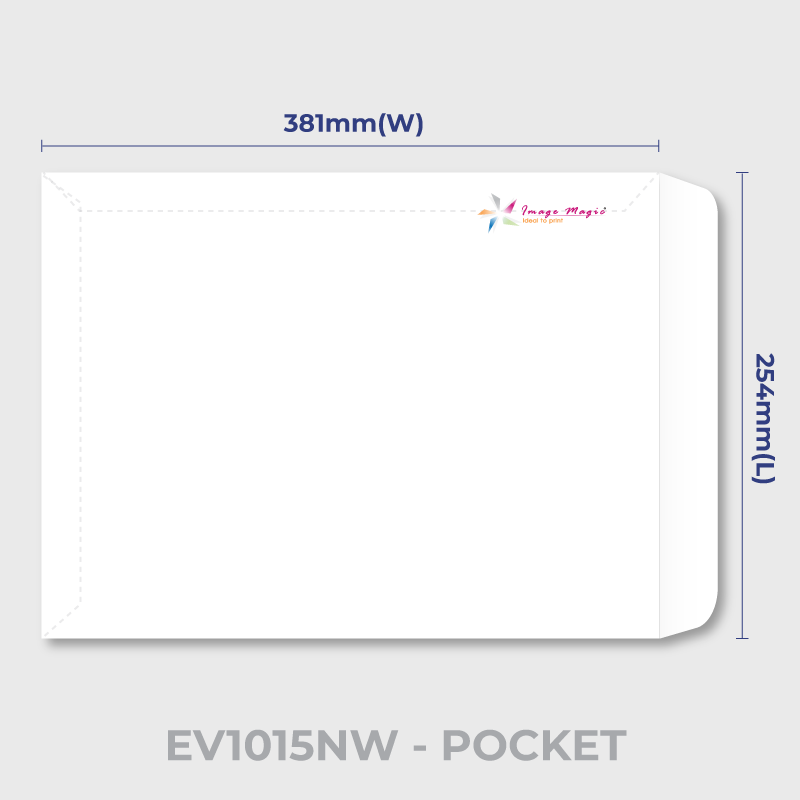
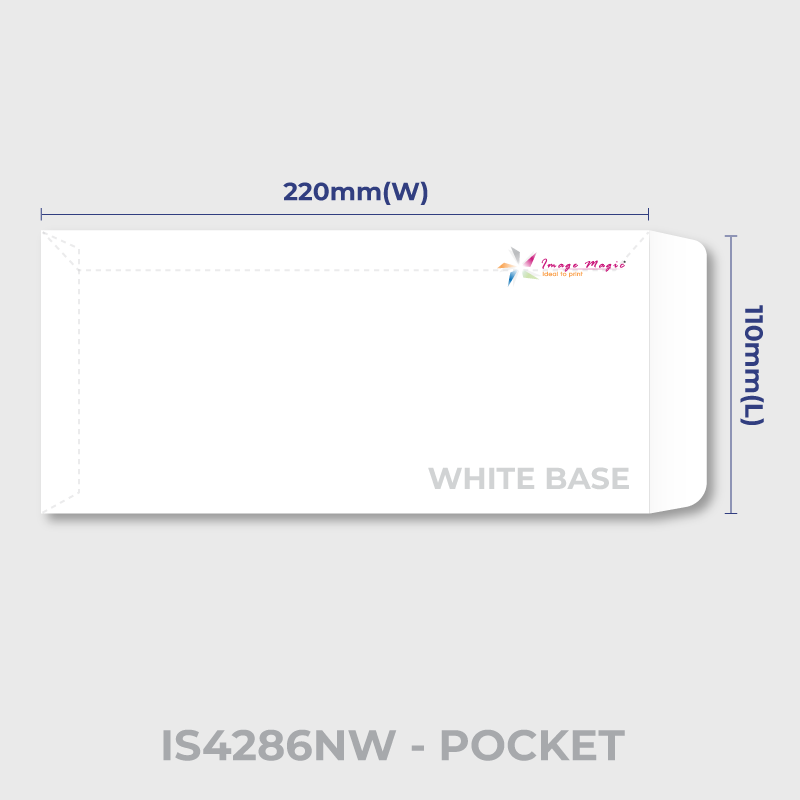
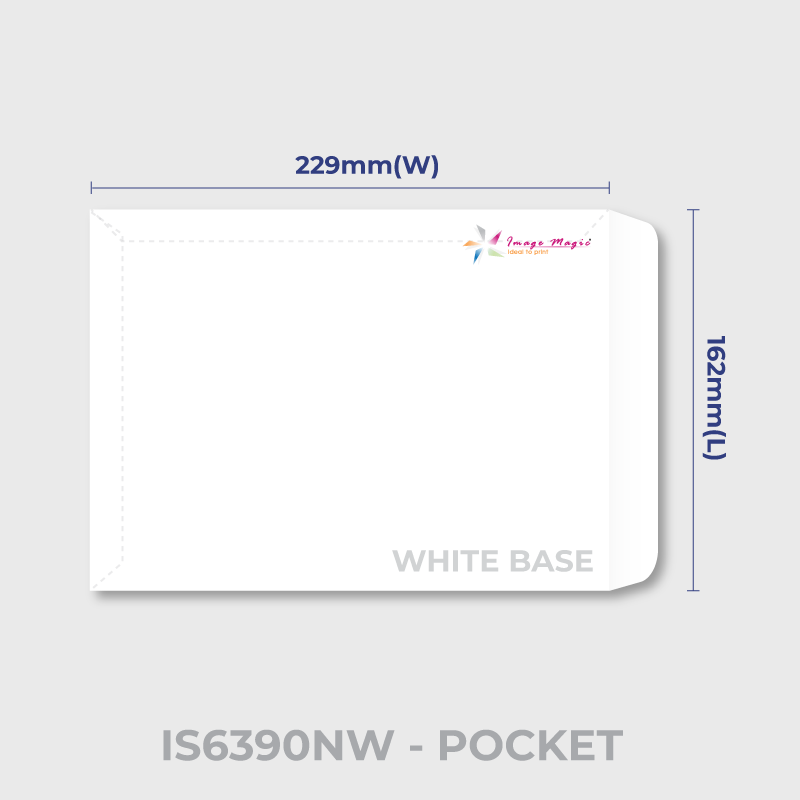
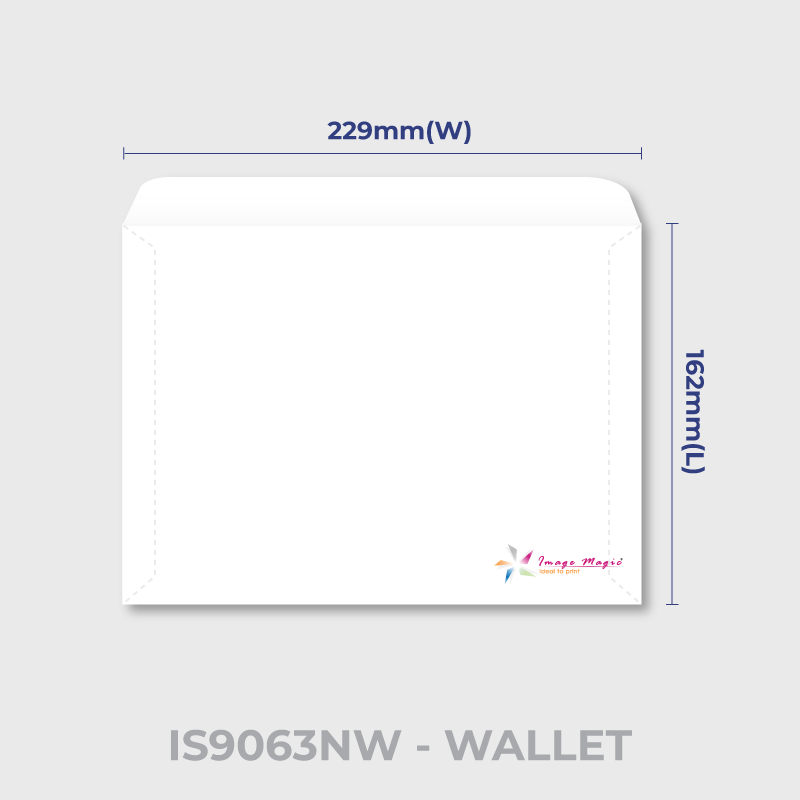
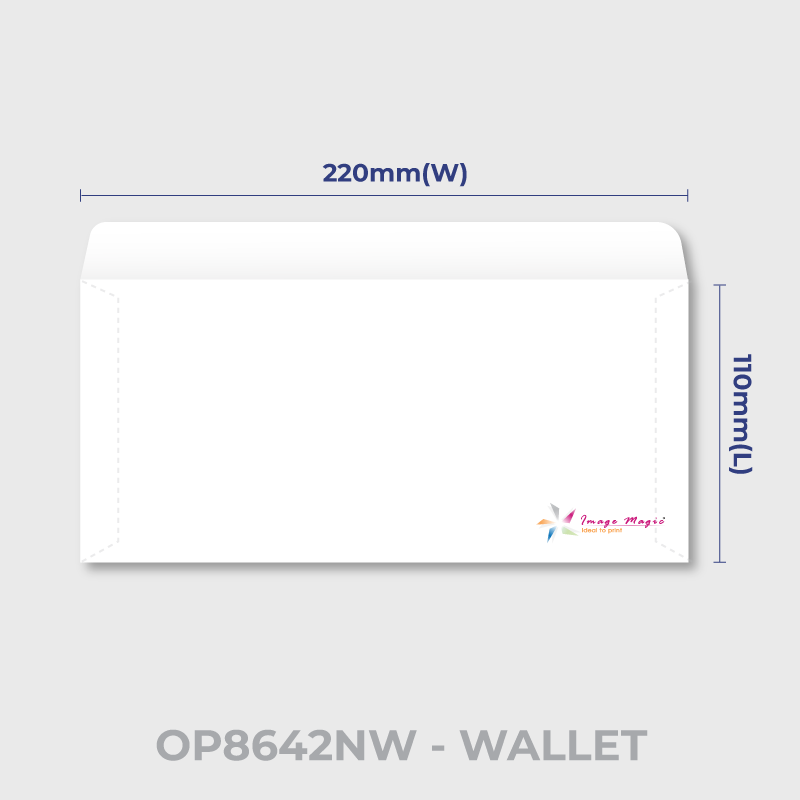
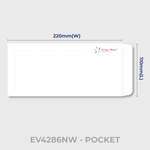
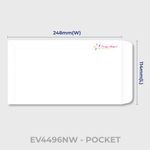
This product uses envelope codes rather than only generic DL, C5 or C4 labels. Select the envelope code first and check the corresponding Size & Type field.
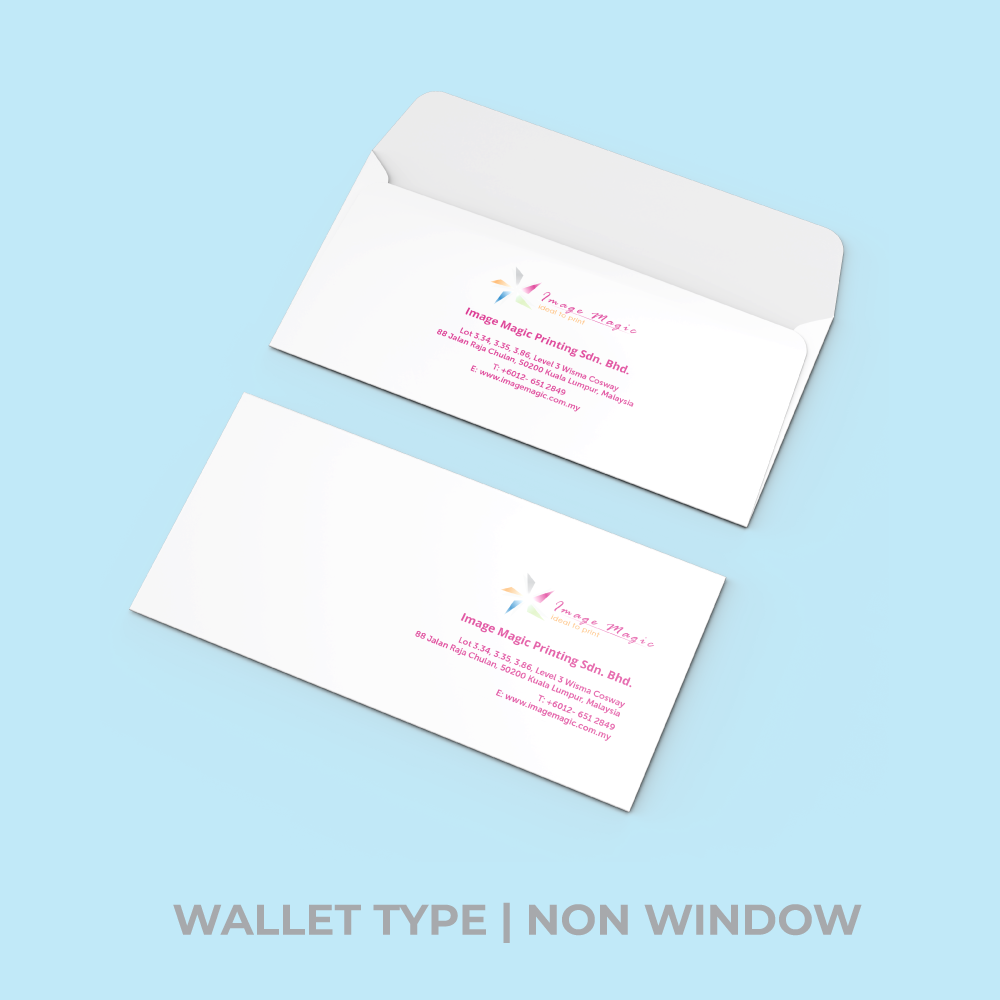
 NW Envelope Types
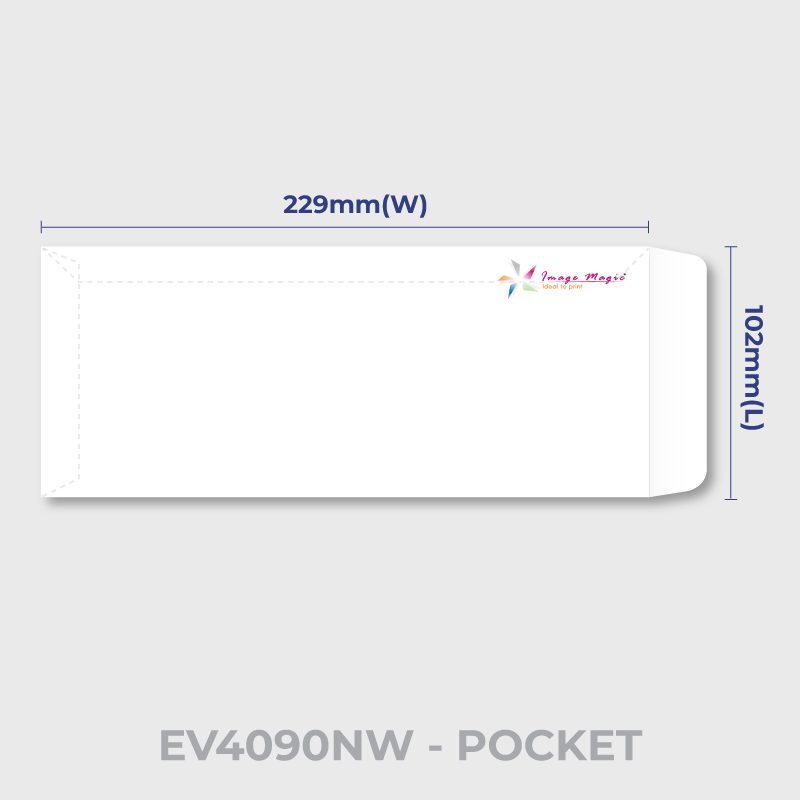
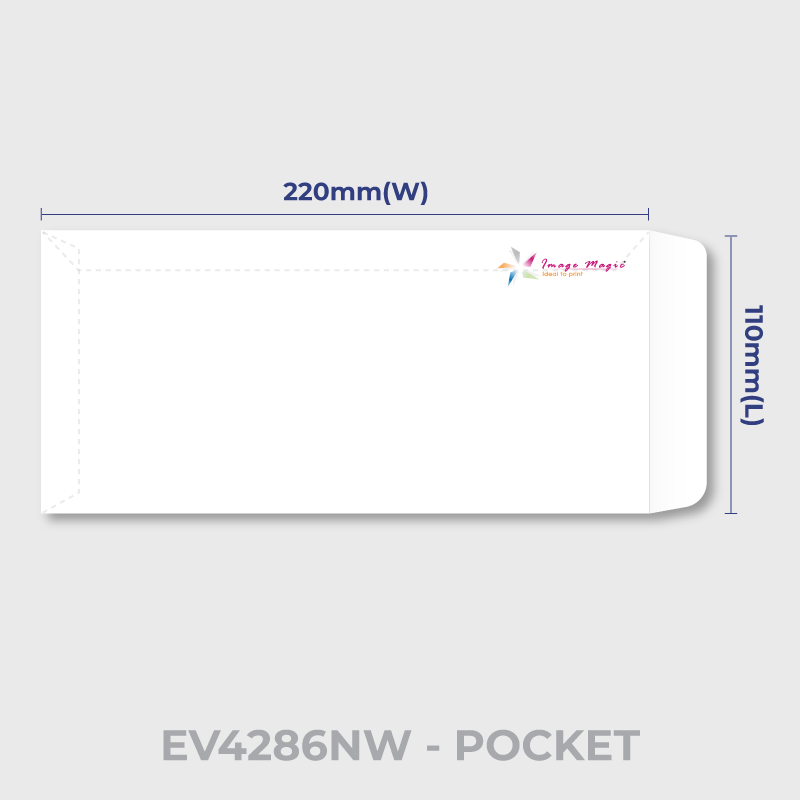
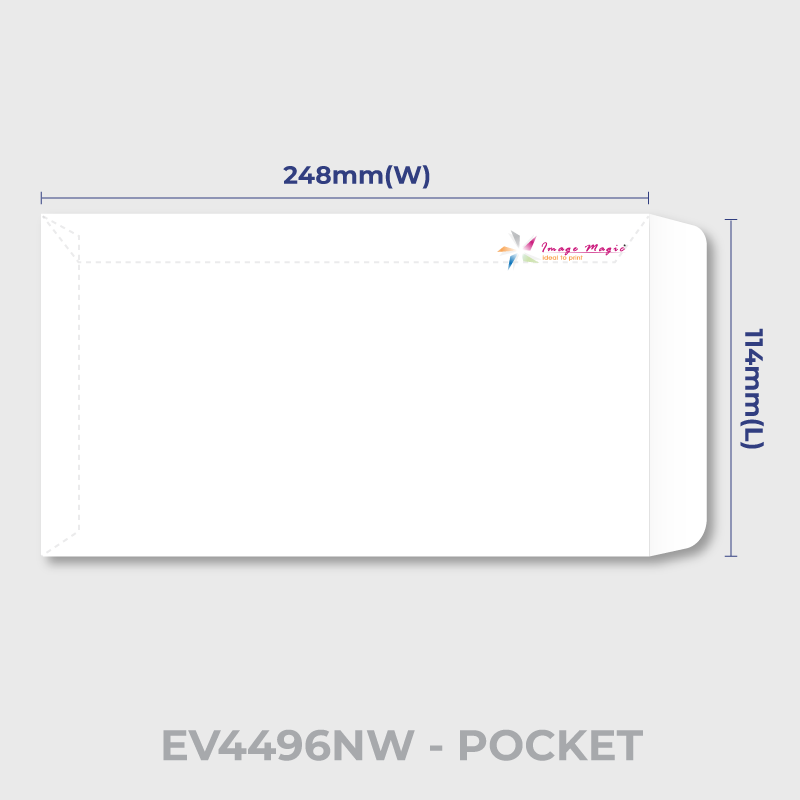
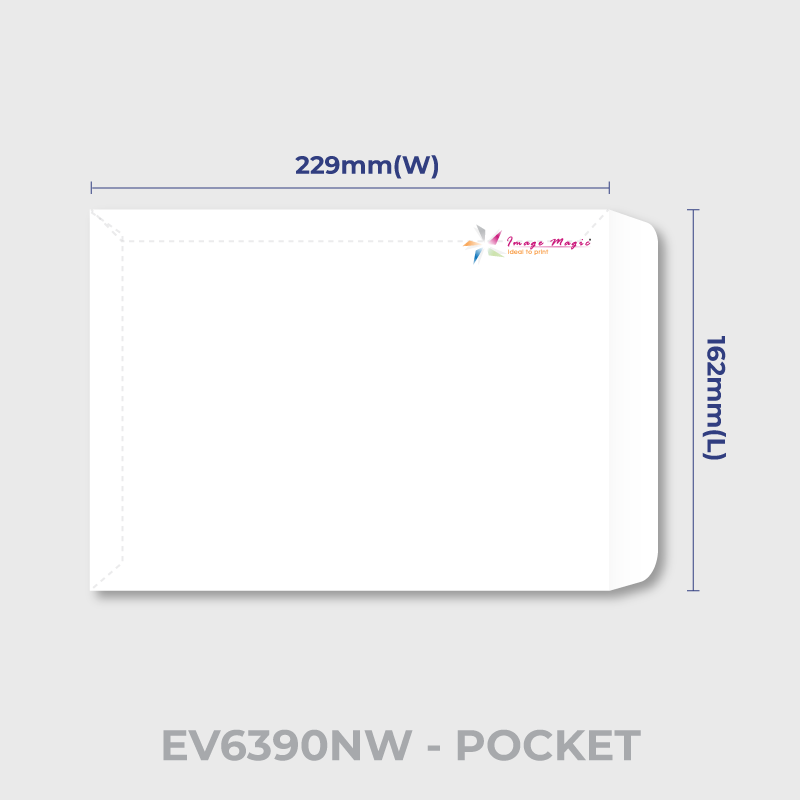
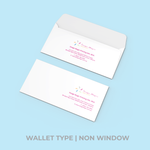
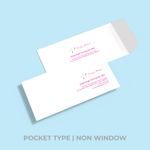
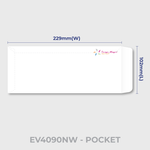
Select a non-window envelope when the delivery address will be printed, labelled or handwritten directly on the envelope.
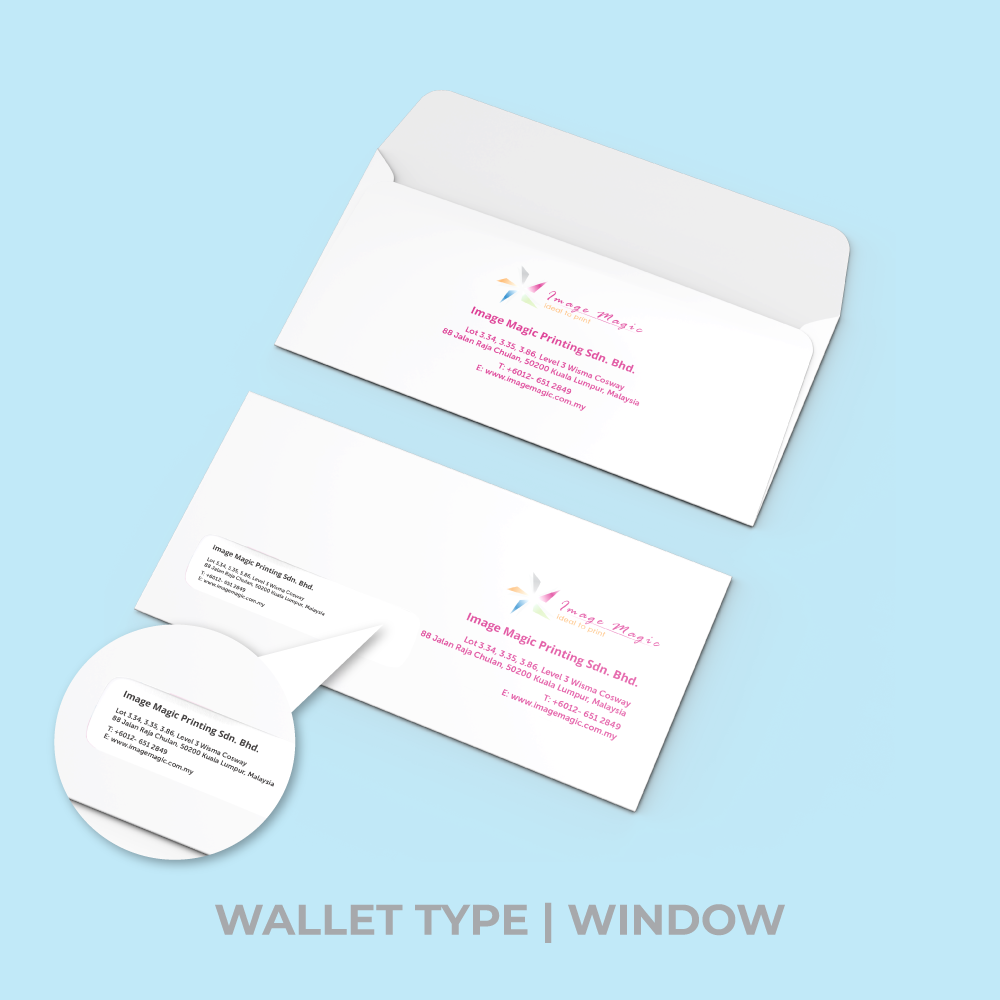
 W Envelope Types
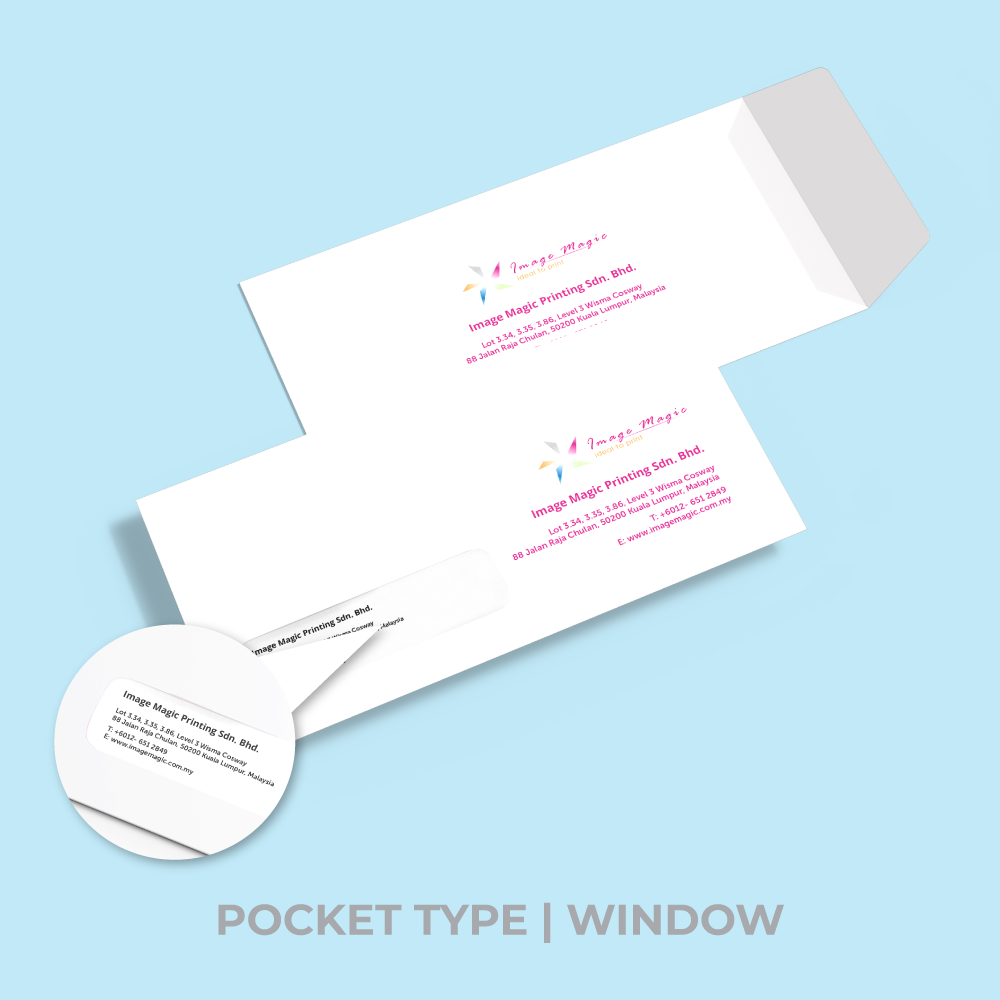
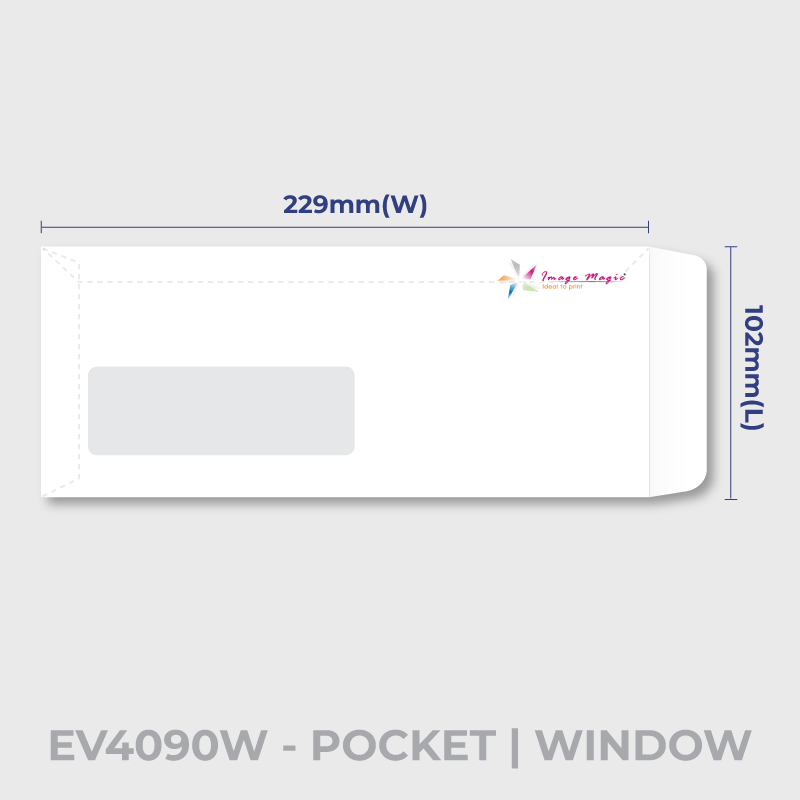
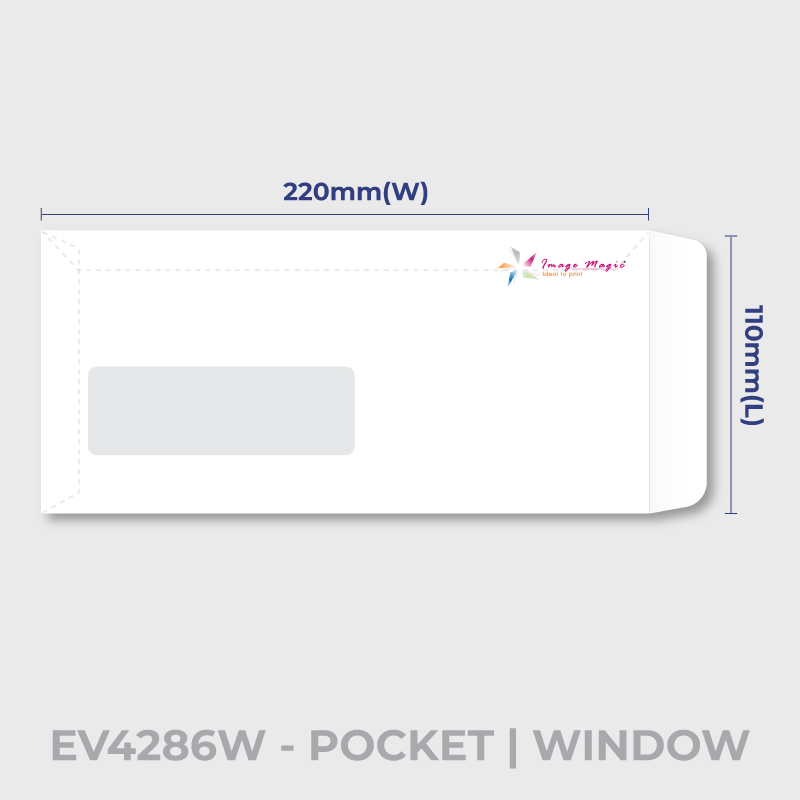
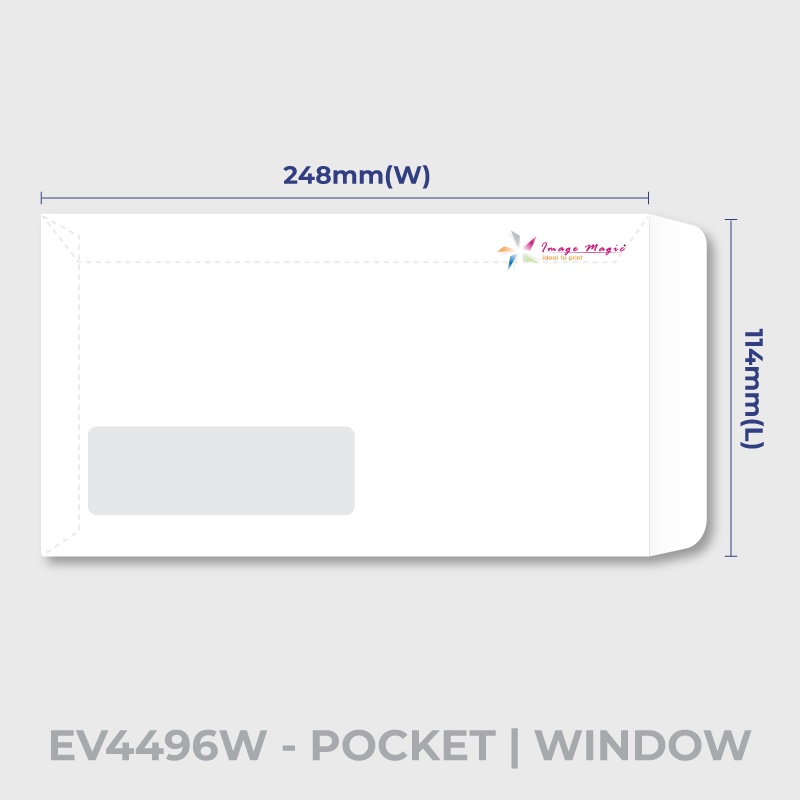
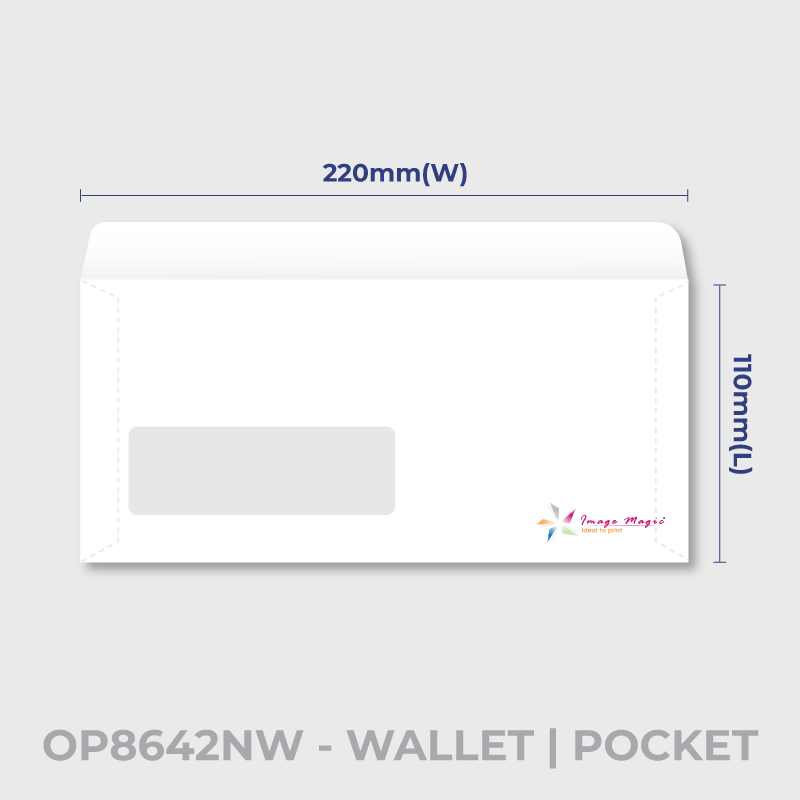
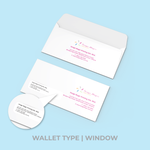
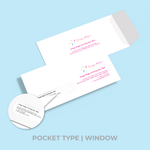
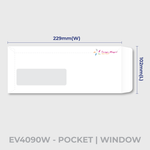
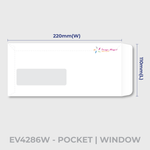
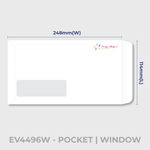
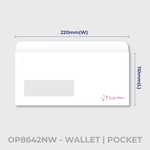
Selected envelope codes are available with a transparent address window. Prepare the enclosed document so the address aligns with the actual window position.
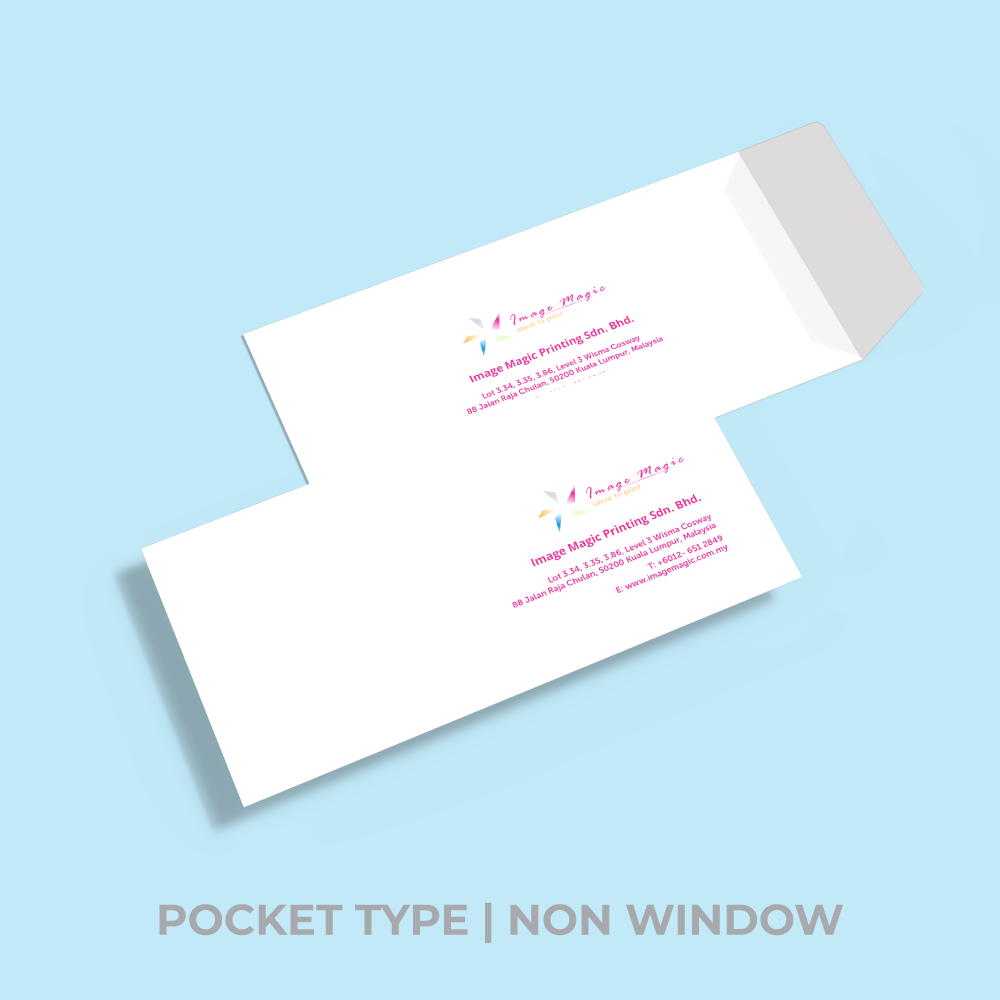
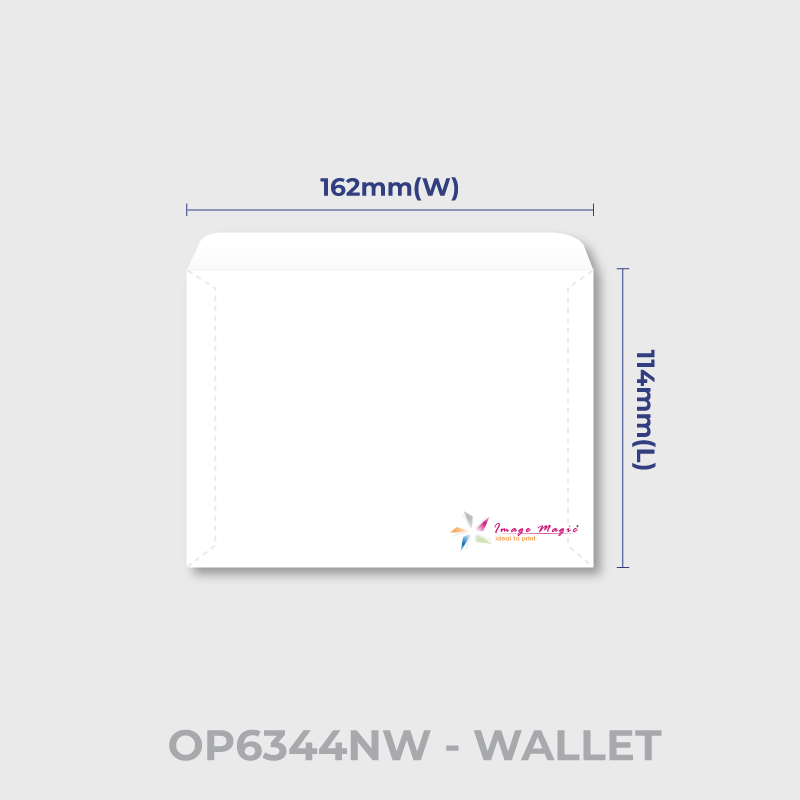
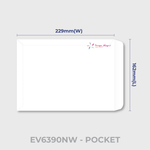
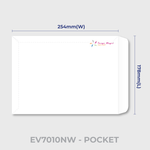
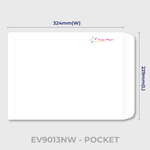
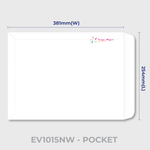
 Pocket / Wallet Styles
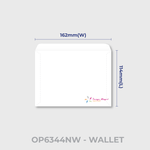
The envelope construction and flap orientation depend on the selected product code. Always use the matching artwork template.
View Current Envelope Codes
Window codes: EV4090W, EV4286W, EV4496W, OP8642W and OP6344W.
Printing Options
Standard Envelope vs Full-Bleed Envelope
Envelope Stock and Construction
Suitable for
Artwork Preparation Guidelines
Download and use the template for the exact envelope code selected in the calculator.
File Format and Colour
- PDF is the preferred print-ready format.
- AI artwork is also accepted.
- Use CMYK for colour artwork.
- Images should be approximately 300 DPI at final size.
- Outline or embed all fonts before export.
Use the Exact Envelope Template
- Artwork must match the exact selected envelope code and size.
- Window and non-window versions use different layouts where applicable.
- Do not resize one envelope template to fit a different envelope code.
Safe Area
- Keep important text and logos approximately 5–8mm away from trim and flap-fold areas.
- Follow a larger safe area if it is shown on the selected template.
- Keep important information away from glue areas.
Bleed and Print Coverage
- Follow the bleed requirement shown on the selected artwork template.
- Where bleed is required, extend the background approximately 3mm beyond the trim line.
- This standard product is printed on ready-made envelopes and is not intended for unrestricted edge-to-edge coverage.
- Use the Full Bleed Envelope product when true edge-to-edge printing is required.
Window Envelope Artwork
- Do not place important printed artwork inside the window area.
- Check that the address on the enclosed document aligns with the actual window.
- Use the exact W-version template for the selected window envelope.
Fold, Flap and Glue Areas
- Check the orientation of all artwork before submission.
- Keep important text and logos away from flap fold lines.
- Avoid critical artwork over glue or joining areas.
Multiple Designs
- The minimum quantity applies to each individual design.
- One 500-piece quantity should not be divided between unrelated artworks.
- Additional artworks with the same specification and quantity can be added as separate items.
Artwork Submission
- Upload complete print-ready artwork before 5:00 PM for the applicable production schedule.
- Late or unsuitable files may delay production.
- Image Magic performs a basic technical artwork check before production.
Mailing and Address Placement
If the envelopes will be used for postal or automated mailing, make sure the address, return-address and window positions meet the latest mailing requirements applicable to your shipment.
Production and Delivery
How to Order Printed Envelopes
- Select Envelope Type Choose the correct window or non-window envelope code.
- Check Size & Printing Confirm dimensions, quantity and available print options.
- Prepare Artwork Use the matching front/back envelope template.
- Upload and Order Submit complete print-ready artwork and complete checkout.
Frequently Asked Questions
What is the minimum order quantity?
What envelope material is used?
Are window envelopes available?
What size is EV4090NW?
Can I print edge to edge?
Can I order self-adhesive envelopes?
What artwork format should I use?
How long does production take?
Need Custom Company Envelopes?
Choose the correct ready-made envelope type and quantity, then prepare your company logo and return-address artwork using the matching envelope template.
WhatsApp +6012-651 2849Download Product Guideline
Upload Artwork Guideline
- File type: PDF / AI / EPS / PSD (high-res)
- Colour: CMYK for colour printing, grayscale for black-only
- Bleed: 3mm on all sides
- Safe Zone: Keep logos and text 10mm from edges & folds
- Fonts: Outlined or embedded
- Use our template (available on request) for best accuracy
Important Note
As all designs are offset printed over ready-made envelopes, if is not advisable to print the front top portion with solid color or images.
Guidelines
Please check with POS Malaysia for lastest envelop/mailing requirements. Image Magic will not responsible for any complication that may arise.



