


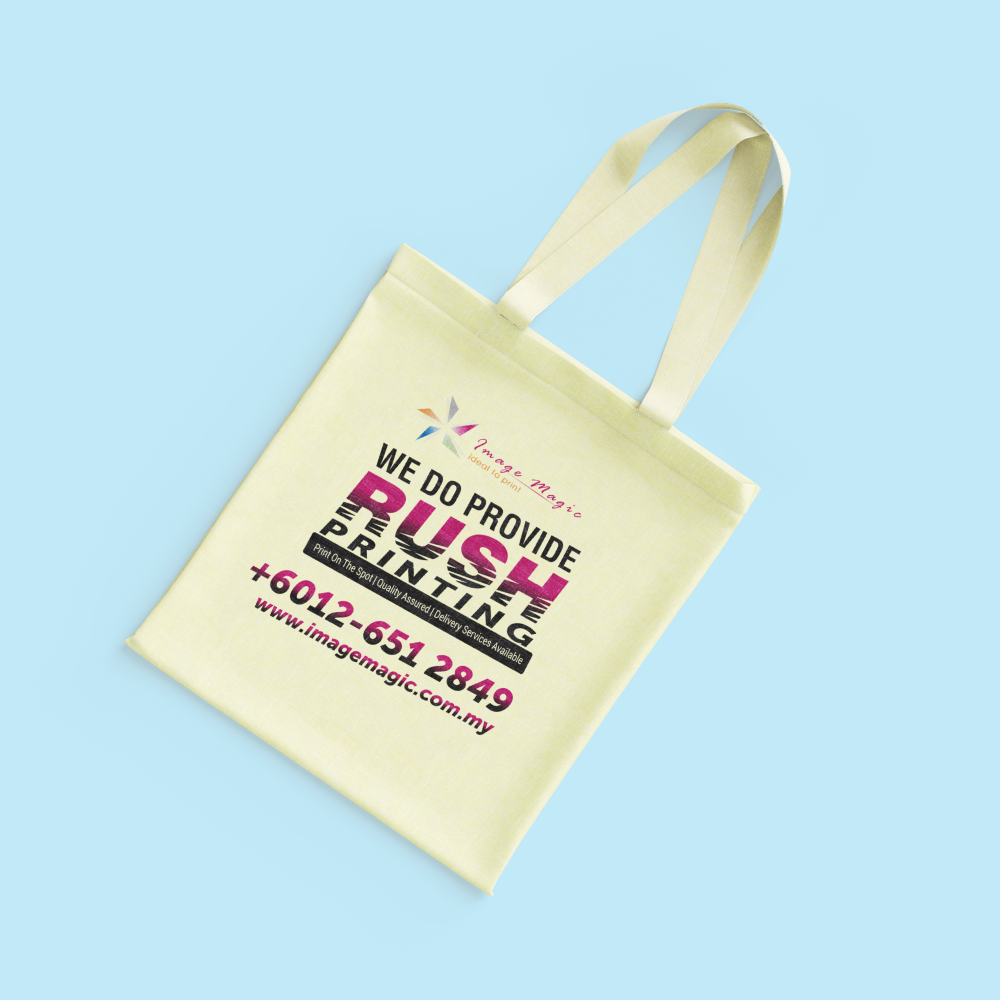
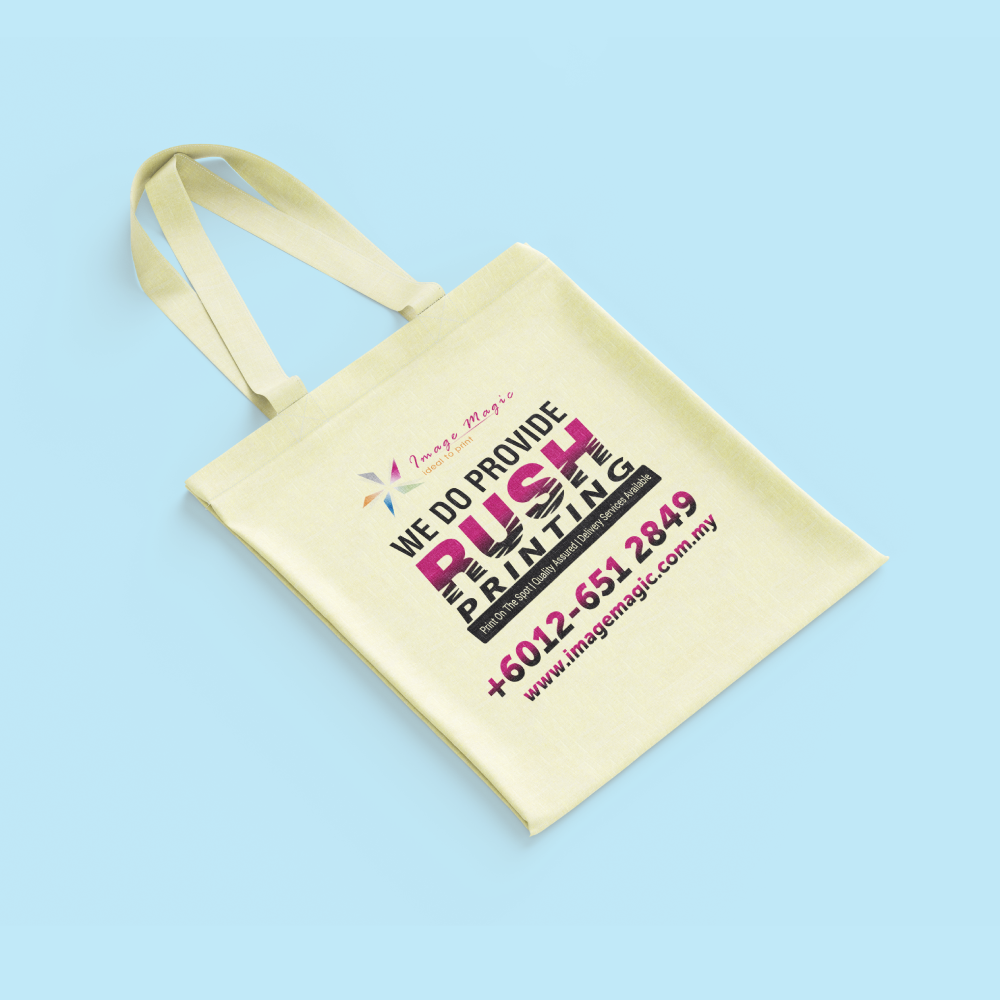
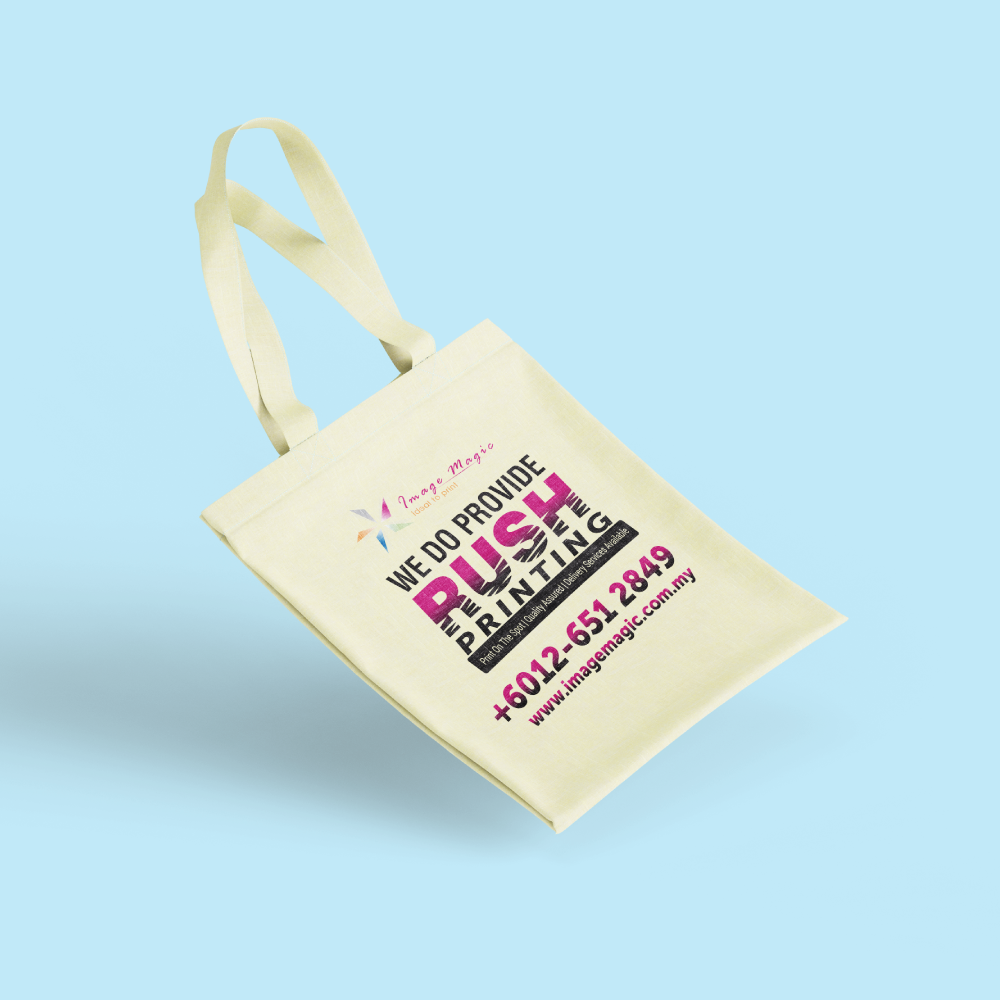
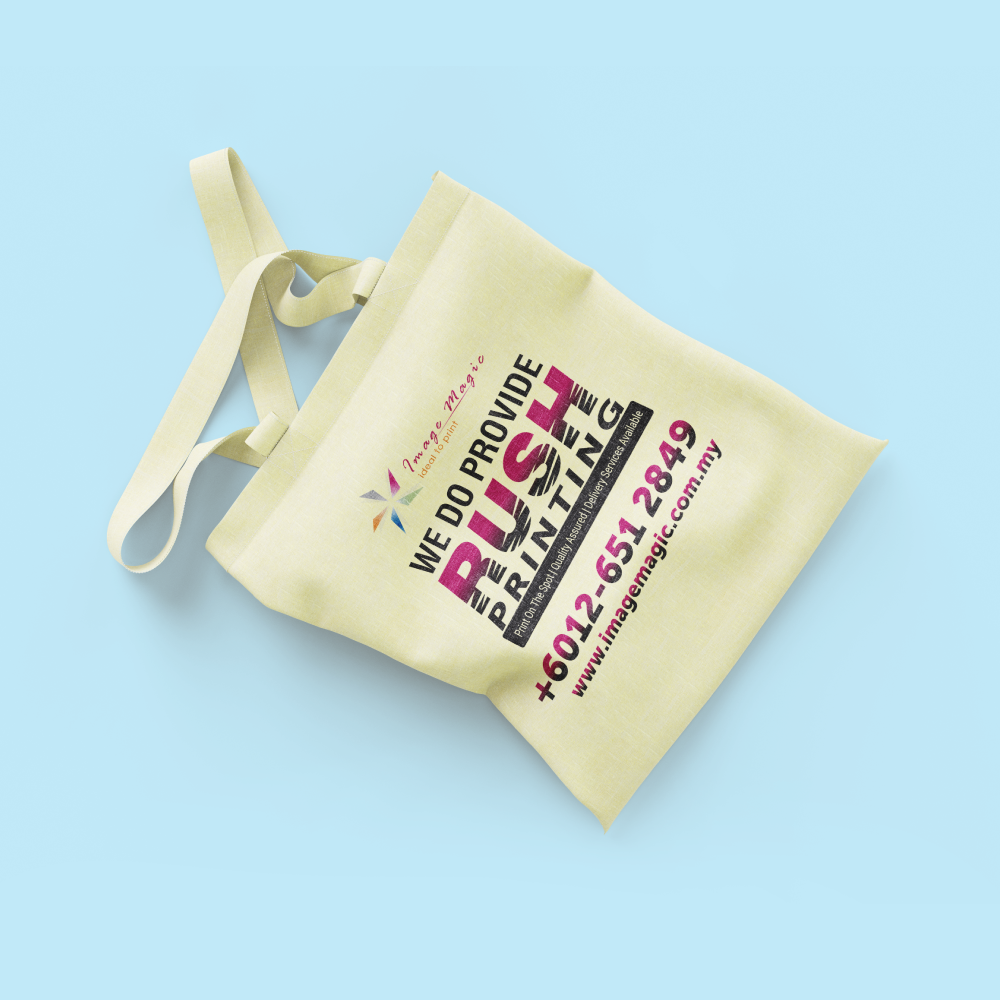
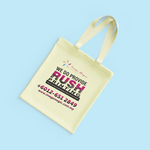
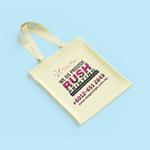
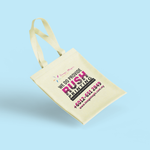
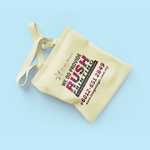
UV Print Tote Bags (Bags)
Choose Options | Get Started To Direct Order
Click Button Below To Order
Full-Colour UV Printed Canvas Tote Bags
Personalise reusable natural canvas tote bags with your logo, promotional artwork or full-colour design. UV printing is suitable for detailed branding, gradients and colourful graphics for events, corporate gifts, retail packaging and branded merchandise.
Product Details
UV Printing Features
UV printing is suitable for colourful branded designs and detailed artwork on the selected printable area of the tote bag.
Suitable for
Artwork and Product Guidelines
Open the sections below before preparing your artwork or using the printed bags.
Artwork File Requirements
- Prepare the design according to the confirmed printing area and printing position.
- Do not assume that the entire surface of the bag can be printed.
- PDF, AI or EPS files are preferred for logos and vector artwork.
- Convert all fonts to outlines or ensure the fonts are correctly embedded.
- Photographs and raster images should be approximately 300 dpi at the final printing size.
- Avoid very thin lines, extremely small text and details that may not reproduce clearly on textured canvas.
- Use CMYK colour mode for more predictable printed colour reproduction.
- Remove unnecessary backgrounds and indicate the exact intended print position clearly.
Colour and Artwork Considerations
- Natural canvas is beige rather than bright white.
- The base colour and fabric texture may influence the final printed appearance.
- Colours viewed on different monitors may not match printed colours exactly.
- Designs with clear contrast generally reproduce more effectively on natural fabric.
- A printed sample may be recommended for colour-critical or large-volume orders.
- Artwork changes after approval may affect the price and completion date.
Recommended Product Care
- Handle and clean the printed area gently.
- Avoid scrubbing the printed design directly.
- Avoid bleach, strong detergents and prolonged soaking.
- Keep the bag away from high heat and do not iron directly over the printed artwork.
- Gentle hand washing is recommended when cleaning is required.
- Print durability depends on frequency of use, washing method and overall care.
Before Approving Production
- Check the logo, spelling, contact details and artwork orientation carefully.
- Confirm the bag size, quantity and printing position.
- Review the artwork at its intended print size.
- Make sure important design elements are not placed too close to seams, handles or uneven areas.
- Final production starts only after payment and artwork approval.
How to Order
- Select the Quantity Confirm the required quantity, starting from 50 pieces.
- Upload Your Artwork Submit your logo or design in a suitable print-ready format.
- Confirm the Layout Check the artwork size, position, spelling and orientation.
- Production Printing begins after payment and final artwork approval.
Frequently Asked Questions
Click a question to view the answer.
What is the minimum order quantity?
What size is the canvas tote bag?
What colour is the tote bag?
Can you print photographs and gradients?
Can the UV printed tote bag be washed?
How long does production take?
Need Custom UV Printed Tote Bags?
Send us your quantity, required completion date and artwork. Our team will review the design and advise on pricing, printing suitability and the earliest available completion date.
WhatsApp +6012-651 2849From 50 pcs • 36 × 40 cm • Natural beige canvas • Approximately 5–7 working days
Download Product Guideline
Upload Artwork Guideline
File Format: AI / PDF / PSD / PNG (300 DPI)
Colour Mode: CMYK
For Silkscreen: Separate colours preferred (vector format)
For Full Colour: High-res raster image (minimum A4 size)
Mark Print Area: Keep design within 25x25cm box unless custom
📩 Request a tote bag size guide or mockup template via WhatsApp.



