


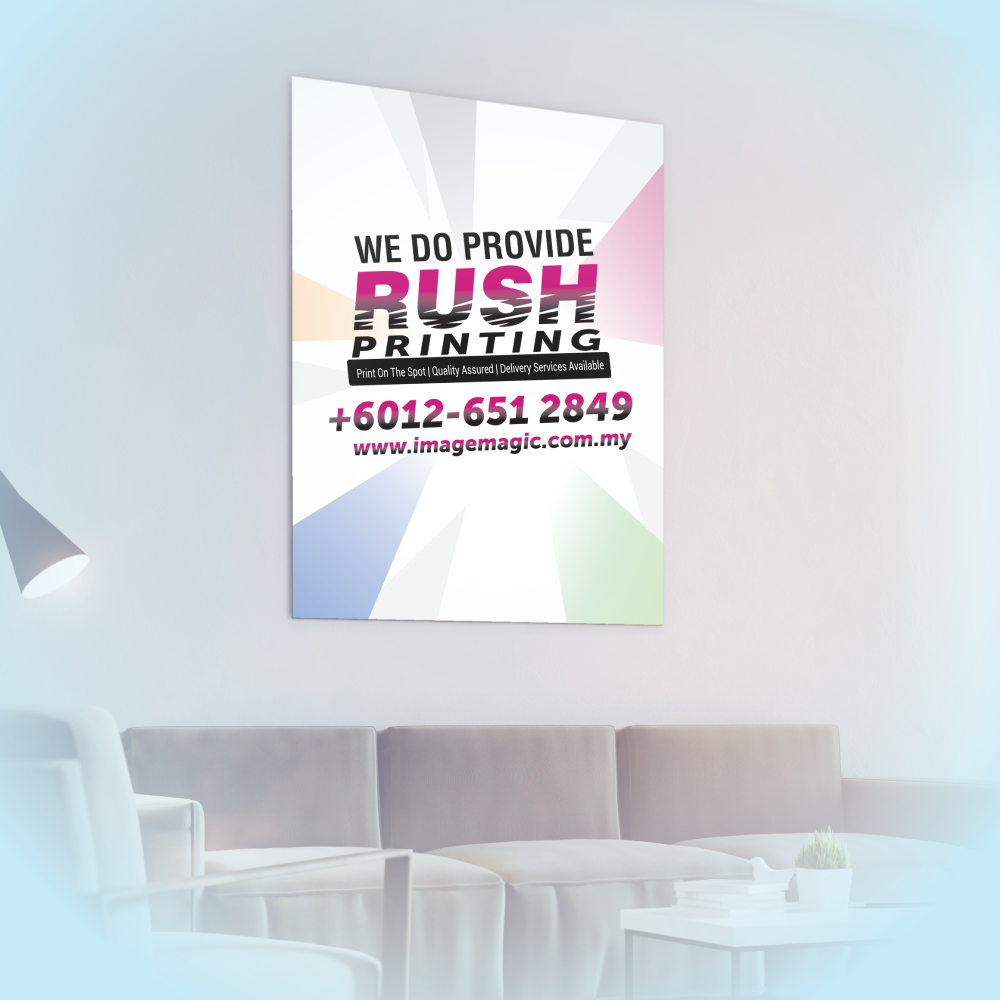
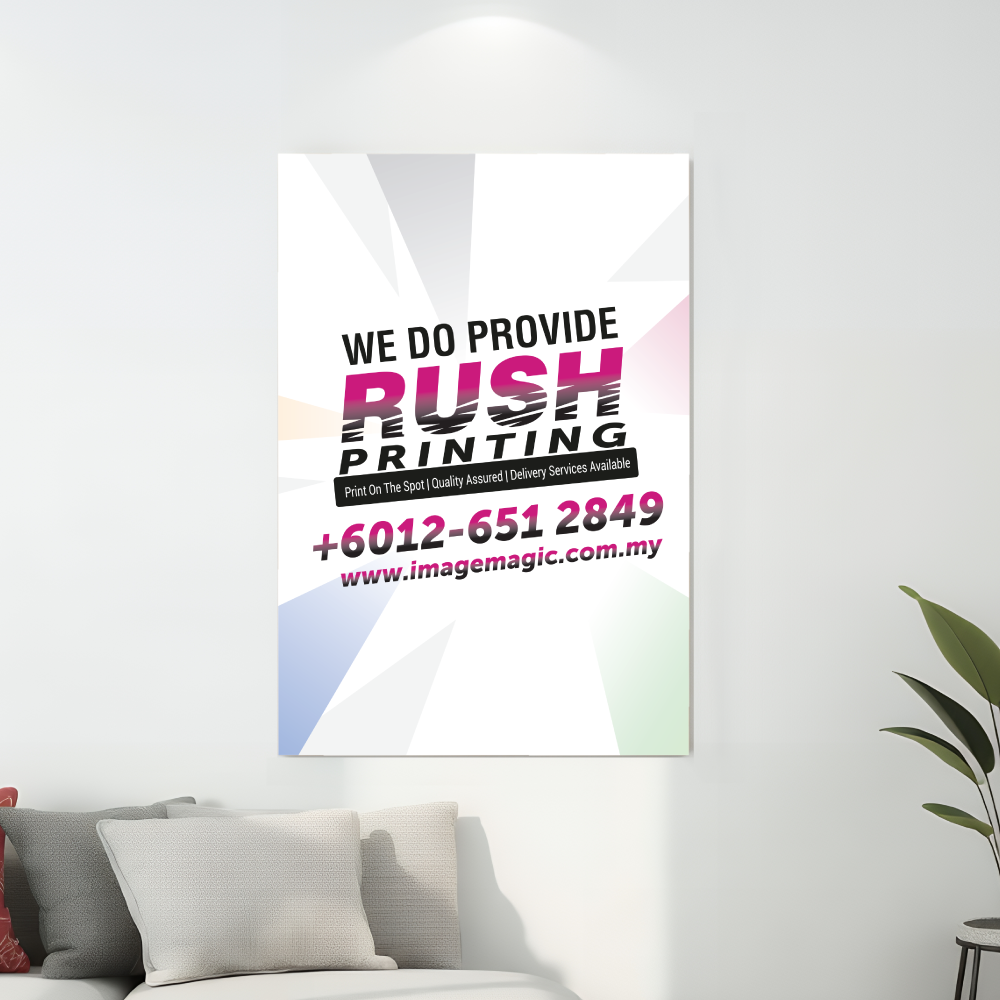
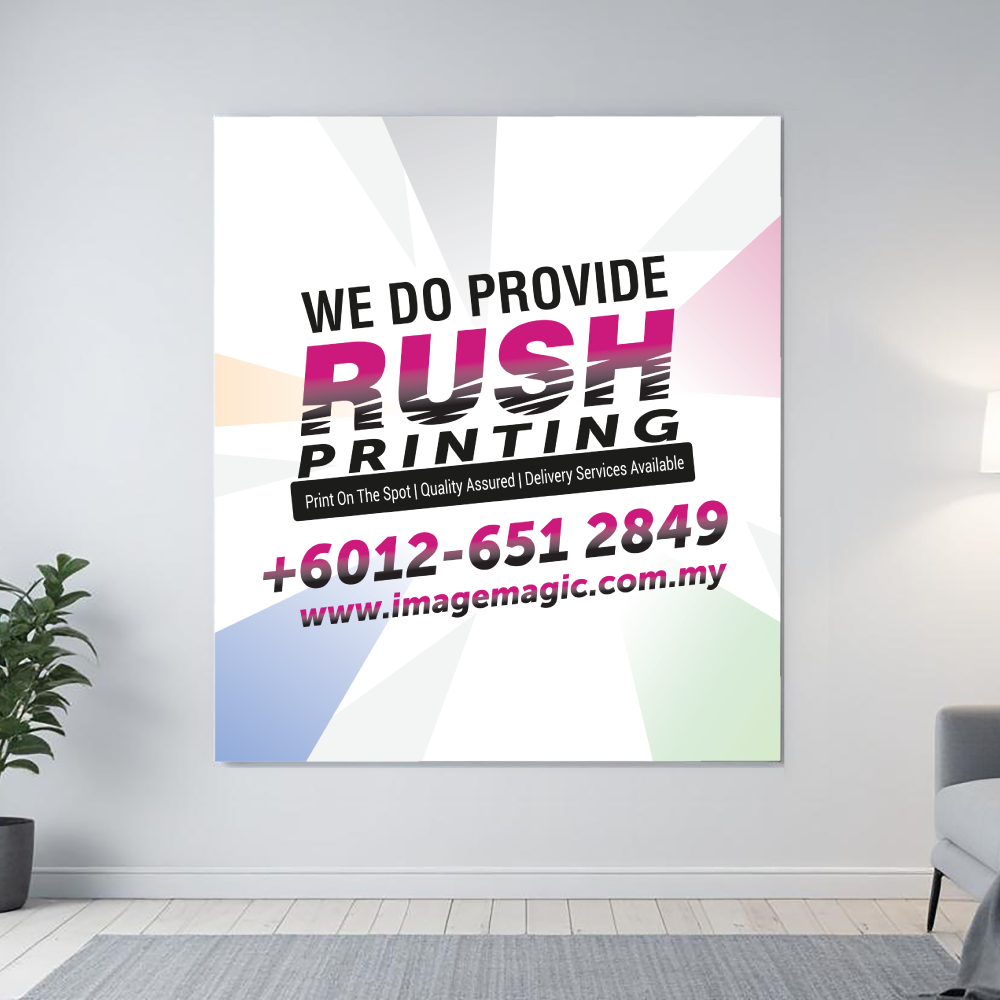
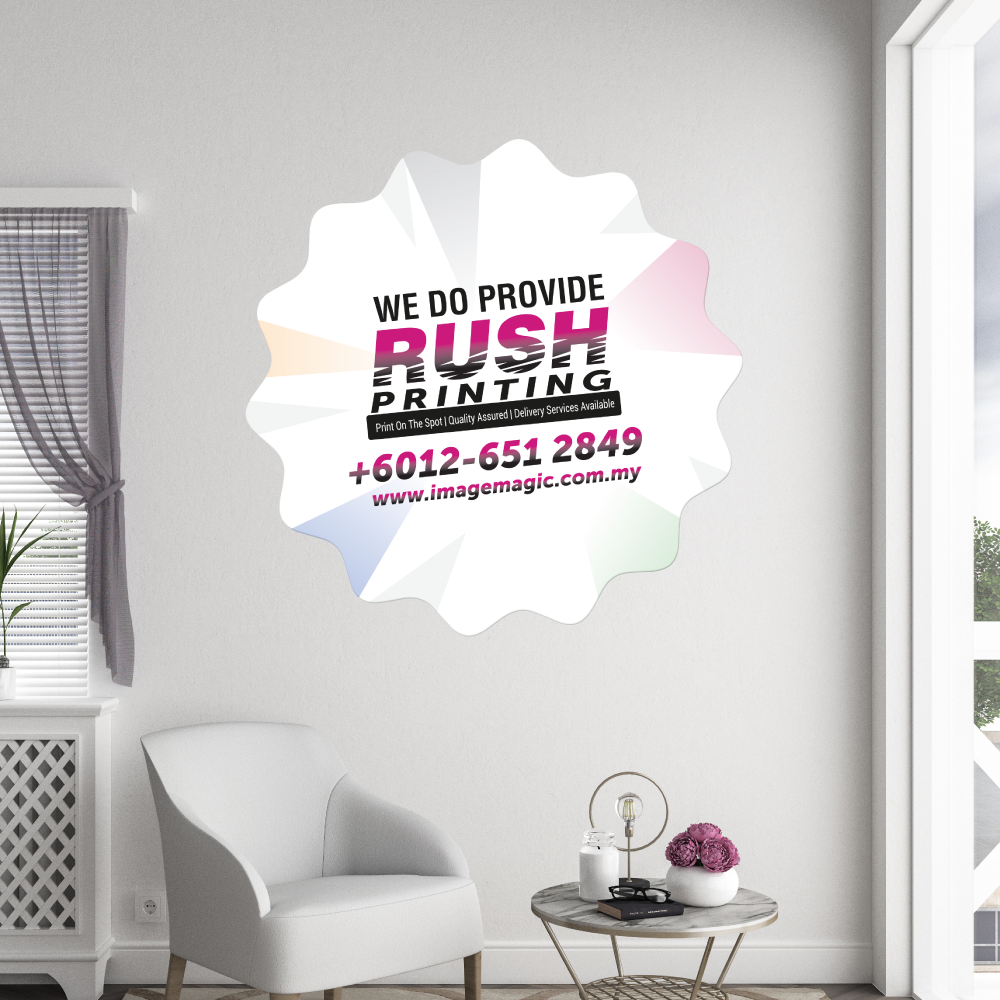
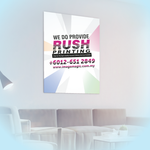
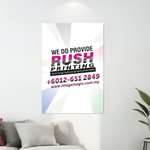
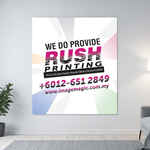
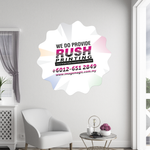
Wall Stickers (Stickers & Decals)
Choose Options | Get Started To Direct Order
Click Button Below To Order
Custom Wall Graphics for Smooth Interior Surfaces
Print custom wall stickers for retail promotions, office branding, event displays, decorative graphics and temporary campaign signage. Choose from 3M Gloss, 3M Greybase, Bagus Gloss or Ultra Clear Transparent material according to the required surface, opacity, appearance and budget.
Choose the Correct Sticker Material
The best material depends on the application surface and the visual effect required.
 3M Gloss Sticker
White glossy adhesive material for general wall graphics, promotional displays and branding on suitable clean, smooth surfaces.
 3M Greybase Sticker
White sticker material with a grey adhesive backing. Choose this when stronger surface coverage is required, such as over darker backgrounds or previous graphics.
 Bagus Gloss Sticker
Budget-oriented glossy sticker material for suitable short-term indoor promotions, campaign displays and smooth-surface graphics.
 Ultra Clear Transparent Sticker
Clear material for applications where the background should remain visible. Particularly useful on glass, acrylic and other clean transparent or smooth surfaces.
How the Product Options Affect Your Wall Sticker
Check the Wall Before Ordering
Adhesive performance depends heavily on the actual surface.
Suitable Applications
Artwork Preparation Guidelines
Prepare the artwork at the actual ordered size before uploading.
File Format and Resolution
- PDF is the preferred print-ready format.
- AI artwork may also be supplied.
- Prepare the file at actual size or 1:1 scale.
- Use approximately 150–300 DPI at actual size.
- Prepare colour artwork in CMYK.
Bleed and Safe Area
- Add approximately 3–5mm bleed when artwork extends to the finished edge.
- Extend backgrounds and images through the bleed.
- Keep important text and logos approximately 3–5mm inside the finished edge.
- For custom shapes, keep important content at least 5mm inside the cutline.
Custom Shape Cutline
- Supply a closed vector path for custom shapes.
- Place the cutline on a separate layer.
- Identify the cutline using a clearly named separate spot colour.
- Avoid extremely small details, thin sections and unnecessarily complicated cutting paths.
Fonts and Images
- Convert fonts to outlines or embed them correctly.
- Embed all linked images.
- Check photographs and logos at the final printed size before exporting.
Multiple Designs
- Upload one final artwork file per order item.
- Use Add Item for additional artwork with the same specification and quantity.
- Do not split one selected quantity across different unrelated designs.
- All options selected for an item apply to the artwork uploaded under that item.
Basic Artwork Check
- Image Magic may perform a basic technical check for size, margins and colour setup.
- Minor technical adjustments may be made where appropriate.
- This is not a full graphic-design, retouching or proofreading service.
- Customers remain responsible for final wording, dimensions and design content.
Basic Wall Sticker Application
- Prepare Surface Clean the wall and allow it to become completely dry.
- Check Position Measure and align the graphic before exposing the full adhesive.
- Apply Gradually Work slowly from one side while smoothing the sticker to reduce trapped air.
- Press Edges Apply even pressure across the graphic, particularly around edges and corners.
Frequently Asked Questions
Which wall sticker material should I choose?
Can wall stickers be applied to any painted wall?
Can I order a custom-shaped wall sticker?
Will the sticker remove without damaging paint?
Can I apply a sticker to a newly painted wall?
What artwork resolution should I use?
What file is needed for a custom shape?
Does production time include delivery?
Need Custom Wall Stickers?
Confirm the final size, application surface and preferred material, then upload complete print-ready artwork. If you are unsure which material is suitable, send us a photo and description of the intended surface before ordering.
WhatsApp +6012-651 2849Templates
To start, select the product size, preview the design guidelines, download the guidelines for reference, and proceed with the customization options.
Upload Artwork Guideline
🎨 File Format: PDF, AI, PSD, or high-res JPG
🖼️ Resolution: 150–300 DPI
🎯 Colour Mode: CMYK
✂️ Cut Line: Add red 1pt outline in separate layer
📏 Bleed: 3mm on all edges
🧾 Safe Zone: Keep important text at least 5mm from edge
🅰️ Fonts: Outlined or embedded
📥 Need help with layout? Send us your design elements, and we'll assist with setup!



