


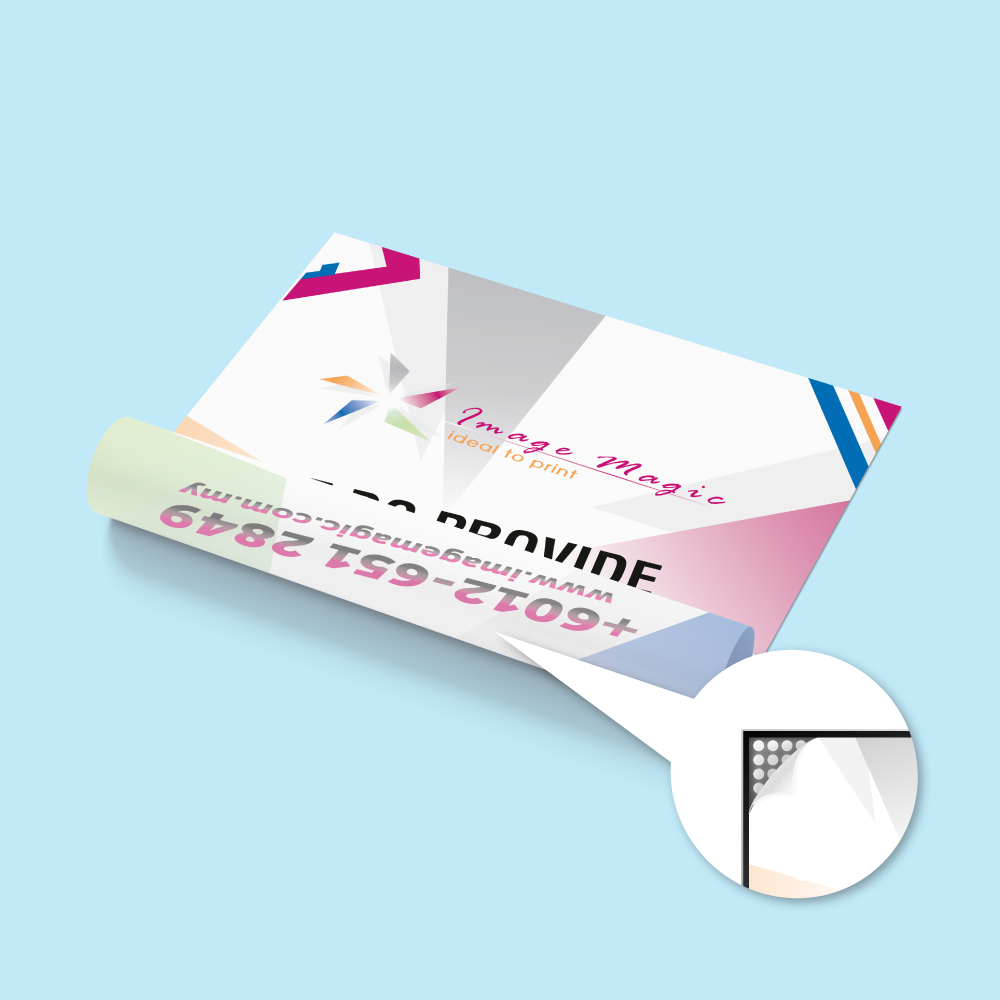
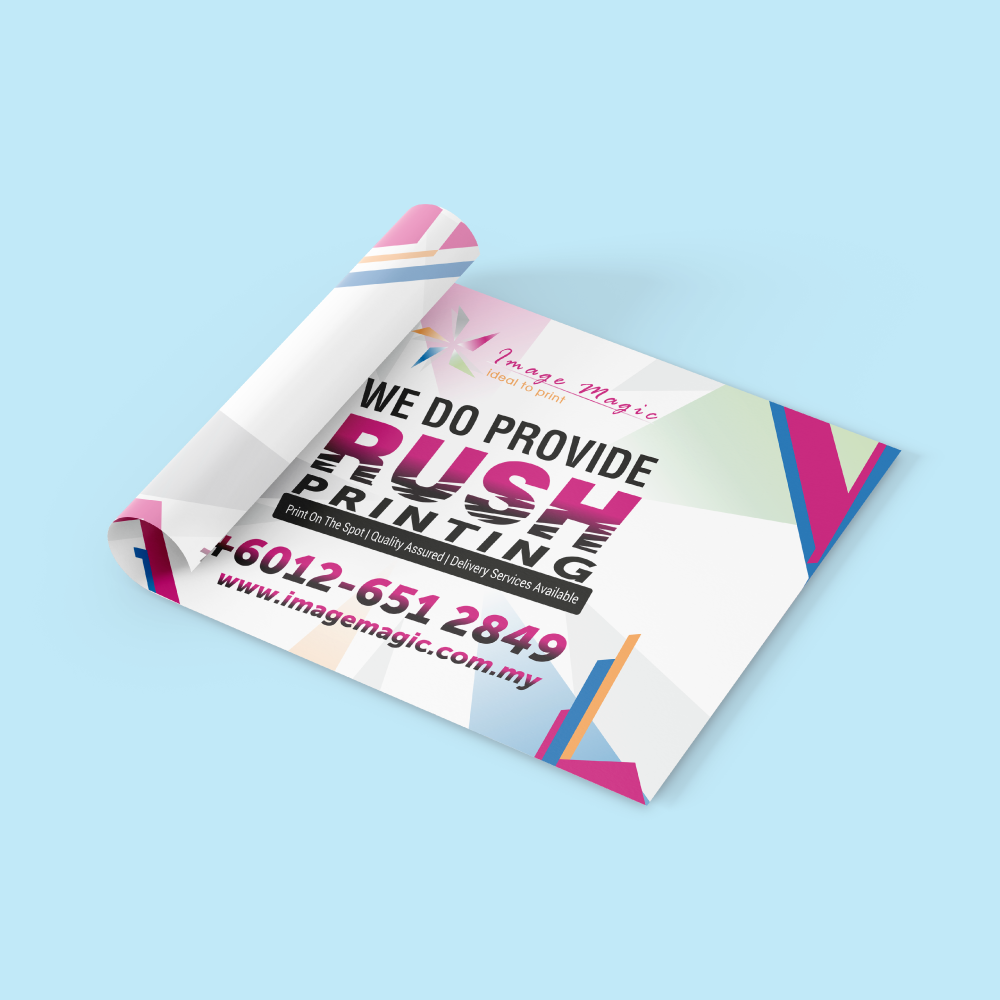
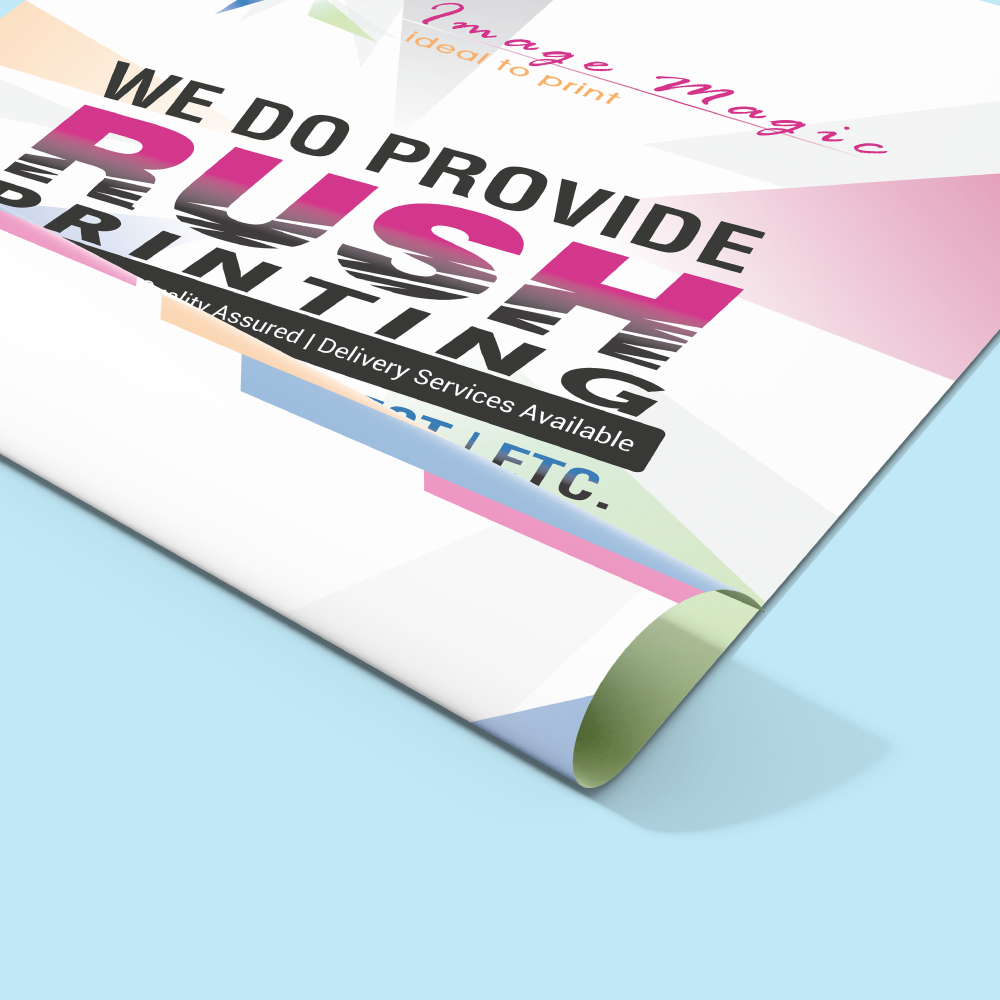
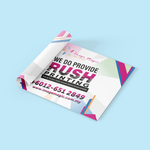
Backlit Film Prints (Display Signs)
Choose Options | Get Started To Direct Order
Click Button Below To Order
Custom Backlit Film for LED Lightboxes, Menu Boards & Illuminated Displays
Order backlit film printing in Malaysia for LED lightboxes, retail displays, menu boards, poster lightboxes and illuminated advertising. Printed on Bagus Backlit PET 210 Micron using HP Latex Print With Backlit Mode for artwork designed to be viewed with light shining from behind.
The translucent PET film helps distribute backlighting through the printed image, making it suitable for bright graphics, promotional posters, menus and display panels installed inside compatible lightbox frames.
Current Backlit Film Product Options
Choose the required size and quantity, then confirm the current material, printing mode and production time shown in the online calculator.
| Sizes | Select the required size from the live Sizes menu. The current indexed default is A3 (297mm × 420mm). Prepare artwork at the exact size selected. |
|---|---|
| Quantity Per Design | Enter the required quantity for one artwork/design. Use a separate item when a different design requires a different size or specification. |
| Latex Print Material | Bagus Backlit PET 210 Micron. |
| Printing Type | HP Latex Print With Backlit Mode. |
| Production Time | 2 Working Days on the current indexed configuration. Delivery or collection time is separate. |
Why Use Backlit Film for Lightbox Printing?
Backlit film is made for graphics illuminated from behind. Unlike ordinary opaque poster media, the translucent film allows light to pass through the printed image so the display remains visible and colourful when the lightbox is switched on.
Popular Applications for Lightbox Film Printing
Backlit Film vs Normal Poster Printing
Choose the print material according to how the graphic will be displayed.
For graphics installed inside a lightbox and illuminated from behind. The PET film is translucent and the print uses a dedicated backlit mode.
Better for wall posters, stands and display boards that are viewed using normal front lighting rather than a lightbox.
Choose a rigid board product when the graphic needs its own structural backing instead of being inserted into a lightbox frame.
Backlit Artwork Preparation
Prepare final print-ready artwork for the exact size selected in the calculator. Backlit graphics benefit from clear contrast and balanced brightness because the finished image will be illuminated from behind.
Recommended File Format
- PDF is preferred; AI is also recommended.
- Prepare artwork at actual size, 1:1 scale.
- Use CMYK colour mode.
- Flatten final artwork where appropriate.
Image Resolution
- 300 DPI is recommended at final size.
- 150 DPI is the current minimum guideline.
- Use high-resolution photography and logos.
- Avoid low-resolution web images or screenshots.
Bleed & Safe Area
- Use 5mm bleed around the artwork for this product.
- Keep important text, logos and key elements at least 5–10mm from the edges.
- Extend background colours and images into the bleed area.
- Check the final insert dimensions of the lightbox before export.
Fonts & Final File
- Convert fonts to outlines or embed fonts.
- Upload one final artwork file per order item.
- Make sure the uploaded artwork matches the selected size.
- Remove draft layers and unused artwork before upload.
Designing for Illumination
- Use strong contrast between text and background.
- Very dark artwork can appear heavy when illuminated.
- Food and product photographs should retain enough brightness for backlighting.
- Review the design with the intended lightbox environment in mind.
Multiple Designs
- Use Add Item for another artwork with the same specification and quantity.
- Do not split one selected quantity across different designs.
- Different sizes should be ordered as separate items.
- All options under one item apply to its uploaded artwork.
How to Order Backlit Film Online
- Select the SizeChoose the size that matches your lightbox insert or visible display area.
- Enter Quantity Per DesignChoose the number of identical backlit film prints required for that artwork.
- Confirm Material & Print ModeSelect Bagus Backlit PET 210 Micron and HP Latex Print With Backlit Mode.
- Select Production TimeThe current indexed option is 2 Working Days.
- Upload Print-Ready ArtworkSubmit the final CMYK file at actual size with the required bleed and safe area.
Frequently Asked Questions
What material is used for Backlit Film Prints?
What printing mode is used?
What size is available?
Is backlit film suitable for an LED lightbox?
Can I use ordinary poster artwork?
How much bleed should I prepare?
How long does production take?
Is this the lightbox frame as well?
Order Backlit Film Printing in Malaysia
Choose the required lightbox film size and quantity, then order Bagus Backlit PET 210 Micron printed with HP Latex Backlit Mode. Upload final artwork at actual size for your LED lightbox, menu board or illuminated display.
WhatsApp +6012-651 2849Backlit PET Film • HP Latex Backlit Mode • LED Lightboxes • Menu Boards • Retail Displays
Templates
To start, select the product size, preview the design guidelines, download the guidelines for reference, and proceed with the customization options.
Upload Artwork Guideline
File Format: AI / PDF / PSD / TIFF (min 150–300 dpi at actual size)
Colour Mode: CMYK
Bleed: 5mm bleed all around
Fonts: Convert all text to outlines
Design Tip: Avoid very dark backgrounds; vibrant graphics work best with backlit diffusion



