


Document Folders (Stationery)
Choose Options | Get Started To Direct Order
Click Button Below To Order
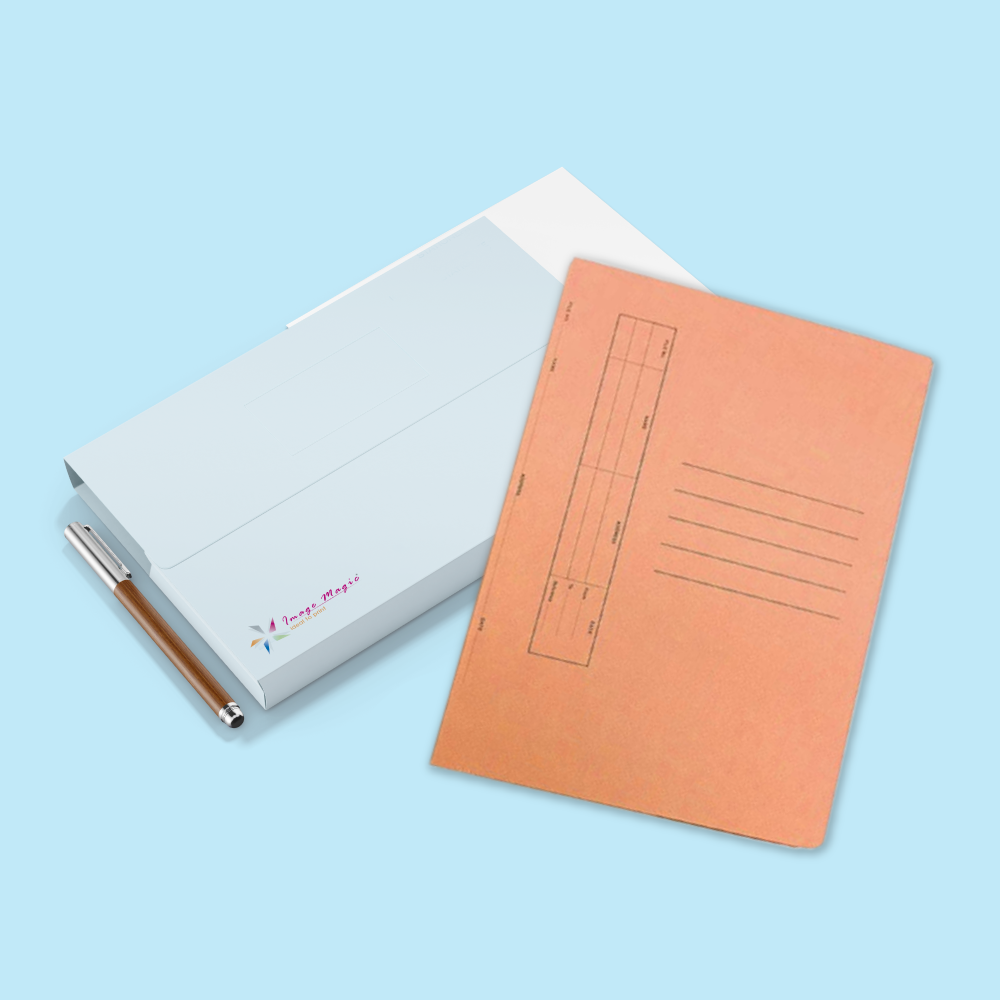
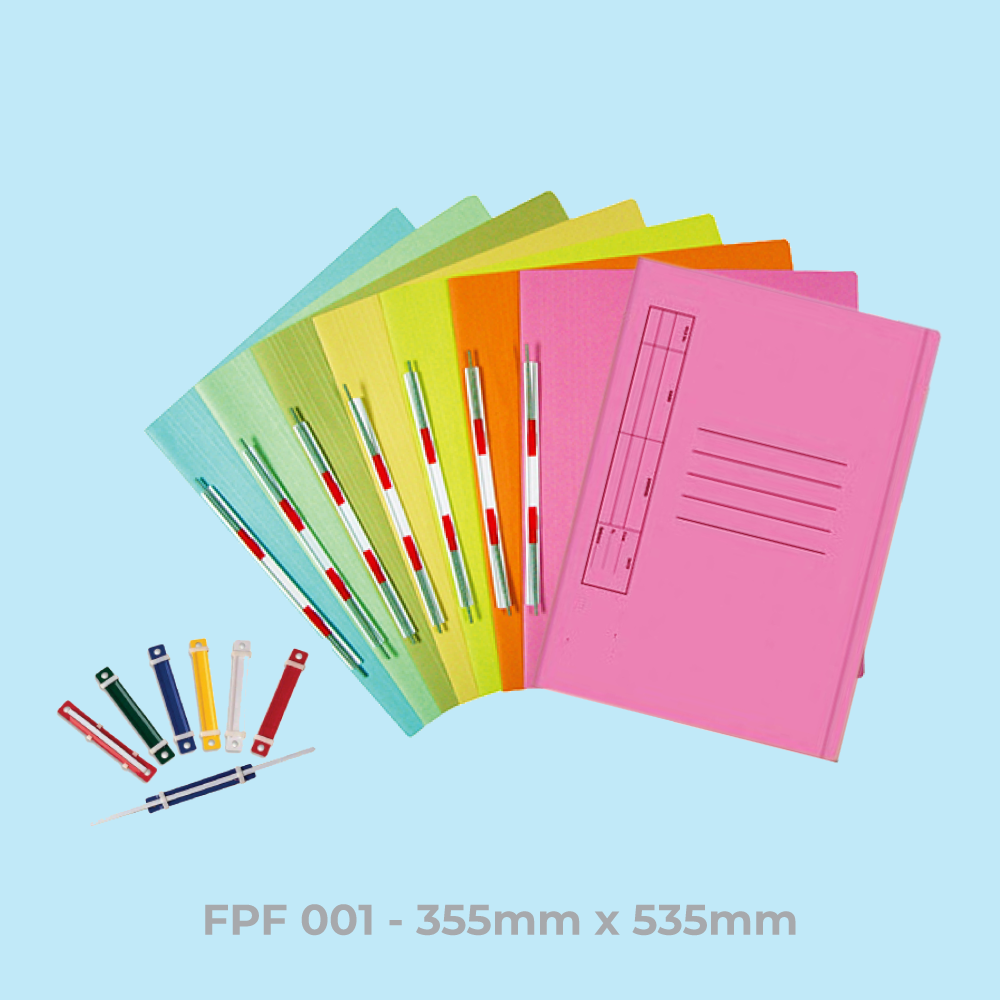
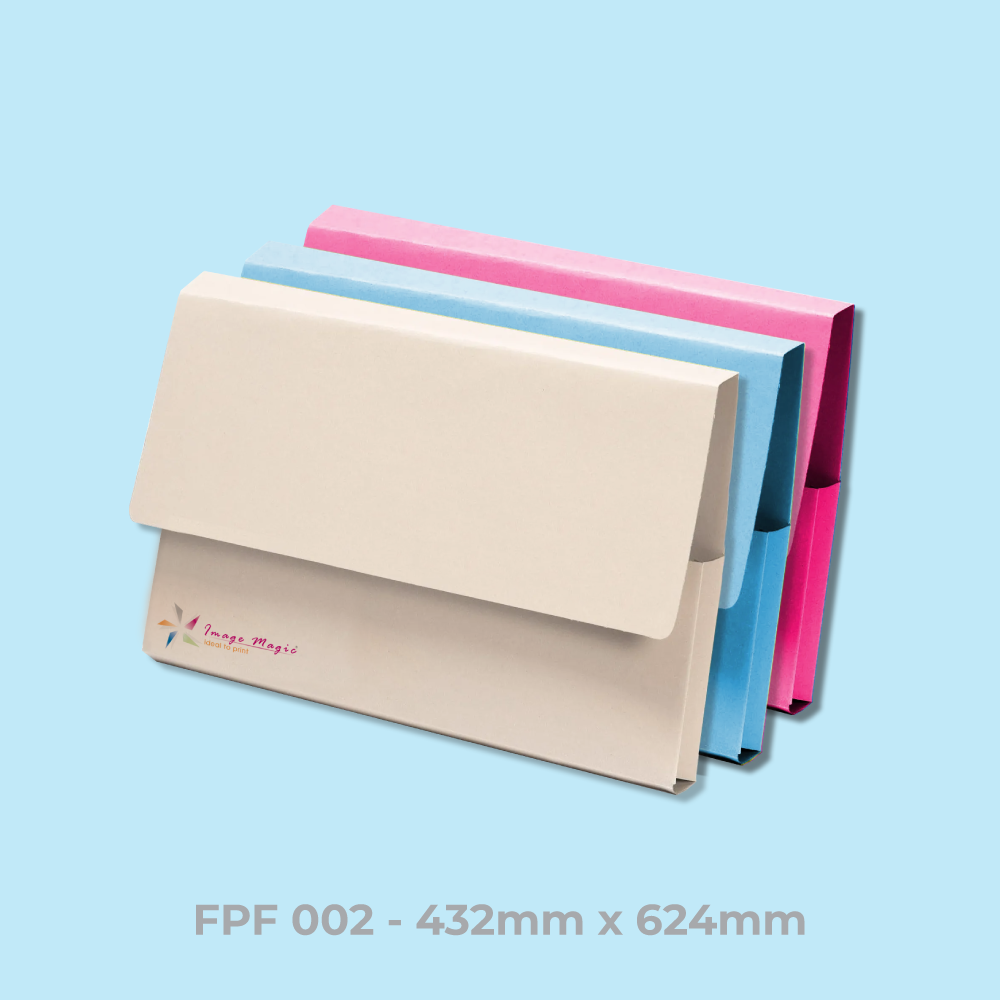
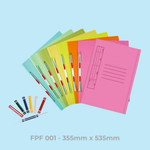
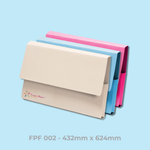
Custom Corporate Document Folders in FDF001 & FDF002
Print branded document folders for proposals, quotations, training materials, corporate packs and official documents. Choose the FDF001 or FDF002 folder model with full-colour single- or double-sided printing and premium laminated finishing.
Choose Your Document Folder Model
The folder construction and artwork layout are determined by the selected FDF model. Always use the matching inner and outer artwork templates.
Select FDF001 when your artwork is prepared according to the FDF001 inner and outer document-folder templates.
Select FDF002 when your artwork is prepared according to the larger FDF002 inner and outer folder templates.
Current Product Specifications
Printing Options
Lamination & Spot UV Options
Select one of the finishing combinations currently offered by the product calculator.
Folder Construction Clarification
FDF001 and FDF002 use different structural artwork templates. Fold lines, pocket areas and other construction details should follow the exact downloaded template for the selected model.
Suitable for
Artwork Preparation Guidelines
Document-folder artwork must follow the exact selected FDF model because folds, pockets and construction areas affect safe artwork placement.
File Format and Colour
- PDF is the preferred print-ready format.
- AI artwork is also accepted.
- CMYK colour mode is recommended.
- Raster images should be approximately 300 DPI at final size.
- Outline or embed fonts before exporting.
Use the Correct FDF Template
- Use FDF001 artwork when FDF001 is selected.
- Use FDF002 artwork when FDF002 is selected.
- Separate inner and outer guideline files are available for each model.
- Do not resize one model's artwork to fit the other model.
Bleed
- Add 3mm bleed on all sides when backgrounds, colours or images extend to the trim edge.
- Extend all edge-to-edge artwork fully into the bleed area.
Safe Area, Folds and Pockets
- Keep important text and logos at least 5mm away from trim, fold and pocket areas.
- Avoid placing QR codes or essential information directly across fold lines.
- Keep important artwork away from glue areas and pocket flaps.
Single-Sided Artwork
- Single-sided orders use the Artwork – Front Page upload section.
- Prepare the artwork according to the corresponding outer template.
Double-Sided Artwork
- Double-sided orders show both Artwork – Front and Artwork – Back upload sections.
- Upload the correct outer and inner artwork to their corresponding fields.
- Check orientation around all fold lines before exporting.
Multiple Folder Designs
- The selected quantity applies to each individual design.
- One quantity cannot be split between several unrelated artworks.
- Multiple artworks with the same specification and same quantity may be added as separate items.
Artwork Check & Submission
- Image Magic performs a basic technical check for size, margins, fold areas and colour setup.
- Artwork should be uploaded before 5:00 PM for the applicable production schedule.
- Late or unsuitable artwork may affect completion.
- Customers remain responsible for spelling, contact information and supplied content.
Production and Delivery
How to Order Document Folders
- Select Folder Model Choose FDF001 or FDF002.
- Select Specifications Choose quantity, printing sides and lamination.
- Prepare Artwork Use the exact matching inner and outer templates.
- Upload and Order Submit complete print-ready files and checkout.
Frequently Asked Questions
What document folder sizes are available?
What is the minimum order quantity?
What paper is used?
Can document folders be printed on both sides?
What lamination options are available?
Can Spot UV be applied on both sides?
Is a name-card slot included?
How long does production take?
Need Custom Document Folders?
Choose FDF001 or FDF002, select your printing and lamination, then prepare the inner and outer artwork using the matching document-folder templates.
WhatsApp +6012-651 2849Download Product Guideline
Upload Artwork Guideline
File Type: AI / PDF / PSD (300 DPI)
Bleed: 3mm on all edges
Colour Mode: CMYK
Template: Request Image Magic's folder template with fold/pocket guides
Fonts: Outlined or embedded
Name Slot: Indicate if needed in artwork
📩 Request the folder template (with or without name card slot) via WhatsApp.



