


Folded Business Cards (Business Cards)
Choose Options | Get Started To Direct Order
Click Button Below To Order
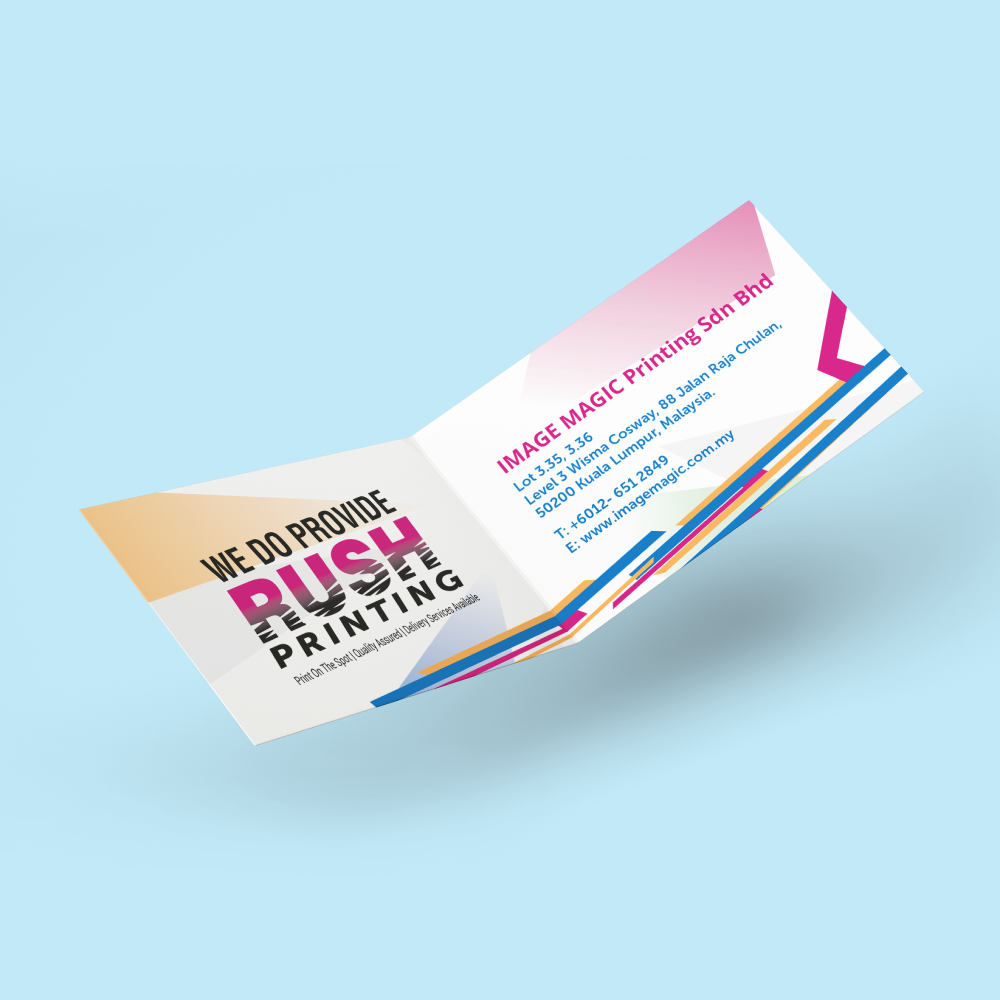
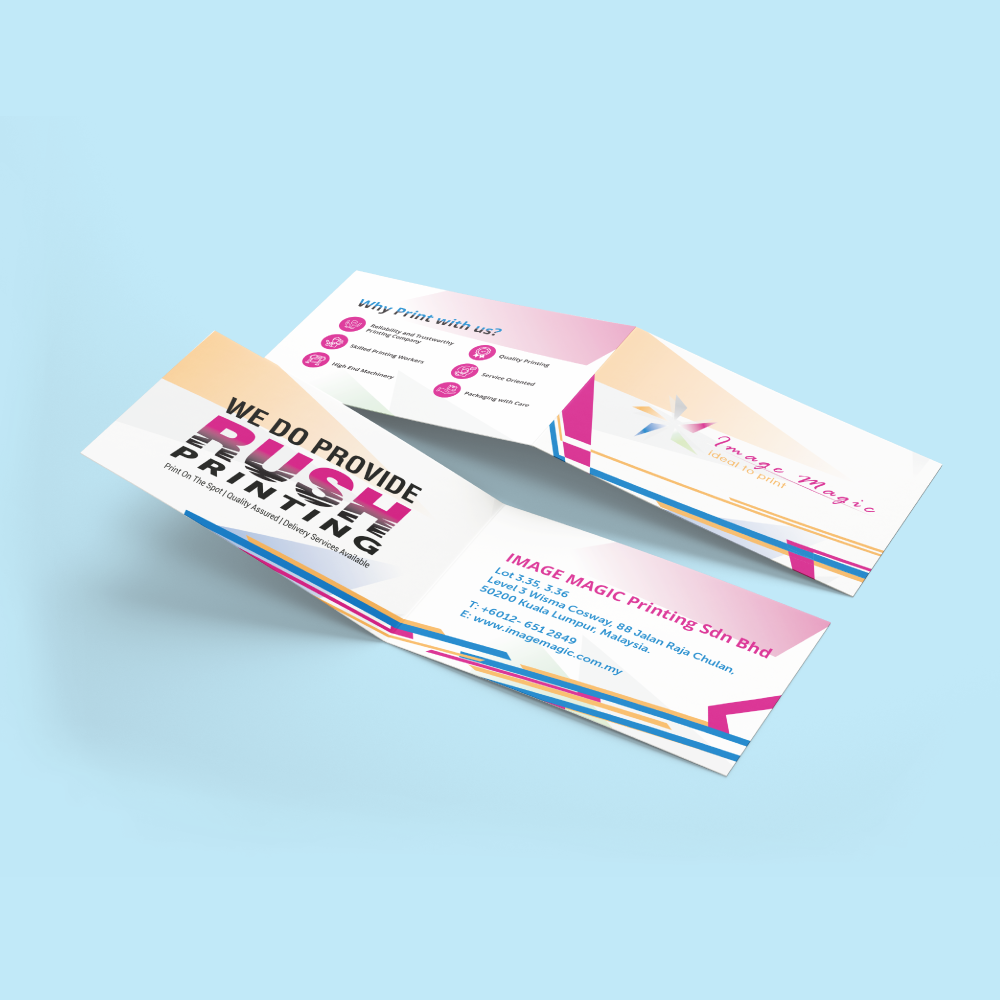
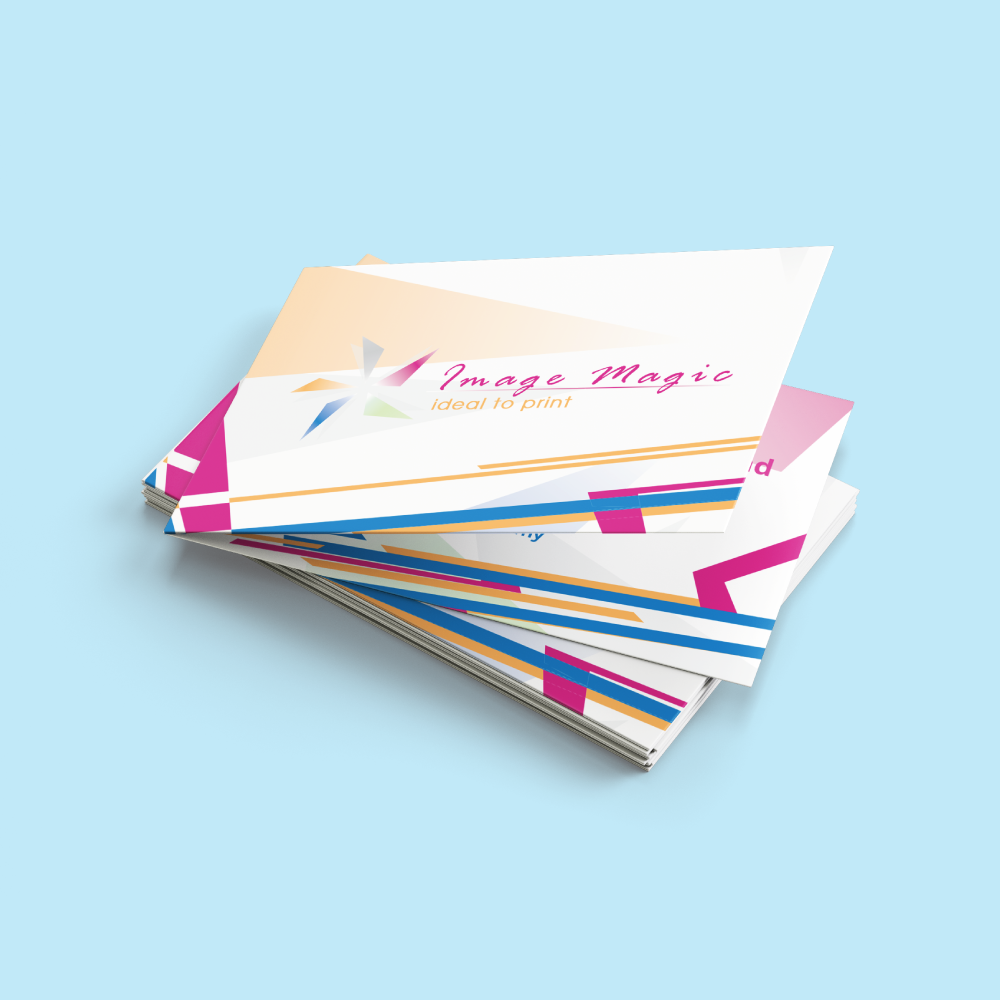
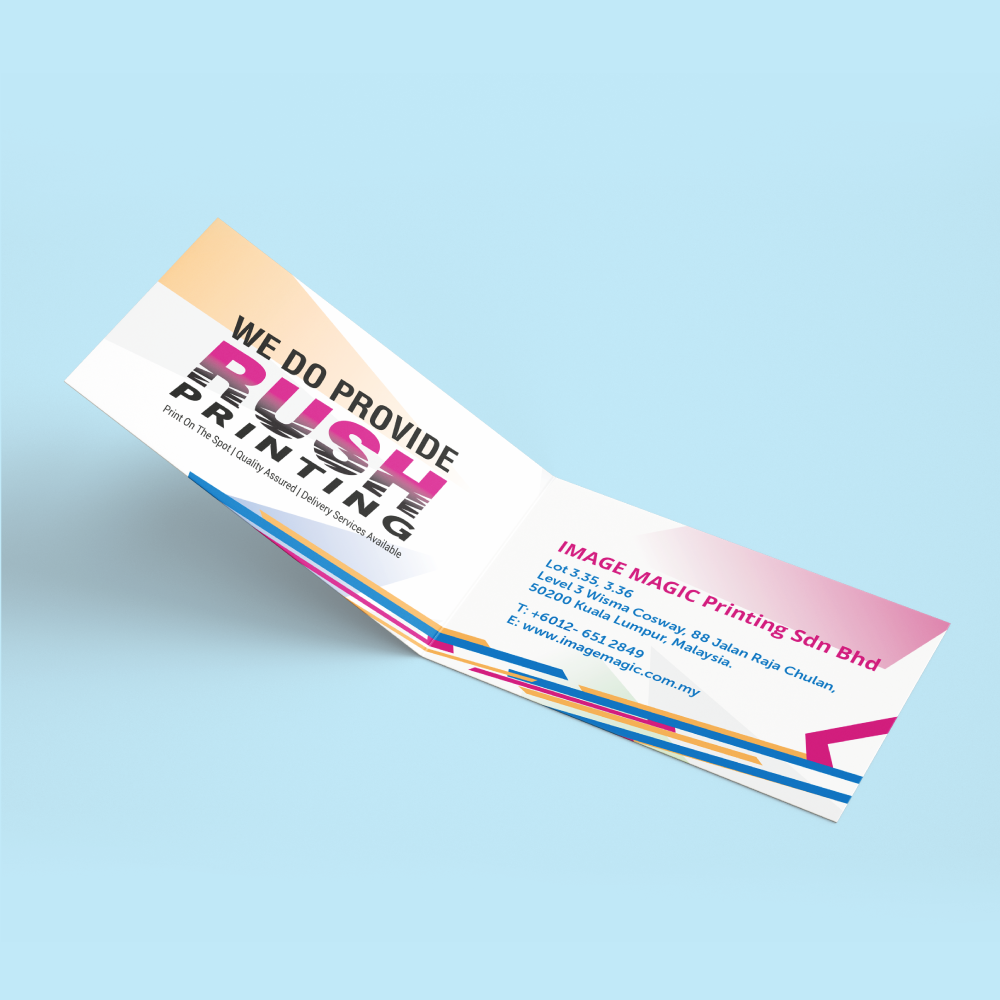
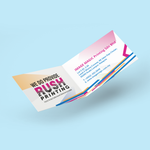
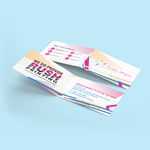
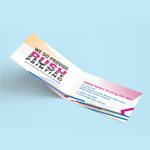
Folded Name Cards with Up to Four Printable Panels
Folded business cards provide more room for services, appointment information, promotions, QR codes and contact details while remaining compact when folded. Choose a portrait or landscape open size, full-colour printing and the required lamination finish.
Current Product Options
| Minimum Quantity | From 100 pieces per design |
|---|---|
| Printing | Full-colour single-sided or full-colour both-sided printing |
| Paper | Select the available Art Card paper type in the product calculator |
| Lamination | No lamination, matte lamination on both sides or gloss lamination on both sides |
| Fold | Centre-folded portrait or landscape format |
Current Indexed Size Options
The measurements below are the open sheet sizes before the centre fold.
| Open Size | Fold Orientation | Approximate Folded Size |
|---|---|---|
| 90 × 90mm | Portrait Fold | 90 × 45mm |
| 180 × 45mm | Landscape Fold | 90 × 45mm |
| 180 × 50mm | Landscape Fold | 90 × 50mm |
| 180 × 52mm | Landscape Fold | 90 × 52mm |
| 180 × 54mm | Landscape Fold | 90 × 54mm |
Single-Sided or Both-Sided Printing?
 Full-Colour Single-Sided
One face of the open sheet is printed. This provides two printed panels after folding, while the reverse face remains unprinted.
 Full-Colour Both-Sided
Both faces of the open sheet are printed. This provides content on the outside front, outside back and two inside panels.
Lamination Options
 No Lamination
Leaves the selected paper surface without an additional laminated film. Test pen compatibility when the card needs to be written on.
 Matte Lamination – Both Sides
Provides a smoother, lower-reflection finish on both faces of the open card.
 Gloss Lamination – Both Sides
Provides a shinier and more reflective finish on both faces of the open card.
 Centre Crease and Fold
The card is creased through the centre so the printed panels fold into the selected finished format.
Artwork Preparation Guidelines
File Format and Colour
- PDF is the recommended print-ready format.
- AI files may also be submitted.
- Prepare colour artwork in CMYK.
- Use approximately 300 DPI images at final size.
- Outline or embed all fonts before export.
Artwork Size and Bleed
- Artwork must match the exact open size selected in the calculator.
- Add 3mm bleed when backgrounds extend to the edge.
- Extend colours and images completely through the bleed.
- Keep important text and logos 3–5mm inside the trimming edge.
Fold-Safe Area
- Keep essential text, logos and QR codes at least 3–5mm away from the fold line.
- Do not place small text directly across the crease.
- Add the fold line only on a non-printing guide layer.
- Remove guide lines from the final printable artwork.
Four-Panel Layout
- The four panel faces are outside front, outside back, inside left and inside right.
- Confirm the panel sequence before uploading.
- Use the correct template for the selected portrait or landscape fold.
- Check which panel becomes the front cover after folding.
How to Upload Both Sides
- Upload the outside spread under Artwork–Front.
- Upload the inside spread under Artwork–Back.
- Clearly label the outside and inside files.
- Check that both spreads use identical dimensions and fold positions.
Before Submitting
- Confirm the selected open size.
- Confirm single- or both-sided printing.
- Confirm the lamination option.
- Check all panel positions and orientations.
- Test QR codes from the final exported artwork.
- Upload complete artwork before the stated daily artwork cut-off where possible.
Suitable for
How to Order
- Select the Open Size Choose the correct portrait or landscape folded-card size.
- Select Printing Choose one-sided or both-sided full-colour printing.
- Select Lamination Choose none, matte on both sides or gloss on both sides.
- Upload Artwork Submit the correctly arranged outside and inside spreads.
Frequently Asked Questions
How many printable panels are available?
What is the minimum order quantity?
Is 180 × 54mm the only available size?
Can folded business cards be printed on both sides?
What lamination choices are available?
How should both-sided artwork be uploaded?
Should text be placed over the fold line?
Need Folded Business Cards?
Select the open size, printing sides and lamination, then upload correctly arranged outside and inside artwork.
WhatsApp +6012-651 2849Download Product Guideline
Upload Artwork Guideline
Format: AI / PDF / PSD (300 DPI)
Size: 180mm × 54mm + 3mm bleed
Colour Mode: CMYK
Folding line: Indicate crease in guide layer only
Fonts: Outlined or embedded
📥 Our team can assist you in setting up folding lines and layout zones.



