


Wobblers (Promo Printing)
Choose Options | Get Started To Direct Order
Click Button Below To Order
Custom Shelf Wobblers for Retail & POS Promotions
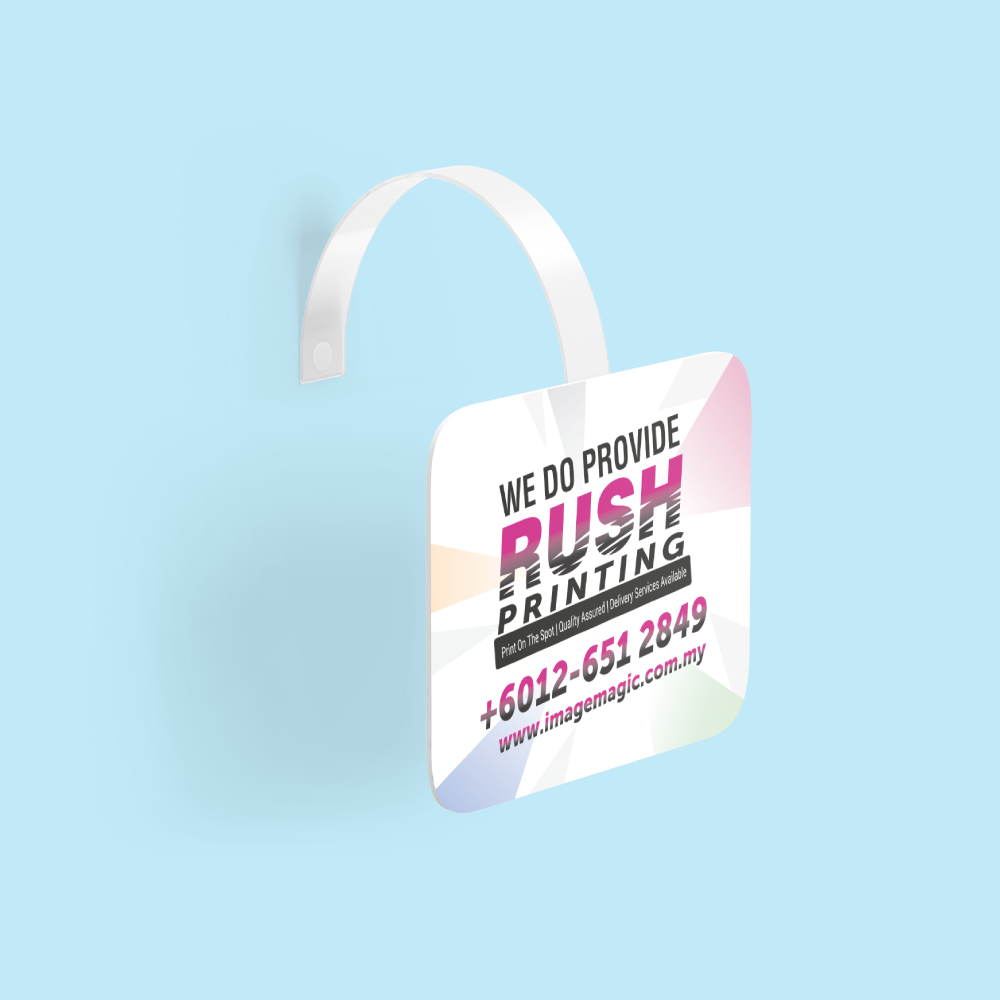
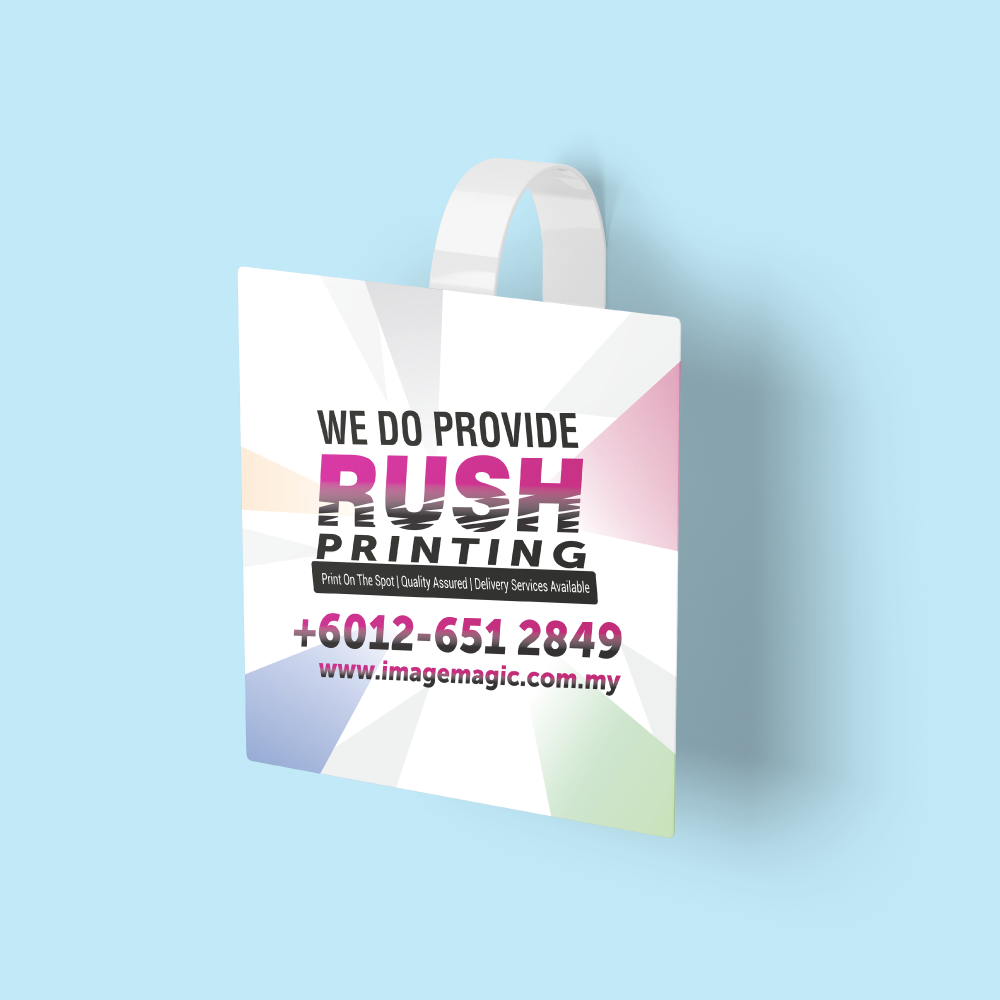
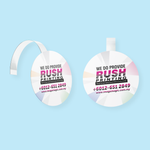
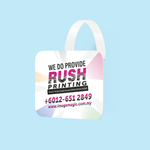
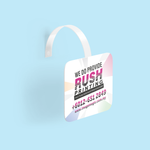
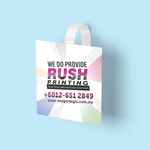
Print eye-catching wobblers for retail shelves, counters, product displays and promotional campaigns. Wobblers are front-facing printed display pieces attached to a flexible plastic strip, allowing the promotional panel to move slightly and attract attention at shelf level.
Current Product Options
Material Choices
The current product description identifies the following two materials. Select the actual option available in the Paper Type field when ordering.
A rigid paper-card option suitable for normal indoor retail promotions, supermarkets, pharmacies and short-term POS campaigns.
A synthetic material option suitable when greater resistance to handling and occasional moisture is preferred.
Shape Options
Shape determines how the visible promotional panel is cut.
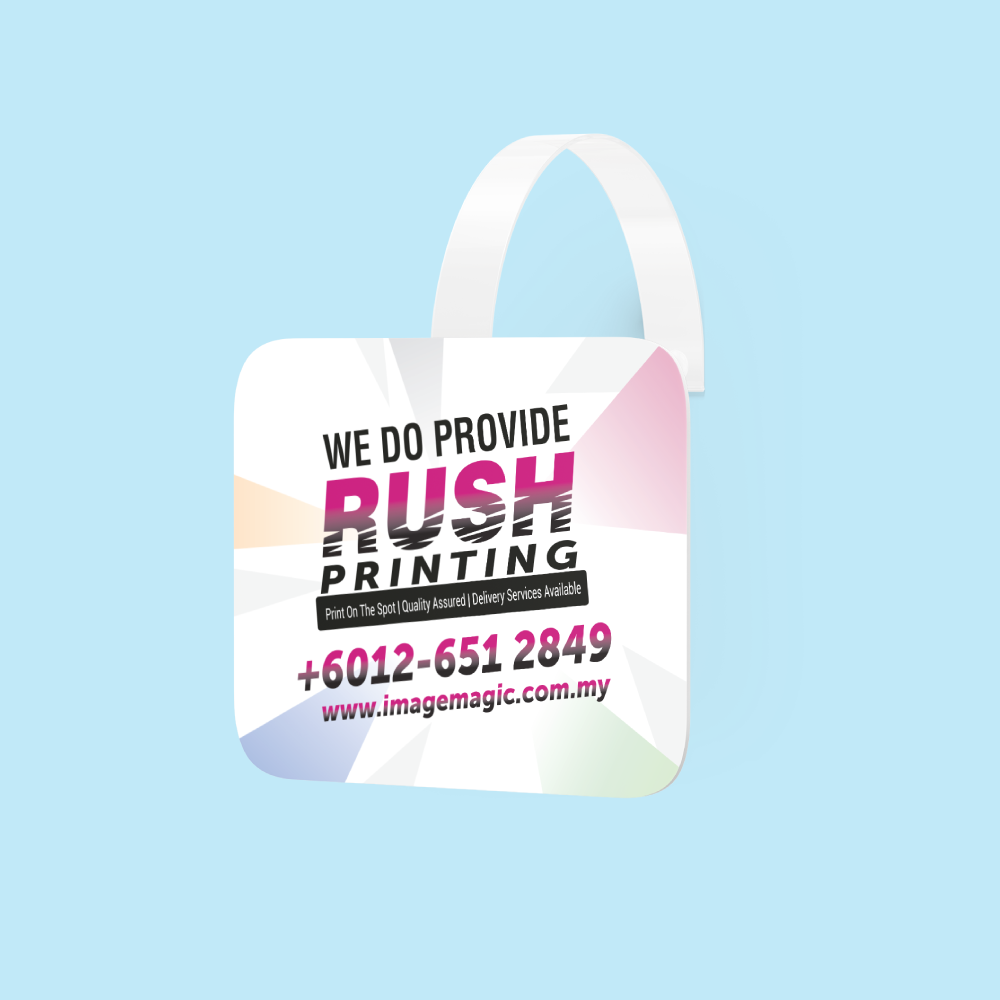
 Rectangle
Suitable for product information, offer messages,
pricing and campaign headlines.
Rectangle
Suitable for product information, offer messages,
pricing and campaign headlines.
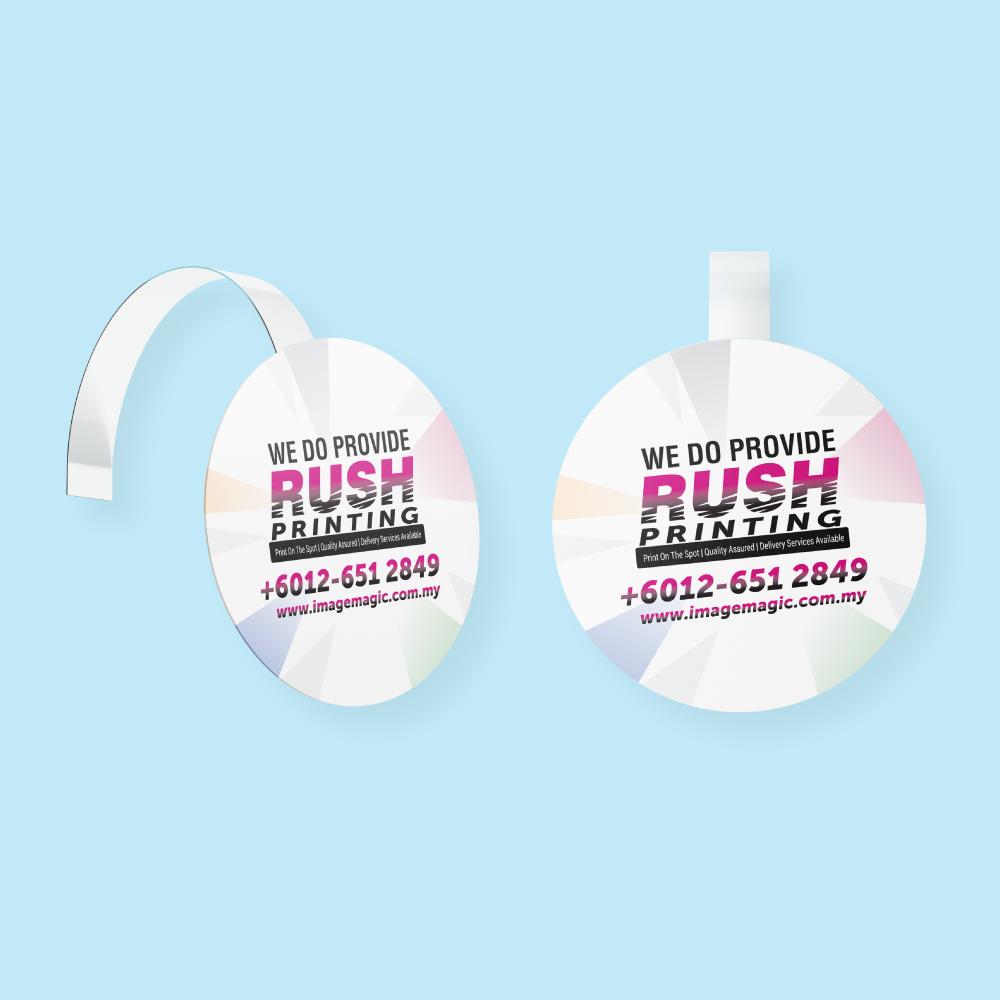
 Round
Suitable for discount messages, price call-outs,
badges and short promotional messages.
Round
Suitable for discount messages, price call-outs,
badges and short promotional messages.
 Custom Shape
Suitable for supplied product outlines, logo shapes,
starbursts or other practical die-cut designs.
Custom Shape
Suitable for supplied product outlines, logo shapes,
starbursts or other practical die-cut designs.
Lamination Options
 Matte Lamination – Front
Provides a smoother, lower-glare appearance on the printed front surface.
 Gloss Lamination – Front
Provides a shinier surface that can enhance strong promotional colours and photographs.
Wobbler Strip & Installation
Suitable Applications
Design Tips for Effective Wobblers
Artwork Preparation Guidelines
Submit complete print-ready artwork matching the selected size, orientation and shape.
File Format & Resolution
- PDF is the preferred print-ready format.
- AI artwork is also accepted.
- Prepare artwork at actual size, 1:1 scale.
- Use CMYK colour mode.
- Use approximately 300 DPI images at final size.
- Convert fonts to outlines or embed them.
Safe Area & Cutting
- Keep important text, logos and key elements approximately 3–5mm inside the cutting edge.
- Avoid positioning important information directly against the trim line.
- Use the correct size selected during ordering.
Custom Shape Cutline
- Supply a clear closed vector cutline for Custom Shape orders.
- Place the cutline on a separate layer.
- Use a separate spot colour named CUT.
- Avoid extremely detailed edges, tiny points and unnecessarily complicated paths.
Multiple Designs
- Upload one final artwork per order item.
- Different designs should use separate quantities.
- Add Item may be used when additional artwork uses the same specification and quantity.
- One selected quantity should not be divided between unrelated designs.
Basic Artwork Check
- Image Magic may check size, margins, cut area and colour settings.
- Minor technical adjustments may be made where appropriate.
- The check is not a complete design, copywriting or proofreading service.
- Customers remain responsible for prices, spelling, dates and promotional wording.
Artwork Cut-Off
- Upload complete artwork before 5:00 PM.
- Late or incorrect artwork may affect the production schedule.
- If using Upload Later, include the order number when sending the files.
Production & Delivery
How to Order Wobblers
- Select Size & Quantity Choose the available size and quantity per design.
- Select Material & Shape Choose paper type, rectangle, round or custom shape.
- Select Finishing Choose matte or gloss lamination and the available finishing.
- Upload Artwork Submit complete print-ready artwork and a CUT line if needed.
Frequently Asked Questions
What is a wobbler?
What is the minimum order quantity?
What shapes are available?
Can wobblers be printed on both sides?
What lamination is available?
What file is required for a custom shape?
Is the wobbler strip included?
How long does production take?
Need Custom Retail Wobblers?
Select your size, quantity, material, shape, lamination, finishing and production option, then upload complete print-ready artwork.
WhatsApp +6012-651 2849Templates
To start, select the product size, preview the design guidelines, download the guidelines for reference, and proceed with the customization options.
Upload Artwork Guideline
File type: AI / PDF / PSD (300 DPI)
Colour mode: CMYK
Size: Include 3mm bleed around cut line
Safe Zone: Keep content 5mm from trim edge
For die-cut: Add cut line in separate layer (magenta stroke)
Provide sample visual if possible
🎯 We can provide die-line templates upon request.



