


- Home
- Promotional
- Gifts & Cards
- Photo Slide Invitation Cards
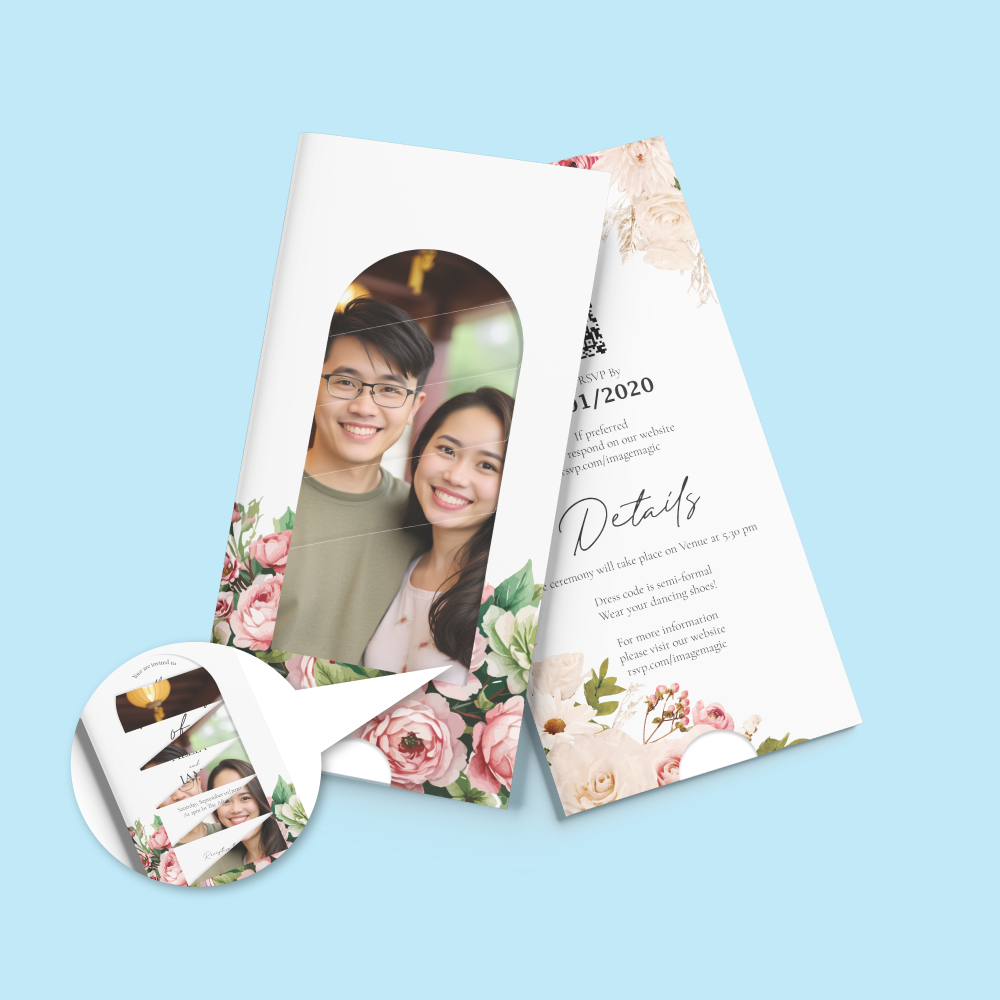
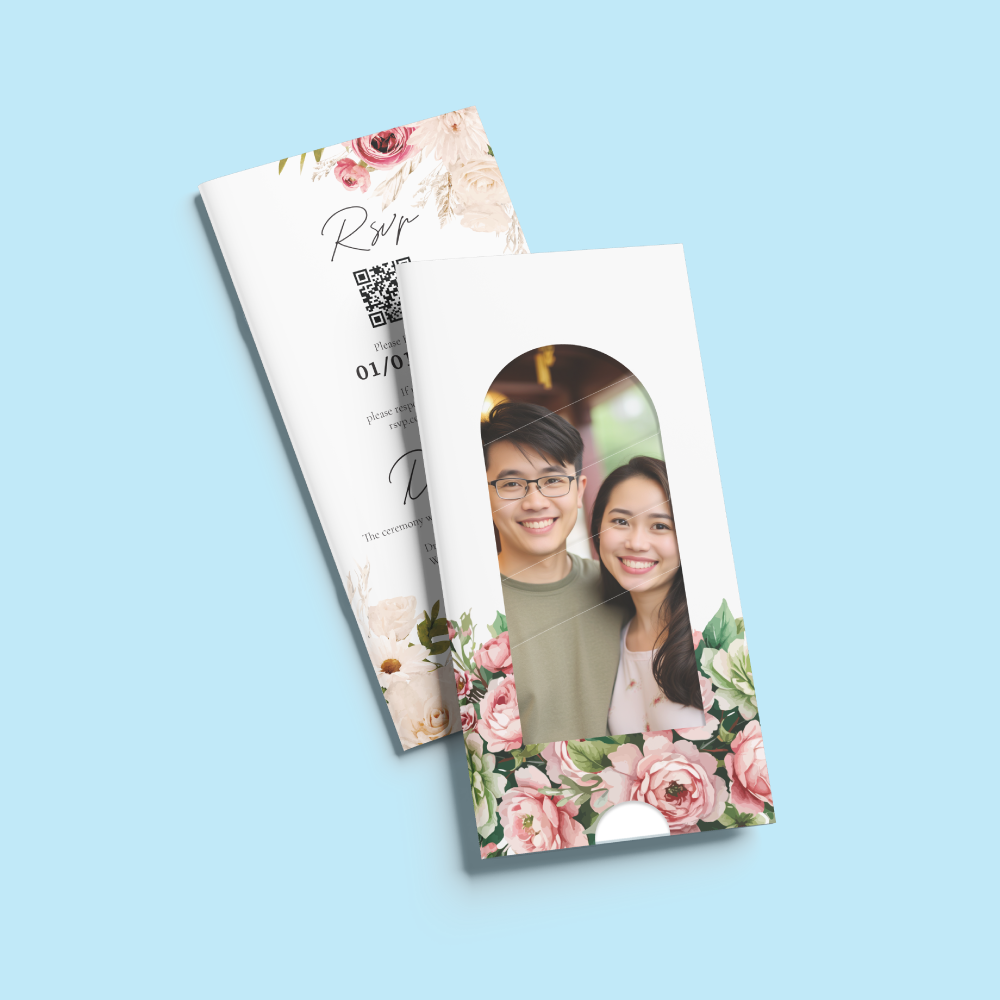
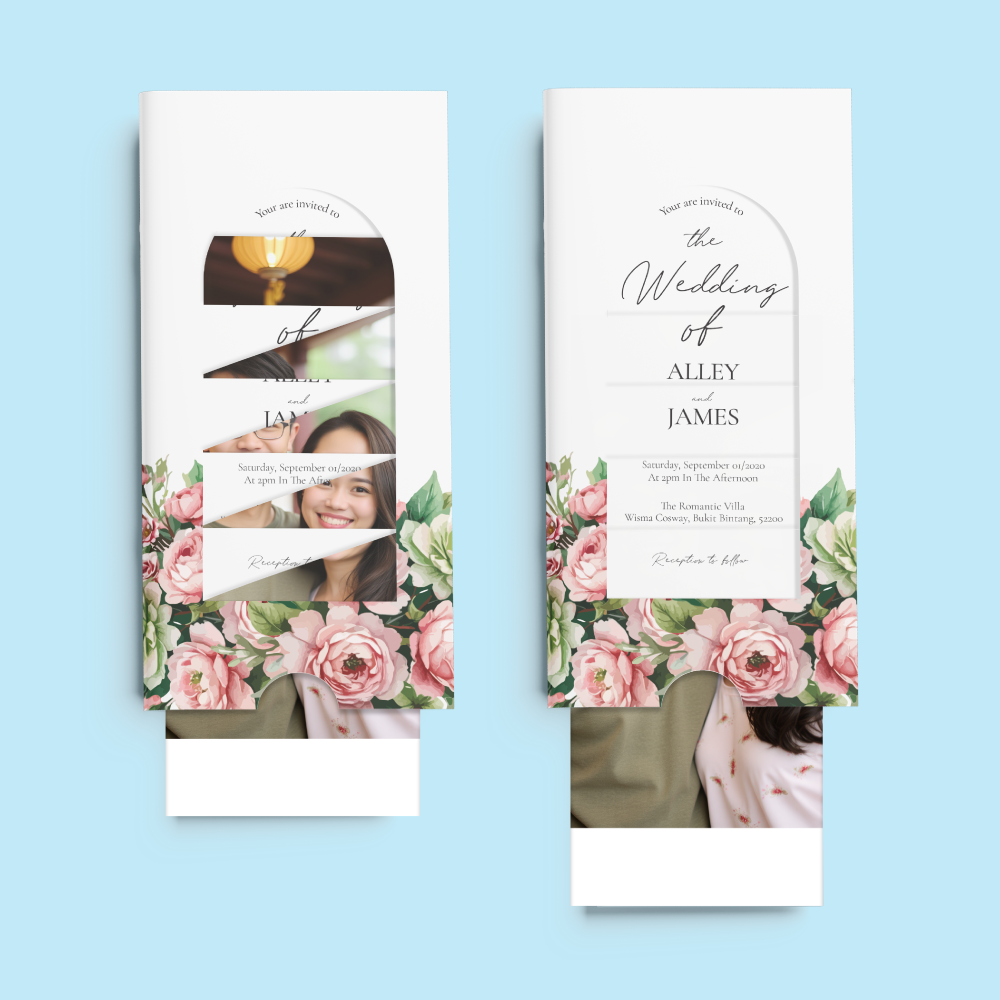
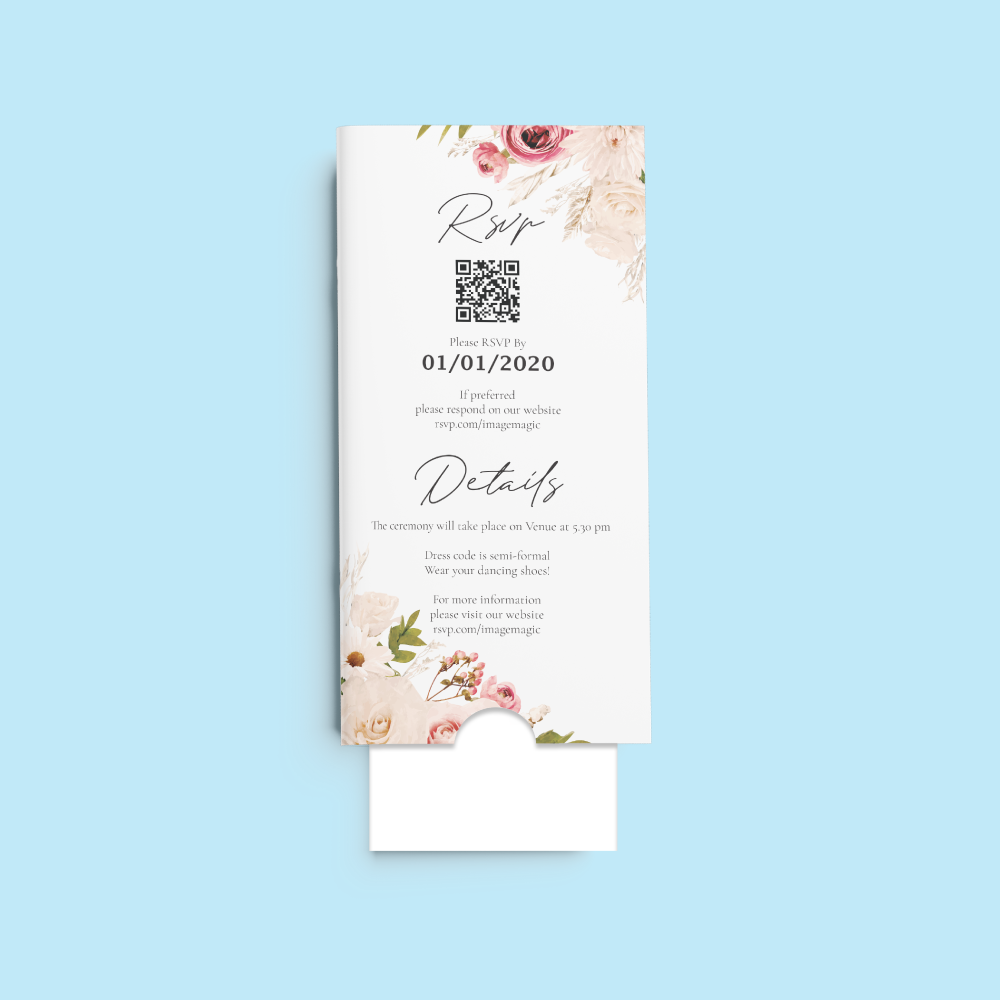
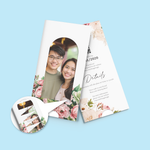
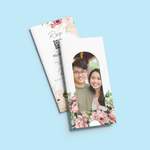
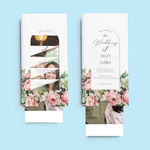
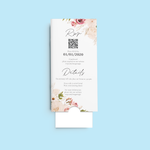
Photo Slide Invitation Cards (Gifts & Cards)
Choose Options | Get Started To Direct Order
Click Button Below To Order
Interactive Pull-Out Invitations with Photo Reveal
Create memorable invitations with an outer sleeve and inner sliding card that reveals your supplied photograph, event message or additional information as the insert is pulled out. Suitable for weddings, birthdays, corporate events, launches and other special occasions.
Current Product Specifications
Choose the Printing Option
The current calculator offers single-sided or both-sided full-colour printing.
 Full Colour – Single Sided
Choose the single-sided option when additional reverse printing for RSVP or supplementary event information is not required.
 Full Colour – Both Sided
The calculator specifically identifies this option for additional RSVP and event details where extra printed space is required.
How the Photo Slide Invitation Works
Which Artwork File Goes Where?
Two separate files are required for correct production and assembly.
Upload the sleeve design in the Artwork–Front Page upload section.
Upload the sliding insert design in the Artwork–Back Page upload section.
Paper & Lamination
A coated card stock suitable for supplied photographs, graphics, event details and full-colour invitation designs.
Creates a smoother and lower-reflection appearance for a refined invitation presentation.
Suitable for
Artwork Preparation Guidelines
Use the official 100 × 212mm product template for the selected single-sided or both-sided printing configuration.
File Format & Resolution
- PDF is the preferred print-ready format.
- AI, PSD and high-resolution JPG files are also supported by the published guideline.
- Use approximately 300 DPI images at final size.
- Prepare colour artwork in CMYK.
- Convert fonts to outlines or embed them correctly.
Bleed & Safe Area
- Add 3mm bleed on all sides when the background extends to the edge.
- Extend photographs and background colours fully through the bleed.
- Keep important text and logos at least 5mm inside the finished edge.
Sleeve Window Alignment
- Use the official sleeve and slide template.
- Check which portion of the slide will appear through the sleeve opening.
- Keep important text away from areas that may be partially hidden by the sleeve.
- Preview the slide in both closed and extended positions before submitting.
Single vs Both-Sided Artwork
- Select the printing configuration before preparing the final artwork.
- Use the correct Single Sided or Both Sided product guideline.
- Both-sided printing can provide additional space for RSVP and event information.
- Do not add reverse-side artwork when the single-sided printing option has been selected.
Multiple Invitation Designs
- Quantity is selected per design.
- Different invitation artworks should be treated as separate order items.
- Add Item may be used where multiple artworks use the same specification and quantity.
- Do not divide one selected quantity between unrelated designs.
Basic Artwork Check & Cut-Off
- Image Magic performs a basic technical check for size, margins and layout alignment.
- Minor technical corrections may be made where appropriate.
- This is not a complete invitation-design, copywriting or proofreading service.
- Customers remain responsible for names, dates, venues, RSVP details and wording.
- Upload complete artwork before 5:00 PM.
- Late or incorrect artwork may affect the production schedule.
Production & Delivery
How to Order Photo Slide Invitation Cards
- Select Quantity Choose the required quantity for each invitation design.
- Select Printing Choose single-sided or both-sided full-colour printing.
- Prepare Both Components Create separate sleeve and inner-slide artwork.
- Upload Both Files Upload the sleeve under Front and the slide under Back.
Frequently Asked Questions
What is a Photo Slide Invitation Card?
What size is the invitation?
What paper is used?
What lamination is included?
Can I print additional RSVP details?
Do I need one file or two files?
Where do I upload each file?
Does production time include delivery?
Need Photo Slide Invitation Cards?
Select your quantity and printing option, download the correct template and prepare separate outer-sleeve and inner-slide artwork before ordering.
WhatsApp +6012-651 2849Download Product Guideline
Upload Artwork Guideline
File type: PDF / AI / PSD / JPG (300 DPI)
Colour mode: CMYK
Size: Match invitation card template size + 3mm bleed
Safe zone: Keep content 5mm from trim edge
Fonts: Outlined or embedded
Related products




Main Links
Information
Newsletter
Image Magic Printing Sdn Bhd (201701022647) (1236813-K)
- Phone +603 2072 6323
- Email [email protected]
- Click Here - Our Shop Location
- Monday - Friday
9am - 6pm
Saturday 9am - 1pm
Categories
Popular Products
- PRODUCTS
- TEMPLATES
Categories
Popular Products
- PRODUCTS
- TEMPLATES