
Choose Options | Get Started To Direct Order

Pad Form
Book Form
Pad Form
Portrait - Top Side BindingLandscape - Left Side BindingLandscape - Top Side Binding
Portrait - Left Side Binding
Portrait - Top Side Binding
Landscape - Left Side Binding
Landscape - Top Side Binding
NCR - 3 Layer (Ply)NCR - 4 Layer (Ply)NCR - 5 Layer (Ply)
NCR - 2 Layer (Ply)
NCR - 3 Layer (Ply)
NCR - 4 Layer (Ply)
NCR - 5 Layer (Ply)
NCR Green 50gsmNCR Blue 50gsmNCR Yellow 50gsmNCR Pink 50gsm
NCR White 50gsm
NCR Green 50gsm
NCR Blue 50gsm
NCR Yellow 50gsm
NCR Pink 50gsm
NCR Green 50gsmNCR Blue 50gsmNCR Yellow 50gsmNCR Pink 50gsm
NCR White 50gsm
NCR Green 50gsm
NCR Blue 50gsm
NCR Yellow 50gsm
NCR Pink 50gsm
Front - 2 Color (2C + 0C)Front - 4 Color (4C + 0C)Front - 1 Color, Back - 1 Color (1C + 1C)Front - 2 Color, Back - 1 Color (2C + 1C)Front - 4 Color, Back - 1 Color (4C + 1C)
Front - 1 Color (1C + 0C)
Front - 2 Color (2C + 0C)
Front - 4 Color (4C + 0C)
Front - 1 Color, Back - 1 Color (1C + 1C)
Front - 2 Color, Back - 1 Color (2C + 1C)
Front - 4 Color, Back - 1 Color (4C + 1C)
BLU 01BLU 02BLU 03BLU 04BLU 05BRW 01GRN 04GRN 05MAG 01MAR 01ORG 01RED 01RED 03VIO 01
BLK 01
BLU 01
BLU 02
BLU 03
BLU 04
BLU 05
BRW 01
GRN 04
GRN 05
MAG 01
MAR 01
ORG 01
RED 01
RED 03
VIO 01
Required
Not Required
Required
Price Total:RM171.70
Unit Price :RM17.17
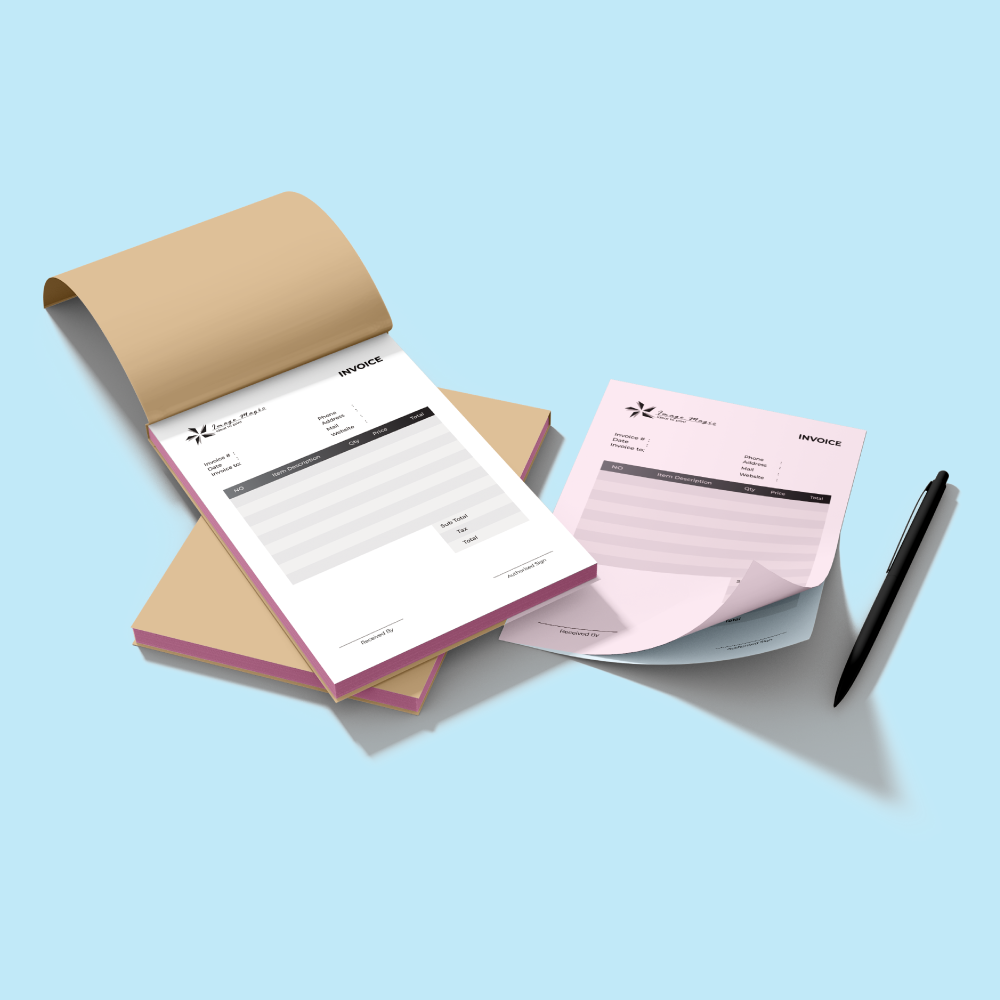
Receipt Book Printing Malaysia

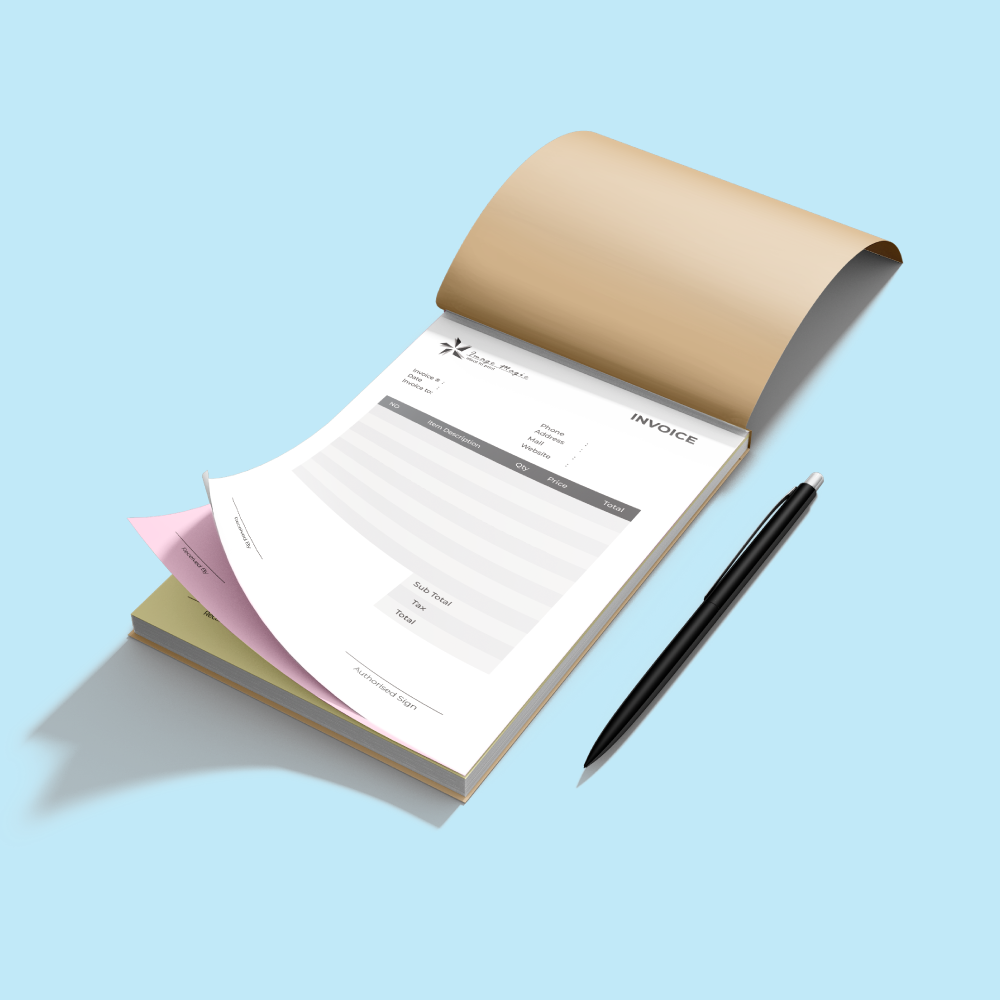
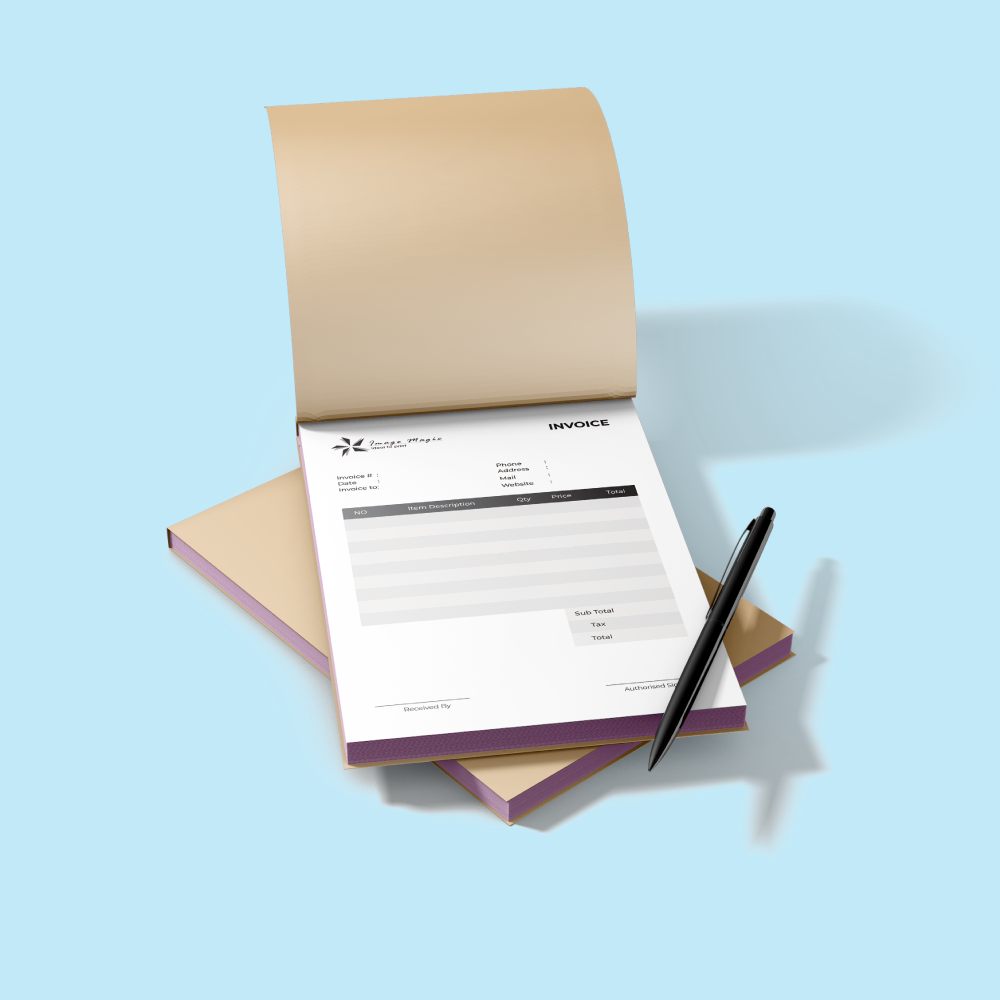
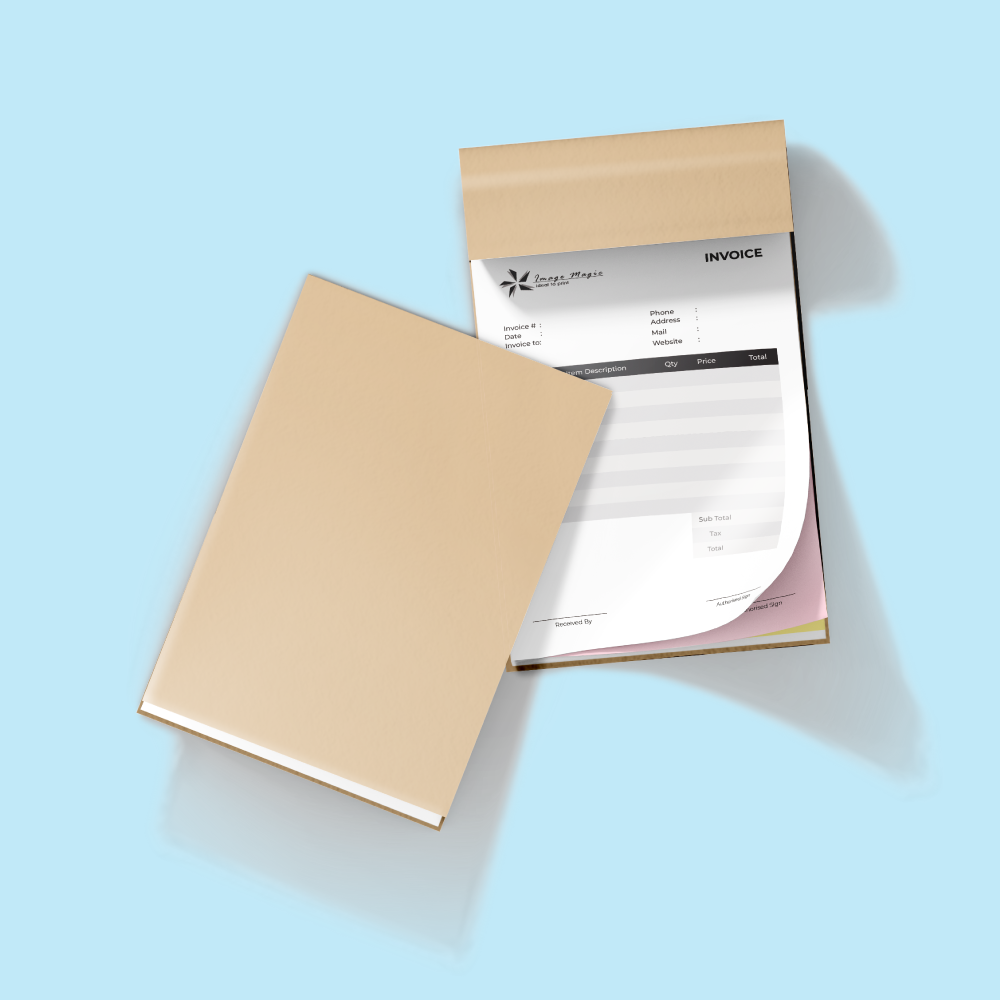
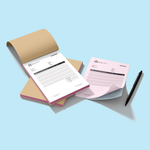
Custom NCR Receipt, Invoice & Delivery Order Books

Print customised NCR business forms with your company logo, contact details, form layout and optional running serial numbers. Choose from multiple sizes, Book Form or Pad Form, 2–5 NCR layers and flexible spot-colour or full-colour printing options.

From 10 books per design 2 / 3 / 4 / 5 Ply NCR Book Form or Pad Form 1C / 2C / 4C printing 9-working-day production

Current Product Specifications

Minimum Order10 Books Per DesignCurrent online starting quantity
BindingBook / Pad FormSelect the required construction online
NCR Paper50gsm Per LayerSelectable copy colours
Production9 Working DaysCourier delivery time is additional

Choose the Correct Receipt Book Size

Receipt books are available in many dimensions. Select the exact size in the calculator and use the corresponding artwork template rather than preparing only an A5 or A4 file.

The available artwork templates range from small 90 × 140mm forms through larger 330 × 420mm forms. The selected artwork size must match the order size exactly.
View Template-Supported Sizes
90 × 140mm, 90 × 177mm, 95 × 210mm, 95 × 225mm, 105 × 145mm, 105 × 175mm, 107 × 190mm, 110 × 210mm, 120 × 210mm, 120 × 230mm, 125 × 175mm, 135 × 210mm, 145 × 148mm, 145 × 190mm, 145 × 210mm, 160 × 240mm, 165 × 210mm, 170 × 190mm, 176 × 250mm, 180 × 280mm, 190 × 210mm, 190 × 270mm, 190 × 290mm, 206 × 173mm, 206 × 240mm, 206 × 330mm, 210 × 270mm, 210 × 297mm, 250 × 353mm, 291 × 420mm and 330 × 420mm.

Binding Type & Orientation

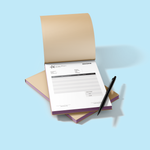
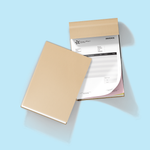
Book Form Select the Book Form option when the required receipt book uses the corresponding bound-book configuration.
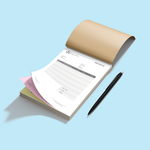
Pad Form Pad Form is available as a separate binding type in the online calculator.
Portrait / Landscape Choose the orientation and binding position that matches the selected artwork template.
Current Book Form options include Portrait – Left Side Binding, Portrait – Top Side Binding, Landscape – Left Side Binding and Landscape – Top Side Binding.

NCR Paper & Ply Options

Each complete NCR form uses the number of layers selected in the calculator.

2 PlyDuplicate NCR form
3 PlyTriplicate NCR form
4 PlyFour-part NCR form
5 PlyFive-part NCR form
NCR White 50gsmAvailable layer colour.
NCR Green 50gsmAvailable layer colour.
NCR Blue 50gsmAvailable layer colour.
NCR Yellow 50gsmAvailable layer colour.
NCR Pink 50gsmAvailable layer colour.
Select the required NCR layer colours in the order shown in the calculator so the original and copy sheets are produced in the intended sequence.

Printing Sides & Colours

Front – 1 Colour1C + 0C
Front – 2 Colours2C + 0C
Front – 4 Colours4C + 0C
Front 1C + Back 1C1C + 1C
Front 2C + Back 1C2C + 1C
Front 4C + Back 1C4C + 1C
For 1-colour and 2-colour jobs, select the required spot colour(s) in the calculator after choosing the printing configuration.

Copy Change & Serial Numbering

Copy Change – Not Required Choose when no copy-change setup is required.
Copy Change – Required Choose when copy-specific change text is required and prepare it according to the receipt-book artwork guide.
Running Serial Number Mark the required numbering position and provide the numbering sequence during ordering.
Serial numbering is printed in red. Use the dummy numbering position supplied in the product template rather than placing the final running numbers manually into every artwork.

Suitable Form Content

Company Branding Logo, company name, address, phone and other supplied business details.
Custom Form Columns Items, quantities, amounts, tax, remarks and other required fields can be built into your supplied design.
Signature Areas Include prepared-by, received-by, authorised-signature or company-stamp areas where required.

Suitable for

Cash ReceiptsInvoicesDelivery OrdersPayment VouchersOrder FormsJob SheetsWork OrdersService FormsInternal RecordsApproval Forms

Artwork Preparation Guidelines

Receipt books require additional preparation for binding, spot colours, copy changes and serial numbering.

File Format & Resolution
  • PDF is the preferred print-ready format.
  • AI artwork is also accepted.
  • Prepare artwork at the exact size selected in the calculator.
  • Use approximately 300 DPI for raster images.
  • Outline or embed all fonts.
Receipt Book Bleed & Safe Zone
  • Follow the dedicated Receipt Book Artwork Specification.
  • Add 4mm bleed on all sides.
  • Extend backgrounds fully through the bleed.
  • Keep important elements at least 7mm from the full-bleed edge.
Binding Edge
  • Keep critical text, numbers and table content clear of the selected binding edge.
  • Use the correct left-bound or top-bound template.
  • Check portrait or landscape orientation before submitting the final file.
Front & Back Artwork
  • Front-only orders require the Front Page artwork.
  • Front + back orders require both Front and Back artwork files.
  • Upload each file to the correct artwork section.
1C / 2C Spot Colour Artwork
  • For 1 Spot Colour, prepare the spot artwork as K:100.
  • For 2 Spot Colours, use K:100 for the first spot and M:100 for the second.
  • Select the actual required spot colours in the calculator.
  • For a 1-colour back side, the receipt-book guide specifies K:60 artwork setup.
Serial Numbering
  • Use the dummy numbering shown in the product template to indicate the position.
  • Provide the actual numbering sequence during ordering.
  • Serial numbers are printed in red.
  • Check the required starting number carefully before submission.
Copy Change
When Copy Change is required, the dedicated receipt-book artwork guide specifies Arial, ALL CAPS, red text in 8pt, 10pt or 12pt. Follow the template and mark the required copy-change content clearly.
Hole Punching
The receipt-book artwork guide states that hole punching is available on the left side only for documents with a length of 100mm or more. Confirm the required punching setup when ordering.
Multiple Designs
  • Quantity is ordered per individual design.
  • One selected quantity cannot be split between several different artworks.
  • Additional artworks with the same specification and quantity can be added as separate items.
Artwork Submission
  • Upload complete artwork before 5:00 PM for the applicable production schedule.
  • Late or incorrect files may affect completion.
  • A basic technical artwork check is performed before production.
  • Layout creation or significant artwork editing should be requested separately.

Production & Delivery

9 Working Days Current standard production period shown in the online calculator.
Complete Artwork Required Artwork corrections, copy-change clarification or missing numbering details can affect production.
Delivery Time Is Additional Courier transit or self-collection occurs after production.

How to Order Receipt Books

  1. Select Size & Binding Choose the exact size, Book/Pad Form and orientation.
  2. Select NCR Setup Choose 2–5 ply, layer colours and quantity.
  3. Select Printing Choose 1C, 2C or 4C, copy change and required options.
  4. Upload Artwork Submit the matching files and numbering details.
Watch Receipt Book Printing Video

Frequently Asked Questions

What is the minimum order quantity?
The current online receipt-book calculator starts from 10 books per design.
What NCR ply options are available?
Current options are 2-ply, 3-ply, 4-ply and 5-ply NCR.
What receipt book sizes are available?
Many sizes are supported rather than only A5 and A4. Choose the required size in the calculator and use its corresponding receipt-book template.
Can receipt books be printed on the back?
Yes. Current printing choices include front-only 1C, 2C and 4C options plus front-and-back combinations with one-colour back printing.
What does Copy Change mean for artwork setup?
Copy Change is available as Required or Not Required. When required, prepare the copy-change text according to the dedicated receipt-book artwork specification.
Can receipt books have serial numbering?
Yes. Mark the numbering position using the dummy number in the product template and provide the required running sequence during ordering. Numbering is printed in red.
What artwork format should I upload?
PDF is preferred and AI is accepted. Use the exact selected size and follow the receipt-book-specific bleed, safe-zone, numbering and spot-colour instructions.
How long does production take?
The current online calculator lists 9 working days for production. Courier delivery or self-collection timing is additional.

Need Custom NCR Receipt or Invoice Books?

Choose your size, Book or Pad Form, NCR ply, printing colours and copy-change requirements, then upload artwork using the matching receipt-book template.

WhatsApp +6012-651 2849

Download Product Guideline

No Records Found

Upload Artwork Guideline

  • File Format: PDF / AI / PSD

  • Colour Mode: Black (for inside) / CMYK (for cover)

  • Safe Zone: 10mm from edges

  • Numbering: Mark position for serial

  • Fonts: Outlined

📥 Don’t have a layout? Send us your logo and sample — we’ll draft it for you.



