


Presentation Folders (Stationery)
Choose Options | Get Started To Direct Order
Click Button Below To Order
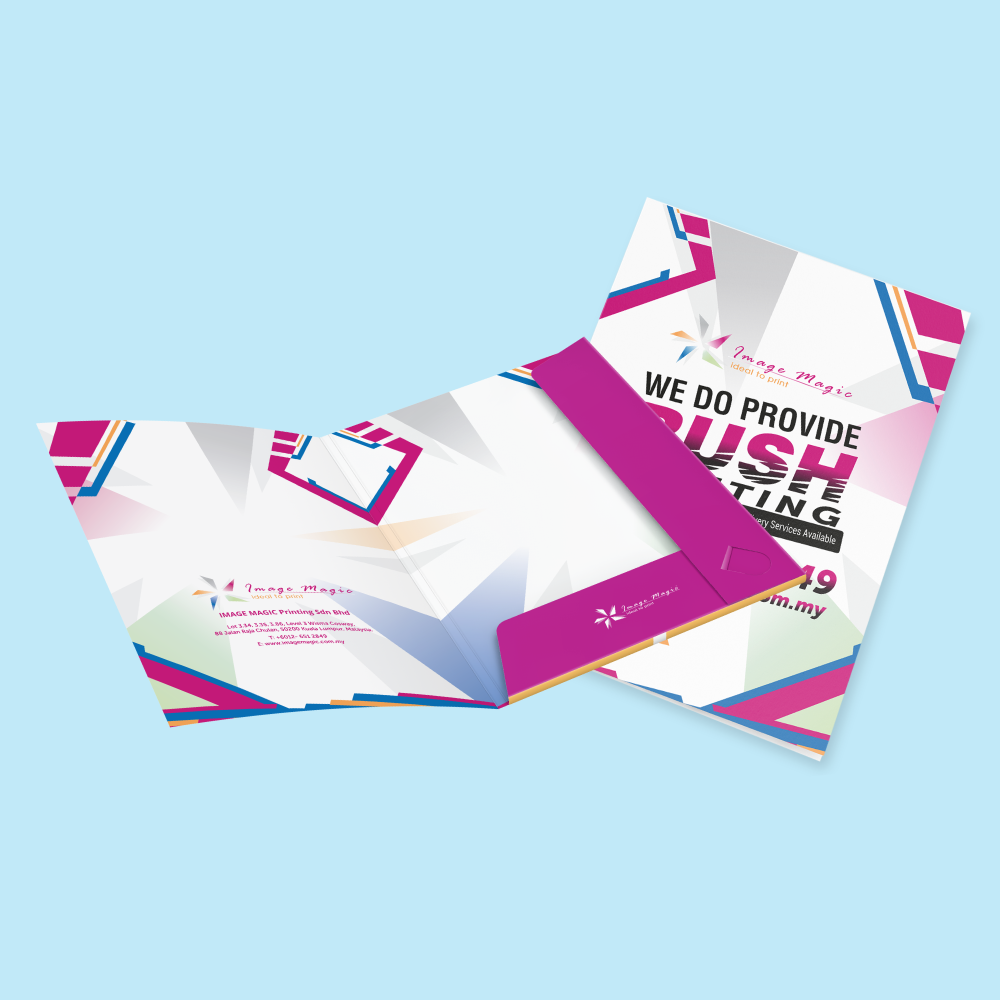
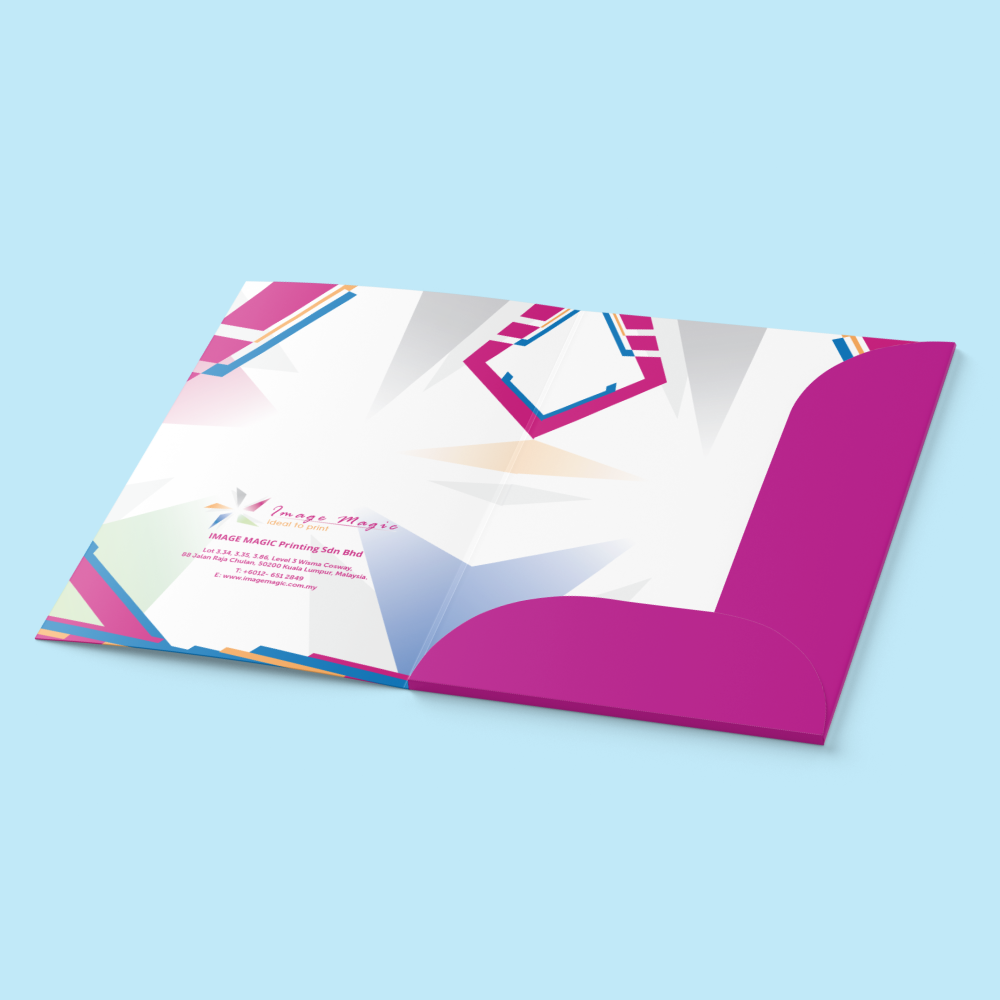
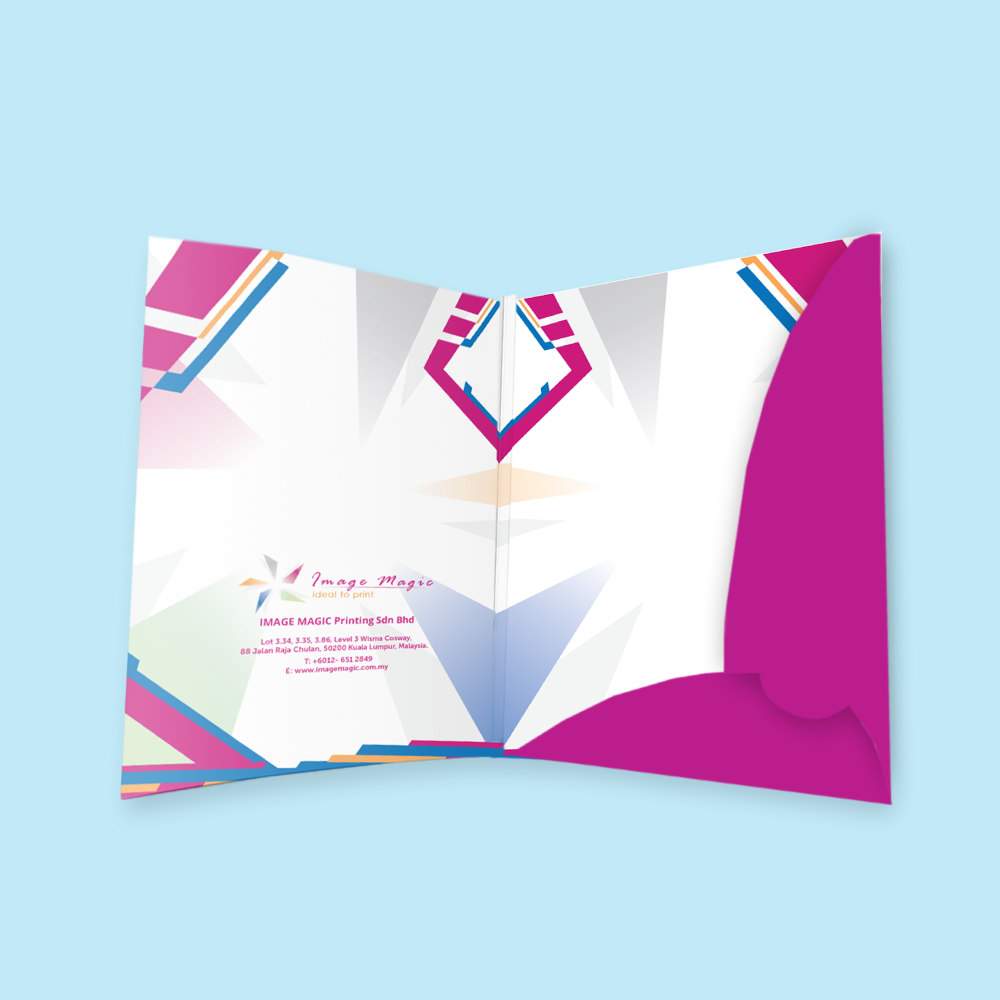
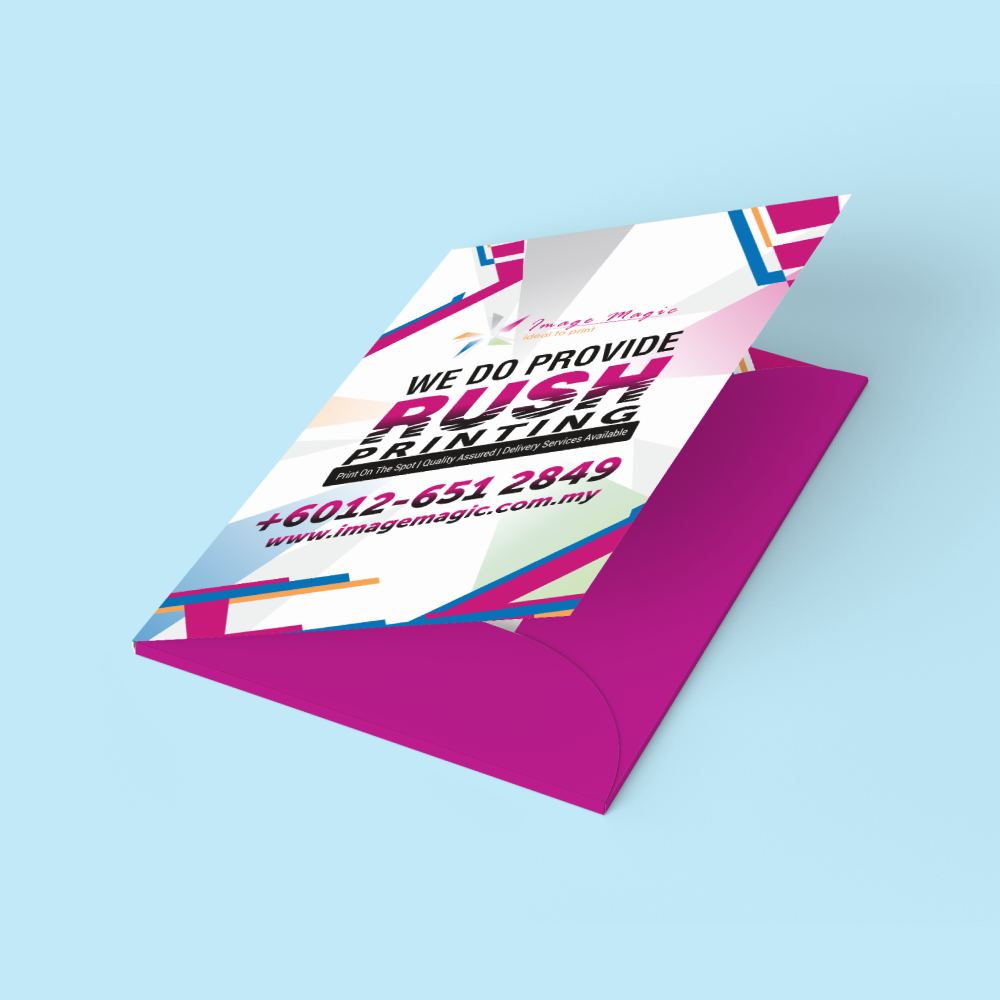
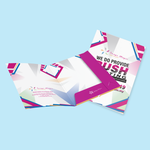
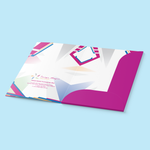
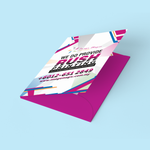
Custom Corporate Presentation Folders with Pocket & Card Slot
Present company profiles, proposals, quotations and event materials professionally with custom printed presentation folders. Choose from three FPF folder models with full-colour printing, premium art card and matte laminated finishing.
Product Specifications
Choose Your Presentation Folder Model
Each FPF model has its own dieline. Select the model first, then prepare artwork using the matching template.
 350 × 510mm
Use the FPF001 guideline for the exact cut, fold, pocket and card-slot layout.
 371 × 534mm
A separate presentation-folder configuration with its own structural dieline and artwork placement.
 410 × 614mm
The largest current FPF model. Follow the FPF005 template rather than resizing another model.
Paper Options
Printing Options
Matte Lamination & Spot UV Options
Choose one of the finishing combinations available for the presentation-folder product.
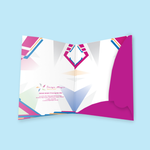
Pocket & Business Card Slot
Presentation folders are designed to organise A4 corporate documents and presentation materials. Pocket, card-slot, fold and glue positions vary according to the selected FPF model and should follow its official dieline.
Suitable for
Artwork Preparation Guidelines
Presentation folders use structural dielines. Prepare the artwork with the exact template for the selected FPF model.
File Format & Colour
- PDF is the preferred print-ready format.
- AI artwork is also accepted.
- Prepare colour artwork in CMYK.
- Images should be approximately 300 DPI at final size.
- Convert fonts to outlines or embed them before export.
Use the Correct FPF Dieline
- FPF001 artwork must use the FPF001 template.
- FPF004 artwork must use the FPF004 template.
- FPF005 artwork must use the FPF005 template.
- Do not resize or reposition the structural cut and fold lines.
Bleed & Safe Artwork
- Add 3mm bleed where artwork reaches a trimmed edge.
- Extend background colours and images completely through the bleed.
- Keep important text and logos safely inside the cutting boundary.
- Keep critical content away from folds, pockets, glue areas and card-slot cuts.
Single vs Double-Sided Artwork
- Single-sided orders require the corresponding main-side artwork.
- Both-sided orders require correctly prepared artwork for both printed surfaces.
- Check orientation carefully around folds before exporting the final file.
Spot UV Mask Artwork
- A separate Spot UV mask is required when Spot UV finishing is selected.
- Use solid 100% black vector shapes to indicate the areas receiving Spot UV.
- White or blank areas indicate no Spot UV.
- Do not use gradients, transparency, blur or shadows in the Spot UV mask.
- Keep Spot UV away from cut and fold areas.
Multiple Folder Designs
- Quantity is ordered per individual design.
- Do not divide one selected quantity between several unrelated artworks.
- Order additional designs as separate items.
Basic Artwork Check
Before Production
- Confirm the correct FPF model.
- Check printing sides and paper weight.
- Confirm the lamination selection.
- Include the Spot UV mask when Spot UV is selected.
- Check all cut, fold and pocket areas before submitting the final file.
Production & Delivery
How to Order Presentation Folders
- Select Folder Model Choose FPF001, FPF004 or FPF005.
- Select Specifications Choose quantity, printing sides, paper and finishing.
- Prepare Artwork Use the exact model dieline and add Spot UV mask if needed.
- Upload & Order Submit complete print-ready artwork and complete checkout.
Frequently Asked Questions
What presentation folder models are available?
What is the minimum order quantity?
What paper is available?
Can presentation folders be printed on both sides?
What lamination options are available?
Can Spot UV be applied on the back?
Does the folder include a pocket and card slot?
How long does production take?
Need Custom Corporate Presentation Folders?
Choose FPF001, FPF004 or FPF005, select your paper, printing sides and finishing, then prepare artwork using the matching folder dieline.
WhatsApp +6012-651 2849Download Product Guideline
Upload Artwork Guideline
File format: AI / PDF (with bleed and crop marks)
Size: Follow our A4 folder die-line template
Bleed: 3mm all around
Colour mode: CMYK, 300 DPI
Fonts: Outlined or embedded
For finishing: Indicate separate layers for spot UV or foil areas
📩 You may request our free folder template (AI or PDF) before designing.



