


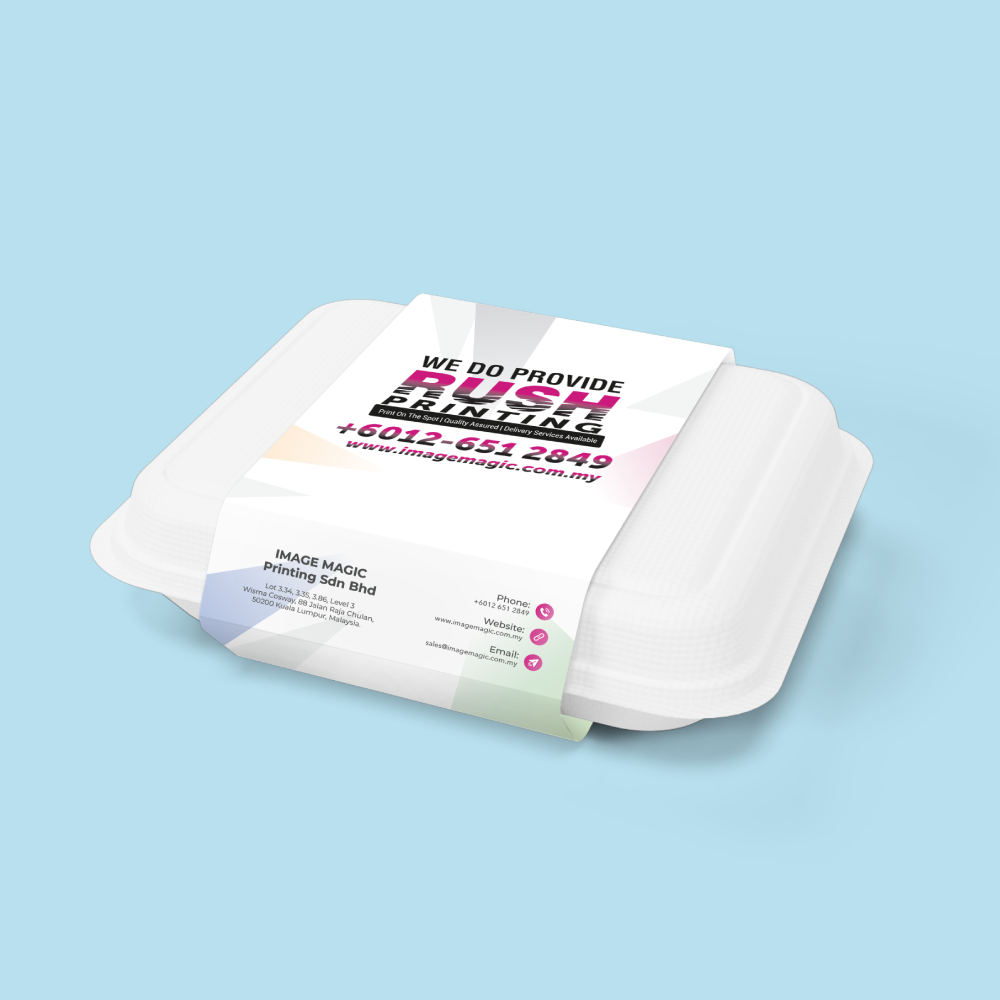
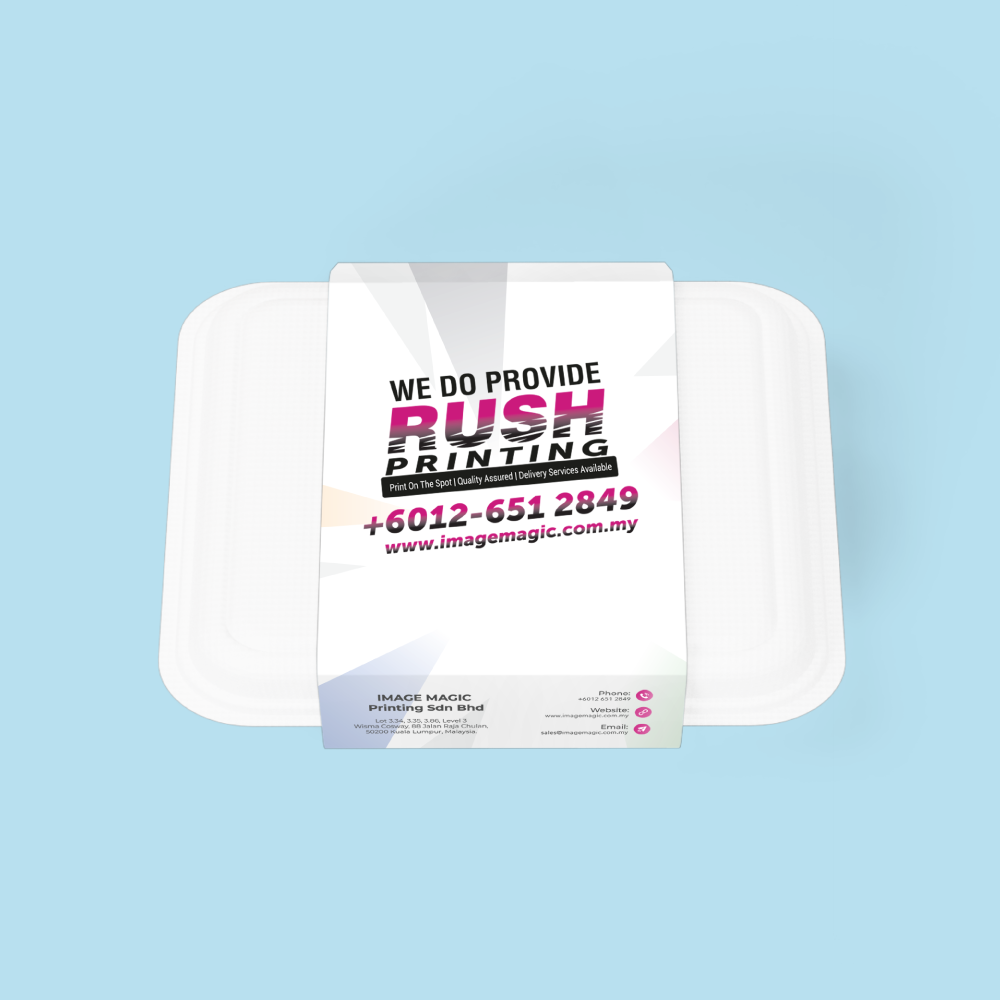
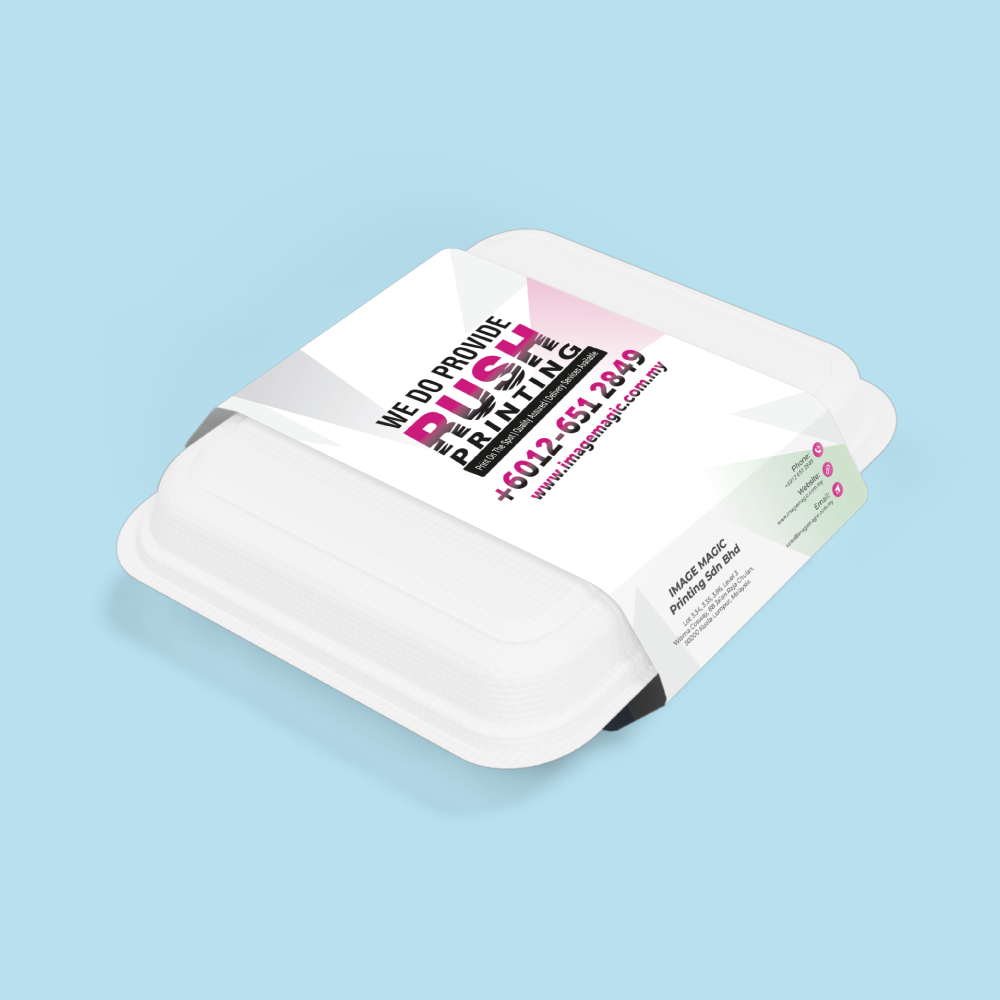
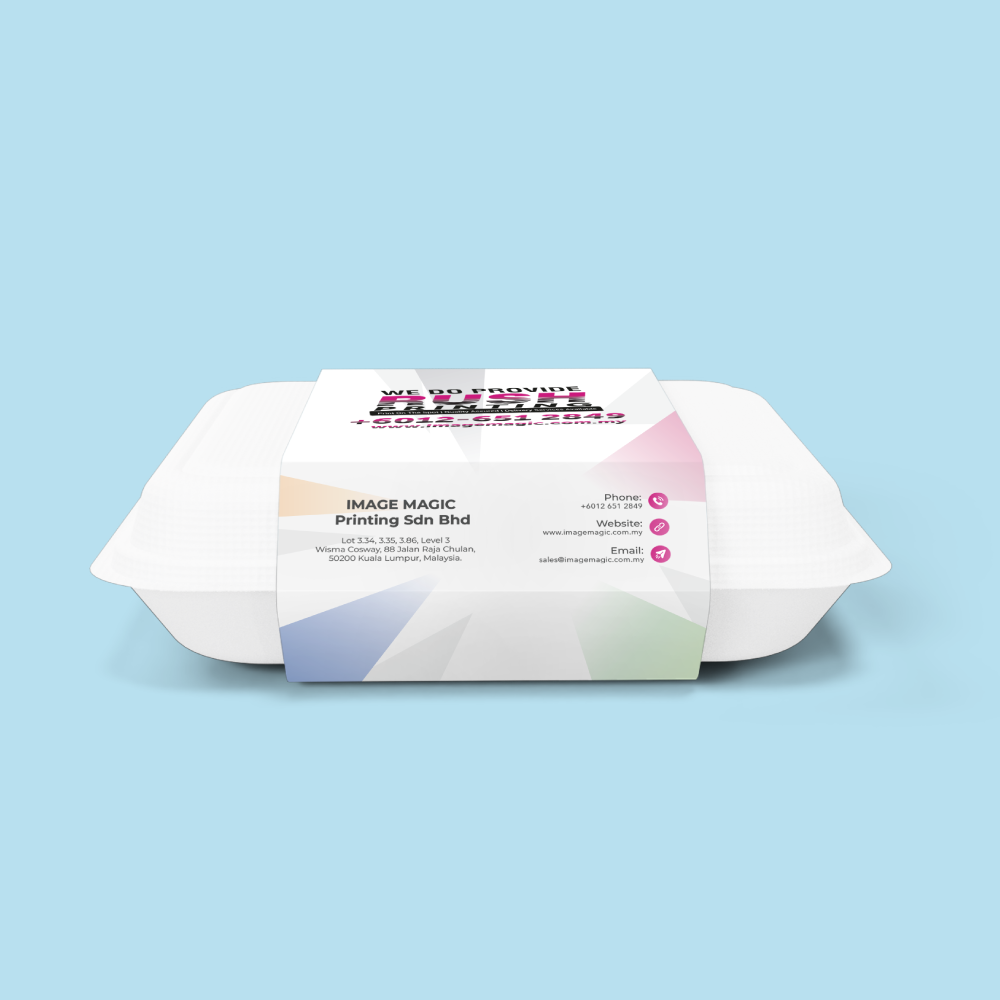
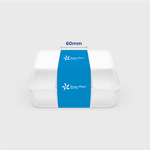
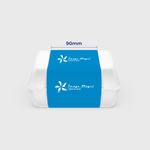
Packaging Sleeve Prints (Packaging & Wraps)
Choose Options | Get Started To Direct Order
Click Button Below To Order
Designs
Custom Printed Sleeves for Boxes and Product Packaging
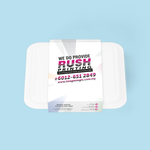
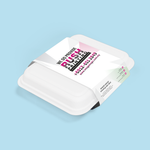
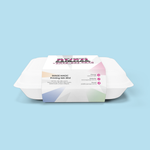
Add branding to an existing box or container with a printed packaging sleeve. These lightweight paper wraps are suitable for gift boxes, retail packaging, promotional packs and outer sleeves around suitable food containers.
Current Product Specifications
Available Flat Sleeve Sizes
These measurements refer to the printed flat sleeve artwork, not the dimensions of your box or container.
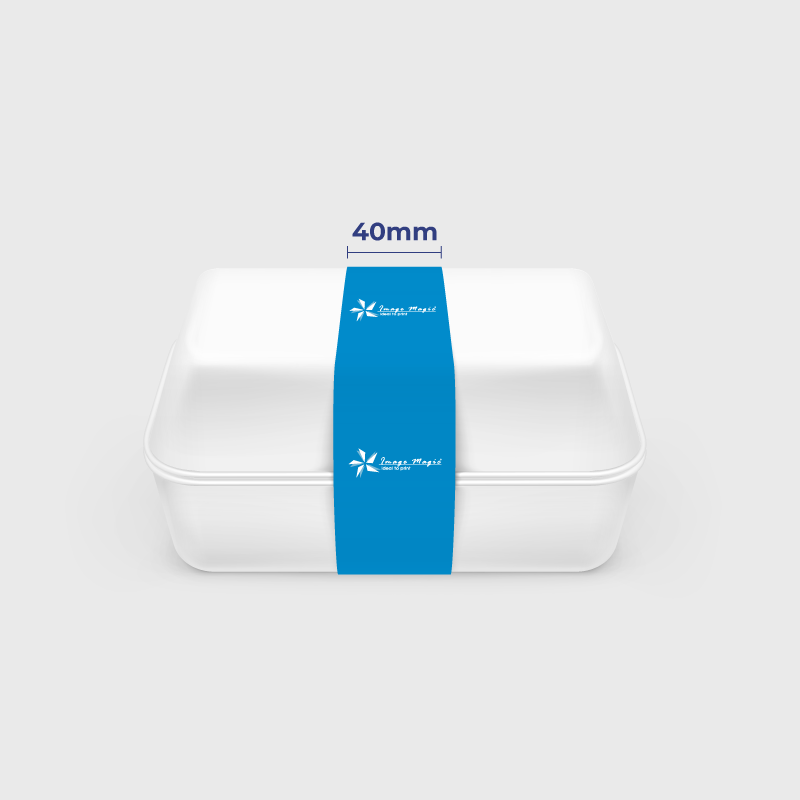
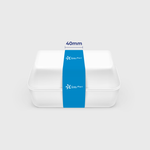
 40 × 420mm
Suitable when a narrower branding band is required around suitable compact packaging.
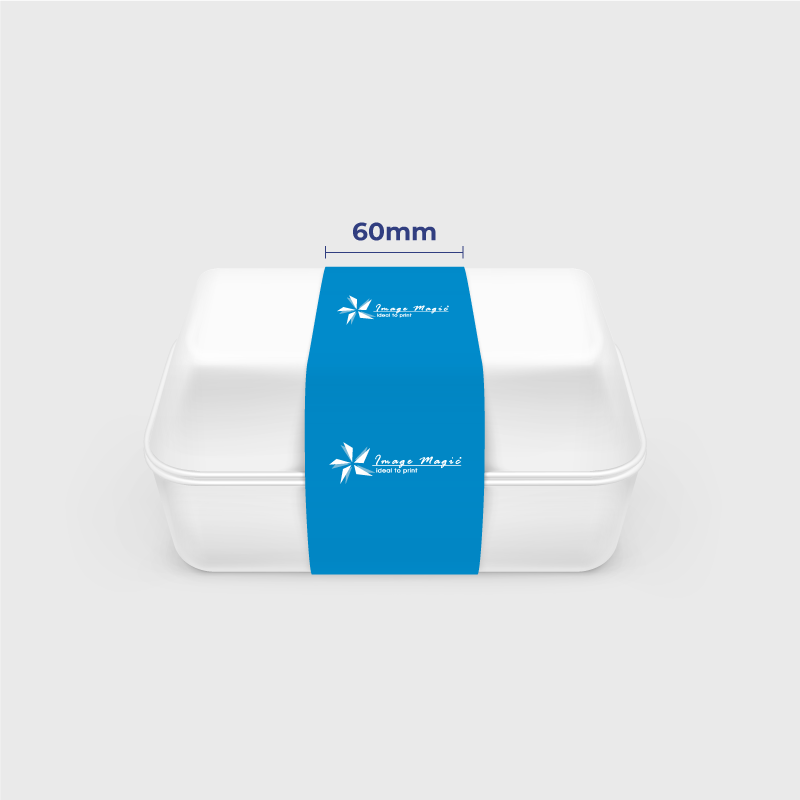
 60 × 420mm
Provides additional vertical space for a logo, product name, message or promotional information.
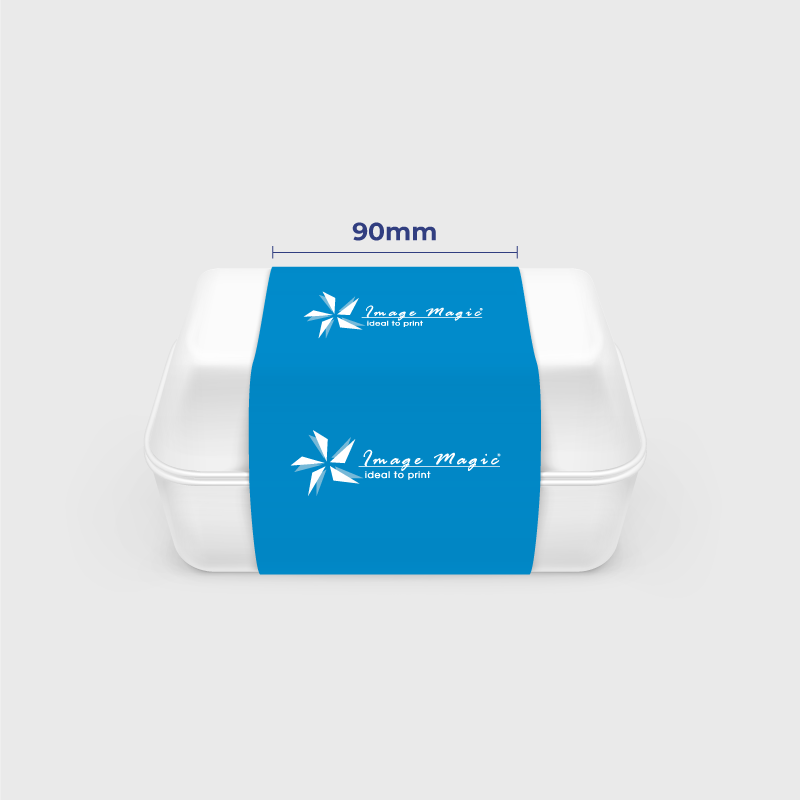
 90 × 420mm
Provides the largest standard branding area among the current sleeve sizes.
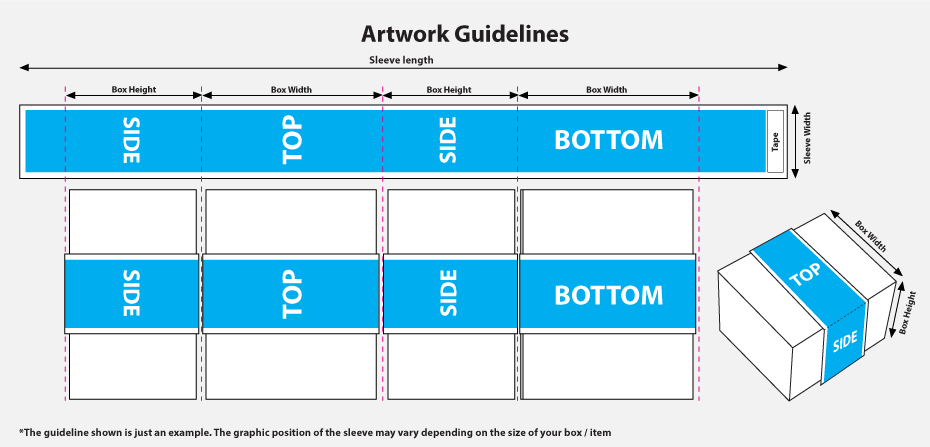
Check the Sleeve Fit Before Ordering
Packaging sleeve artwork must be planned around the actual box or container that you intend to wrap.
Material and Printing
Using Packaging Sleeves with Food Packaging
These printed sleeves can be used around suitable takeaway boxes, bakery boxes and other food containers as an outer branding element.
Suitable for
Artwork Preparation Guidelines
Prepare one continuous single-sided sleeve artwork using the template for your selected size.
File Format and Colour
- PDF is the preferred print-ready format.
- AI files are also suitable.
- Prepare artwork in CMYK colour mode.
- Raster images should be approximately 300 DPI at final size.
- Convert fonts to outlines or embed them correctly.
Correct Artwork Size
- Artwork must match 40 × 420mm, 60 × 420mm or 90 × 420mm according to the selected product.
- Do not resize one sleeve template to another without adjusting the complete layout.
- Prepare one continuous design for the complete flat sleeve.
Bleed and Safe Area
- Add 3mm bleed on all sides when the background reaches the trimmed edge.
- Extend background colours and images completely into the bleed.
- Keep important text and logos at least 3–5mm inside the trimming edge.
Overlap / Joining Area
- Identify the sleeve overlap or joining area on a non-printing guide layer.
- Do not place logos, QR codes or important text in the joining area.
- Continuous backgrounds may extend through the joining area when appropriate.
- Remove non-printing guide lines from the final printed artwork unless instructed otherwise.
Visible Front Section
- Position the primary logo and product name where they will appear on the front of the package.
- Check the actual packaging dimensions before positioning front-facing artwork.
- Keep barcodes and QR codes on a sufficiently flat and readable area.
Before Uploading
- Confirm the correct sleeve size.
- Check that 420mm provides sufficient wrap length.
- Confirm the required overlap position.
- Check spelling and product information.
- Test all QR codes and barcodes.
- Upload complete artwork before 5:00 PM where production scheduling is important.
Supply and Assembly
Production and Delivery
The current product description lists approximately 3–5 working days. Use the production period displayed in the live product calculator as the final ordering reference.
How to Order Packaging Sleeves
- Measure Your Package Check the full wrap distance and required overlap.
- Select the Sleeve Choose 40, 60 or 90mm × 420mm.
- Prepare Artwork Use the matching template and mark the overlap area.
- Upload and Order Submit complete single-sided print-ready artwork.
Frequently Asked Questions
What sizes are available?
What is the minimum order quantity?
What paper is used?
Is the sleeve printed on both sides?
Does the order include the box?
How do I know whether 420mm will fit my box?
Can the sleeve touch food directly?
How long does production take?
Need Custom Packaging Sleeves?
Measure your packaging first, then choose the appropriate sleeve width and submit complete artwork showing the correct front, side and overlap positions.
WhatsApp +6012-651 2849Download Product Guideline
Upload Artwork Guideline
Format: AI / PDF / PSD (300 DPI)
Size: 40mm × 420mm / 60mm × 420mm / 90mm × 420mm
Colour Mode: CMYK
Overlap area: Indicate joining / glue area in guide layer only
Fonts: Outlined or embedded
📥 Our team can assist you in setting up layout zones and overlap areas.



