


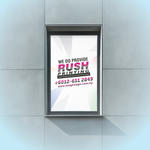
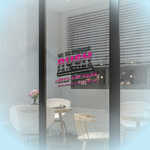
Window Stickers (Stickers & Decals)
Choose Options | Get Started To Direct Order
Click Button Below To Order
Window Sticker Printing Malaysia
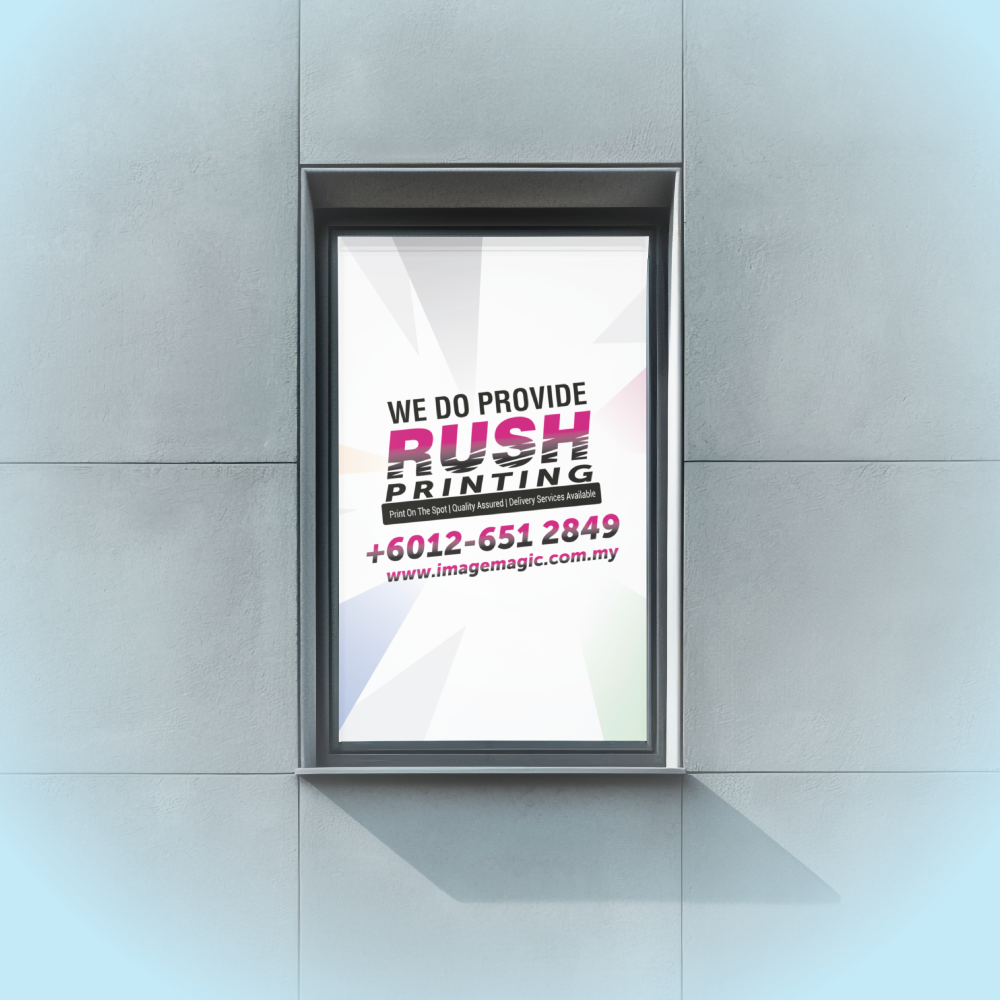
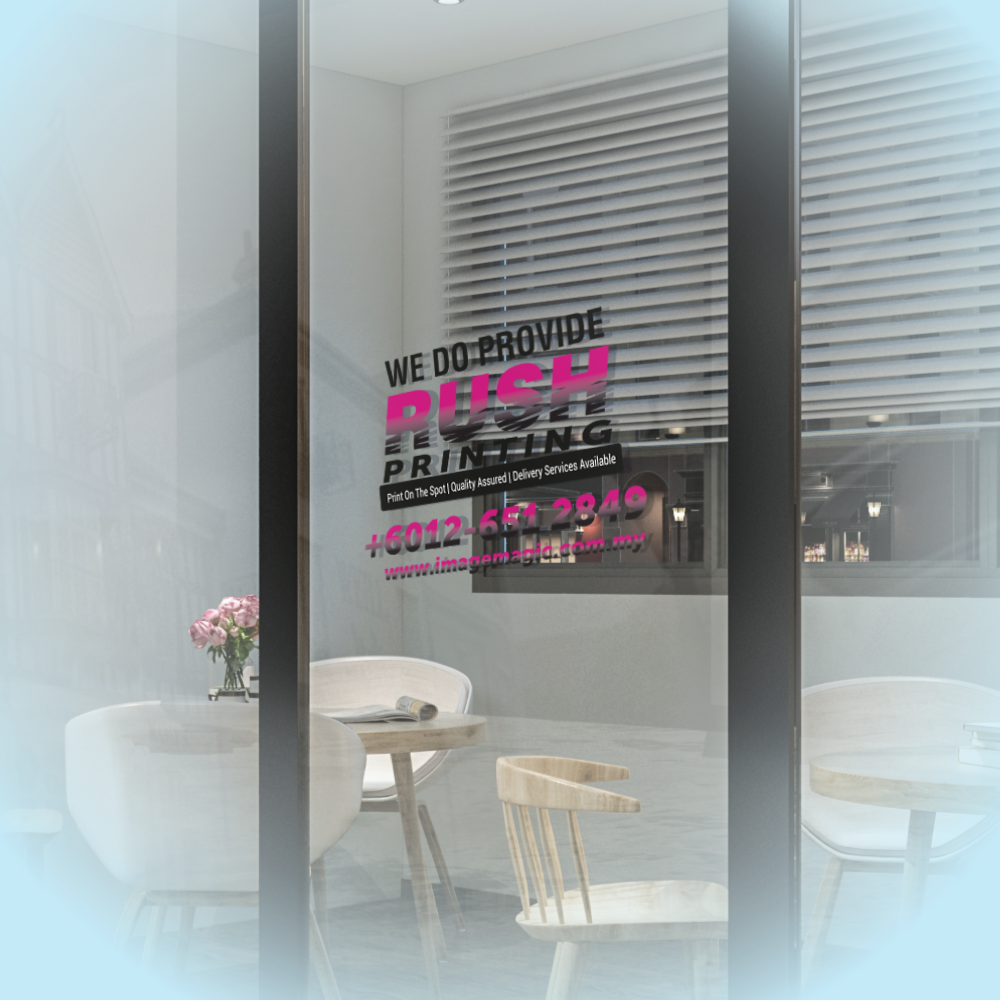
Custom Stickers for Shop Windows & Glass Doors
Print custom window graphics for retail shopfronts, office glass,
entrance doors, exhibitions and promotional displays. Choose from
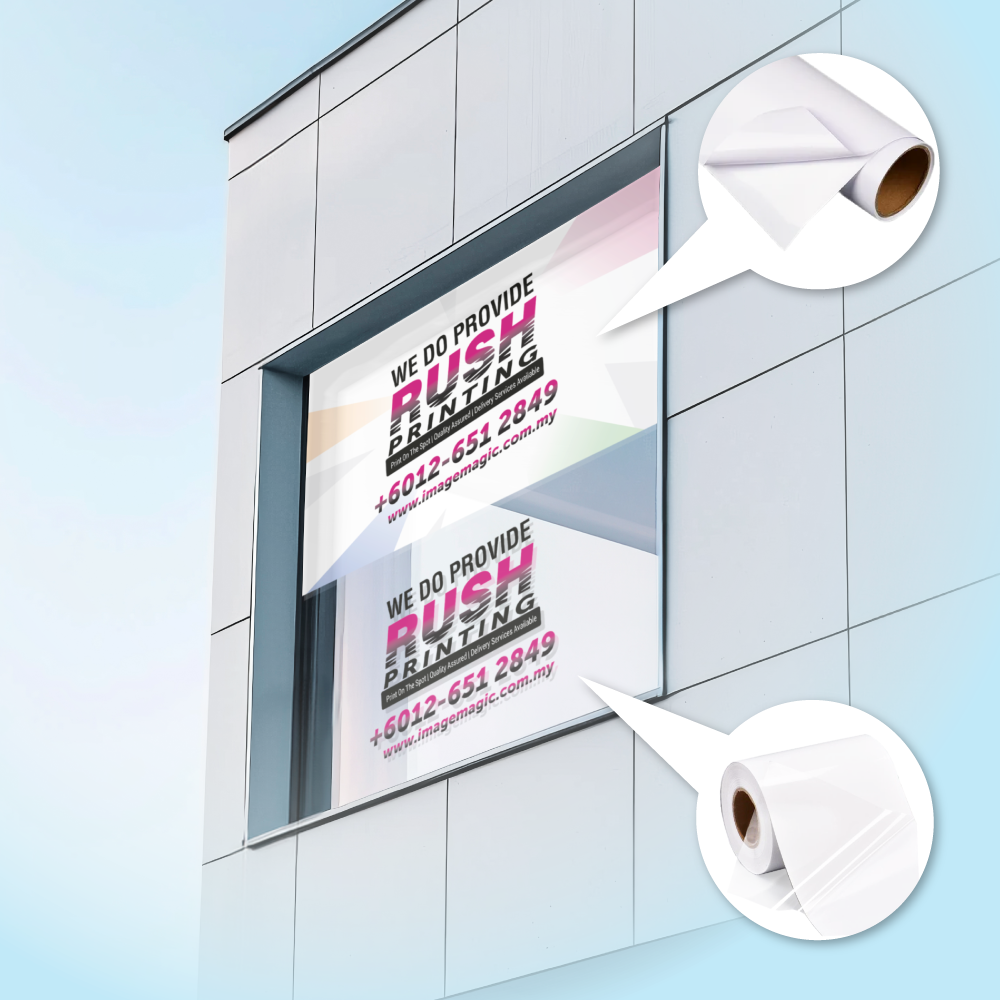
standard white adhesive vinyl, grey-back vinyl, economical gloss,
ultra-clear transparent film or removable non-residual materials
designed for glass.
Current Product Options
Choose the dimensions, quantity, material and finishing that
match the window application.
SizeCustom Dimensions
Enter the required width and height
QuantityPer Design
Order according to each individual artwork
Materials6 Options
White, greybase, clear and removable choices
Cutting2 Options
Cut to size or custom-shape die cut
Important:
Confirm whether the sticker will be installed on the outside of
the glass or on the inside facing outward. Inside-glass artwork
may require mirrored orientation.
Choose the Correct Window Sticker Material
The materials differ in opacity, transparency, adhesive type
and intended application. Select the material before preparing
the final artwork.
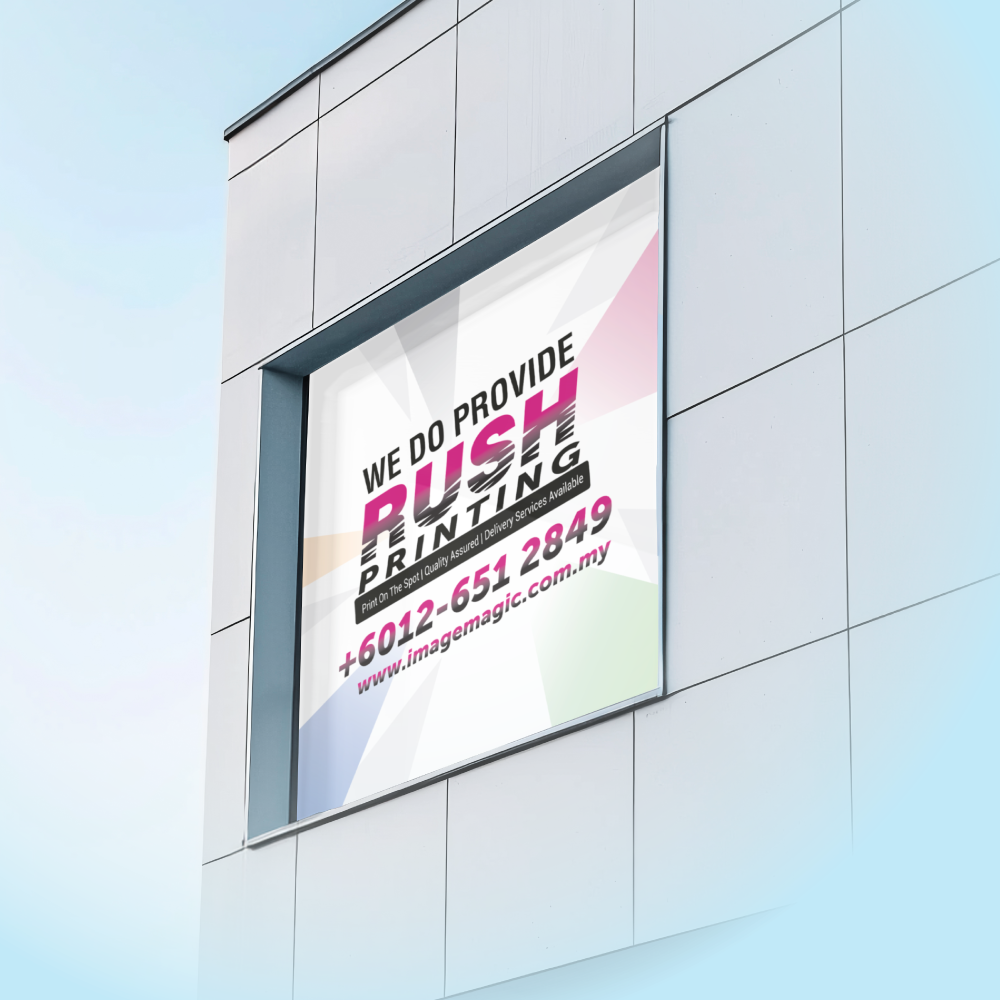
Standard White Vinyl
 3M Gloss Sticker
General-purpose white gloss adhesive sticker for clear,
colourful window graphics.
- Opaque white printed base
- Suitable for general glass branding
- Good choice for logos and promotional graphics
- Uses standard adhesive
Higher Opacity
 3M Greybase Sticker
White sticker with a grey adhesive backing for stronger
coverage when the underlying surface or old graphic should
be less visible.
- Grey adhesive backing
- Better blocking than standard white vinyl
- Useful over existing graphics or darker backgrounds
- Uses standard adhesive
Economy Option
 Bagus Gloss Sticker
Economical gloss adhesive material for budget-conscious
promotional window graphics and shorter-term campaigns.
- Gloss printed surface
- Budget-oriented material choice
- Suitable for straightforward promotional graphics
- Uses standard adhesive
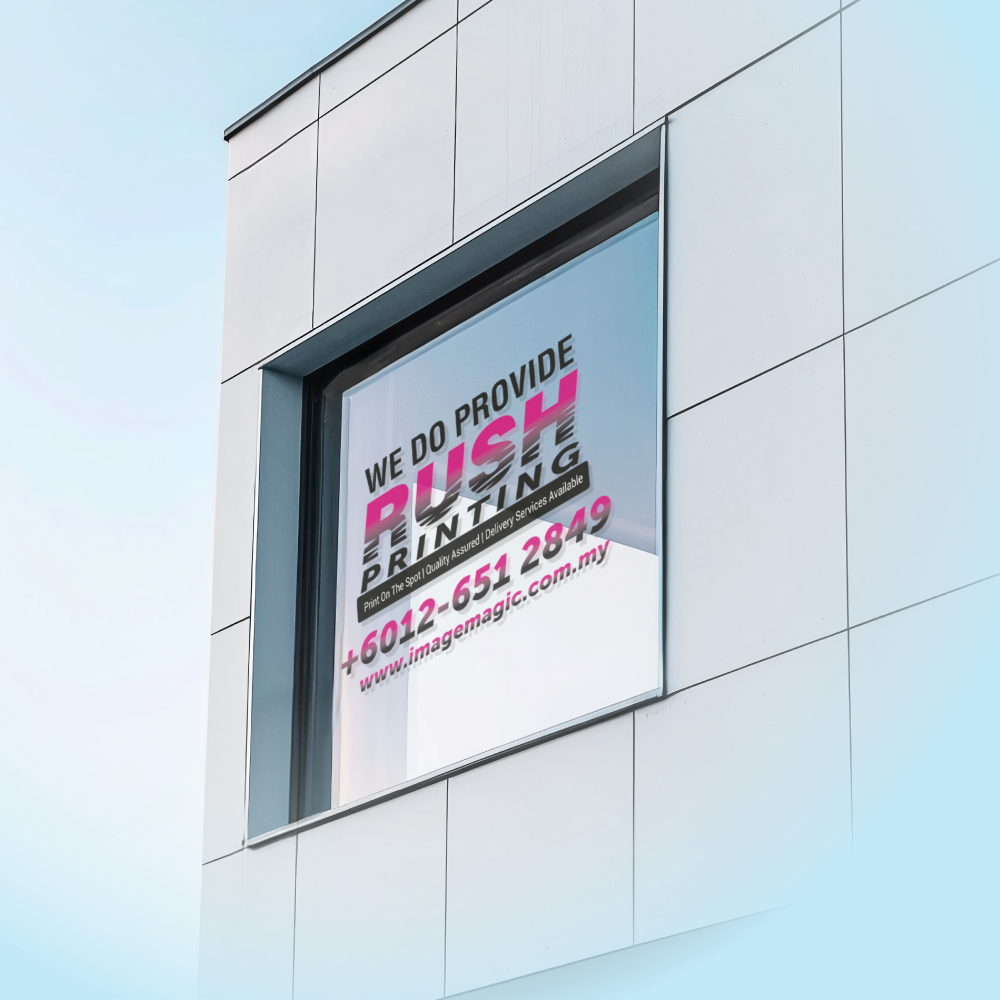
Clear Permanent-Look Option
 Ultra Clear Transparent – 80 Micron
Clear transparent film for window graphics where the glass
should remain visible around the printed artwork.
- Transparent base
- 80-micron material listed in the calculator
- Suitable for clear-window branding
- Different from the non-residual transparent material
Removable White Base
 Non-Residual Sticker – White Base
Removable white-base sticker intended specifically for
smooth glass applications where cleaner removal is
required.
- White opaque base
- Non-residual adhesive option
- For glass surfaces only
- Suitable for temporary promotions
Removable Clear Base
 Non-Residual Sticker – Transparent Base
Removable transparent-base material for temporary
glass graphics where both clear appearance and cleaner
removal are important.
- Transparent base
- Non-residual adhesive option
- For glass surfaces only
- Suitable for temporary window promotions
Ultra Clear vs Non-Residual Transparent:
Both have a transparent appearance, but they are different
material options. Choose the non-residual transparent version when
clean removal from glass is the main requirement.
Sticker Cutting Options
Cut To Size
Choose this for a rectangular or straightforward finished
sticker cut to the ordered dimensions.
Custom Shape Die Cut
Choose this when the sticker should follow a supplied logo,
lettering or custom vector outline. A separate cut line is
required.
Inside-Glass or Outside-Glass Installation?
Decide how the window sticker will be installed before
submitting the final artwork.
Outside-Glass Application
The adhesive side is applied directly to the outside glass
surface and the artwork is normally supplied in its normal
viewing direction.
Inside-Glass Facing Outward
The sticker is installed from inside the premises but read
from outside through the glass. Artwork may require a
mirrored setup depending on the selected material and
printing configuration.
Always tell Image Magic the intended viewing direction before
production. Do not assume normal and mirrored artwork are
interchangeable.
Suitable for
Shopfront WindowsGlass DoorsRetail PromotionsOffice GlassSales CampaignsFestive PromotionsOpening-Hour GraphicsPromotional MessagesWindow LogosEvent Glass BrandingShowroom WindowsTemporary Glass PromotionsBefore Installing Your Window Sticker
Clean the Glass
Remove dust, grease, dirt and other contamination before
application.
Measure Each Glass Panel
Measure the actual installation area and allow for window
frames, silicone seals, handles and panel joints.
Check Existing Film
Tell Image Magic if the window already contains tint,
frosting, adhesive graphics or another surface treatment.
Confirm Viewing Direction
State clearly whether the artwork is viewed from the same
side as installation or through the glass.
Artwork Preparation Guidelines
Prepare artwork at actual size and according to the selected
material, cutting method and installation direction.
File Format & Resolution
- PDF is the preferred print-ready format.
- AI files are also recommended.
-
PSD or high-resolution JPG may be used for suitable
raster artwork.
-
Use approximately 150–300 DPI at actual output size.
Artwork Size & Scale
- Prepare artwork at actual size where practical.
-
Artwork dimensions must match the ordered width and
height.
-
Measure every separate window panel individually.
-
Do not assume two similar-looking glass panels have
identical dimensions.
Bleed & Safe Area
-
Add approximately 3–5mm bleed where artwork extends
through the cutting edge.
-
Extend backgrounds and images fully into the bleed.
-
Keep important text and logos approximately
3–5mm inside the finished edge.
-
Allow extra clearance near glass frames and seals.
Custom Shape Cut Line
-
Supply a clear vector cut line for custom-shape
die cutting.
-
Place the cut line on a separate layer or use a
clearly identified spot colour.
-
Do not flatten the cutting path into a JPG image.
-
Keep the cut path smooth and avoid unnecessarily
complex points.
Colour & Fonts
- Prepare colour artwork in CMYK.
-
Convert fonts to outlines or embed them correctly.
-
Use high-resolution logos and photographs.
-
Screen colours may differ from the final printed
output.
Inside-Glass Artwork
-
Tell Image Magic when the sticker will be installed
inside the glass.
-
State clearly which side the customer will view the
artwork from.
-
Mirror-format artwork may be required for
inside-glass installation.
-
Confirm the setup before approving production.
How to Order Window Stickers
- Enter the Size
Confirm the required width and height for each design.
- Select the Material
Choose the adhesive, opacity and removal type required.
- Select the Cutting
Choose cut to size or custom-shape die cut.
- Upload Artwork
Submit final artwork and confirm inside or outside installation.
Frequently Asked Questions
What window sticker materials are available?
Current options include 3M Gloss, 3M Greybase, Bagus Gloss,
Ultra Clear Transparent 80 micron, Non-Residual White Base
and Non-Residual Transparent Base.
Which stickers are designed for clean removal?
Choose the Non-Residual White Base or Non-Residual Transparent
Base option. These two material choices are specifically
listed for glass applications.
Is Ultra Clear the same as Non-Residual Transparent?
No. They are separate material choices. Ultra Clear is the
80-micron transparent sticker option, while Non-Residual
Transparent is selected when removable glass application is
required.
Can the sticker be installed inside the glass?
Yes, depending on the selected material and artwork setup.
Clearly state that the sticker is for inside-glass installation
because mirrored artwork may be required.
Can I order a custom-shaped window sticker?
Yes. Choose Custom Shape Die Cut and provide a clear vector
cutting path with the artwork.
Can I order a simple rectangular sticker?
Yes. Choose Cut To Size when a straightforward rectangular
finished size is required.
What artwork resolution should I use?
The current artwork guideline recommends approximately
150–300 DPI at actual output size.
How long does production take?
Confirm the current production schedule when ordering.
Delivery or collection time should be allowed separately.
Need Window Stickers for Your Shop or Office?
Send your required width and height, application surface,
inside/outside installation direction, preferred material and
complete print-ready artwork.
WhatsApp +6012-651 2849
Custom Stickers for Shop Windows & Glass Doors
Print custom window graphics for retail shopfronts, office glass, entrance doors, exhibitions and promotional displays. Choose from standard white adhesive vinyl, grey-back vinyl, economical gloss, ultra-clear transparent film or removable non-residual materials designed for glass.
Current Product Options
Choose the dimensions, quantity, material and finishing that match the window application.
Choose the Correct Window Sticker Material
The materials differ in opacity, transparency, adhesive type and intended application. Select the material before preparing the final artwork.
3M Gloss StickerGeneral-purpose white gloss adhesive sticker for clear, colourful window graphics.
- Opaque white printed base
- Suitable for general glass branding
- Good choice for logos and promotional graphics
- Uses standard adhesive
3M Greybase StickerWhite sticker with a grey adhesive backing for stronger coverage when the underlying surface or old graphic should be less visible.
- Grey adhesive backing
- Better blocking than standard white vinyl
- Useful over existing graphics or darker backgrounds
- Uses standard adhesive
Bagus Gloss StickerEconomical gloss adhesive material for budget-conscious promotional window graphics and shorter-term campaigns.
- Gloss printed surface
- Budget-oriented material choice
- Suitable for straightforward promotional graphics
- Uses standard adhesive
Ultra Clear Transparent – 80 MicronClear transparent film for window graphics where the glass should remain visible around the printed artwork.
- Transparent base
- 80-micron material listed in the calculator
- Suitable for clear-window branding
- Different from the non-residual transparent material
Non-Residual Sticker – White BaseRemovable white-base sticker intended specifically for smooth glass applications where cleaner removal is required.
- White opaque base
- Non-residual adhesive option
- For glass surfaces only
- Suitable for temporary promotions
Non-Residual Sticker – Transparent BaseRemovable transparent-base material for temporary glass graphics where both clear appearance and cleaner removal are important.
- Transparent base
- Non-residual adhesive option
- For glass surfaces only
- Suitable for temporary window promotions
Sticker Cutting Options
Choose this for a rectangular or straightforward finished sticker cut to the ordered dimensions.
Choose this when the sticker should follow a supplied logo, lettering or custom vector outline. A separate cut line is required.
Inside-Glass or Outside-Glass Installation?
Decide how the window sticker will be installed before submitting the final artwork.
The adhesive side is applied directly to the outside glass surface and the artwork is normally supplied in its normal viewing direction.
The sticker is installed from inside the premises but read from outside through the glass. Artwork may require a mirrored setup depending on the selected material and printing configuration.
Suitable for
Before Installing Your Window Sticker
Remove dust, grease, dirt and other contamination before application.
Measure the actual installation area and allow for window frames, silicone seals, handles and panel joints.
Tell Image Magic if the window already contains tint, frosting, adhesive graphics or another surface treatment.
State clearly whether the artwork is viewed from the same side as installation or through the glass.
Artwork Preparation Guidelines
Prepare artwork at actual size and according to the selected material, cutting method and installation direction.
File Format & Resolution
- PDF is the preferred print-ready format.
- AI files are also recommended.
- PSD or high-resolution JPG may be used for suitable raster artwork.
- Use approximately 150–300 DPI at actual output size.
Artwork Size & Scale
- Prepare artwork at actual size where practical.
- Artwork dimensions must match the ordered width and height.
- Measure every separate window panel individually.
- Do not assume two similar-looking glass panels have identical dimensions.
Bleed & Safe Area
- Add approximately 3–5mm bleed where artwork extends through the cutting edge.
- Extend backgrounds and images fully into the bleed.
- Keep important text and logos approximately 3–5mm inside the finished edge.
- Allow extra clearance near glass frames and seals.
Custom Shape Cut Line
- Supply a clear vector cut line for custom-shape die cutting.
- Place the cut line on a separate layer or use a clearly identified spot colour.
- Do not flatten the cutting path into a JPG image.
- Keep the cut path smooth and avoid unnecessarily complex points.
Colour & Fonts
- Prepare colour artwork in CMYK.
- Convert fonts to outlines or embed them correctly.
- Use high-resolution logos and photographs.
- Screen colours may differ from the final printed output.
Inside-Glass Artwork
- Tell Image Magic when the sticker will be installed inside the glass.
- State clearly which side the customer will view the artwork from.
- Mirror-format artwork may be required for inside-glass installation.
- Confirm the setup before approving production.
How to Order Window Stickers
- Enter the Size Confirm the required width and height for each design.
- Select the Material Choose the adhesive, opacity and removal type required.
- Select the Cutting Choose cut to size or custom-shape die cut.
- Upload Artwork Submit final artwork and confirm inside or outside installation.
Frequently Asked Questions
What window sticker materials are available?
Which stickers are designed for clean removal?
Is Ultra Clear the same as Non-Residual Transparent?
Can the sticker be installed inside the glass?
Can I order a custom-shaped window sticker?
Can I order a simple rectangular sticker?
What artwork resolution should I use?
How long does production take?
Need Window Stickers for Your Shop or Office?
Send your required width and height, application surface, inside/outside installation direction, preferred material and complete print-ready artwork.
WhatsApp +6012-651 2849Templates
To start, select the product size, preview the design guidelines, download the guidelines for reference, and proceed with the customization options.
Upload Artwork Guideline
🎨 File Format: PDF, AI, PSD, or high-res JPG
🖼️ Resolution: 150–300 DPI
🎯 Colour Mode: CMYK
✂️ Cut Line: Add red 1pt outline in separate layer
📏 Bleed: 3mm on all edges
🧾 Safe Zone: Keep important text at least 5mm from edge
🅰️ Fonts: Outlined or embedded
📥 Need help with layout? Send us your design elements, and we'll assist with setup!



