
Choose Options | Get Started To Direct Order

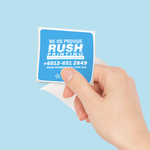
Die Cut in Individual Piece
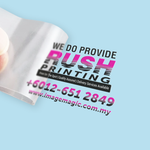
Multiple Kiss Cut in Single Sheet Piece
Die Cut in Individual Piece
Price Total:RM26.50
Unit Price :RM26.50
UV DTF Sticker Printing Malaysia

Full-Colour Direct Transfer Stickers for Bottles, Packaging and Hard Surfaces

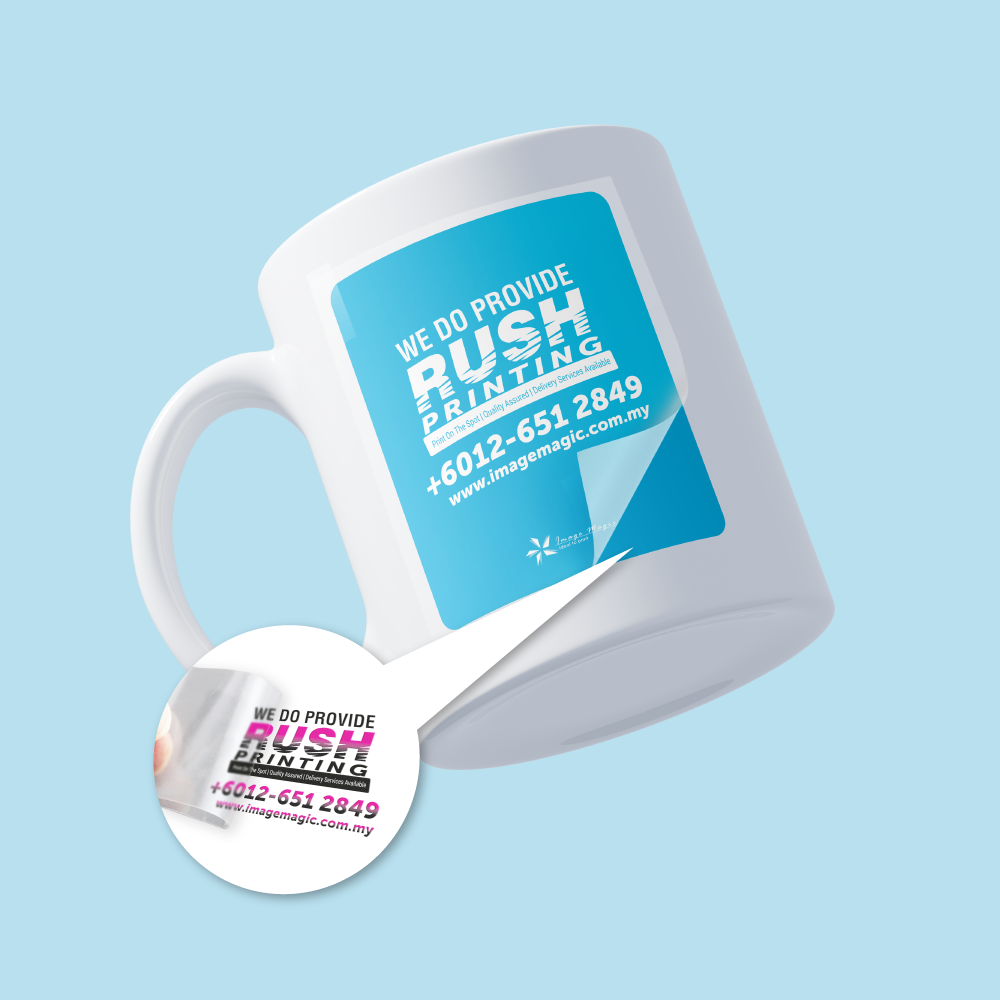
Order custom UV DTF stickers in Malaysia for logos, product branding, personalised gifts and packaging decoration. The design is printed with colour, white ink and a clear gloss layer on transfer film, then applied directly to a clean, smooth hard surface without a heat press.

From 1 piece per design20–530mm wide20–297mm highCMYK + white + glossIndividual or sheet format

Current UV DTF Product Specifications

The specifications below follow the current direct-order product options. Select the finished transfer size, quantity, material, supply format and application option before uploading your print-ready artwork.

Size Range20 × 20mm to 530 × 297mmMaximum width 530mm and maximum height 297mm
Minimum OrderFrom 1 Piece Per DesignEach different artwork is treated as a separate design
Print ConstructionColour + White + Gloss LayerDesigned for direct transfer onto suitable hard surfaces
ProductionApproximately 2–3 Working DaysExpress acceptance depends on artwork and production queue
Important: UV DTF artwork does not require traditional vinyl weeding or a separate contour-cut border around every printed element. However, the selected Sticker Cut Type still controls whether the completed transfer film is supplied as separate individual pieces or together on one sheet.
The product is supplied on transfer film for the peel, position, press and transfer process. Customers do not need to purchase a separate application tape.

What Are UV DTF Stickers?

UV DTF means UV direct-to-film. The printed design is prepared on a carrier system and transferred onto the target object, leaving the printed artwork on the surface without a conventional sticker background surrounding each letter or design element.

Full-Colour CMYK PrintingSuitable for logos, illustrations, gradients and detailed branding artwork.
White Ink BaseSupports colour visibility when transfers are applied to clear or coloured objects.
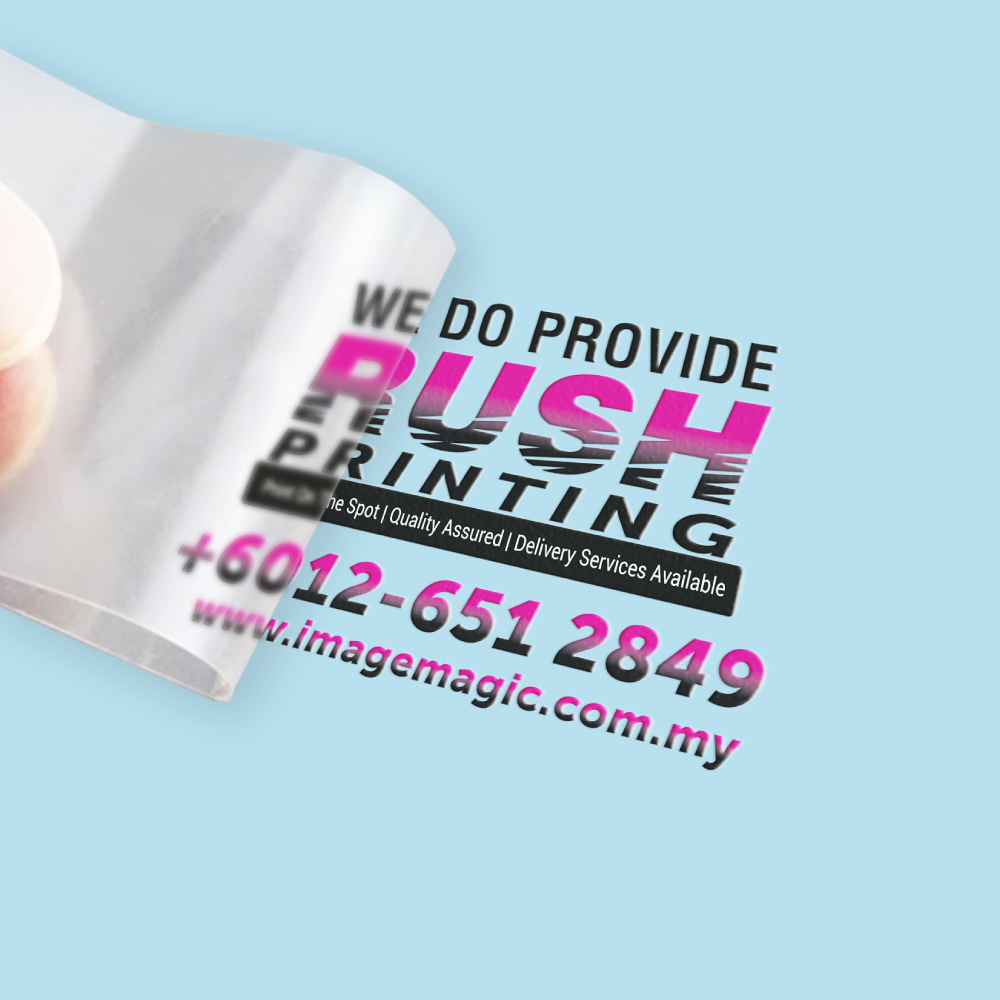
Clear Gloss Varnish LayerCreates the characteristic glossy and slightly raised UV DTF finish.
No Heat Press RequiredApply by peeling, positioning, pressing firmly and removing the top carrier film.
Standard UV DTF stickers do not contain a metallic gold effect. For reflective metallic gold artwork, order UV DTF Gold Stickers.

How the Product Options Match the Finished Order

Each selector controls a different part of the order. The sticker cut type describes the supply format of the transfer film, not an ordinary paper-sticker backing format.

Size of Individual Sticker Enter the finished width and height of one complete design. Keep the artwork size consistent with the size selected in the calculator.
Quantity Per Design Select the number of copies required for one artwork. Different logos or artwork versions should be added as separate designs.
Material Type Choose the standard UV DTF transfer material currently shown in the product calculator. Metallic gold is a separate product.
Application Peel the backing, position the transfer, press the complete design firmly, then remove the clear top carrier slowly.

UV DTF Sticker Cut Type Options

Retain the exact option names below so the description matches the direct-order calculator, while explaining how UV DTF supply formats differ from conventional sticker cutting.

Die Cut in Individual Piece

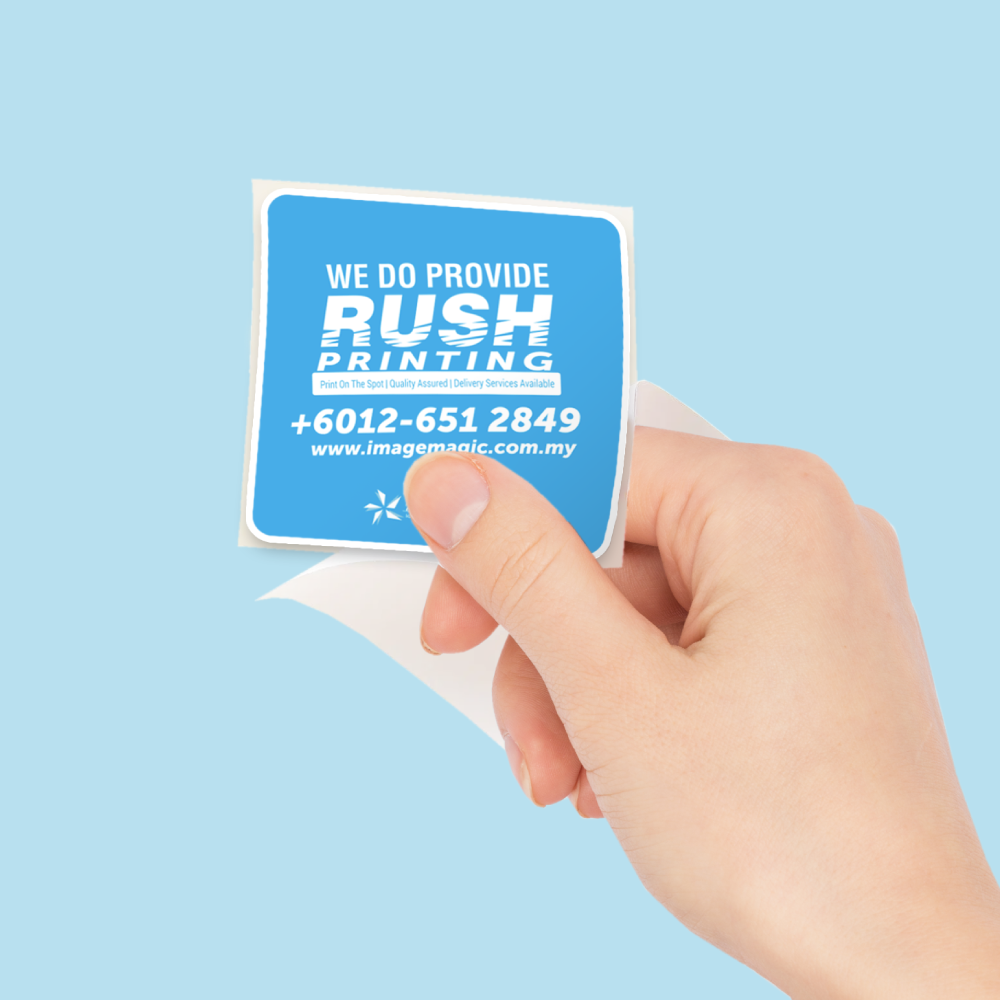
Each complete UV DTF transfer is trimmed and supplied as a separate carrier-film piece. Choose this for individually packed logos, product branding, giveaways or transfers that will be applied one at a time.

Multiple Kiss Cut in Single Sheet Piece

Multiple UV DTF transfers are arranged together on one carrier sheet for organised storage and repeated application. Individual transfers are separated from the sheet when required.

Do not describe these as ordinary stickers peeled from paper backing. UV DTF uses transfer film, and the final printed design remains directly on the target surface after the top carrier is removed.

Suitable Surfaces for UV DTF Transfers

Best results are achieved on clean, dry, smooth and non-porous hard surfaces. Adhesion can vary with coatings, texture, curvature and the surface material, so test an inconspicuous area before a larger application.

Glass bottles and jarsAcrylic displaysSmooth metal containersCeramic exterior surfacesSelected rigid plasticsSealed smooth woodPower banks and hard casesSmooth coated packaging
Not recommended: fabric, silicone, rubber, raw or rough wood, textured surfaces, oily surfaces, flexible materials, heavily curved areas or surfaces with weak paint. Low-surface-energy plastics such as some PP or PE items may require testing before production.
For drinkware and food packaging, apply the transfer only to exterior, non-food-contact areas. Hand washing is recommended for decorated items unless the finished application has been separately tested for the intended cleaning method.

Popular Uses for Custom UV DTF Stickers

Tumbler and bottle logosCosmetic container brandingSkincare bottle decorationGift box personalisationAcrylic sign brandingCorporate gift logosPower bank brandingSmall-business packagingPromotional hard-surface itemsCustom product decoration

Choose the Correct Sticker Product

This ProductStandard UV DTF Stickers

Full-colour direct transfers with white ink and a glossy raised finish for smooth hard surfaces.

Metallic GoldUV DTF Gold Stickers

Choose this when the design requires reflective metallic gold alone or metallic gold combined with CMYK colours.

View UV DTF Gold Stickers
Conventional StickerDie-Cut Stickers

Choose a conventional adhesive sticker when you require a printed sticker material, visible background, paper option or standard label construction.

View Die-Cut Stickers

UV DTF Artwork Preparation Guidelines

Upload print-ready artwork at the selected finished size. Image Magic provides printing and a basic preflight check; the customer remains responsible for final artwork content, spelling, dimensions and print readiness.

Recommended File Formats
  • PDF or AI is recommended for vector artwork.
  • A transparent-background PNG may be used when supplied at sufficient resolution.
  • Prepare artwork in CMYK wherever possible.
  • Use approximately 300 DPI at final print size for raster images.
  • Outline or embed all fonts.
Transparent Background
  • Remove unwanted white or coloured background areas before uploading.
  • Only visible artwork elements should remain in the final file.
  • Do not add a white border unless it is intentionally part of the design.
  • Check small gaps and enclosed areas carefully before submission.
White Ink and Transparency
  • White ink is used beneath colour to support opacity.
  • Semi-transparent colours and opacity effects may not reproduce as expected.
  • Avoid relying on soft transparency to blend into the object surface.
  • Supply solid artwork elements where consistent opacity is important.
Small Text and Fine Details
  • Avoid extremely thin lines, tiny isolated dots and very small text.
  • Use clean, high-contrast artwork for small transfers.
  • Keep sufficient spacing between separate design elements.
  • Order a sample when the design contains critical fine details.
Size and Multiple Designs
  • Match the uploaded artwork dimensions to the size selected online.
  • Minimum finished size: 20mm × 20mm.
  • Maximum finished size: 530mm wide × 297mm high.
  • Each different artwork version should be added as a separate design.
  • Do not combine unrelated designs in one individual-size order unless the selected format permits it.
Before Uploading
  • Confirm the finished width and height.
  • Confirm individual-piece or single-sheet supply format.
  • Check spelling, contact details and logo proportions.
  • Remove hidden objects and unwanted backgrounds.
  • Flatten final artwork where appropriate and keep a backup editable file.

How to Apply UV DTF Stickers

  1. Clean the Surface Remove dust, grease, moisture and residue, then allow the surface to dry fully.
  2. Position the Transfer Peel the backing carefully and align the complete design before pressing it down.
  3. Press Firmly Rub across the full design, including fine details and edges, to secure adhesion.
  4. Remove the Carrier Peel the clear top film back slowly while checking that every printed element remains attached.
UV DTF transfers are not designed to be repositioned repeatedly. Confirm the alignment before applying full pressure.

How to Order UV DTF Stickers Online

  1. Select Size and Quantity Enter the finished dimensions and quantity required for each artwork.
  2. Select Supply Format Choose individual pieces or multiple transfers supplied together on one sheet.
  3. Upload Print-Ready Artwork Submit a PDF, AI or suitable transparent PNG at the selected finished size.
  4. Confirm and Produce Check the order specifications before submission; delivery or collection follows production.

Frequently Asked Questions

What is the minimum order quantity?
The current direct-order product starts from 1 piece per design.
What is the available size range?
Enter a finished size from 20mm × 20mm up to a maximum of 530mm wide × 297mm high.
Do UV DTF stickers need a heat press?
No heat press is required. The transfer is applied by peeling, positioning, pressing firmly and removing the clear carrier film.
Is transfer film included?
Yes. The printed design is supplied as a transfer-film system. No separate customer-supplied application tape is required.
Are UV DTF stickers waterproof?
The cured print is suitable for normal water exposure, but actual durability depends on surface preparation, item material, cleaning method and operating conditions.
Can they be used on tumblers and bottles?
Yes, on suitable smooth exterior surfaces. Keep transfers away from direct food-contact areas and test the surface before a large order.
What is the difference between individual pieces and a single sheet?
Individual pieces are supplied as separate trimmed transfers. The single-sheet option keeps multiple transfers organised together on one carrier sheet.
How long does production take?
Standard production is approximately 2–3 working days after order and artwork confirmation. Express acceptance depends on the production queue.

Order Custom UV DTF Stickers in Malaysia

Select the finished size, quantity and supply format, then upload your print-ready artwork. Contact Image Magic when you need to confirm surface suitability or the correct order option before submitting production.

WhatsApp +6012-651 2849

From 1 piece per design • Full-colour UV DTF transfer • Individual or sheet format • No heat press required

Templates

Ready to create your product design?
To start, select the product size, preview the design guidelines, download the guidelines for reference, and proceed with the customization options.
 
 
x
 
 
Help template cannot be generated as one or both bleed sizes (height and width) are set to 0.
Bleed Line
Safe Line

Upload Artwork Guideline

  • File format: PDF / PNG with transparent background

  • Colour mode: CMYK (300 DPI)

  • Bleed: 3mm (if full coverage)

  • Shape: Supply artwork as final cut shape

  • Fonts: Outlined or embedded

  • White Ink: Automatically added under light colours unless specified



