
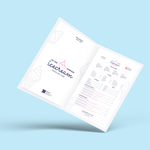
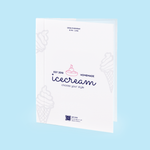
Choose Options | Get Started To Direct Order

Hard Cover OnlyContent Only
Matt Lamination (Front & Back)
Gloss Lamination (Front & Back)
Matt Lamination (Front & Back)
Full Color Printing Both Sided
Price Total:RM339.82
Unit Price :RM33.98
Hard Cover Menu Printing Malaysia

Premium Restaurant Menu Books for Cafés, Hotels and Indoor Dining

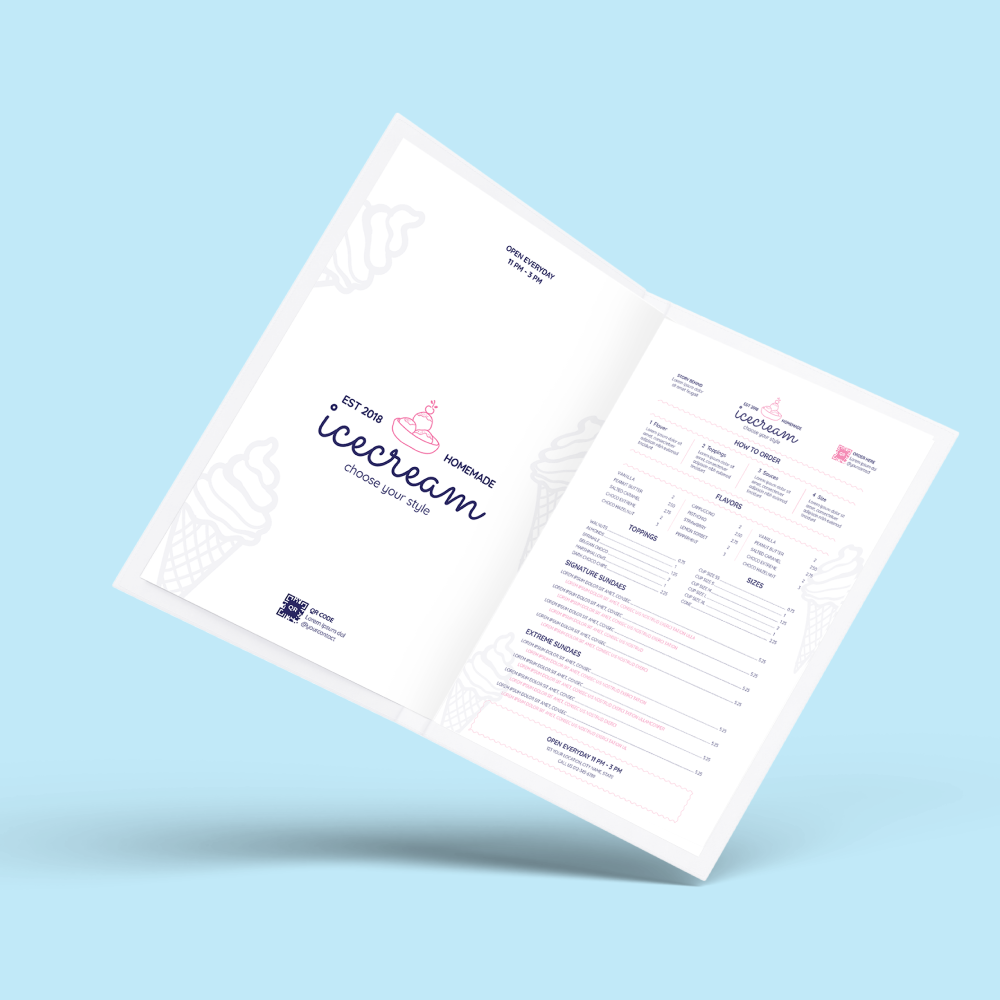
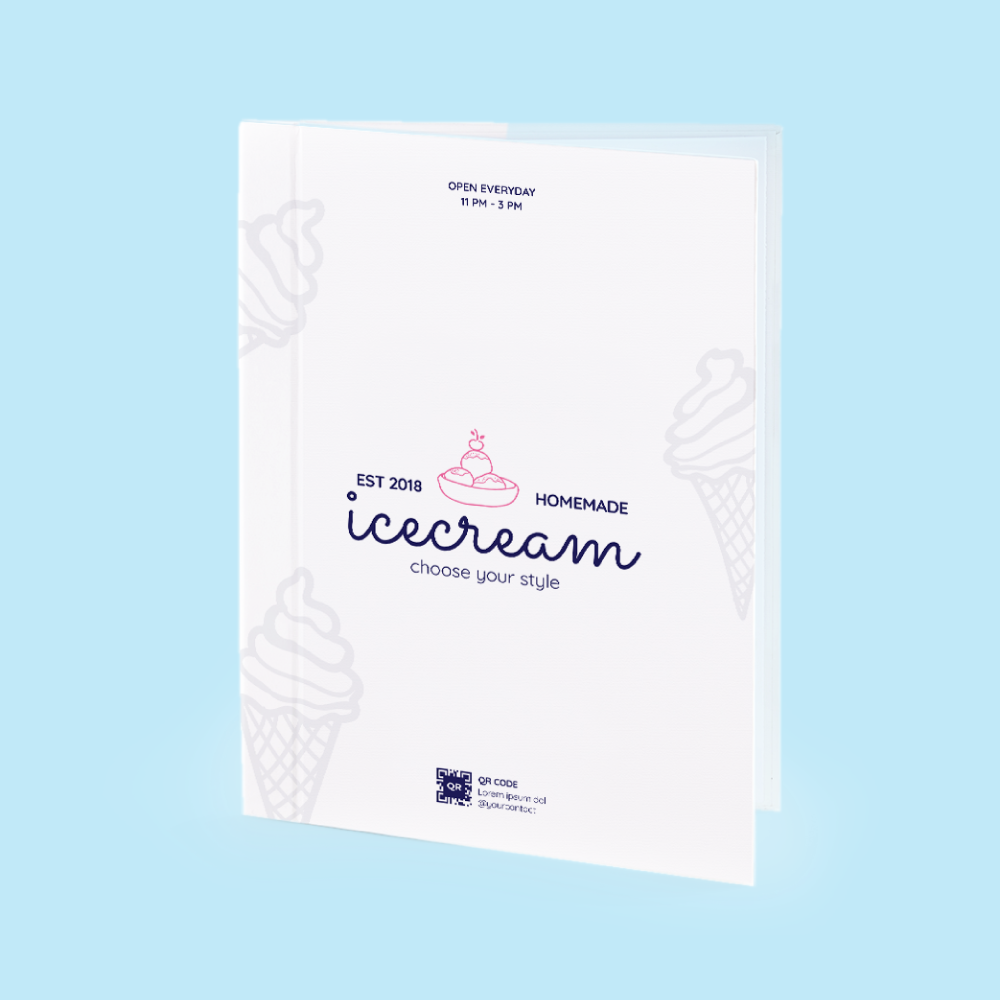
Order custom hard cover menu printing in Malaysia for restaurants, cafés, hotels, lounges and premium dining environments. Choose a complete Cover + Content menu, a replacement Hard Cover Only, or Content Only pages, then select the current paper, size, page count, lamination and production options in the online calculator.

Cover + ContentHard Cover OnlyContent OnlyGloss or Matt laminationIndoor / dry-table use

Current Hard Cover Menu Product Options

The live calculator currently exposes Menu Type, Quantity Per Design, Lamination for Cover & Content, Production Time, cover printing, cover paper, cover size, content paper, content size and content pages. The description below follows those current fields.

Menu TypeCover + Content, Hard Cover Only, or Content Only.
Quantity Per Design Enter the number of identical menu sets required for one artwork specification. Different menu designs or branches should be treated as separate order items unless the Add Item workflow explicitly supports the same specification and quantity.
Lamination for Cover & Content Gloss Lamination (Front & Back) or Matt Lamination (Front & Back).
Production Time Use the schedule selected in the live calculator. The older description states 5–7 working days as standard, but the current Production Time selector takes priority.
Front + Back Cover PrintingFull Color Printing Both Sided.
Front + Back Cover Paper Select the exact paper shown in the current cover-paper dropdown. The existing description identifies the construction as a rigid board wrapped with printed stock.
Front + Back Cover Size Select the exact live cover size. Do not advertise A4, A5, square or custom sizes unless they are actually available in this dropdown.
Content PaperSelect the exact current inner-page paper from the live dropdown.
Content Size Select the content size that matches the selected hard cover construction and current template.
Content Pages Choose the active page count shown in the live Pages dropdown. The download section currently includes 12-page and 16-page templates, but those template names should not be treated as the complete list of orderable page counts.
Option-matching correction: the old CMS says sleeves, inserts and custom sizes are standard options, but those are not exposed as separate fields in the current direct-order calculator. Do not promise them unless they are part of the selected paper/size/page setup or separately quoted.

Which Menu Type Should You Choose?

Cover + Content

Choose this for a complete restaurant menu set with hard cover and printed inner pages under one matching specification.

Hard Cover Only

Suitable when you need a new or replacement hard cover without ordering a new set of inner content. Confirm size and binding compatibility with the pages you intend to use.

Content Only

Useful when menu prices or dishes have changed and you only need new inner pages for an existing compatible hard cover. Confirm page size, page count and binding compatibility before ordering.

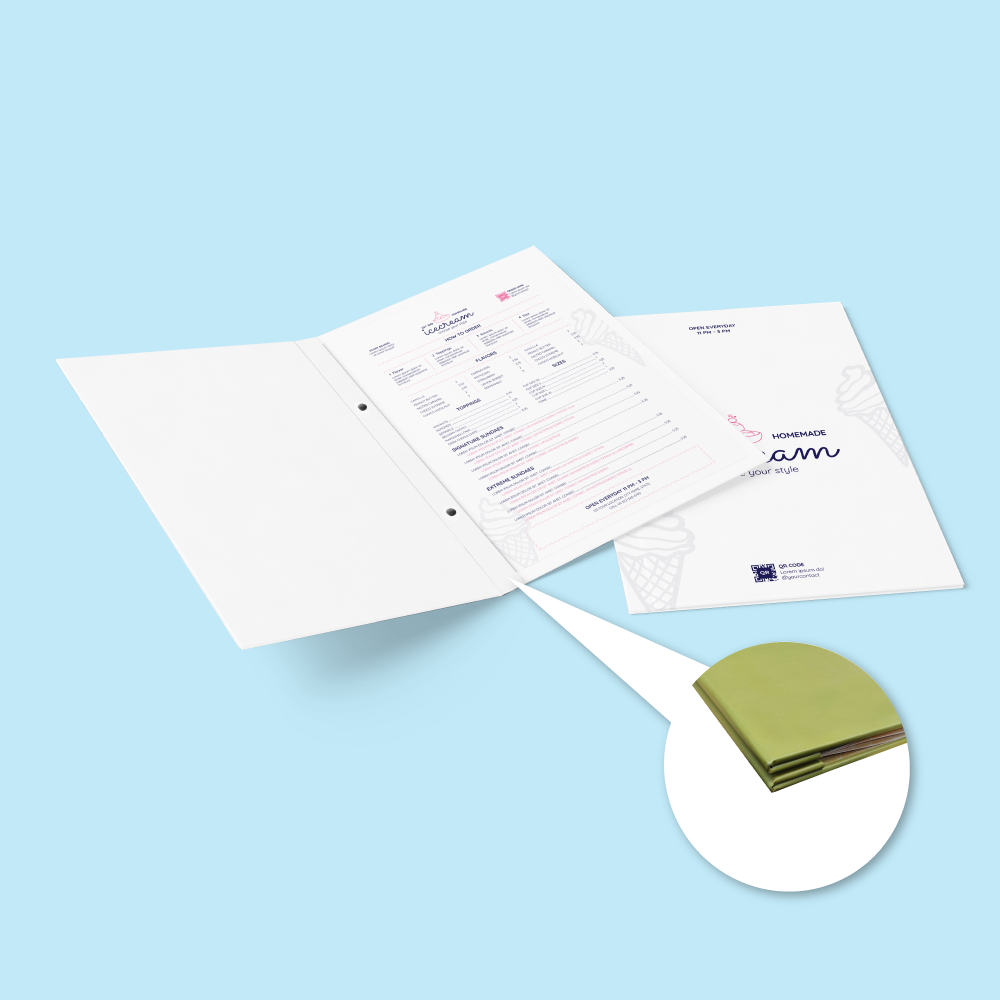
The current product description identifies screw binding as the binding method, which can make inner-page replacement practical. If screw binding is standard for every configuration, make that clear in the product selector or specification; if it varies, state the applicable binding per menu type.

Hard Cover Construction and Lamination

The current product description identifies a rigid hard cover made with approximately 2mm board wrapped in 310gsm printed material. Keep that specification only while it matches the current production setup.

Gloss Lamination — Front & Back Creates a shinier surface that can make photographs and colours look more vivid. Fingerprints and reflections may be more visible under strong lighting.
Matt Lamination — Front & Back Creates a lower-glare appearance that suits premium restaurant branding and text-heavy menus. Surface scuffing can still occur with repeated handling.
Not waterproof. Lamination helps protect the printed surface but does not make the complete hard cover menu waterproof or washable. Keep it away from soaking, frequent wet wiping, grease-heavy use and outdoor exposure.

Indoor Restaurant Menu or Waterproof Menu Sheet?

Premium PresentationHard Cover Menu

Best for indoor restaurants, cafés, hotels and lounges that want a rigid book-style menu with replaceable or multi-page content.

Wet / High-Handling UseWaterproof Menu Sheet

Choose the separate Menu Sheet product when menus are regularly exposed to spills, grease, moisture, wiping or outdoor dining.

View Waterproof Menu Sheet
Longer Publication FormatHard Cover Perfect Bind Booklet

Choose a hard cover perfect-bound booklet when the content is closer to a catalogue, coffee-table book or long publication rather than a replaceable restaurant menu.

View Hard Cover Perfect Bind Booklets

Restaurant Menu Artwork Preparation

Upload final print-ready artwork. Image Magic performs a basic preflight for size, margin, bleed and colour setup; the customer remains responsible for final menu design, pricing, spelling, page order and content accuracy.

Recommended File Format
  • PDF is preferred for final multi-page menu artwork.
  • AI or high-resolution JPG may be accepted where appropriate.
  • Use CMYK colour mode.
  • Prepare artwork at actual size, 1:1 scale.
Resolution and Fonts
  • 300 DPI at actual size is recommended.
  • Current guidance lists 150 DPI as the minimum.
  • Outline or embed all fonts.
  • Flatten final artwork before upload where required.
Safe Area Near Trim and Spine
  • Keep important text, prices and logos approximately 5–8mm from edges.
  • Allow extra care near the spine and cover-wrap areas.
  • Do not place prices or menu-item names directly on fold/wrap lines.
  • Use the latest product template for the selected cover/content size.
Cover Artwork
  • Prepare the front and back cover according to the current template.
  • Include inner cover artwork when the selected both-sided cover workflow requires it.
  • Include spine/wrap areas only according to the current product template.
  • Keep important branding away from edges and binding positions.
Multi-Page Content PDF
  • Combine all menu content pages into one PDF in correct reading order.
  • Keep every page the same selected size and orientation.
  • Do not upload pages out of sequence.
  • Check all dish names, descriptions and prices before export.
Cover Only or Content Only Orders
  • Use the matching current template for the part being replaced.
  • Confirm compatibility with the existing menu size and binding.
  • Do not assume an old cover and new pages use the same specification.
  • Order a complete set when compatibility cannot be confirmed.
Upload Cut-Off and Add Item
  • Current upload guidance asks for artwork before 5:00 PM.
  • Late upload can affect production and delivery timing.
  • Add Item is for the same specification and same quantity.
  • Do not split one selected quantity across unrelated menu designs.
Before Production
  • Confirm Menu Type, quantity, lamination and production schedule.
  • Confirm cover paper, cover size, content paper, content size and page count.
  • Check page order, menu prices, allergens or required notices where applicable.
  • Remove draft files and outdated menu versions before uploading.

Popular Uses for Hard Cover Restaurant Menus

Restaurant menu booksCafé menusHotel dining menusRoom-service menusWine listsCocktail menusDessert menusBrunch menusFine-dining menusLounge menusSeasonal dining menusPremium price lists

How to Order Hard Cover Menus Online

  1. Select Menu Type Choose Cover + Content, Hard Cover Only or Content Only.
  2. Select Quantity and Lamination Choose the required quantity per design and Gloss or Matt Front & Back lamination.
  3. Select Cover and Content Specifications Choose the live cover paper/size and content paper/size/page count that match your menu.
  4. Upload Final Artwork Submit the final cover and multi-page content files in the current template and correct reading order.

Frequently Asked Questions

Can I order the hard cover without inner pages?
Yes. Hard Cover Only is a current Menu Type option. Confirm the cover size and binding compatibility before using it with existing content.
Can I replace only the menu content pages?
Yes. Content Only is a current Menu Type option. Match the existing menu's size, page specification and binding before ordering replacement pages.
What lamination options are available?
The current calculator offers Gloss Lamination (Front & Back) and Matt Lamination (Front & Back).
Are Hard Cover Menus waterproof?
No. The current product is intended for indoor, dry-table use. Lamination protects the printed surface but does not make the complete menu waterproof or washable.
What page counts are available?
Choose from the active Pages dropdown. The current download area includes 12-page and 16-page templates, but the live selector should be treated as the complete source of truth.
What artwork format should I upload?
PDF is preferred for final print-ready menu files. Current guidance also accepts AI or high-resolution JPG where appropriate, with CMYK colour and approximately 300 DPI images.
How much safe margin should I leave?
Keep important text and logos approximately 5–8mm away from outer edges, with particular care near spine and hard-cover wrap areas.
How long does production take?
Use the current Production Time selector. The existing body states approximately 5–7 working days for standard production, but the live selected schedule takes priority and delivery time is separate.

Order Hard Cover Menu Printing in Malaysia

Choose a complete Cover + Content menu, Hard Cover Only or Content Only, then select the current lamination, cover and content specifications. Upload final print-ready artwork using the matching templates and page order.

WhatsApp +6012-651 2849

Cover + Content / Cover Only / Content Only • Gloss or Matt • Indoor restaurant use

Upload Artwork Guideline

  • Format: AI / PDF (with bleed)

  • Cover: Include front, back, and spine if required

  • Insert pages: Submit as PDF, A4/A5 sized

  • Colour: CMYK, 300 DPI



