


Car Window Stickers (Stickers & Decals)
Choose Options | Get Started To Direct Order
Click Button Below To Order
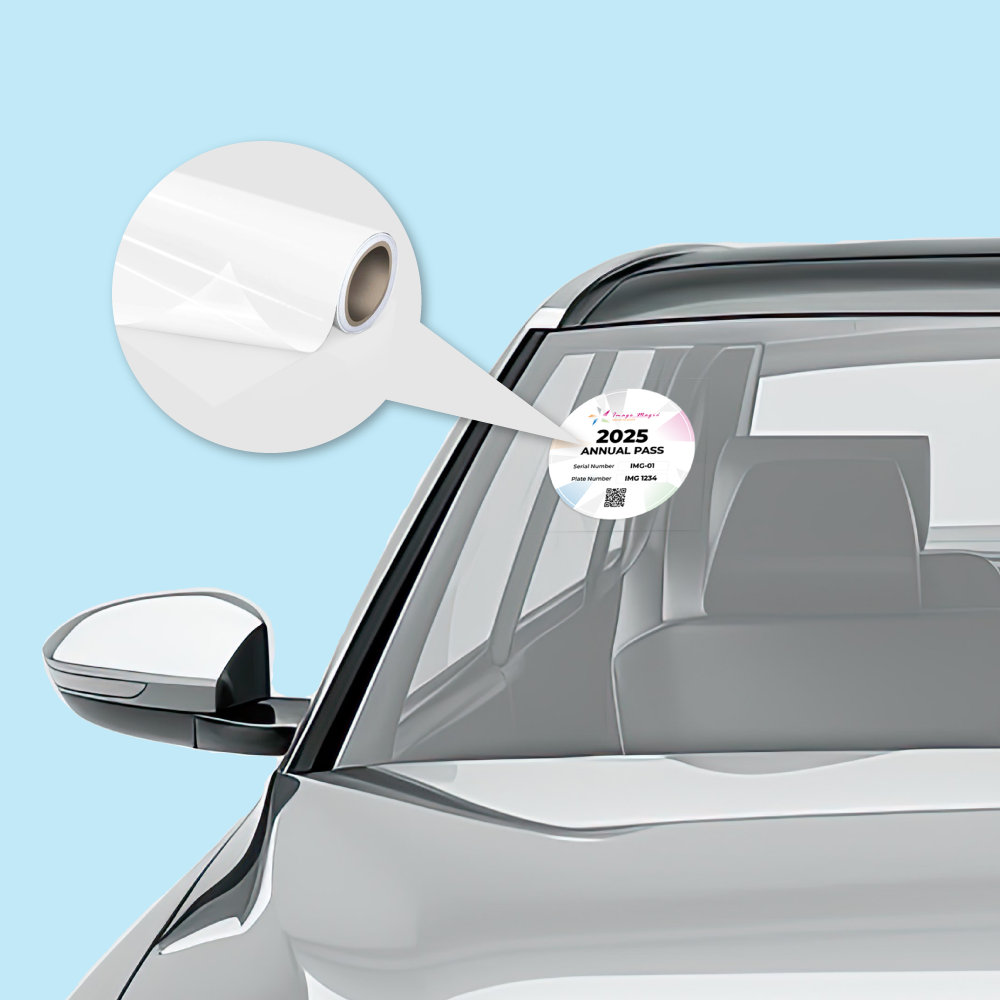
Repositionable No-Adhesive Stickers for Vehicle Glass
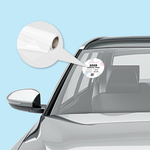
Print custom static-cling stickers for windscreens and vehicle windows without conventional adhesive glue. Choose the required viewing direction, enter your custom dimensions and upload complete print-ready artwork for permits, access identification, club displays and temporary vehicle information.
Current Product Specifications
Choose the Correct Viewing Option
This is the most important product choice. Select according to the side from which the finished sticker needs to be viewed.
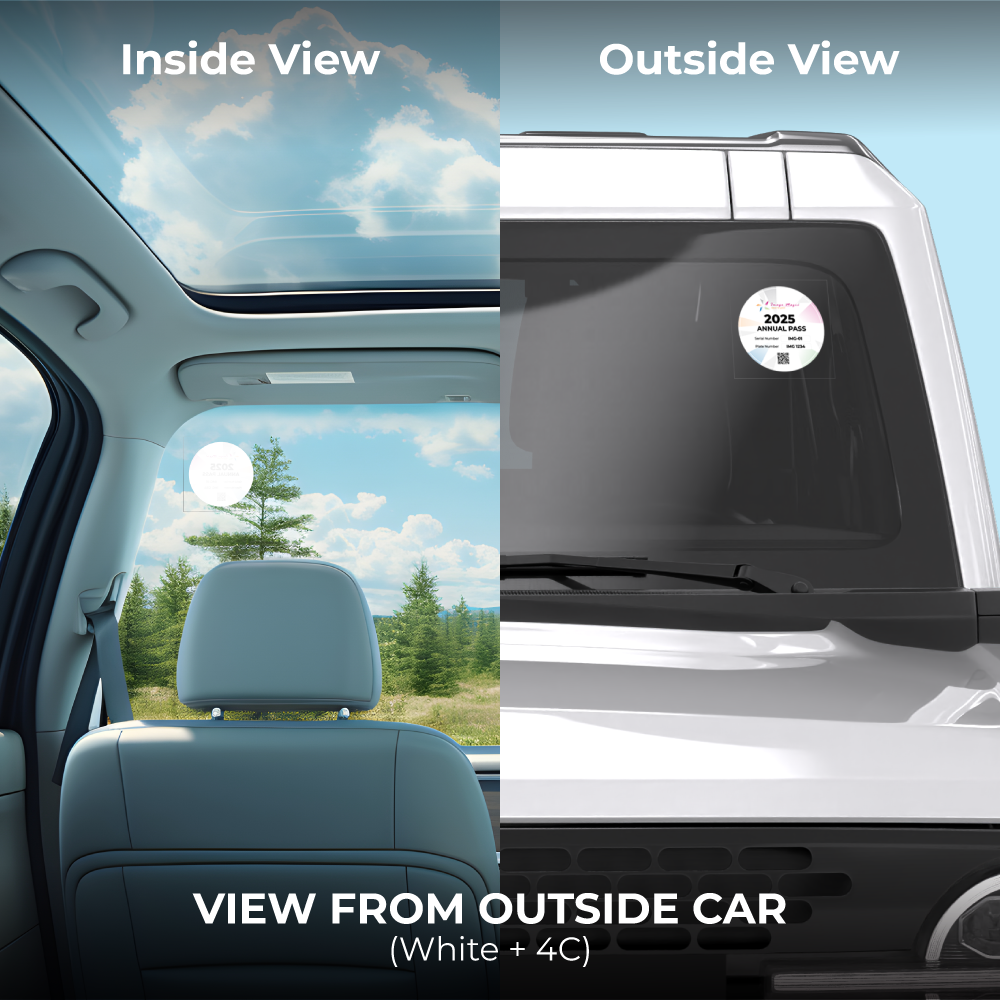
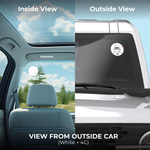
 View From Outside Car
Choose this setup when the printed design needs to be presented for viewing from outside the vehicle.
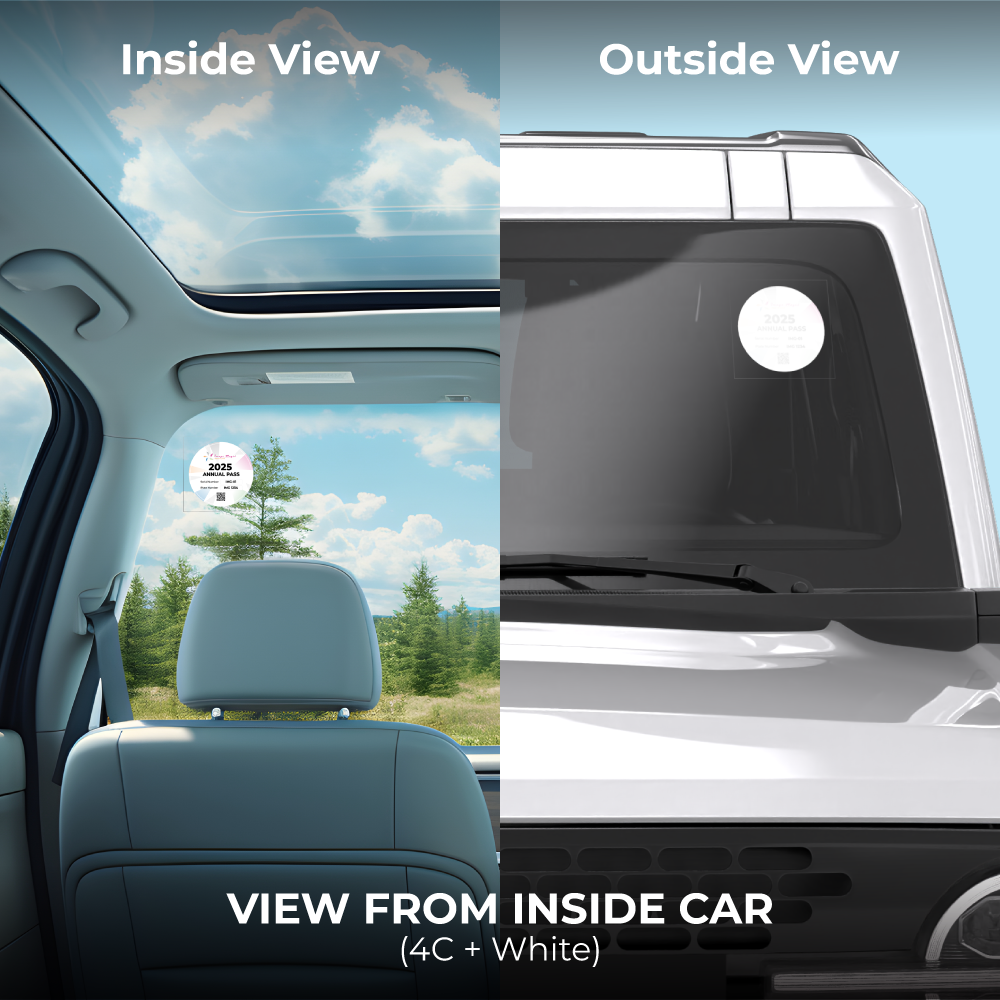
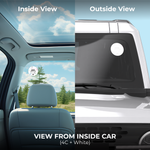
White + 4C View From Inside Car
Choose this setup when the printed design needs to be viewed primarily from inside the vehicle.
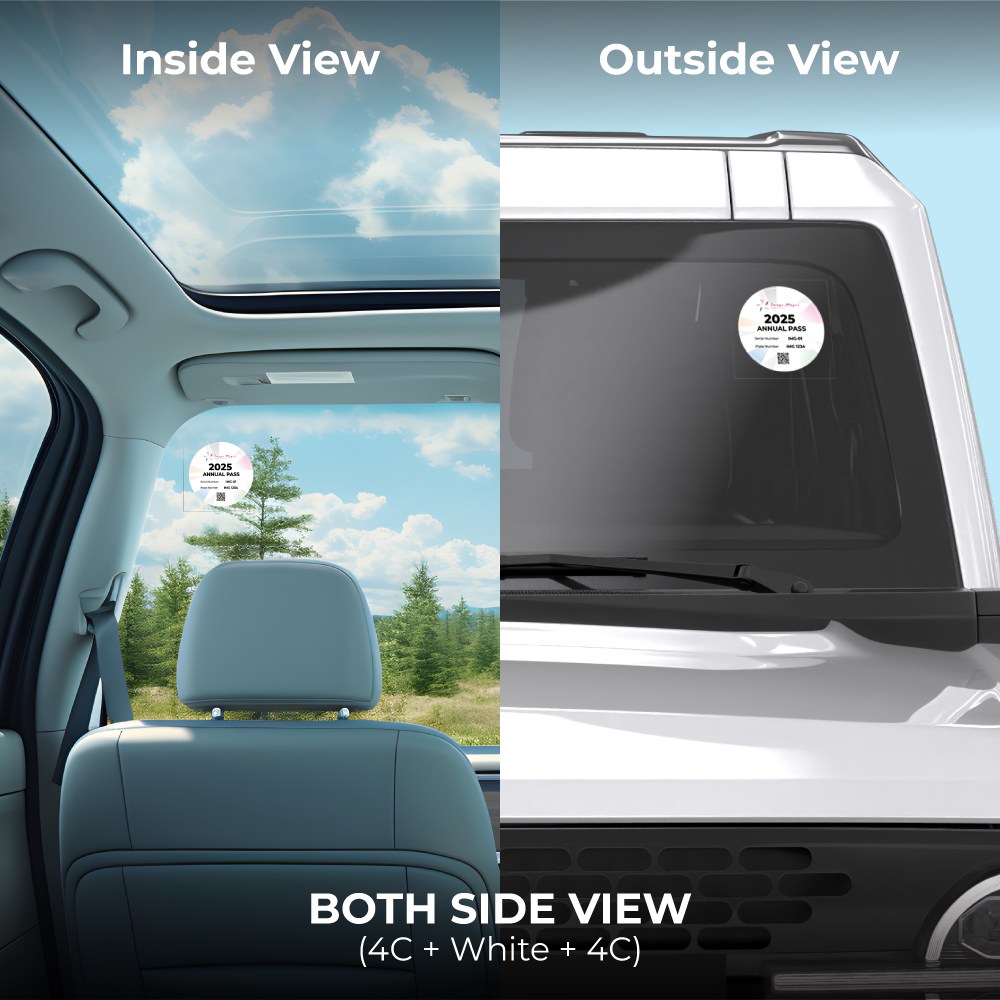
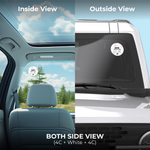
4C + White Both Side View
Choose this setup when printed colour must be visible from both sides of the glass.
4C + White + 4CMaterial and Personalised Printing
How Static Cling Works
Suitable Applications
Vehicle Glass Placement
Artwork Preparation Guidelines
Prepare the artwork to match the selected size and viewing configuration.
File Format and Resolution
- Accepted artwork formats include AI, PDF and PNG.
- PDF or AI is recommended for final print-ready artwork.
- Prepare printed artwork in CMYK.
- Use approximately 300 DPI at actual finished size.
- Convert fonts to outlines before submission.
Finished Size and Bleed
- Artwork dimensions must match the size entered in the calculator.
- Add 3mm bleed on all required sides.
- Extend background colours and images completely through the bleed.
- Keep important text and logos safely inside the cutting edge.
Inside-Glass Artwork Direction
- Confirm the intended viewing direction before preparing the artwork.
- Inside-glass applications may require mirrored artwork.
- Text and logos must read correctly from the intended viewing side.
- Clearly identify the intended viewing direction when submitting the file.
Both-Side Printing Artwork
- Use the Both Side View option when printed colour is required from both viewing directions.
- Prepare the front and reverse content according to the required template.
- Check that text orientation is correct on each side.
- Do not assume the same artwork can simply be duplicated without checking orientation.
Custom Cutting
- When a custom contour is required, provide a closed vector cutline.
- Place the cutline on a separate layer using a clearly named spot colour.
- Avoid unnecessarily complicated paths and very fine protruding sections.
Personalised / Variable Data Orders
- Confirm the personalised-printing selection before preparing variable data.
- Keep the master design and variable-data fields clearly identified.
- Check names, permit numbers, vehicle numbers and other unique information carefully.
- Confirm the required spreadsheet or database format before production.
Artwork Upload and Checking
- Upload one final print-ready artwork file per order item.
- Multiple supporting files should be combined into one ZIP file where necessary.
- Artwork should be uploaded before 5:00 PM.
- Late or incorrect artwork can affect the production and delivery schedule.
- The basic technical artwork check is not a full design or proofreading service.
Choose the Correct Window Sticker Product
Image Magic offers several similar glass and vehicle sticker products, but they use different attachment methods.
Choose this product for no-adhesive static-cling applications on suitable vehicle glass.
Choose the separate Window Sticker product when an adhesive sticker material is required for shop windows, glass doors or other glass graphics.
View Window StickersChoose the separate Vehicle Sticker product for adhesive graphics intended for compatible vehicle body surfaces.
View Vehicle StickersHow to Order Car Window Stickers
- Enter the Size Choose the finished width and height within the calculator limits.
- Select the View Choose outside, inside or both-side printing.
- Select Other Options Confirm material, personalised printing and cutting format.
- Upload Artwork Submit artwork prepared for the correct viewing direction.
Frequently Asked Questions
Do these car window stickers use glue?
What size can I order?
Can the sticker be viewed from outside the car?
Can the sticker be viewed from inside the car?
Can the sticker be printed for viewing from both sides?
Can static cling stickers be reused?
Can I personalise every sticker?
What is the maximum online quantity?
Need Car Window Static Cling Stickers?
Send your required size, quantity, intended viewing direction and artwork. For inside-glass or both-side printing, confirm the artwork orientation before production.
WhatsApp +6012-651 2849Templates
To start, select the product size, preview the design guidelines, download the guidelines for reference, and proceed with the customization options.
上传设计稿指南
文件格式:AI / PDF / PNG
出血位:四周3mm
分辨率:300 DPI(CMYK)
字体:需转曲线(Outlined)
如需反向印刷(贴在玻璃内侧):请清楚标明方向



