


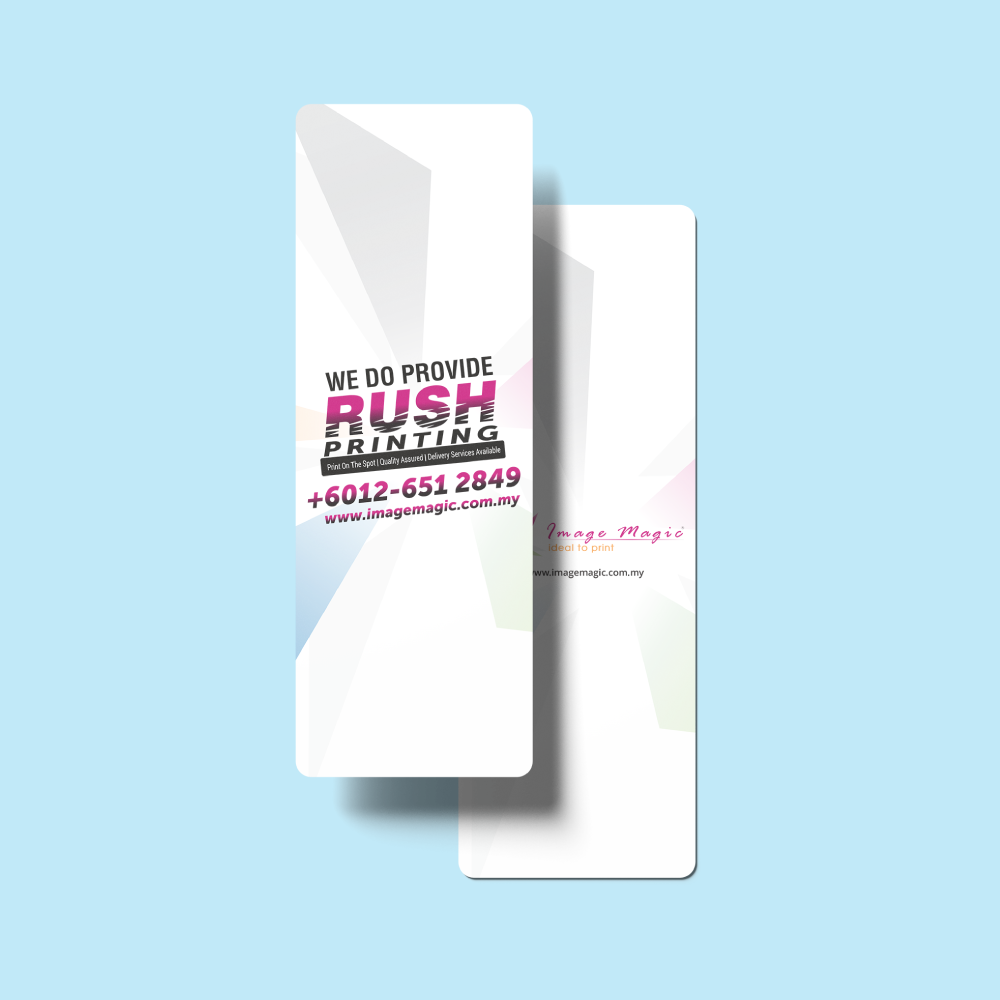
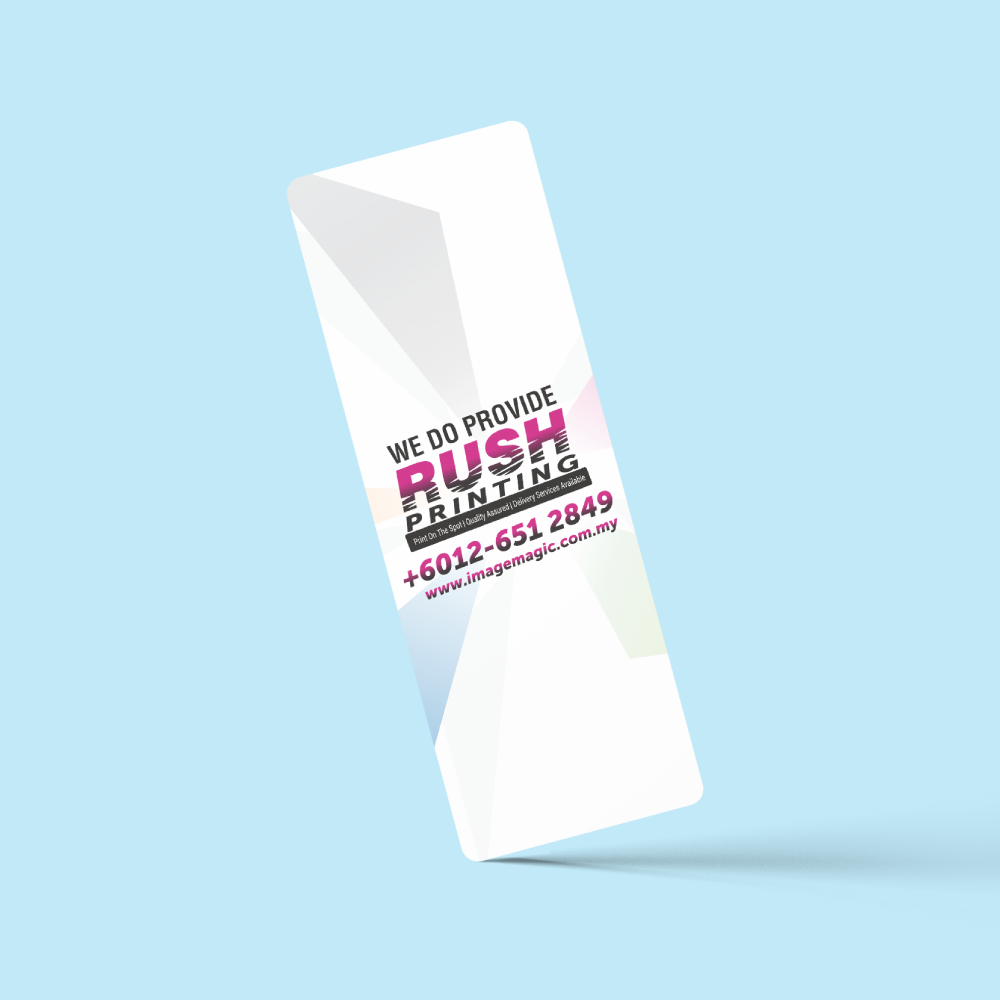
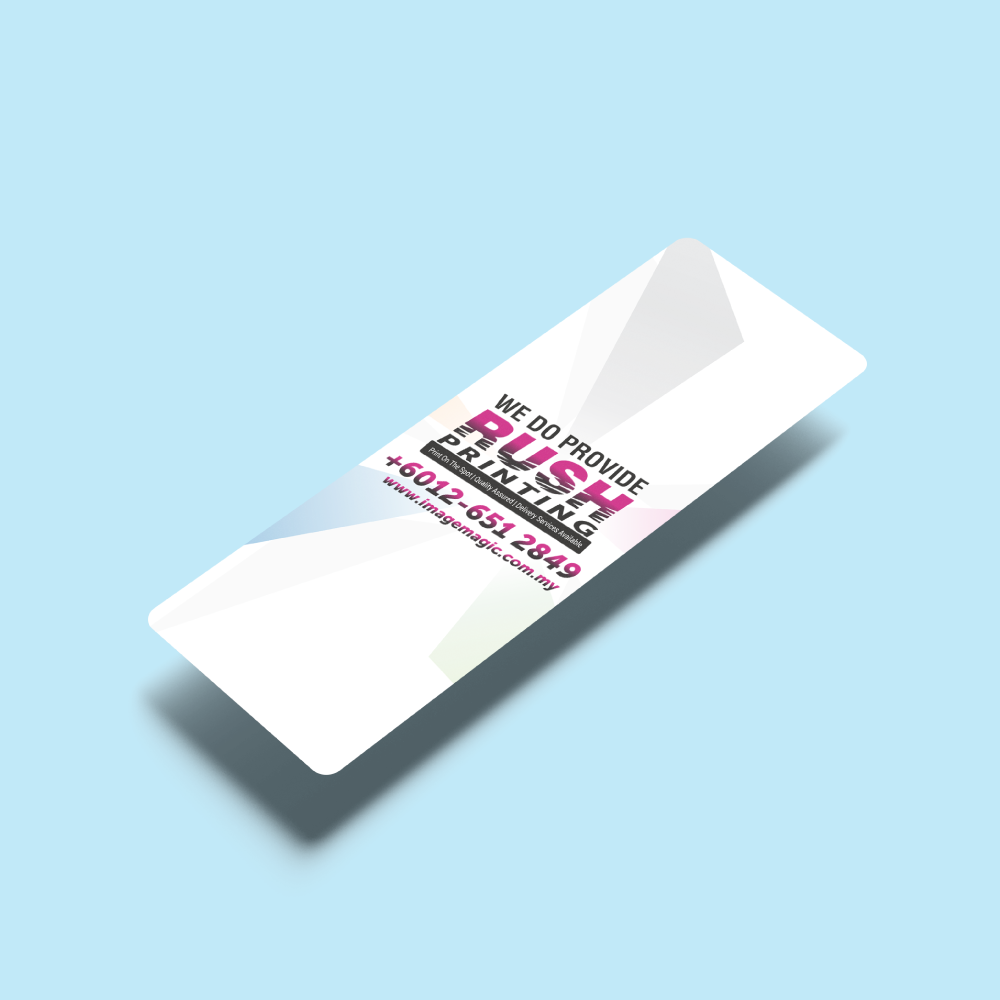
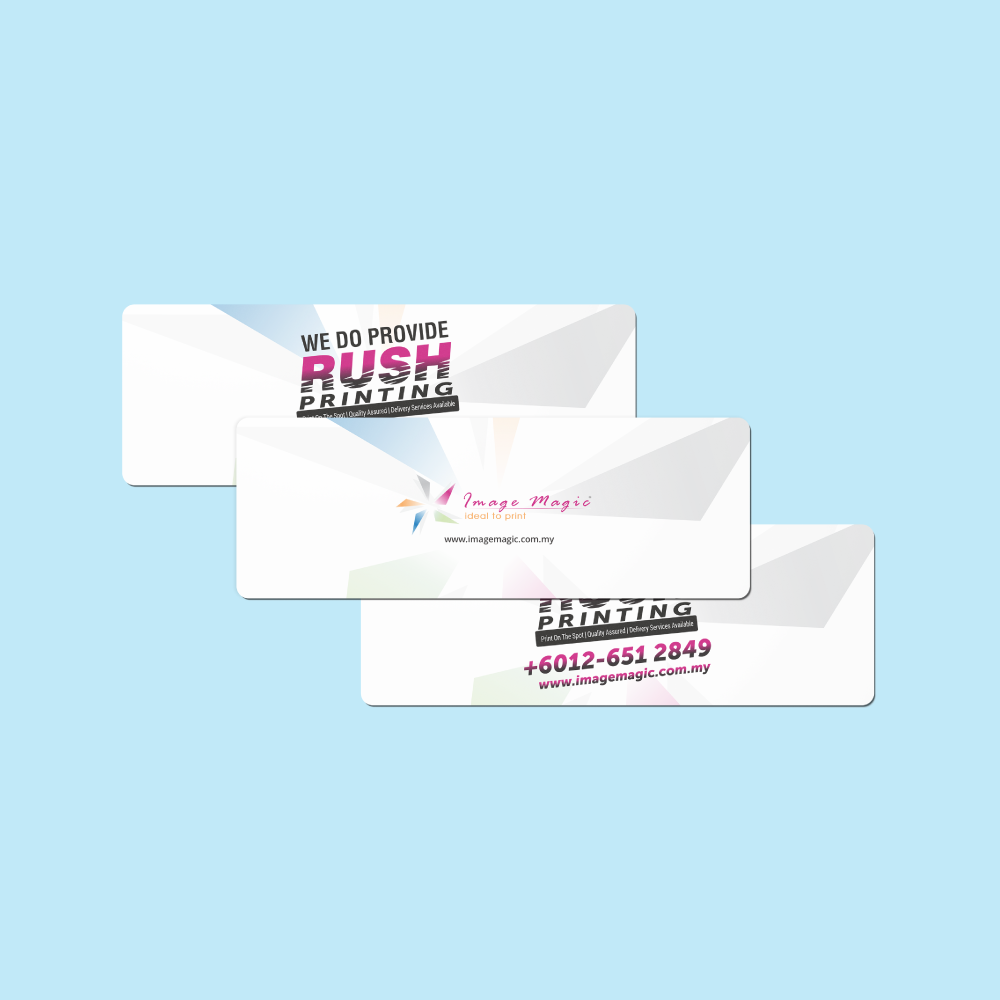
Bookmarks (Stationery)
Choose Options | Get Started To Direct Order
Click Button Below To Order
Custom Printed Bookmarks for Promotions, Events and Reading
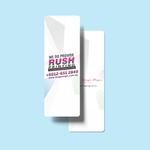
Print custom bookmarks with your supplied artwork, logo, message or promotional design. Choose from four bookmark models, several card and synthetic material options, single- or double-sided printing, available lamination and optional hole punching.
Bookmark Models and Sizes
Choose the exact model shown in the calculator and use the corresponding downloadable artwork guideline.
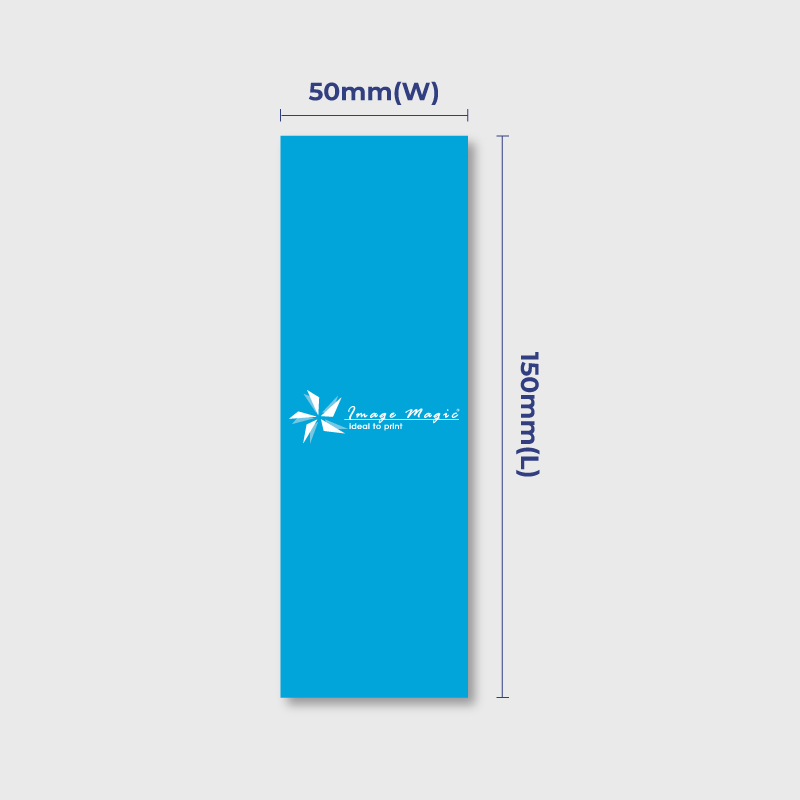
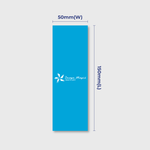
 BM-B50 × 150mm
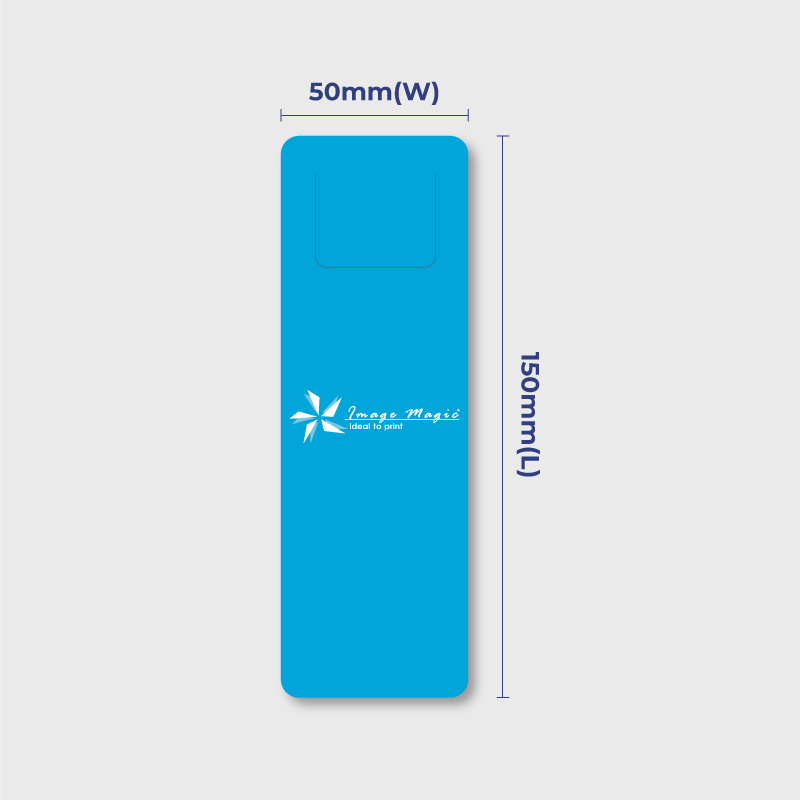
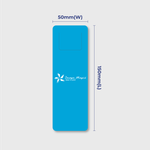
 BM-C50 × 150mm
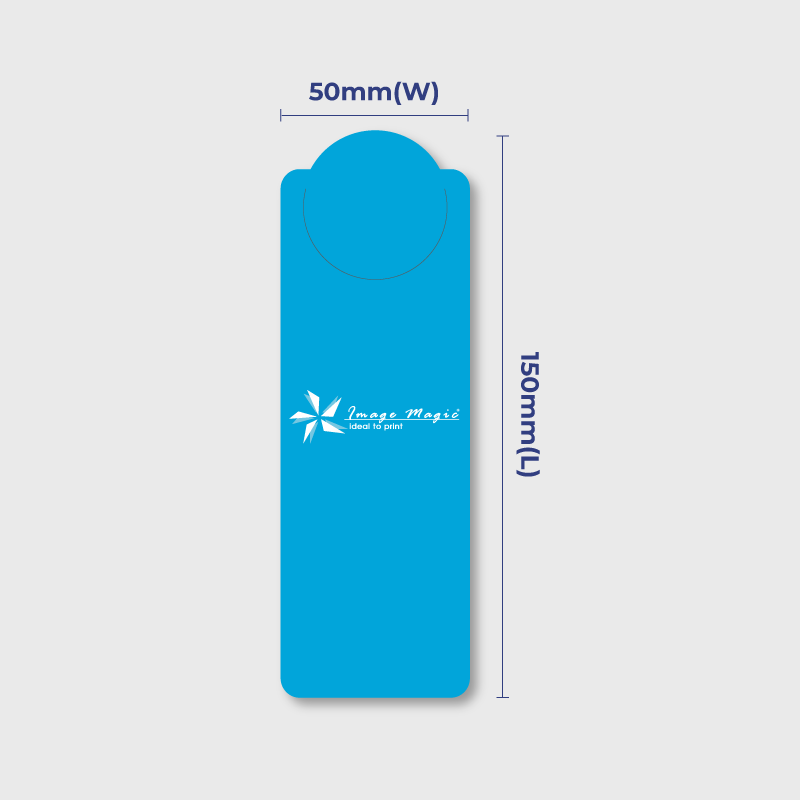
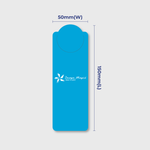
 BM-D50 × 150mm
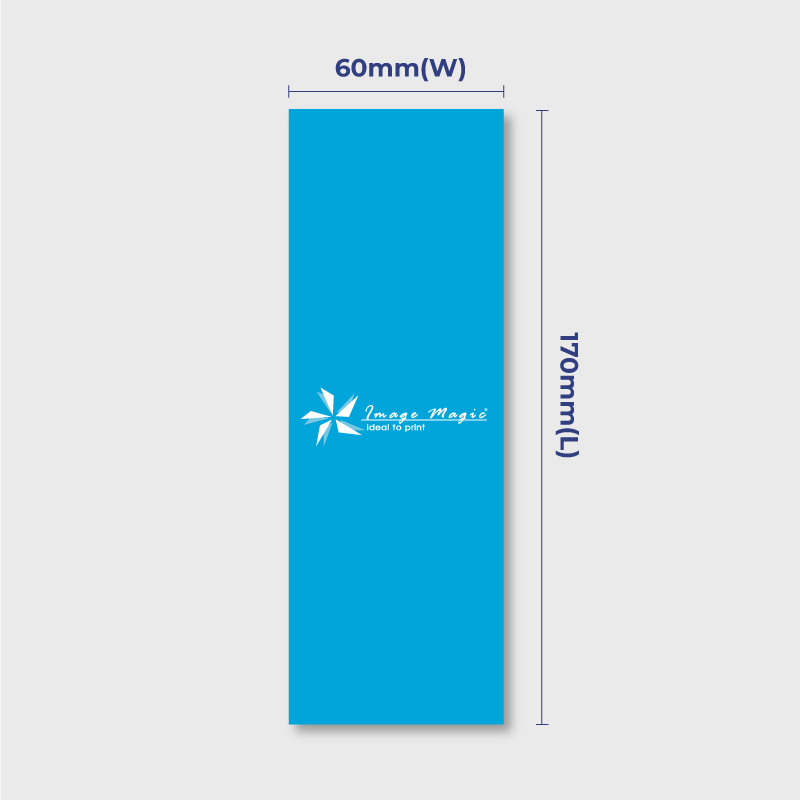
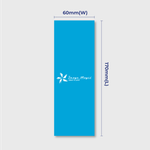
 BM-E60 × 170mm
Current Product Specifications
Paper and Material Options
Select the stock currently available under Paper Type. Finishing availability may change according to the selected material.
Printing and Finishing
Suitable for
Artwork Preparation Guidelines
Prepare the artwork according to the exact BM-B, BM-C, BM-D or BM-E model selected.
File Format and Colour
- PDF is the preferred print-ready format.
- AI artwork is also accepted.
- CMYK colour mode is recommended.
- Raster images should be approximately 300 DPI at final size.
- Outline or embed fonts before exporting.
Use the Exact Model Template
- Artwork must match the bookmark model selected in the calculator.
- BM-B, BM-C and BM-D all measure 50 × 150mm but use separate model guideline entries.
- BM-E artwork is prepared at 60 × 170mm.
- Do not reuse one model template without checking the selected product.
Bleed and Safe Area
- Add 3mm bleed on all sides when the background extends to the trim edge.
- Extend background colours and images completely through the bleed.
- Keep important text and logos approximately 3–5mm inside the cutting edge.
Single- and Double-Sided Artwork
- Single-sided orders require front artwork.
- Double-sided orders require correctly labelled front and back artwork.
- Check the back orientation before export.
Hole Punching
- Use the current Hole Punching selector when a punched bookmark is required.
- Keep important text and logos away from the punching area shown on the model guideline.
- Do not manually assume a hole position that is not shown on the selected template.
Spot UV Artwork
Fine Lines and Small Text
- Avoid extremely small text because bookmarks are narrow products.
- Maintain good contrast between text and dark backgrounds.
- Fine printed lines should be at least approximately 0.3pt.
Multiple Designs
- The minimum quantity applies to each design.
- One quantity cannot be divided between several different bookmark artworks.
- Multiple artworks using the same specification and quantity may be added as separate items.
Artwork Submission
- Upload complete artwork before 5:00 PM for the applicable production schedule.
- Late or unsuitable artwork may affect production.
- If several related files are required, combine them into one ZIP file where instructed.
- Image Magic performs a basic technical artwork check rather than a full proofreading service.
Production and Delivery
How to Order Custom Bookmarks
- Select Model Choose BM-B, BM-C, BM-D or BM-E.
- Select Specifications Choose quantity, printing sides, material and finishing.
- Prepare Artwork Use the matching bookmark model template.
- Upload and Order Submit complete print-ready artwork and checkout.
Frequently Asked Questions
What bookmark models and sizes are available?
What is the minimum order quantity?
Can bookmarks be printed on both sides?
What paper and material options are available?
Is Spot UV available?
Can I add hole punching?
Can I request rounded corners?
What artwork files should I upload?
How long does production take?
Need Custom Printed Bookmarks?
Select BM-B, BM-C, BM-D or BM-E, choose your paper, printing sides and finishing, then upload artwork using the matching bookmark template.
WhatsApp +6012-651 2849Upload Artwork Guideline
File Format: PDF / AI / PSD (300 DPI)
Size: 50x150mm or your custom size
Bleed: 3mm each side
Colour Mode: CMYK
Fonts: Outlined or embedded
Safe Zone: Keep text 5mm away from edges
📥 If unsure, our team can assist with bleed setup and visual alignment.



