



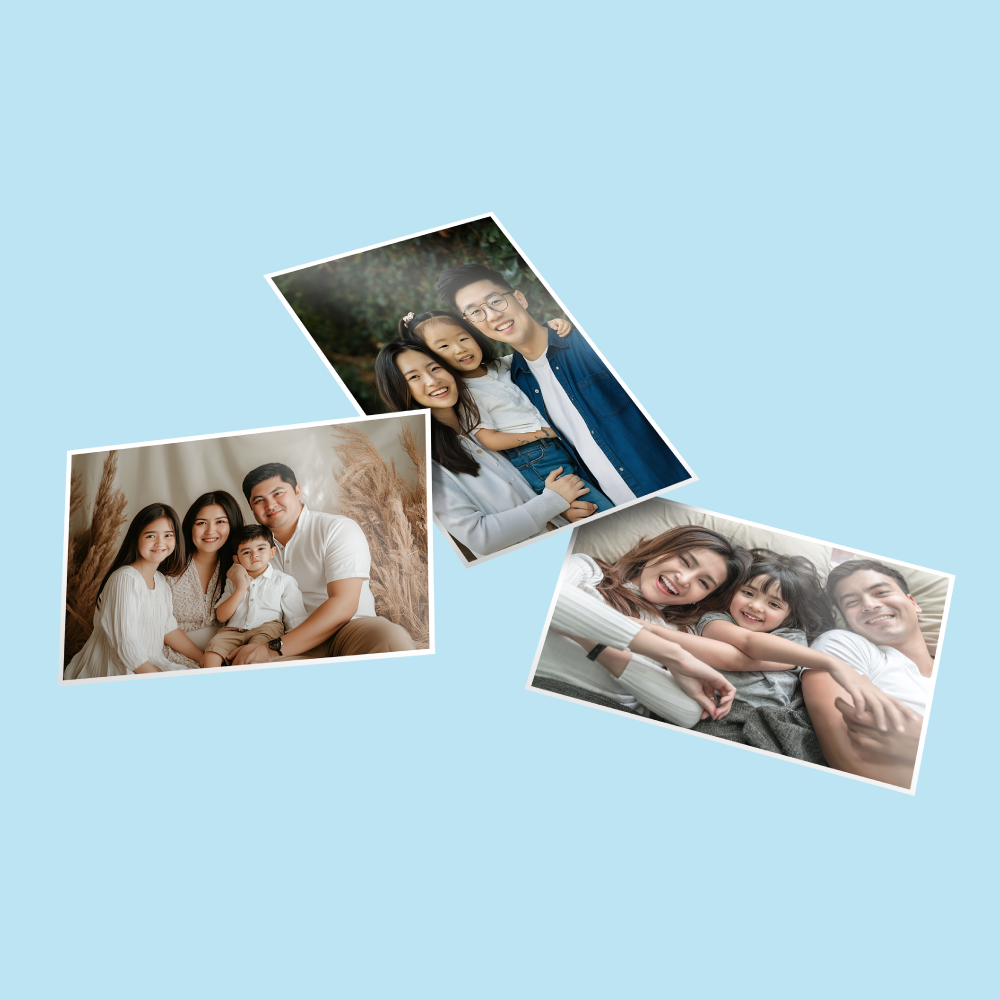
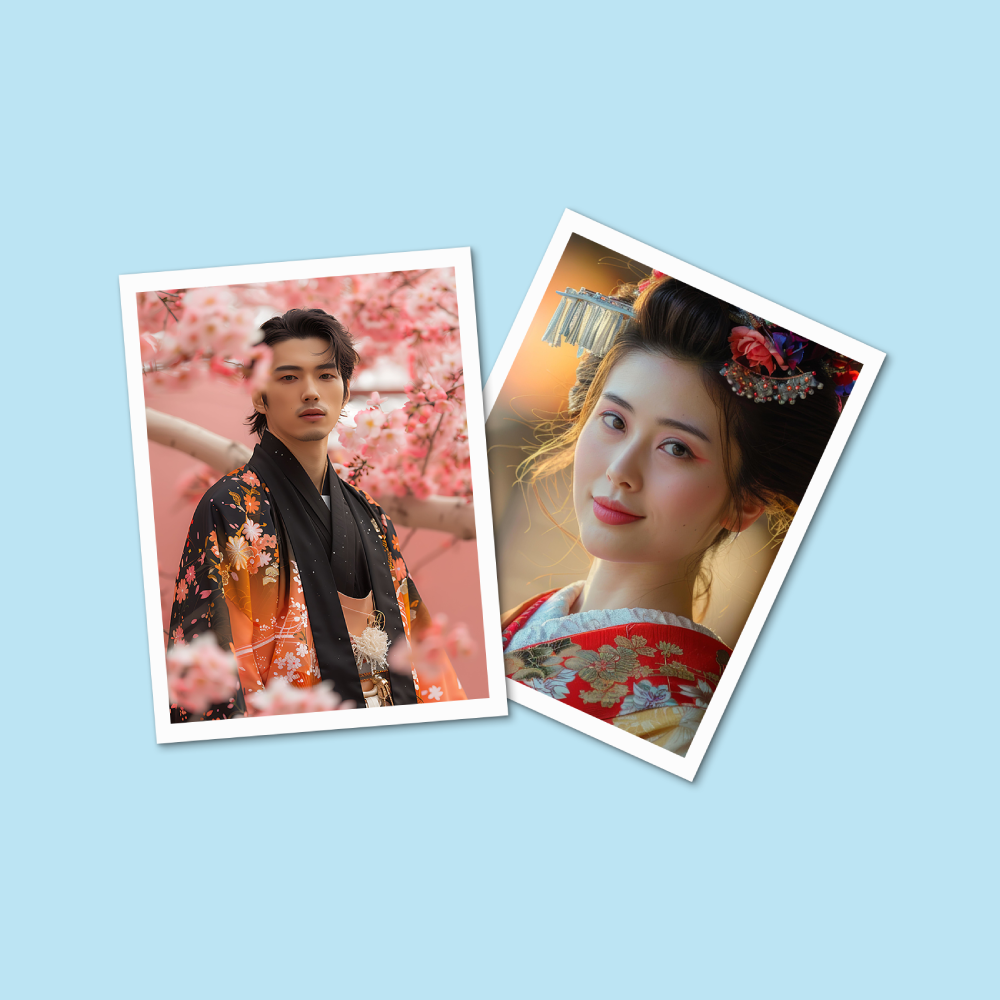
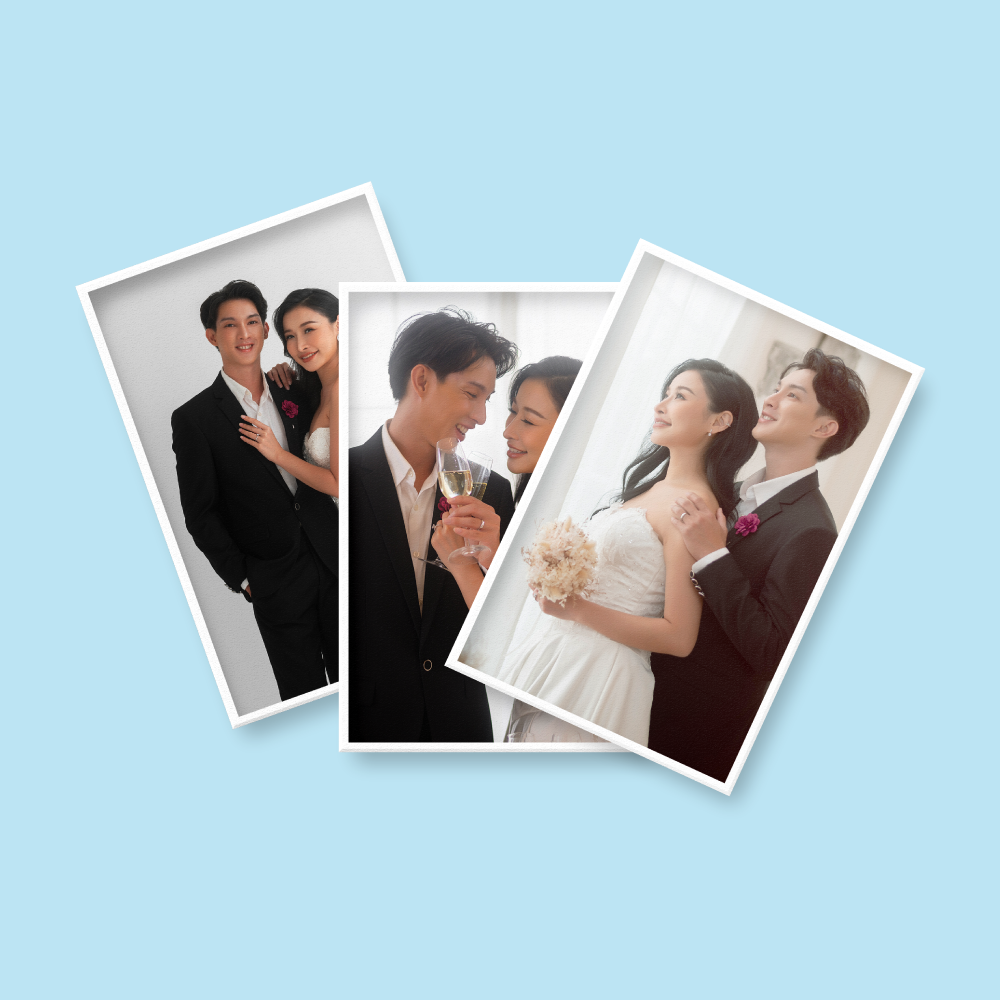




Photo Prints (Photos & LOMO Cards)
Choose Options | Get Started To Direct Order
Click Button Below To Order
High-Resolution Photo Prints for Albums, Frames, Gifts and Displays
Order photo printing in Malaysia from digital image files for family photos, weddings, graduations, travel memories, portfolios, framed displays and gifts. Choose the required size and current photo-paper option in the online calculator, enter the total number of prints, then upload your final images.
Current Photo Print Product Options
The live calculator currently exposes Sizes, Total Picture, Printing Sides & Color, Paper Type and an Instruction – Qty for File field. The description should follow those fields instead of advertising finishes that are not selectable online.
Photo Print Size Selection
Select the exact size shown in the live Sizes dropdown. The existing content currently mentions the popular formats below, but the active calculator values should always take priority.
How to Order Multiple Different Photos
You may combine different image files in one order when they use the same selected size, paper type and printing option. Mixed sizes should be ordered separately.
family-01.jpg x 4
graduation-02.jpg x 2
holiday-03.jpg x 1
Total Picture = 7
Prepare Photos for Sharper Printing
Camera and smartphone originals generally contain more detail than images downloaded again from social media or messaging apps.
Use enough pixels for the selected print size. Enlarging a small image cannot restore detail that is missing from the original.
Zoom into faces and important details. Printing can make blur, compression and camera noise more visible.
The photo-specific upload guideline currently accepts either RGB or CMYK. Colour may still shift during the print workflow.
Phones and monitors emit light; printed photos reflect light. Screen brightness and colour settings can make the same image look different.
Very dark shadows and underexposed faces can lose detail in print. Submit the final corrected photo rather than relying on automatic editing.
Photo Cropping, Borders and Aspect Ratio
A digital image may not have the same aspect ratio as the selected photo size. Cropping may therefore be required to fill the paper.
Popular Uses for Online Photo Printing
Photo Prints, Lomo Cards or Photo With Frame?
 Photo Prints
Choose standard and larger photographic prints for albums, frames, portfolios, gifts and personal memories.
 Lomo Cards
Choose Lomo Cards for 64mm × 89mm glossy mini photo cards, fan collectibles and mixed-image photocard orders.
View Lomo Cards Photo With Frame
Choose a framed photo product when the image should arrive as a finished display item rather than a loose photo print.
View Photo With FramePhoto File Upload Guidelines
Upload final image files. Image Magic provides printing and a basic file preflight; the customer remains responsible for the final crop, image selection, colour edits, text and reproduction rights.
Preferred File Types
- JPG or PNG is recommended for individual photographs.
- PDF may be used where appropriate.
- Use original high-resolution files when possible.
- Avoid screenshots and repeatedly compressed copies.
Resolution
- Aim for approximately 300 DPI at the selected print size.
- The current page accepts 150–300 DPI, but higher-resolution originals are preferred.
- Do not enlarge small files excessively.
- Check faces and text at 100% view before uploading.
Colour Mode
- The product-specific guideline accepts RGB or CMYK.
- Do not expect a phone screen to match the print exactly.
- Very bright RGB colours may reproduce less intensely in print.
- Submit the final edited image rather than asking for automatic colour correction.
Multiple Image Files
- Combine multiple images in a ZIP file when required by the uploader.
- Use clear filenames.
- Add copy quantities for files that need duplicates.
- Ensure the total quantity matches Total Picture.
Orders Over 50MB
- If the upload exceeds the website limit, use Upload Later.
- Send the file through the approved large-file transfer workflow.
- Always include the order number.
- Do not send unlabelled files without an order reference.
Photo Rights and Privacy
- Upload only photographs you are authorised to reproduce.
- Review private family or customer images before submitting them.
- Do not include unnecessary personal or sensitive information in filenames.
- Delete draft and duplicate images from the final upload package.
How to Order Photo Prints Online
- Select One Photo Size Choose the required size from the live calculator.
- Enter Total Picture Count all required printed copies for the selected size.
- Select Paper Type Choose the exact photo-paper option currently available online.
- Upload Final Images Submit JPG, PNG or PDF files and identify duplicate-copy quantities clearly.
Frequently Asked Questions
Can I order only one photo?
Can I mix different photos in one order?
How do I order extra copies of one photo?
Do you print glossy and matte photos?
Should I upload RGB or CMYK photos?
What resolution should my photo be?
How long does photo printing take?
What is the current starting price?
Order Photo Printing Online in Malaysia
Choose the required size and current paper type, enter the Total Picture quantity, then upload your final high-resolution images. For mixed photos, keep all files under the same selected specification and identify duplicate copy quantities clearly.
WhatsApp +6012-651 2849From 1 print • Mixed images allowed • Full-colour single sided • JPG / PNG / PDF
Templates
To start, select the product size, preview the design guidelines, download the guidelines for reference, and proceed with the customization options.
Upload Artwork Guideline
File Format: JPG / PNG / PDF (minimum 150–300 DPI)
Colour Mode: RGB or CMYK
Bleed: Not required unless stated
File Naming: Include size (e.g., photo_A4_family.jpg)
📥 Not sure? Send us your photo via WhatsApp for a free file check before printing.



