Custom DTF Transfer & Gang Sheet Printing (Apparel & Heat Transfer)
Custom DTF Transfer & Gang Sheet Printing — Ready to Heat Press
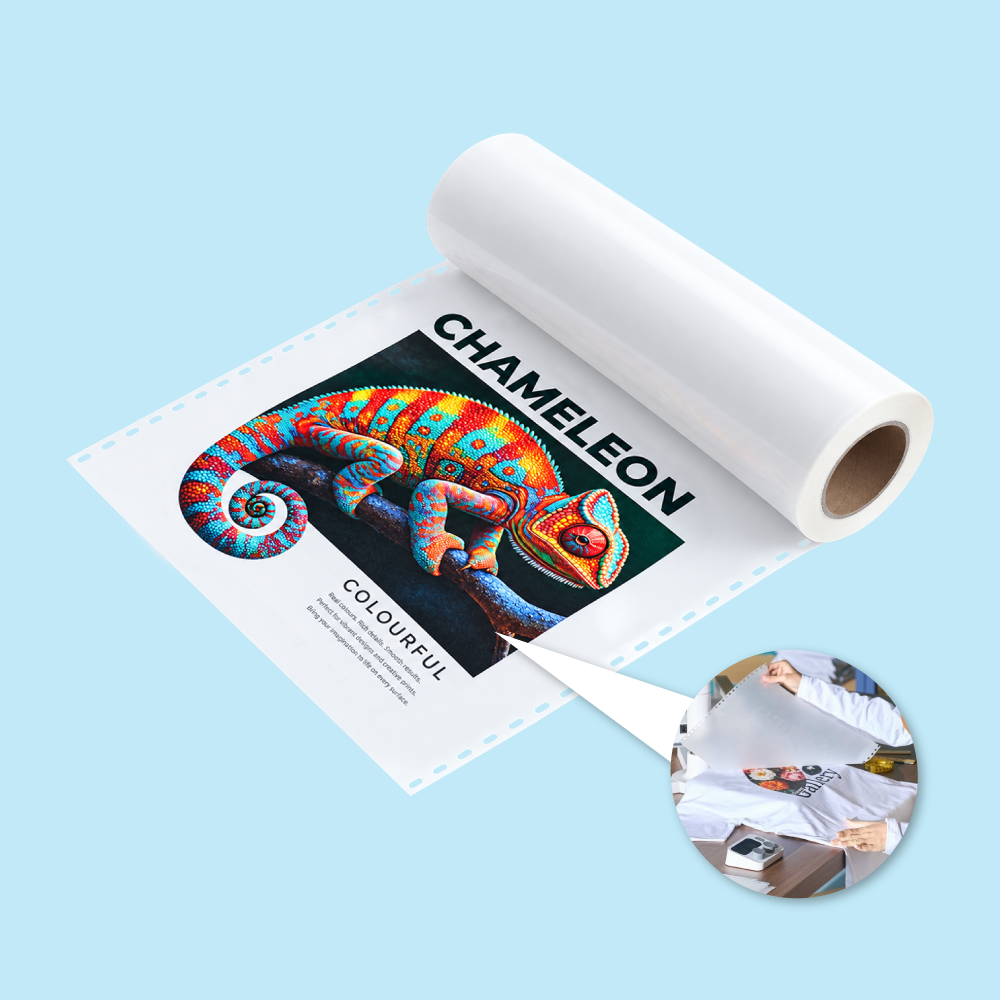
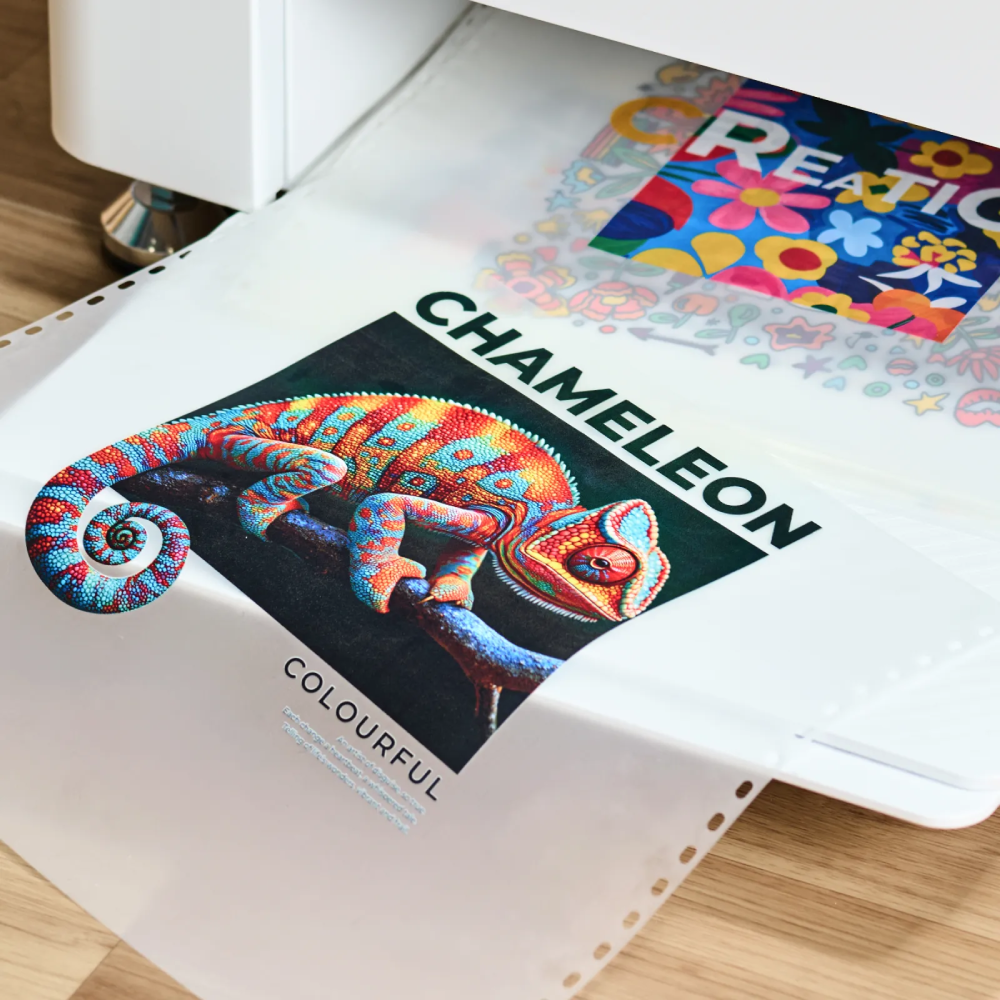
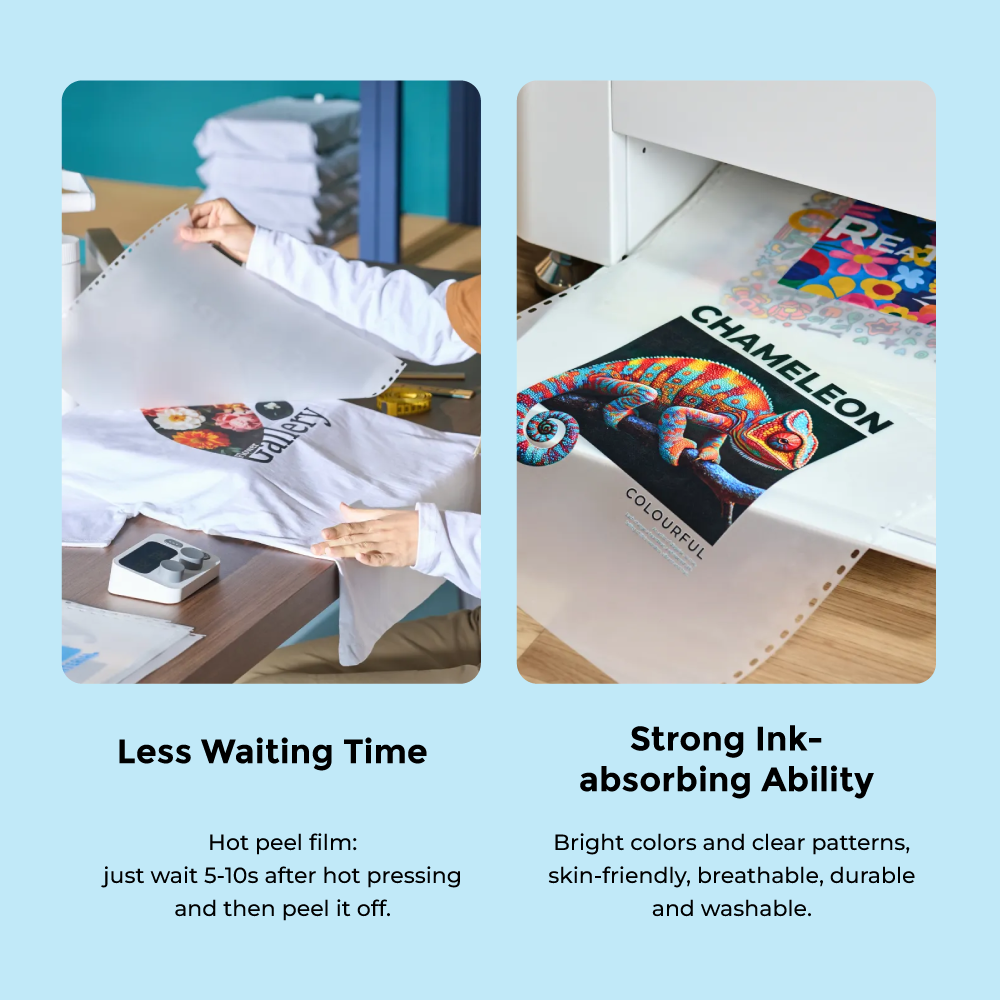
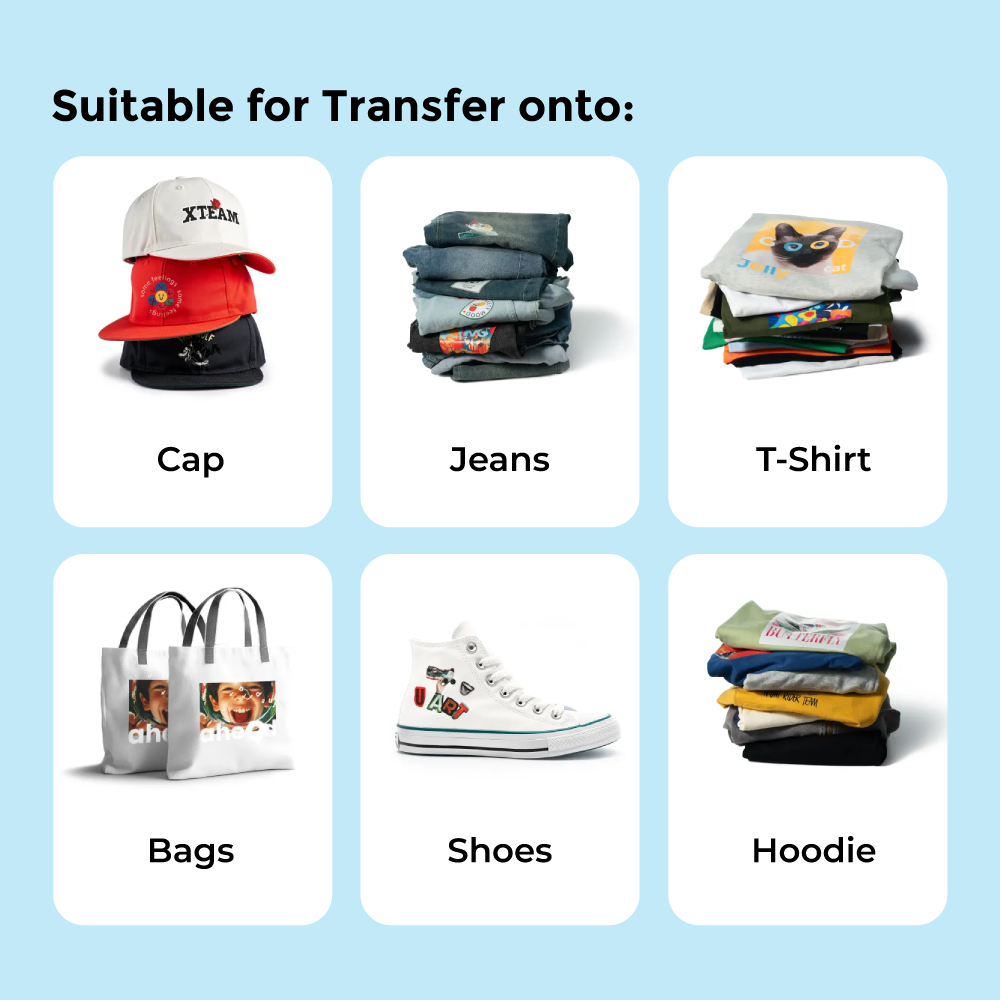
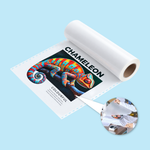
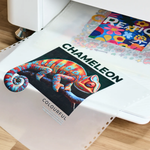
Order custom DTF transfer printing in Malaysia for T-shirts, uniforms, hoodies, jerseys, tote bags and other compatible textile products. Artwork is printed in full colour with a white underbase onto DTF transfer film, adhesive powder is applied and cured, and the finished film is supplied ready for heat-press application.
Choose an A4 DTF transfer sheet at RM15 or a 13.5" × 19" large DTF transfer film sheet at RM25. Use one large design or arrange multiple logos, names, numbers and graphics on one sheet as a DTF gang sheet.
DTF Transfer Sheet Sizes & Prices
Price is per complete printed transfer sheet. Garment, heat-press application and individual cutting of gang-sheet designs are not included unless separately stated.
A4: 210 × 297mm. Suitable for logos, names, numbers, sleeve artwork, chest prints and compact gang sheets.
13.5" × 19" physical film sheet. Suitable for larger graphics or multiple designs arranged on one sheet.
What Is DTF Transfer Printing?
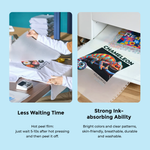
DTF means Direct-to-Film. A design is printed onto transfer film using colour and white ink, coated with hot-melt adhesive powder and cured before being transferred to fabric with a heat press.
Single DTF Transfer or DTF Gang Sheet?
Both can be ordered under one product. The customer supplies the required print-ready layout inside the selected sheet.
Use most of the sheet for one main logo or graphic.
- Full-front graphics
- Full-back graphics
- Large event artwork
Arrange several designs on one sheet to reduce unused film.
- Left-chest logos
- Names & numbers
- Sleeve logos
- Repeated designs
Useful for clothing brands, uniform suppliers, teams and print shops that already own a heat press.
- Uniform branding
- Sports teams
- Print-on-demand
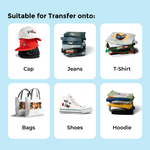
Suitable Fabrics & Apparel
DTF transfers can be used on a broad range of textiles. Heat-sensitive or coated materials should be tested before full production.
Why Choose Ready-to-Press DTF Transfers?
Artwork Requirements for DTF Transfer Printing
DTF quality depends heavily on the supplied artwork. Prepare designs at final size and keep them inside the selected sheet's safe printable area.
Preferred File Format
- Transparent-background PNG is preferred for raster artwork.
- High-quality vector PDF or AI may be supplied for technical review.
- Avoid screenshots and low-resolution files.
Resolution & Final Size
- Prepare raster artwork at approximately 300dpi at final print size.
- Do not enlarge a small image to fill a large transfer sheet.
- Check all names, numbers and logos at exact required dimensions.
Transparent Background
- Remove backgrounds that should not print.
- An opaque white background may be treated as printable artwork.
- Check the transparency before uploading.
Gang Sheet Layout
- Arrange multiple designs inside one A4 or large-sheet canvas.
- Leave enough space for manual cutting.
- Do not overlap artwork.
- Keep every design inside the safe print area.
Fine Details & Small Text
- Avoid extremely thin lines and tiny isolated details.
- Check small text at actual printed size.
- Use clean, high-contrast artwork whenever possible.
Basic Technical File Check
- Image Magic may check dimensions, transparency and technical print readiness.
- The check is not a design or proofreading service.
- Customers remain responsible for layout, spelling and final artwork content.
How to Apply a DTF Transfer
A heat press is recommended. Correct temperature, pressure, time and peel method depend on the exact film, adhesive and fabric.
DTF Transfer vs UV DTF Sticker
| Feature | DTF Transfer — This Product | UV DTF Sticker |
|---|---|---|
| Main Use | Garments and compatible fabrics | Hard, smooth surfaces |
| Application | Heat press | Pressure-transfer application |
| Examples | T-shirts, uniforms, hoodies, jerseys, fabric bags | Bottles, acrylic, packaging and selected hard objects |
How to Order DTF Transfer Sheets Online
Frequently Asked Questions About DTF Transfer Printing
Is this a finished T-shirt or garment?
What is a DTF gang sheet?
Can I put several logos on one sheet?
What sizes can I order?
Can DTF be used on dark shirts?
What artwork should I upload?
Do I need a heat press?
Is DTF the same as UV DTF?
Ready to Order Custom DTF Transfers?
Upload print-ready artwork, choose A4 or the large transfer sheet and order the number of sheets required. For multiple garment positions or repeated logos, prepare a DTF gang sheet to maximise the transfer area.
WhatsApp +6012-651 2849