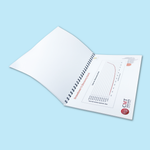
wire o testing (书册)
Custom Wire-O Booklets with Full Colour or Black & White Printing
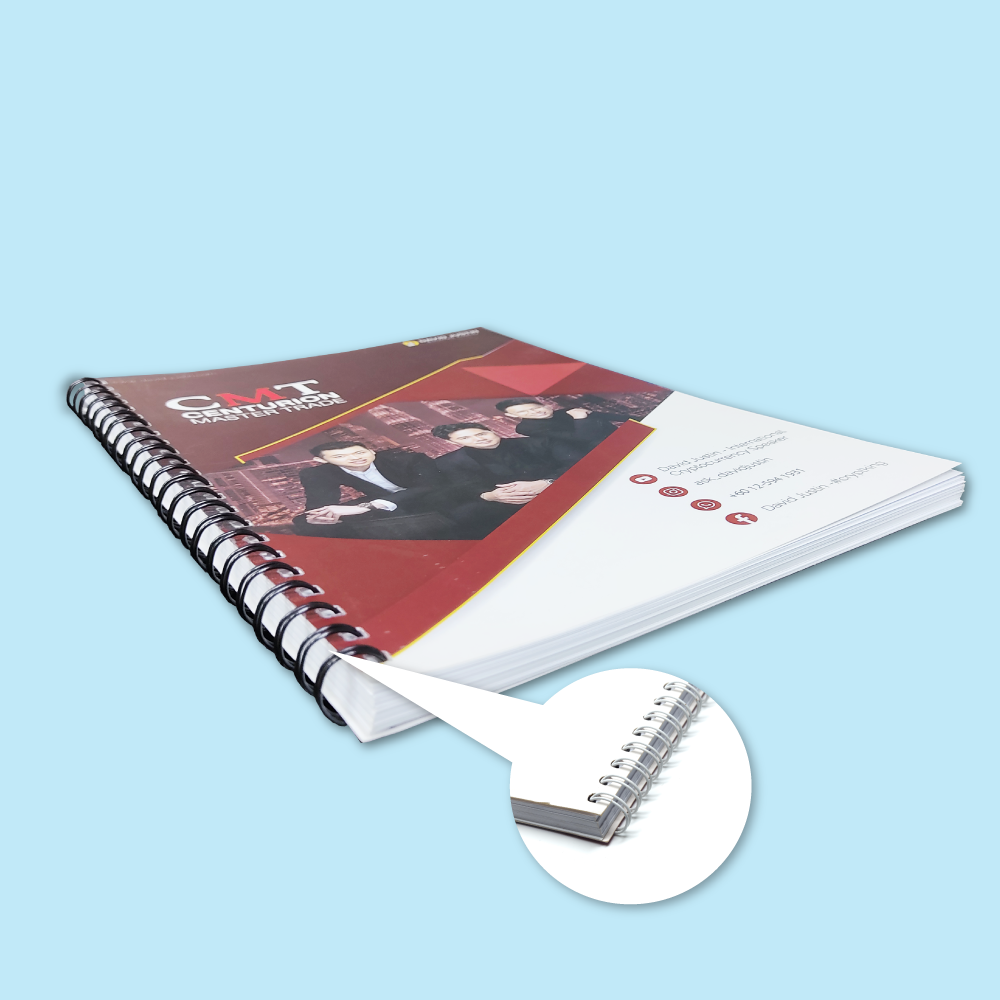
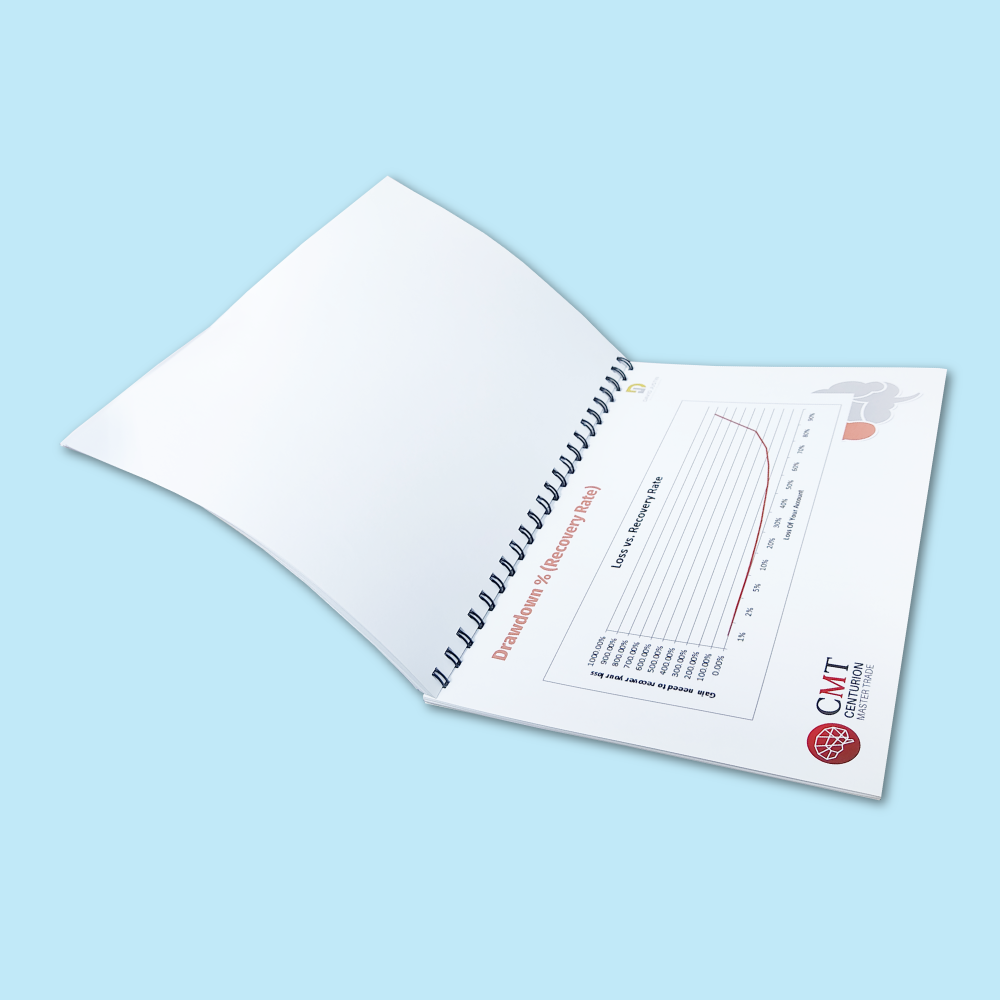
Order Wire-O booklet printing in Malaysia for training manuals, company reports, product catalogues, presentation books, course materials, planners and reference documents. Wire-O uses a double-loop metal wire that lets pages open flat and turn smoothly for comfortable reading, writing and repeated use.
Build the booklet to suit your project: choose the book size, number of books, total page count, binding edge, black or white wire, protective sheets, cover printing and paper, cover finish, inside-page printing and inside paper.
How Total Pages Are Counted
Total Pages (Cover Included) counts every printed page in the book, including the four cover faces. Page selections currently run from 24 to 300 pages in increments of 4.
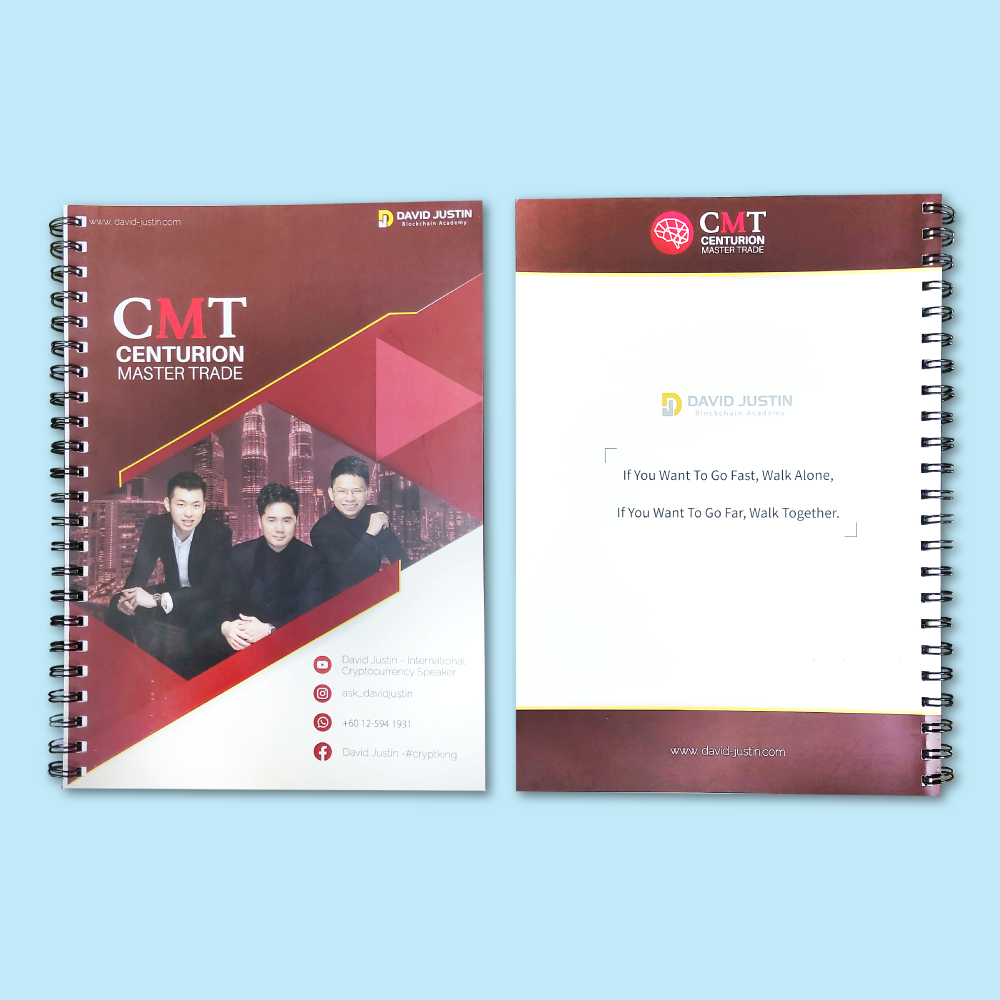
Page 1 = Front Cover, Page 2 = Inside Front Cover, Pages 3–58 = inside content, Page 59 = Inside Back Cover, Page 60 = Back Cover.
This is the number of complete copies you are ordering. For example, 5 books at 60 pages means five complete 60-page Wire-O books.
Current Wire-O Booklet Product Options
| Sizes | Choose the available book size from the live calculator. The current setup includes an A3-specific binding rule and the calculator screenshot shows A4 as the default selection. |
|---|---|
| How Many Books | Enter the number of complete books required. |
| Total Pages (Cover Included) | 24–300 pages, in multiples of 4. |
| Binding Edge | Portrait, bound left – Standard book • Portrait, bound top – Tall flip pad • Landscape, bound left – Landscape book • Landscape, bound top – Calendar style. The calculator shows only compatible choices for the selected size. |
| Wire Colour | Black or White. |
| Clear Protective Sheet | Not Required • Front Only 1 Sheet • Front and Back 1 Sheet. |
| Front Cover Printing | Full Color Front + Full Color Inner Cover • Full Color Front Cover Only • Black Front + Black Inner Cover • Black Front Cover Only. |
| Front Cover Paper | Choose from the specialty card, Art Card, Art Paper or Simili cover stocks shown below. |
| Cover Finish | Not Required plus compatible Matte, Gloss or Soft Touch Lamination in Front Only or Both Sided versions. The calculator displays lamination only for compatible cover papers. |
| Inside Pages Printing | Full Color Both Sided or Black & White Both Sided. |
| Inside Pages Paper | Simili 80 / 100 / 120 / 140gsm or Art Paper 128 / 157gsm. |
| Back Cover | Choose a printed back cover, a printed back + inner back cover, Blank Art Card 260gsm, or Blank Black Manila Card 190gsm, according to the live options. |
Choose the Binding Edge & Book Orientation
The familiar standard-book format for manuals, reports, catalogues, proposals and reference books.
A tall flip-pad format for presentation sheets, checklists, learning materials and vertically flipping pages.
A wide landscape-book format for portfolios, charts, project presentations and visual documents.
A calendar-style format for compatible book sizes where the pages flip upward.
Front Cover Paper Choices
Choose a cover stock to match the look and feel of your Wire-O book.
Inside Pages: Full Colour or Black & White
Best for product catalogues, branded manuals, company presentations, charts, photos and visual training materials.
A practical option for text-heavy manuals, notes, reports, course materials, workbooks and reference documents.
Inside Pages Paper
Cover Protection & Finishing
Choose no protective sheet, one clear sheet at the front, or clear protective sheets at both front and back.
A low-reflection finish for compatible Art Card covers, available on the front only or both sides where shown.
A shiny protective finish for compatible Art Card covers, available on the front only or both sides where shown.
A smooth tactile finish for compatible Art Card covers, available on the front only or both sides where shown.
Popular Uses for Wire-O Booklet Printing
Wire-O Artwork Guidelines
Submit One Complete PDF
- PDF is the preferred print-ready format.
- Submit one multi-page PDF containing the entire book.
- Arrange pages in normal reading order, not printer spreads.
- Keep intentional blank pages in the file.
Page Count & Order
- The PDF page count must match the selected Total Pages (Cover Included).
- Page 1 is the Front Cover.
- Page 2 is the Inside Front Cover.
- The last two pages are the Inside Back Cover and Back Cover.
Binding Safe Margin
- Keep important text, logos, page numbers and QR codes at least 12mm away from the Wire-O binding edge.
- Apply the binding margin to the correct side according to the selected Binding Edge.
- Keep important content at least 5mm from normal trim edges.
Bleed, Colour & Resolution
- Add 3mm bleed when artwork backgrounds extend to the trim edge.
- Use CMYK for colour pages and Grayscale / 100% K where appropriate for B&W pages.
- Use 300dpi images where practical.
- Outline or embed all fonts.
Front & Back Cover Setup
- Choose the cover-printing options before finalising artwork.
- If the inside cover is selected for printing, include artwork on Page 2 and/or the second-last page.
- If a blank back-card option is selected, keep the corresponding back-cover artwork consistent with that choice.
Different Designs
- Use one final artwork per order item.
- Different page counts, papers, binding edges, cover stocks or quantities should be ordered as separate items.
- Do not split one selected quantity across unrelated booklet designs.
How to Order Wire-O Booklets Online
- Select Size & QuantityChoose the book size and enter how many complete books you need.
- Select Total PagesChoose 24–300 total pages, including cover pages, in multiples of 4.
- Select Binding Edge & Wire ColourChoose the book orientation and black or white Wire-O wire.
- Configure the CoverSelect clear protective sheets, front cover printing, cover paper and compatible lamination.
- Configure Inside PagesChoose Full Color Both Sided or Black & White Both Sided, then choose the inside-page paper.
- Configure the Back CoverSelect the required printed or blank back-cover option.
- Upload the Final PDFMake sure the page count, reading order and Wire-O binding margin match your selected options.
Frequently Asked Questions
What is Wire-O binding?
What does “Total Pages (Cover Included)” mean?
What page counts can I choose?
Can the inner pages be black & white?
What wire colours are available?
Can I laminate the cover?
Can I bind at the top instead of the left?
How should I prepare the PDF?
Order Wire-O Booklet Printing in Malaysia
Choose your page count, binding edge, wire colour, cover paper, lamination and inside-page printing, then upload one complete print-ready PDF.
WhatsApp +6012-651 284924–300 Pages • Black / White Wire • Full Colour / B&W • Premium Cover Options