


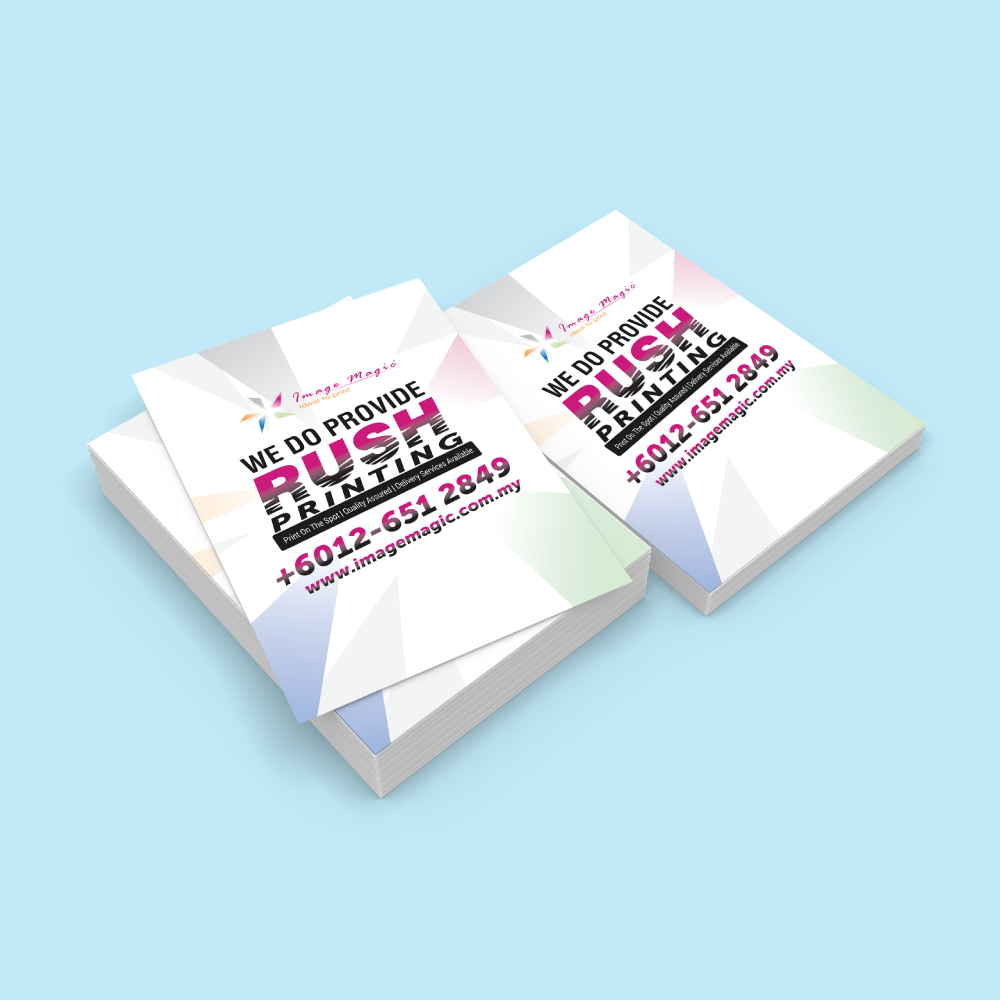
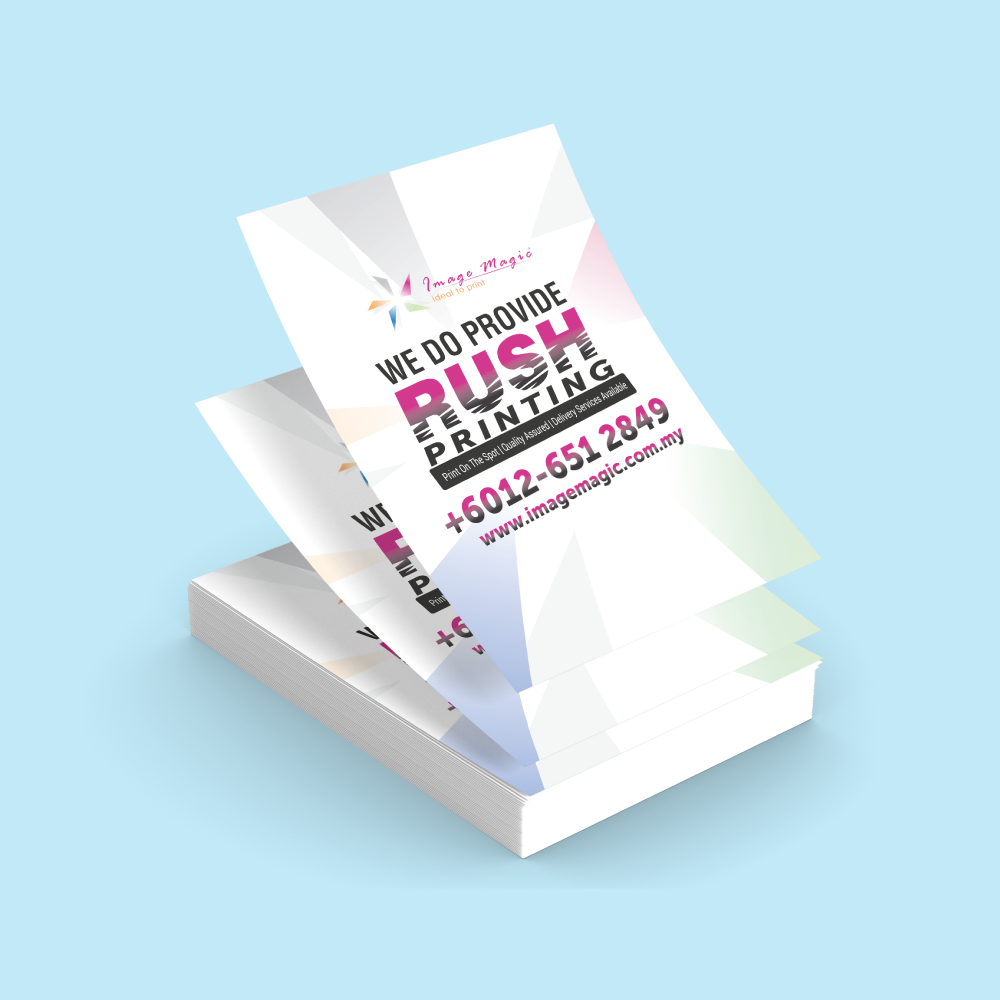
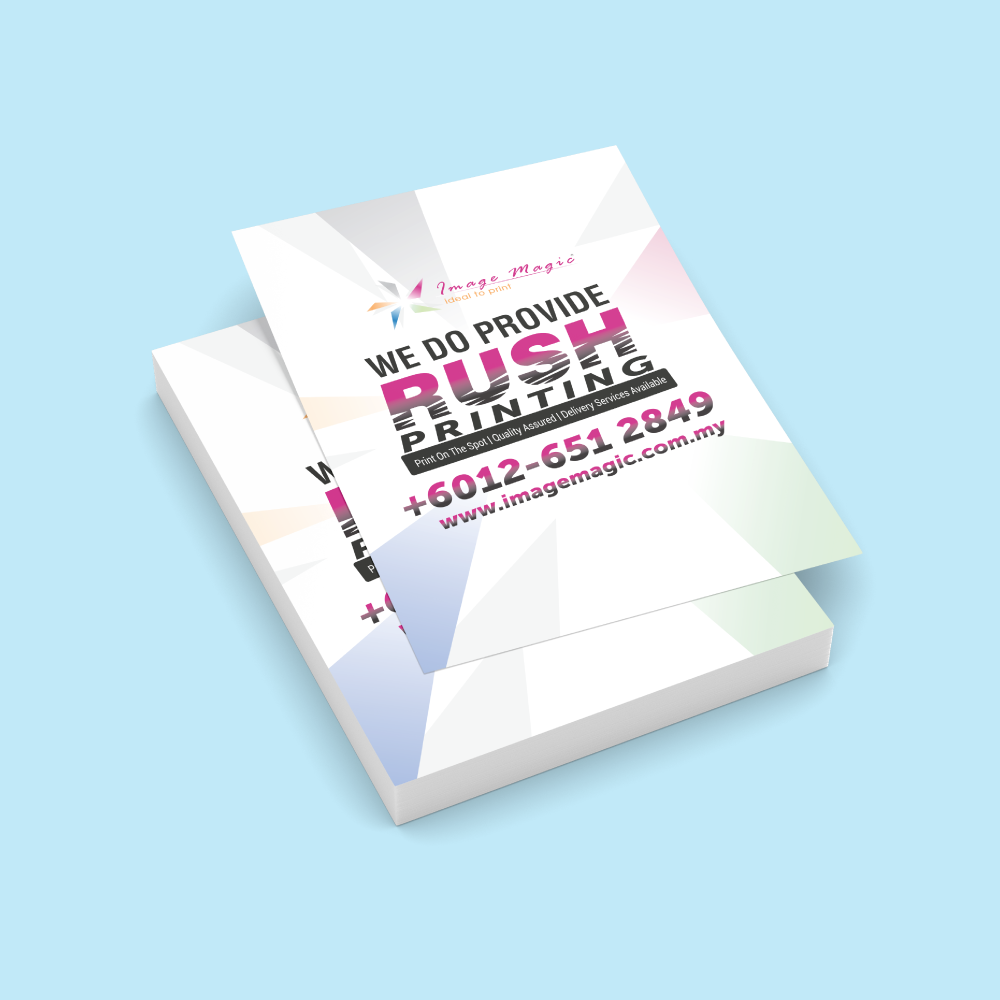
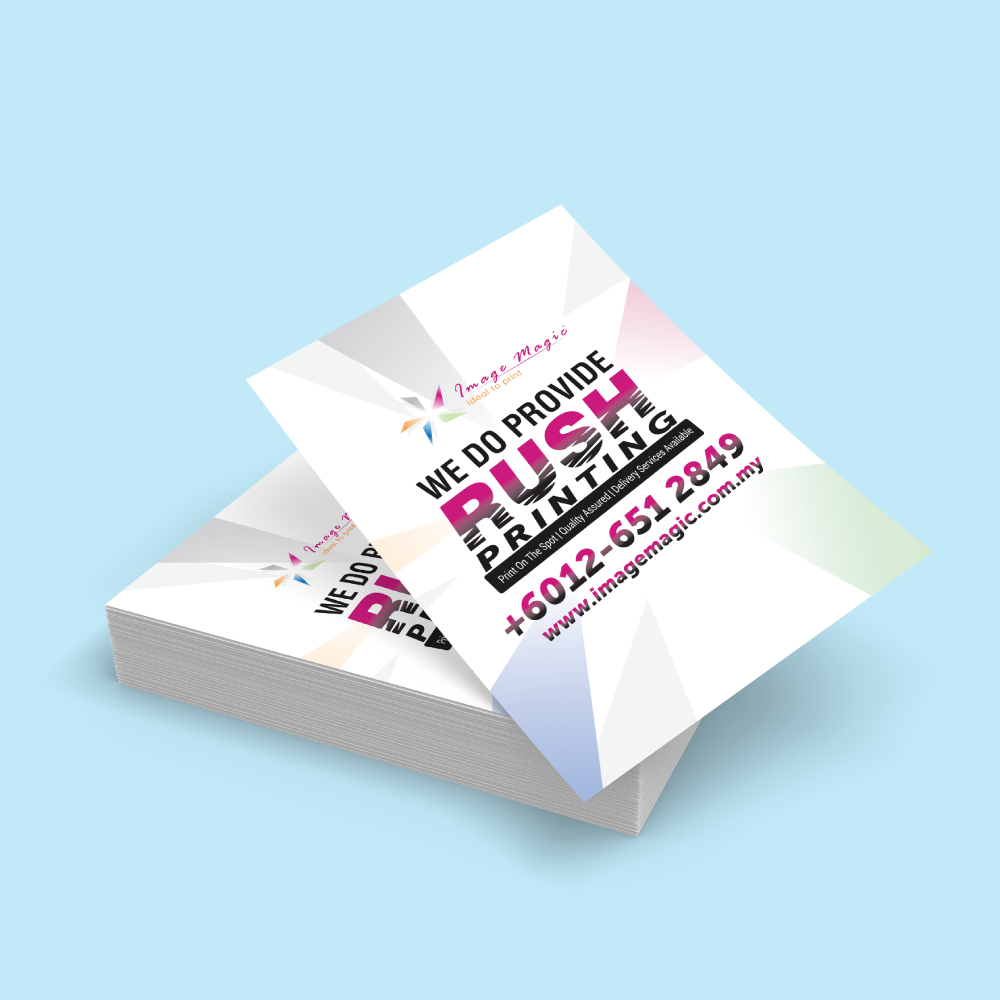
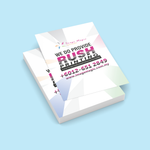
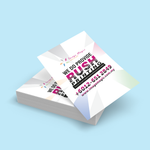
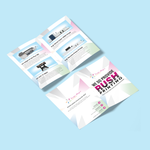
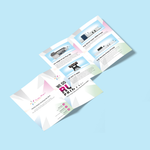
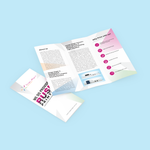
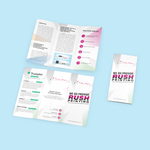
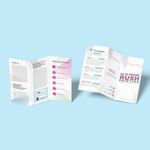
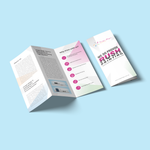
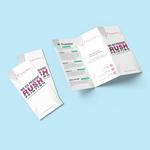
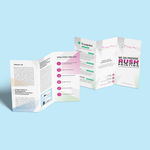
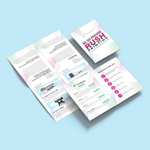
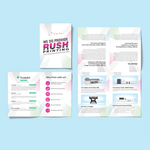
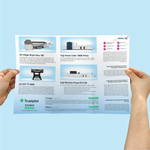
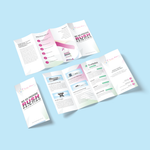
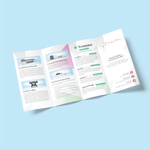
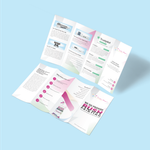
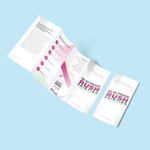
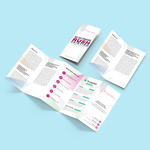
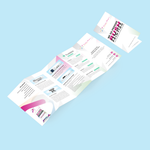
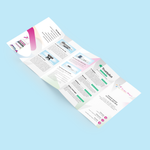
Flyer & Brochure Printing (Brochures & Flyers)
Choose Options | Get Started To Direct Order
Designs
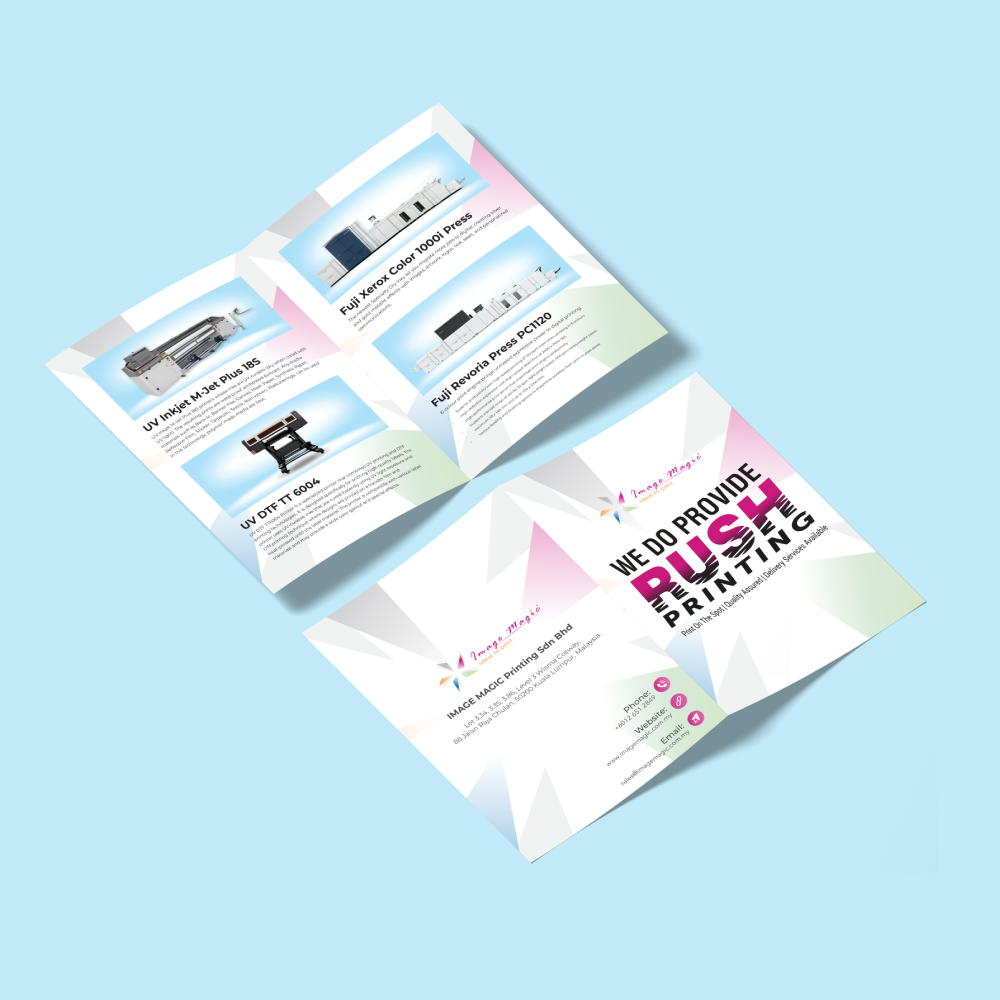
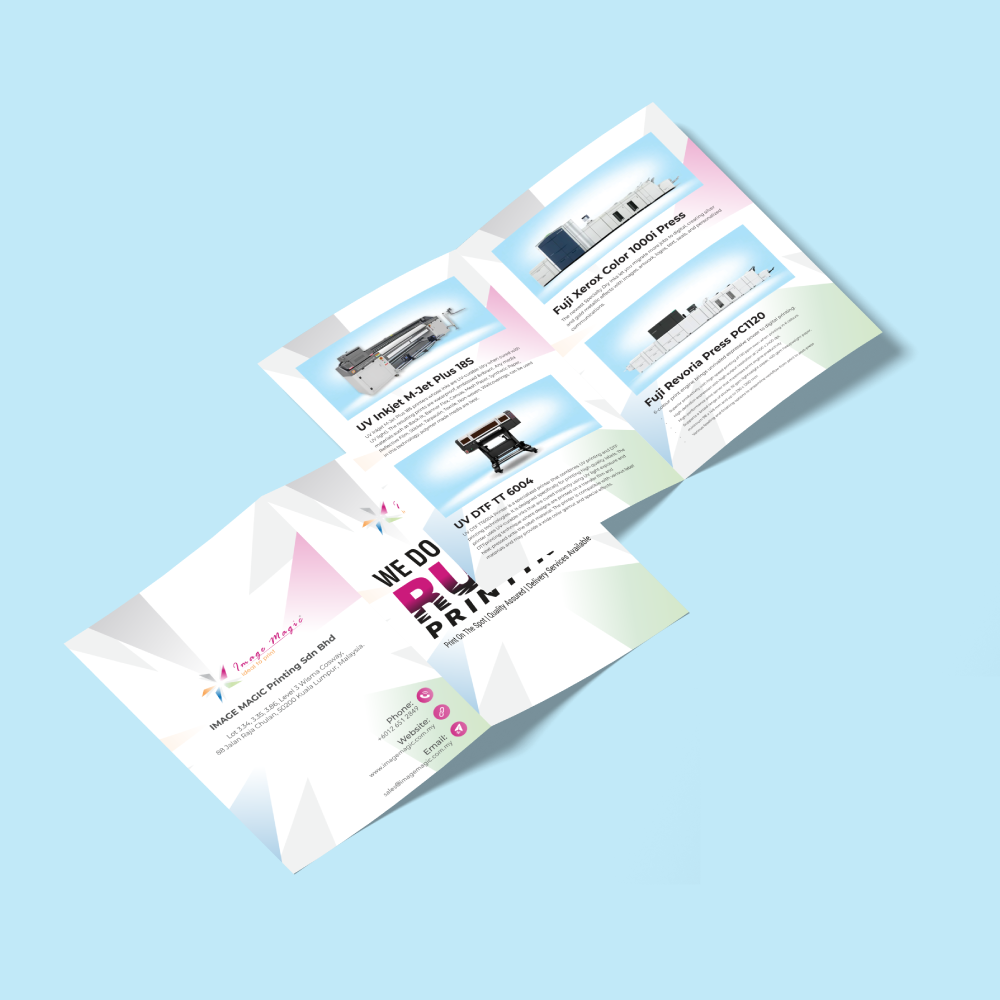
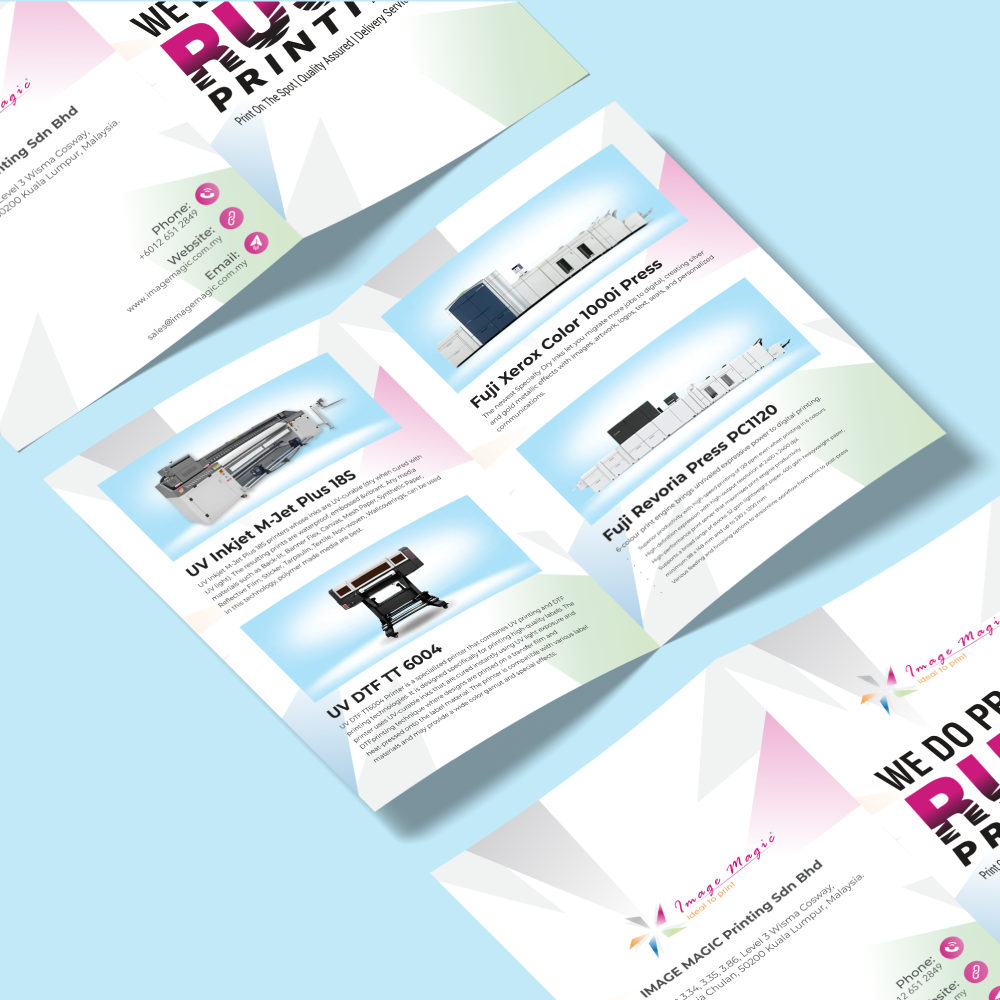
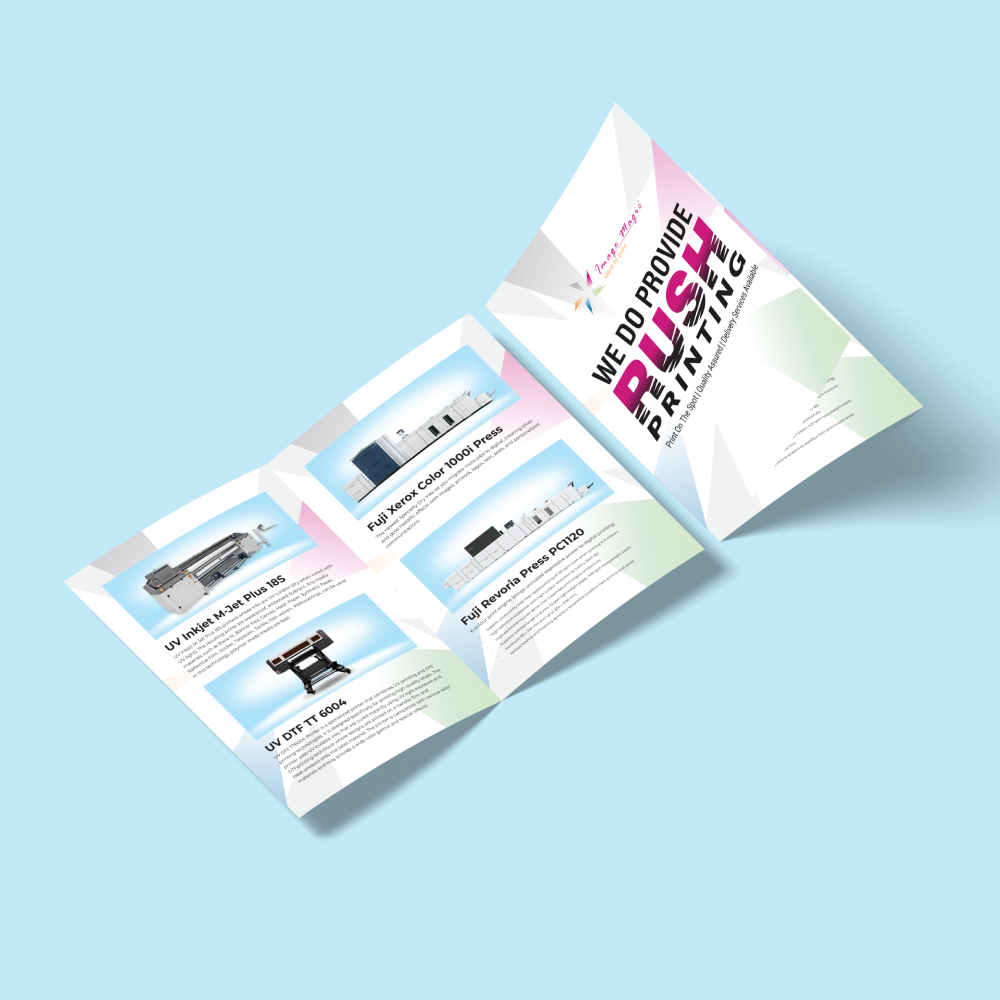
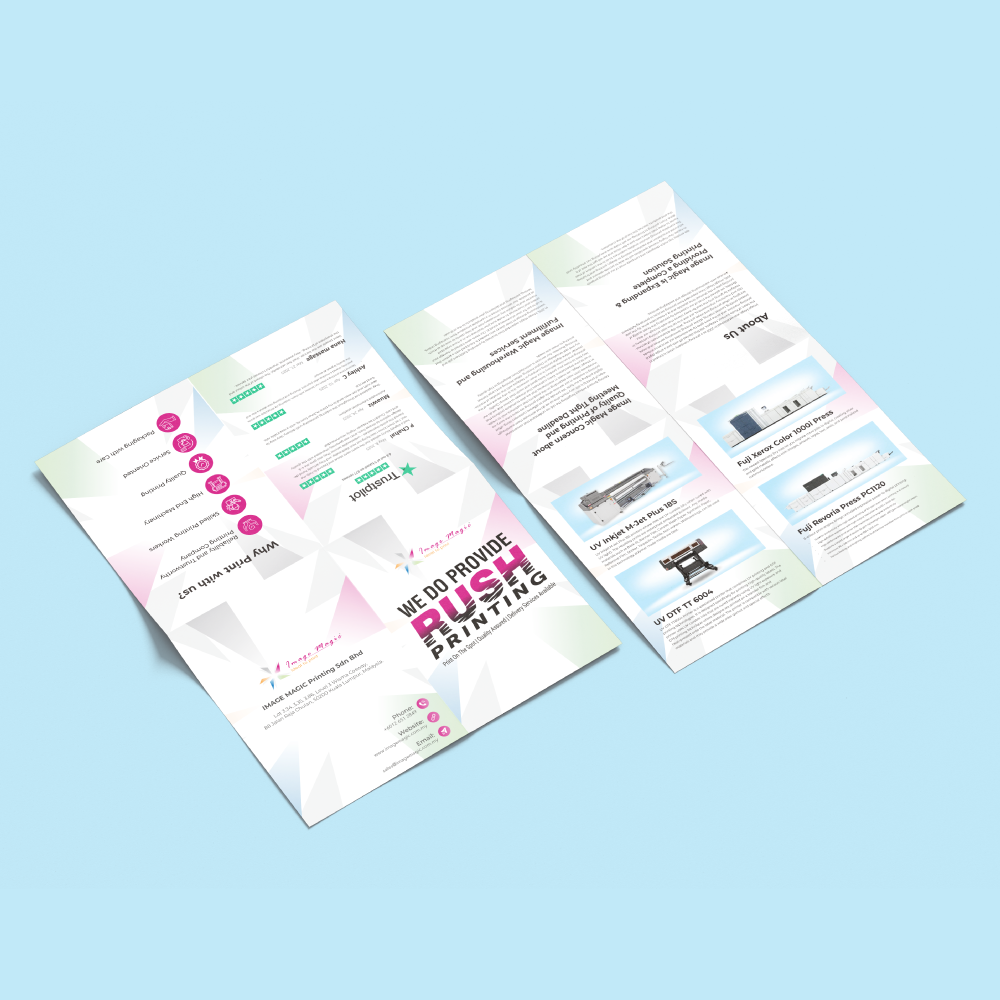
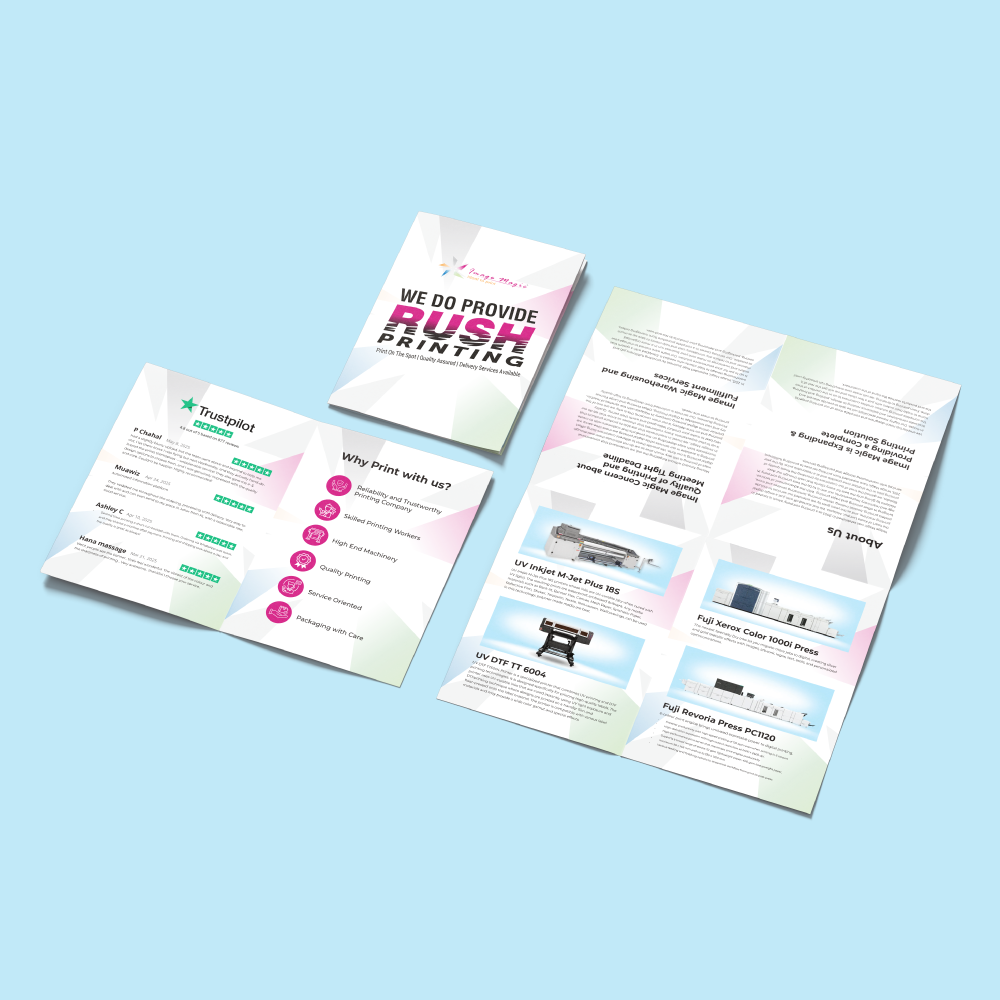
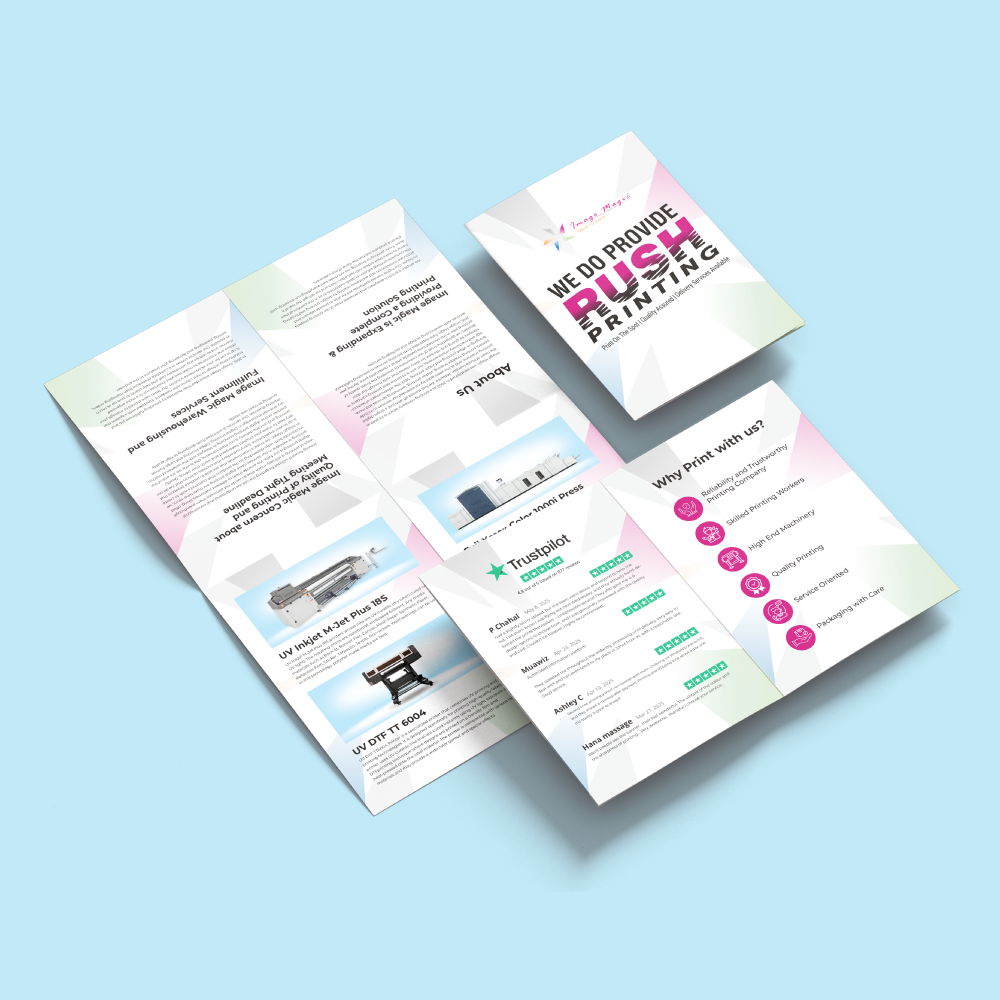
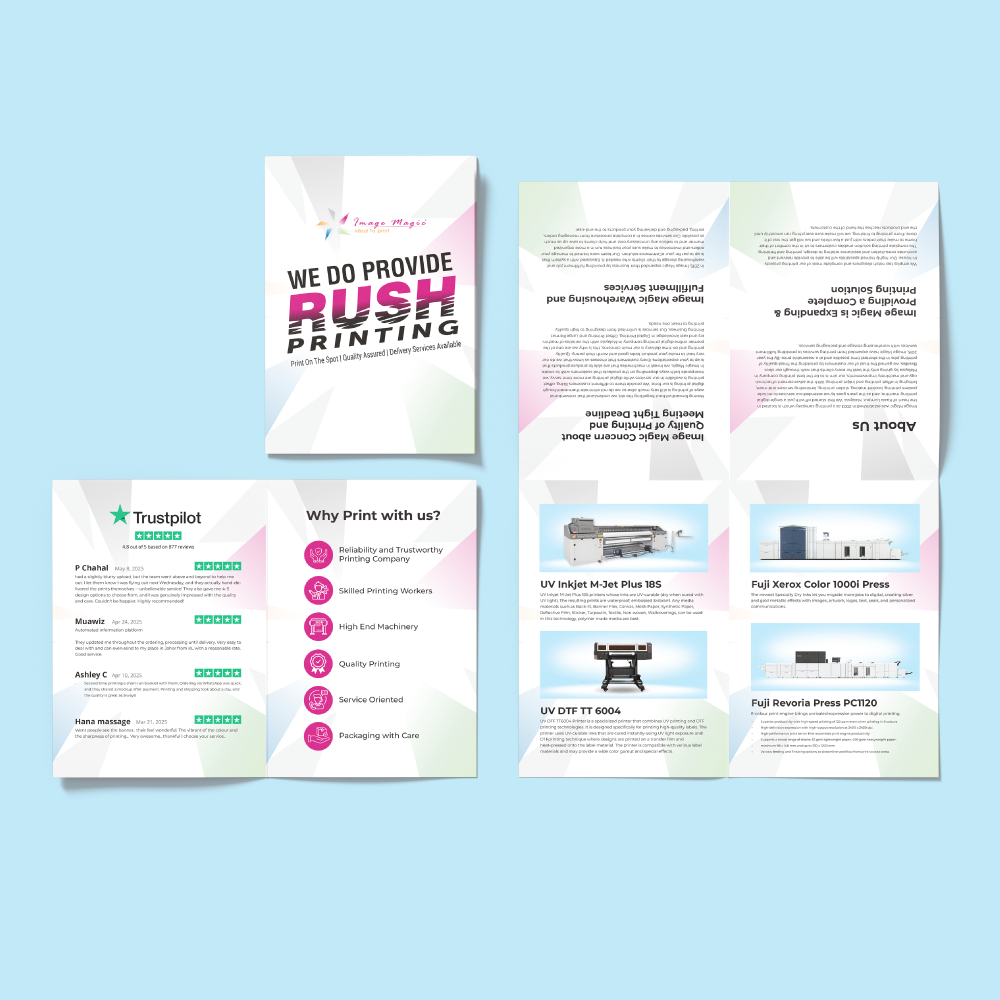
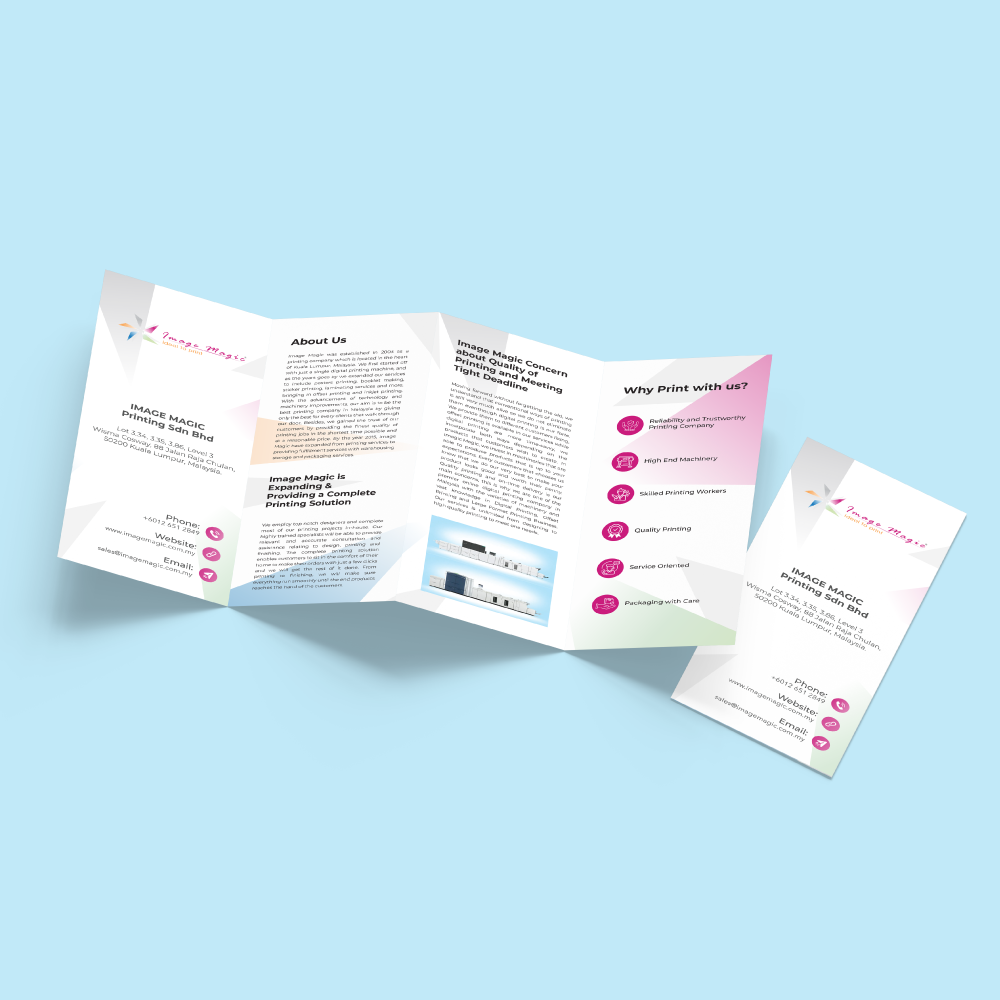
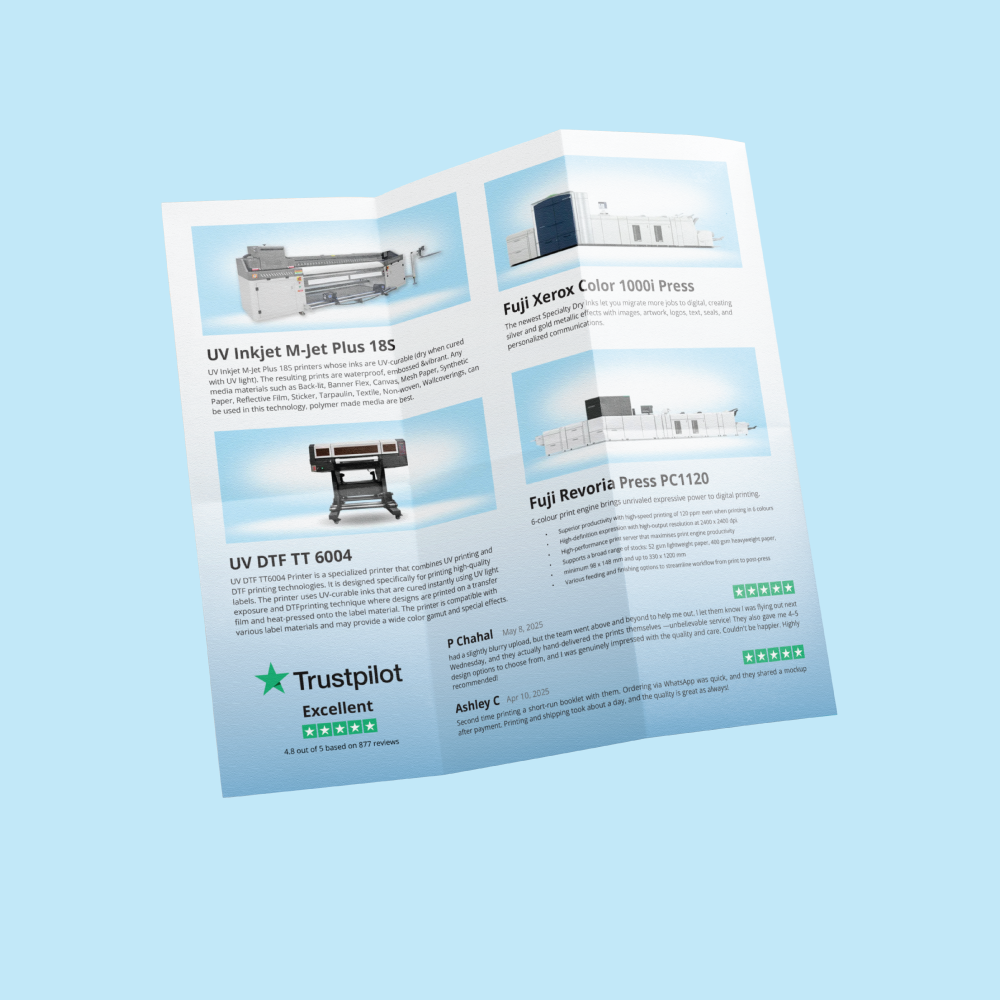
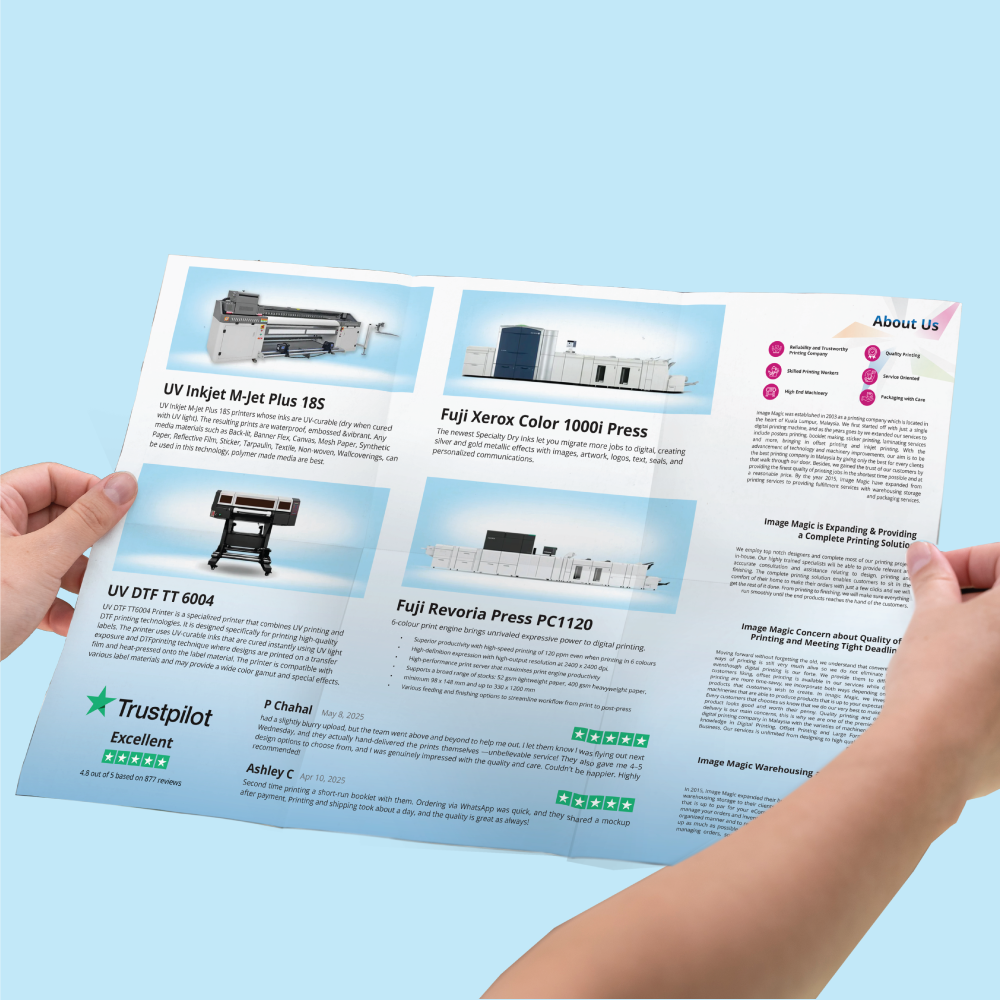
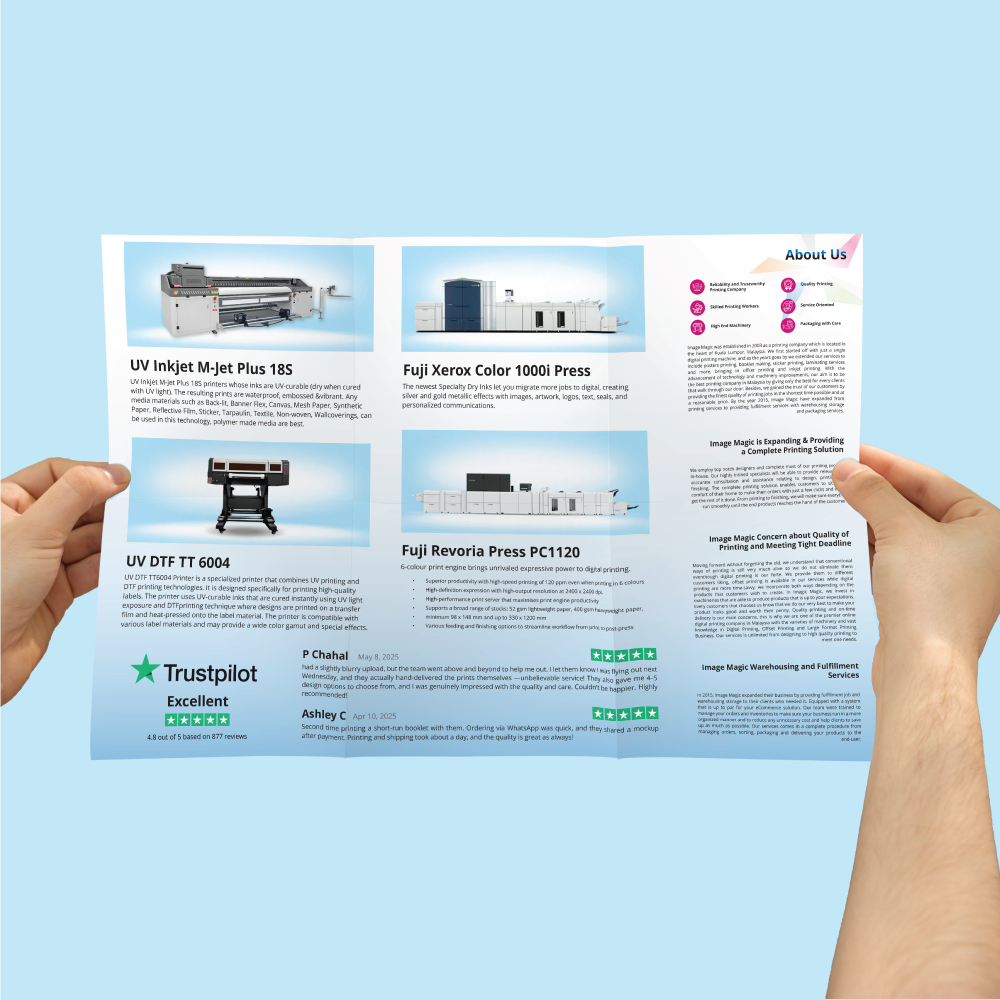
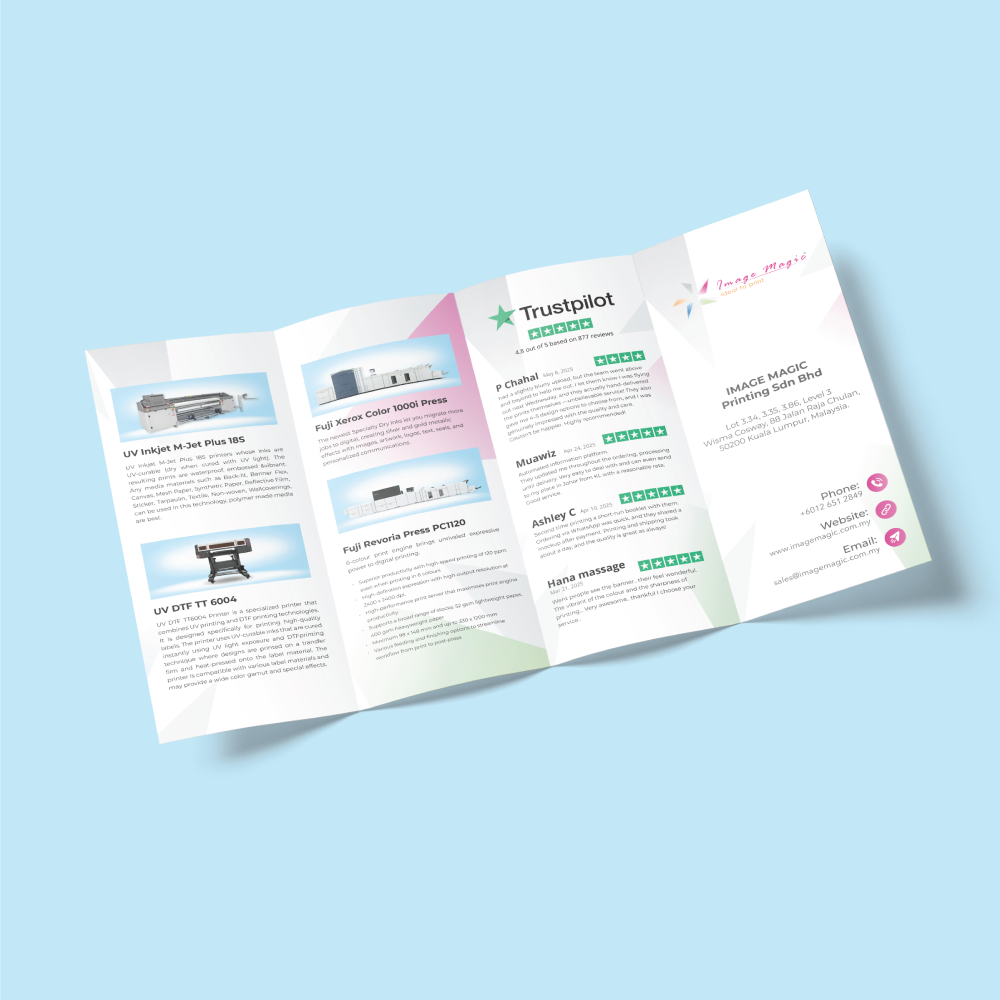
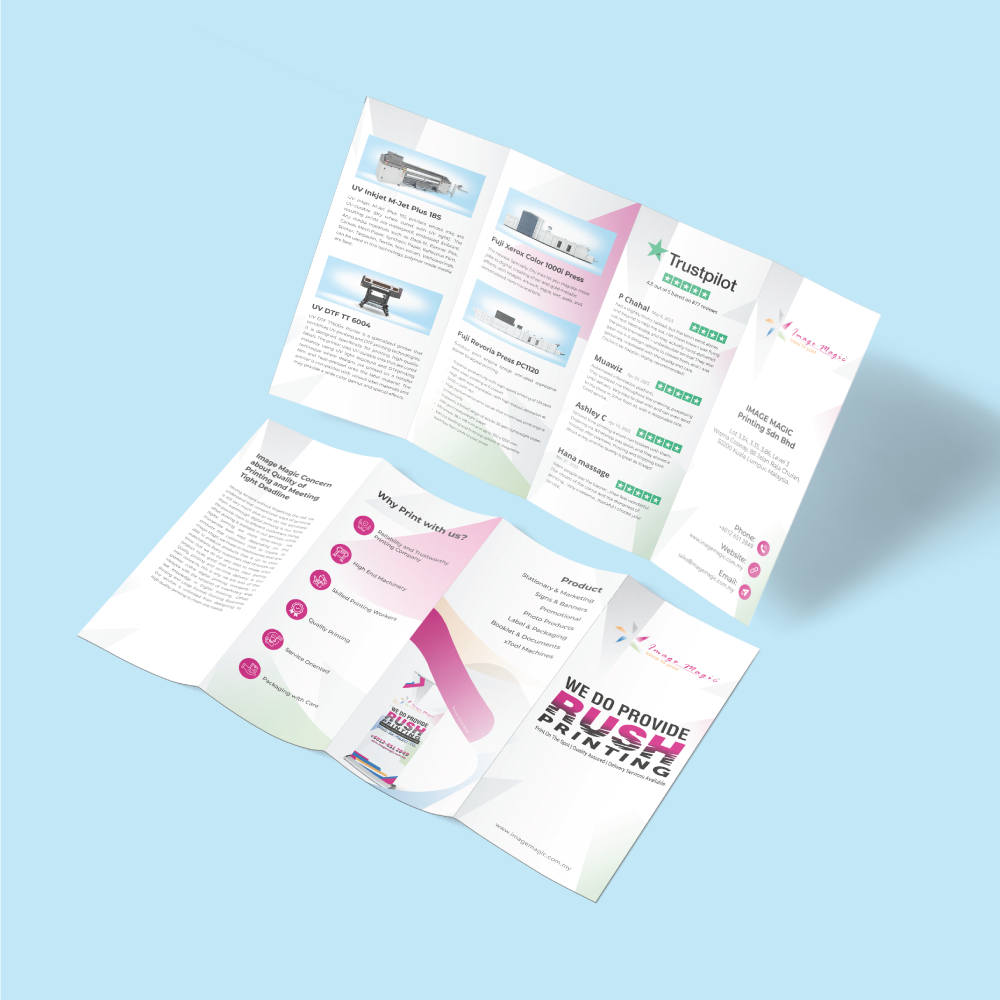
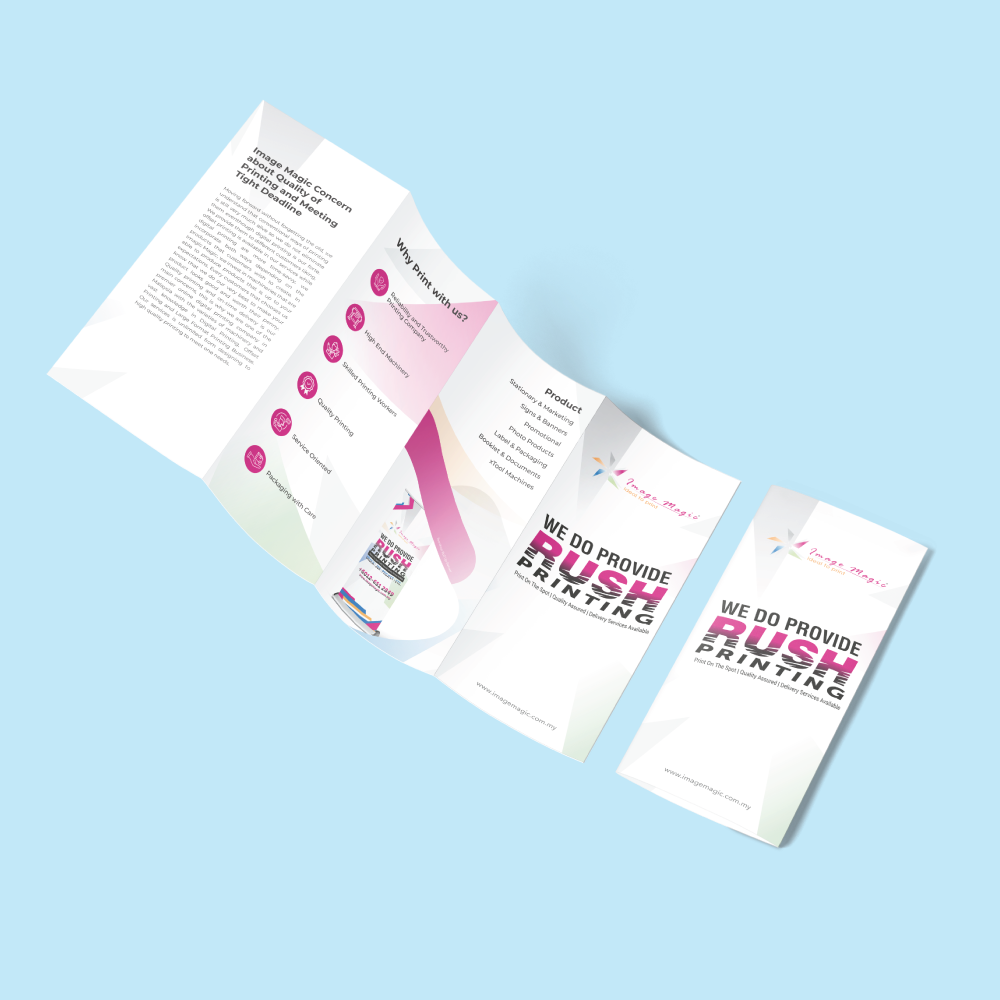
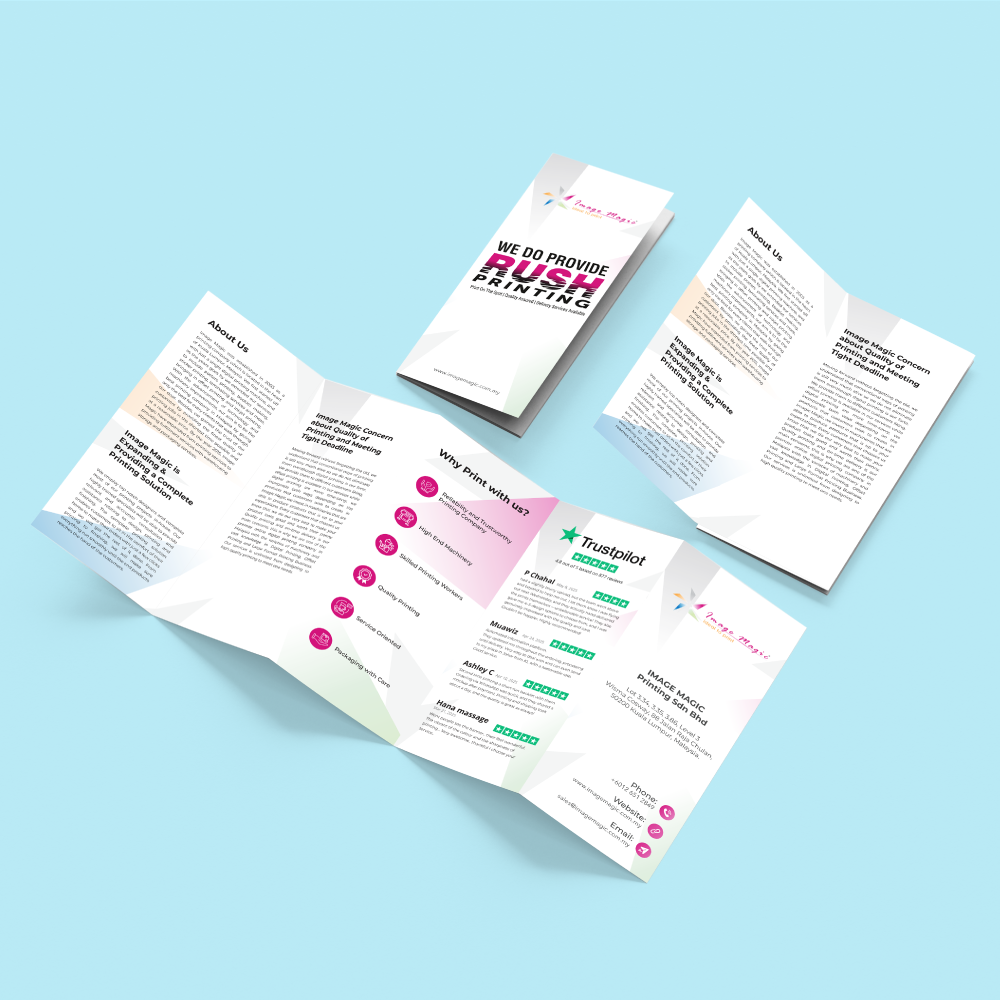
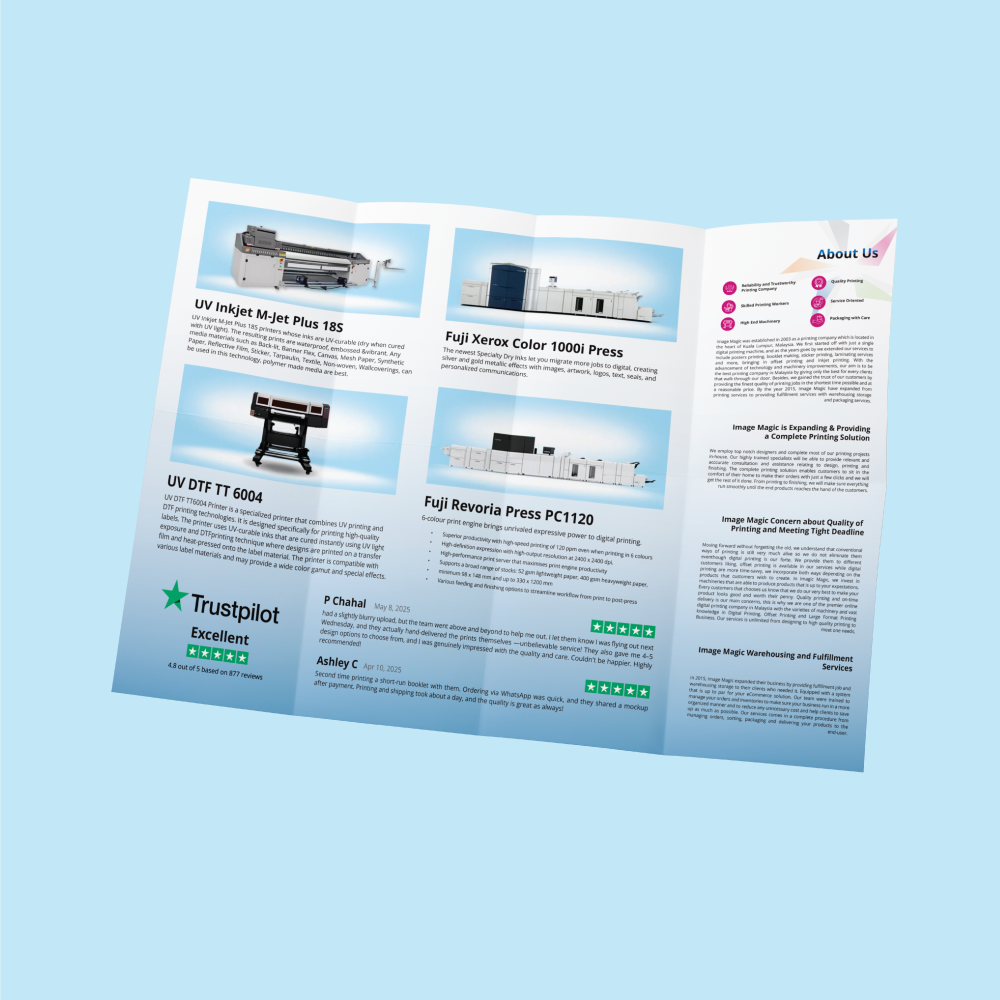
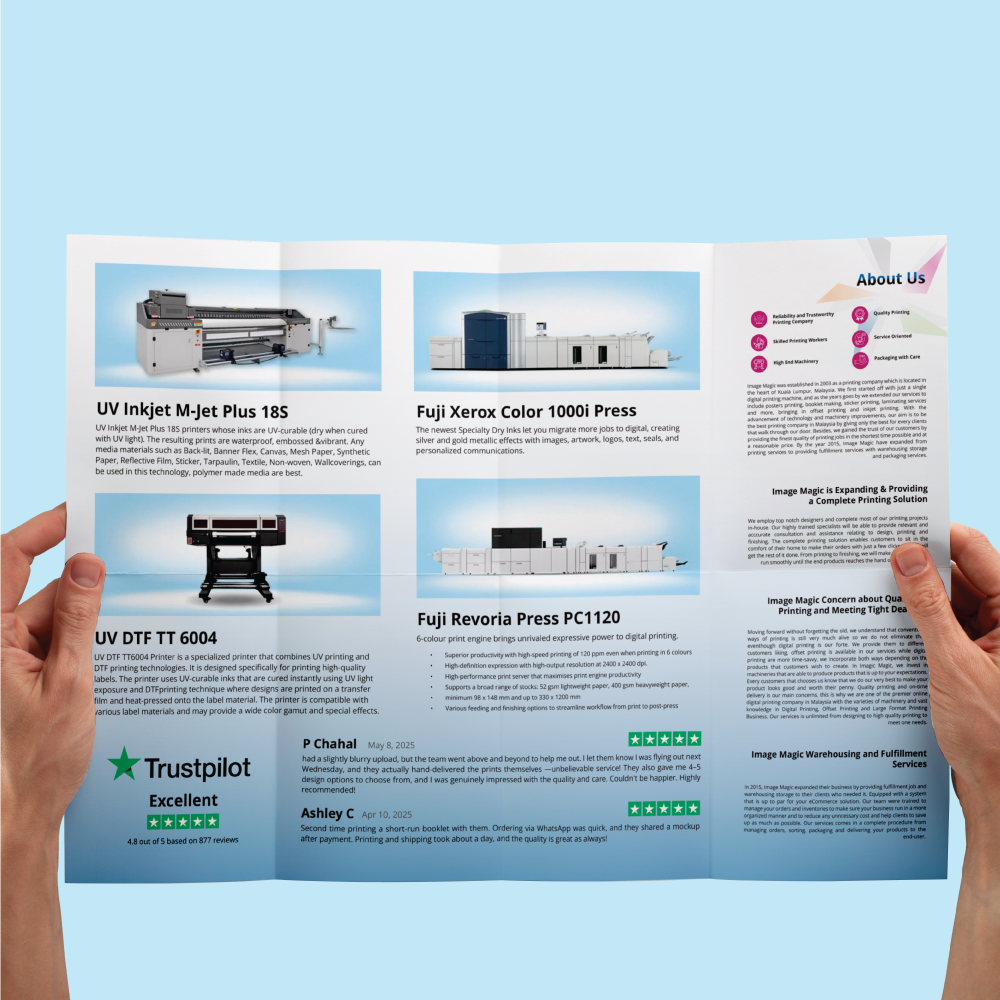
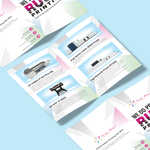
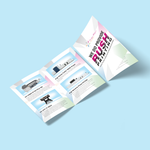
Flyer, Brochure & Leaflet Printing with Flat, Folded and Premium Finishing Options
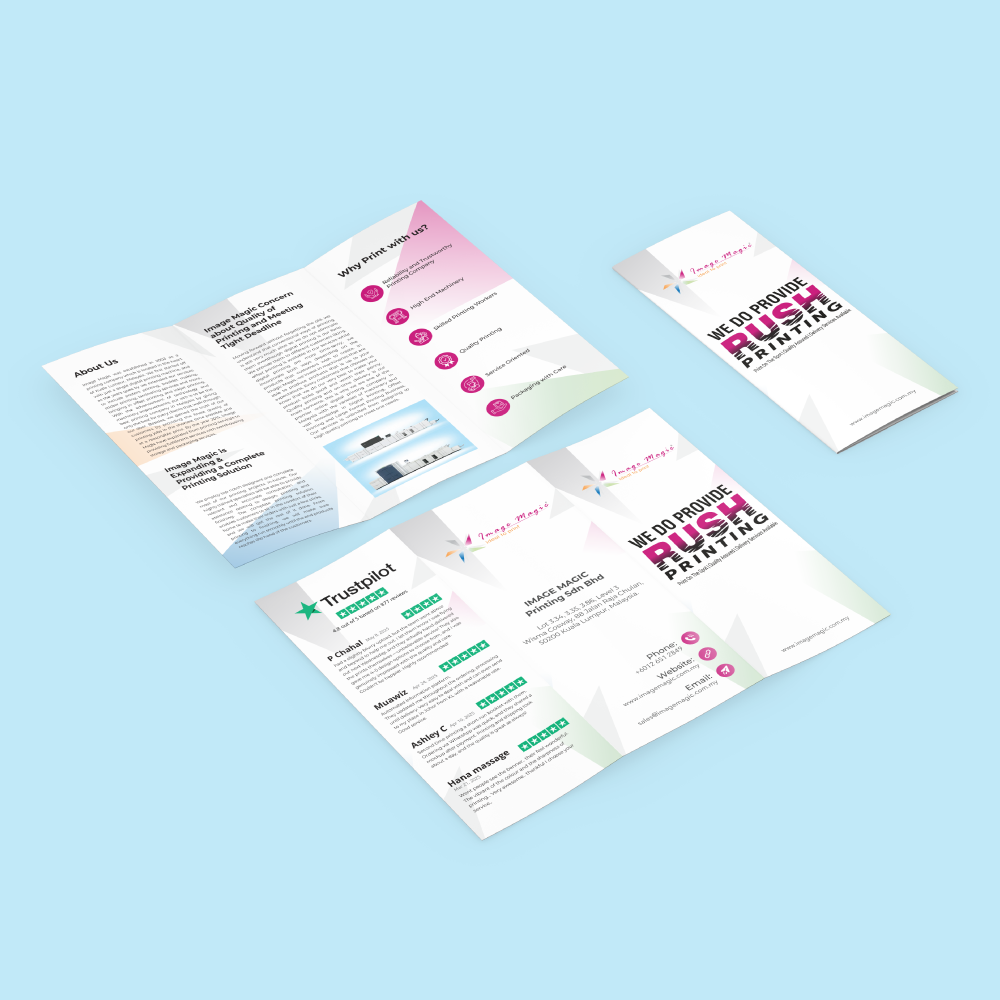
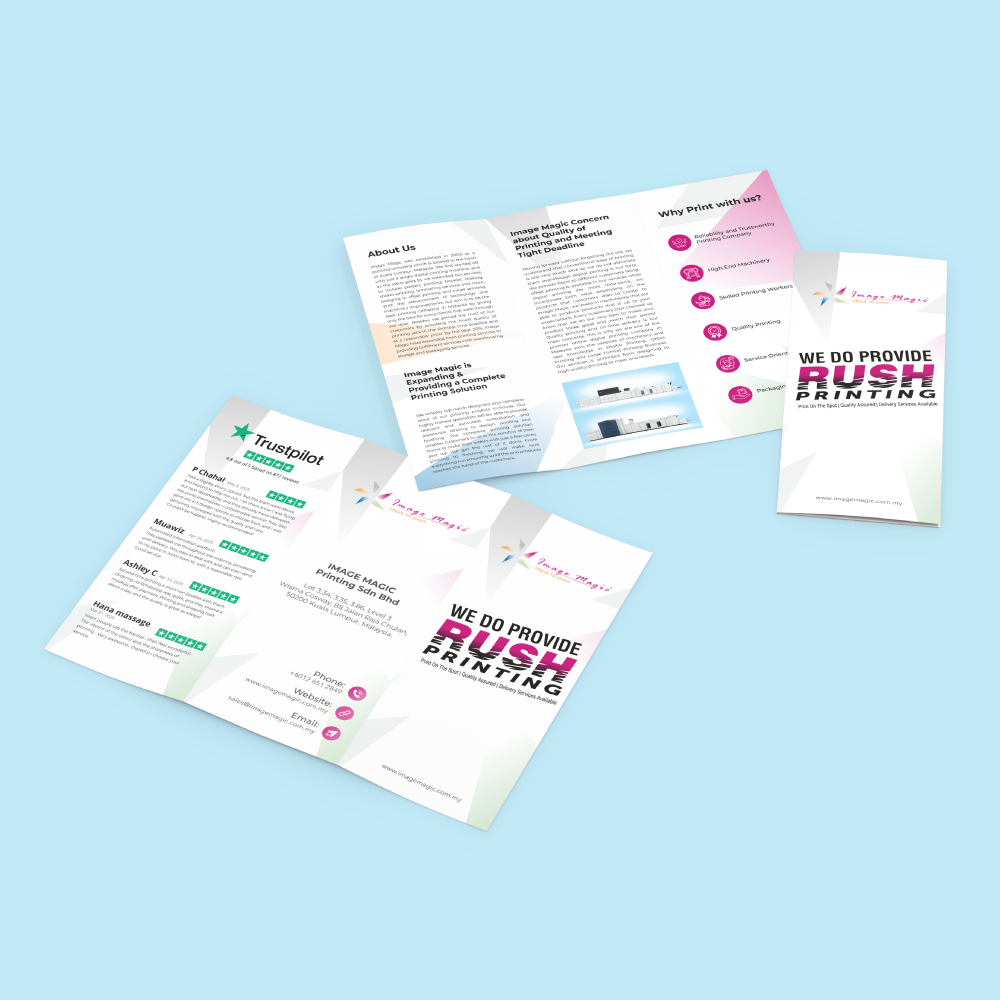
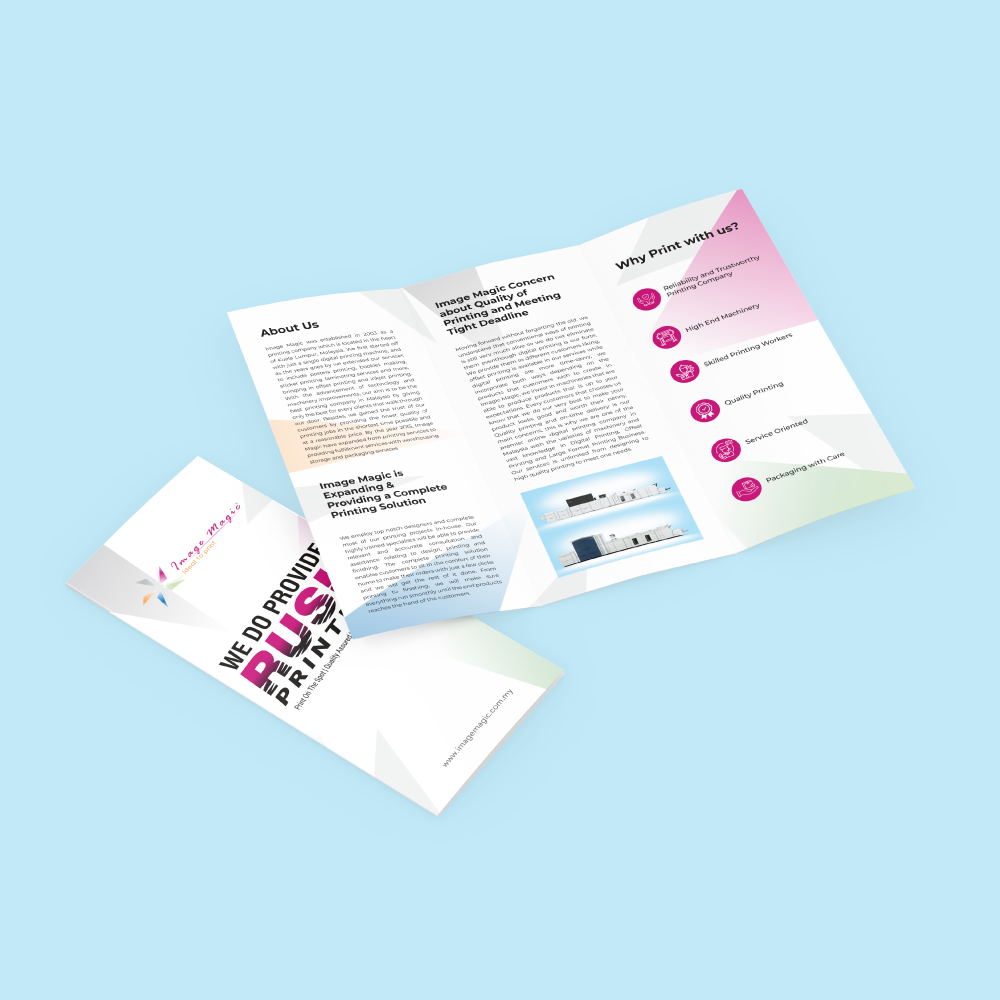
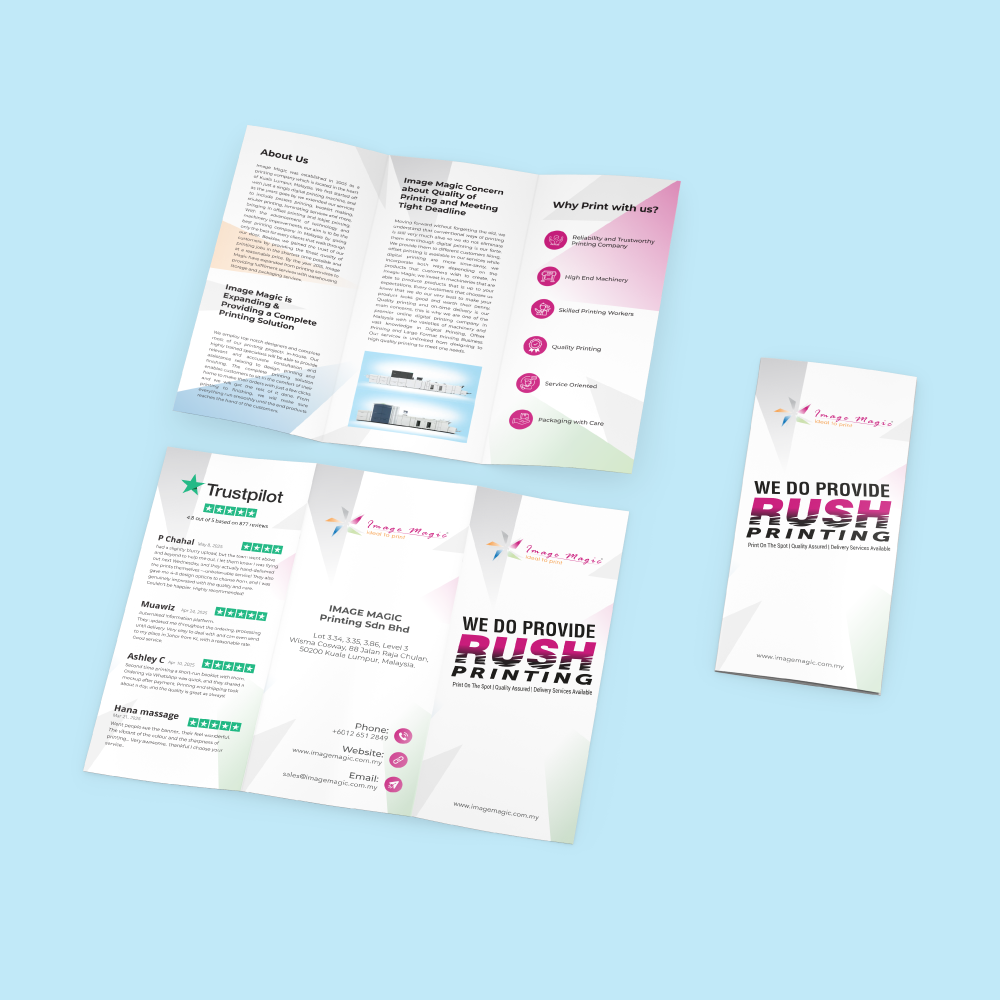
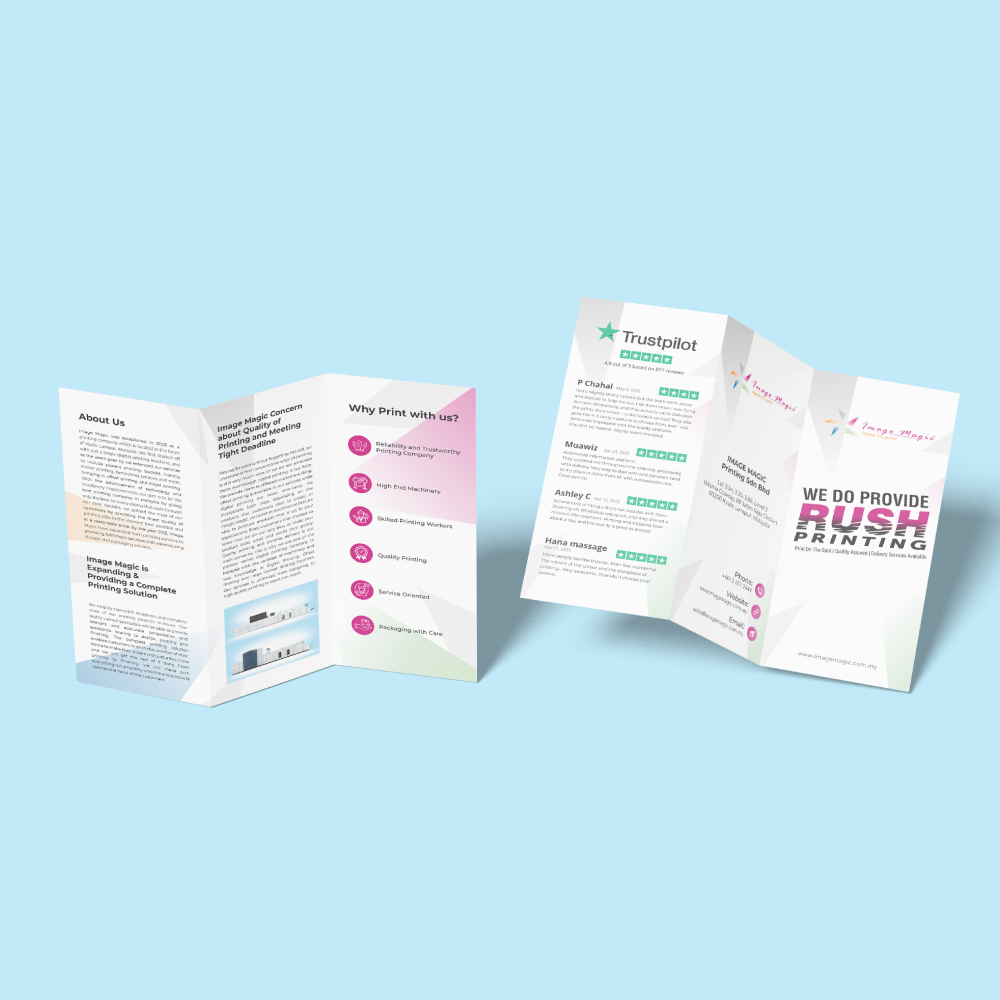
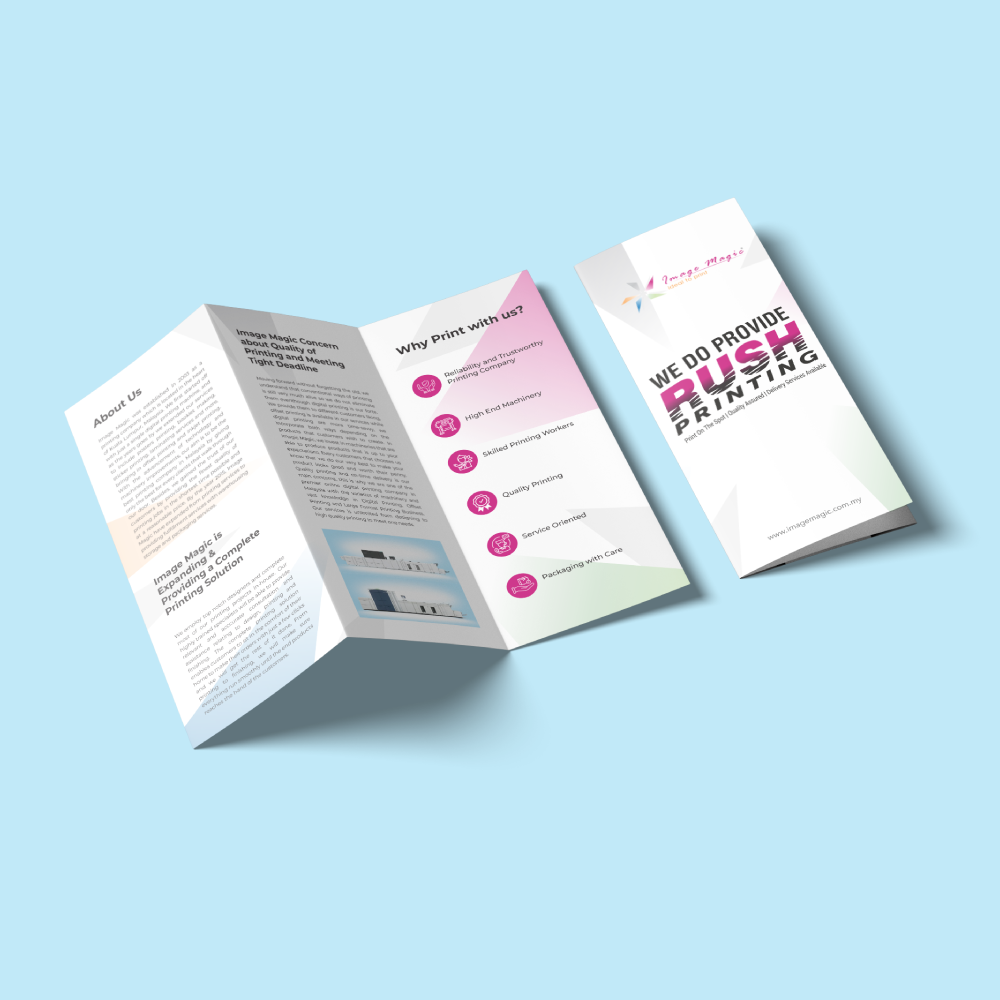
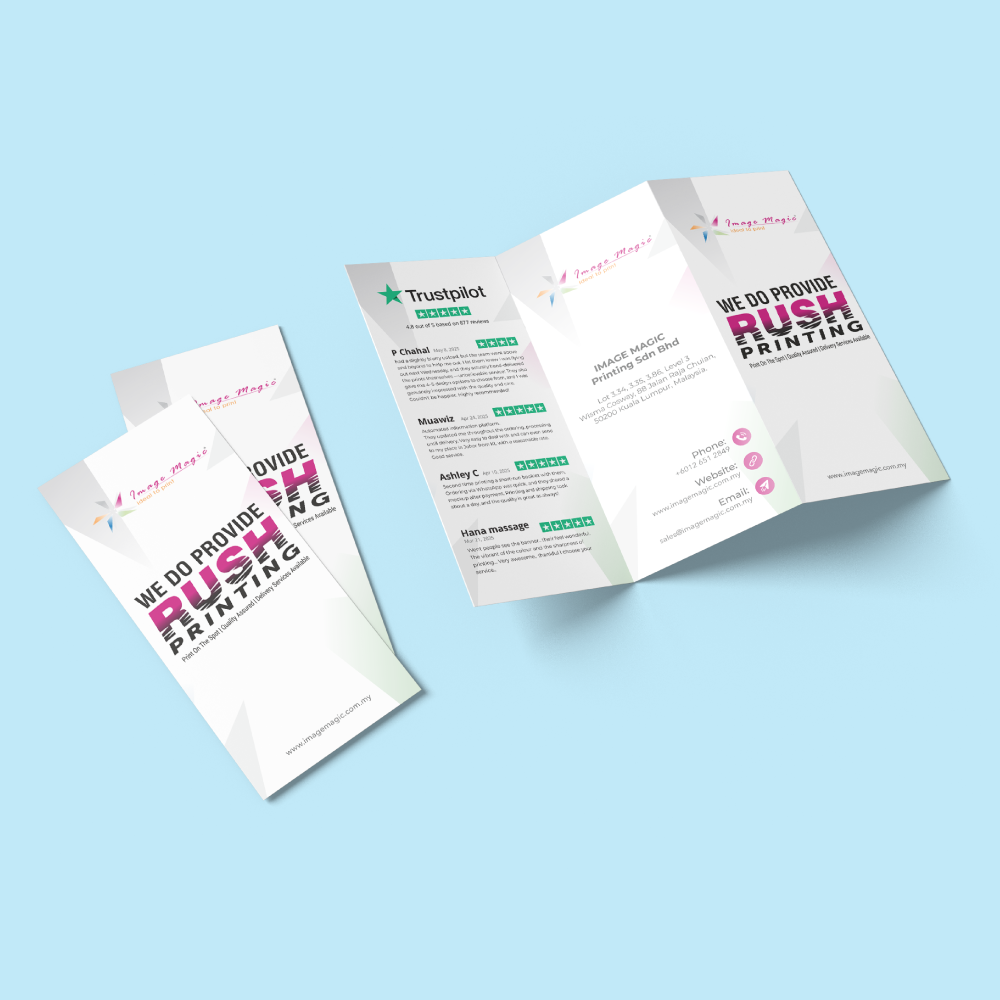
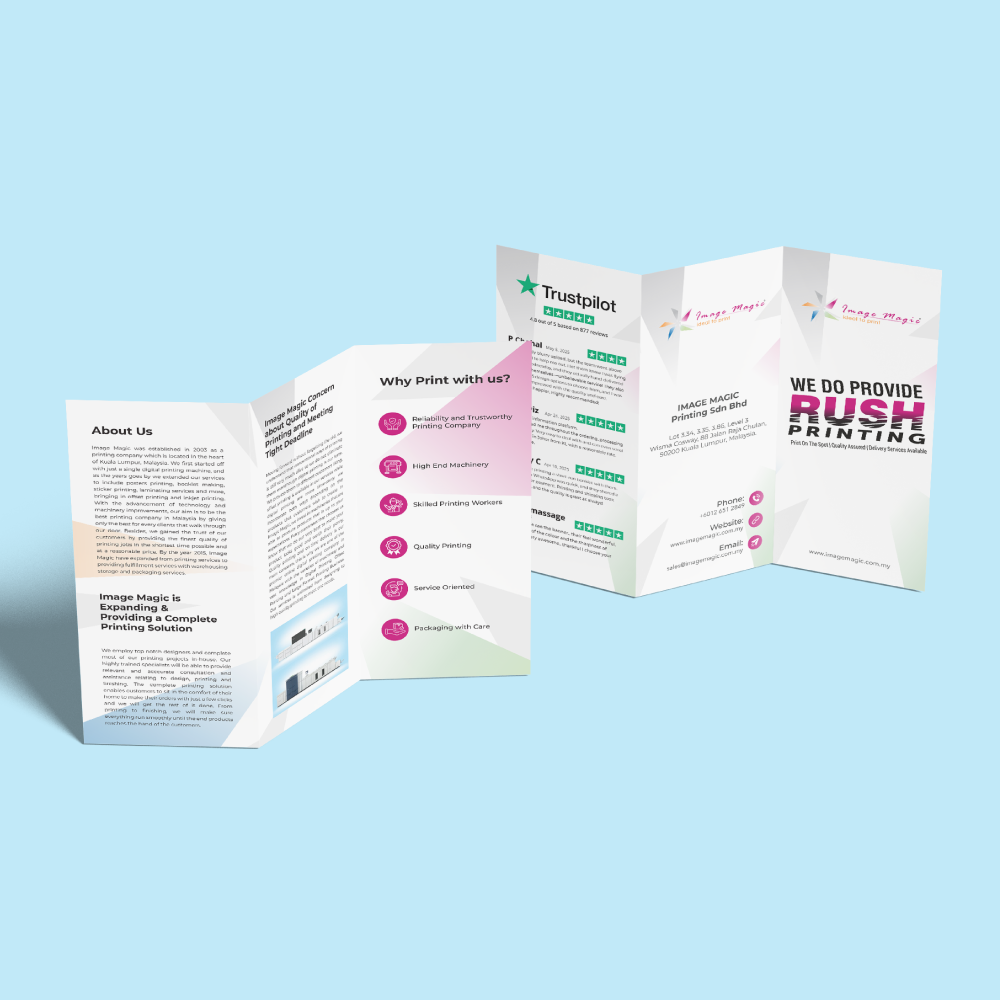
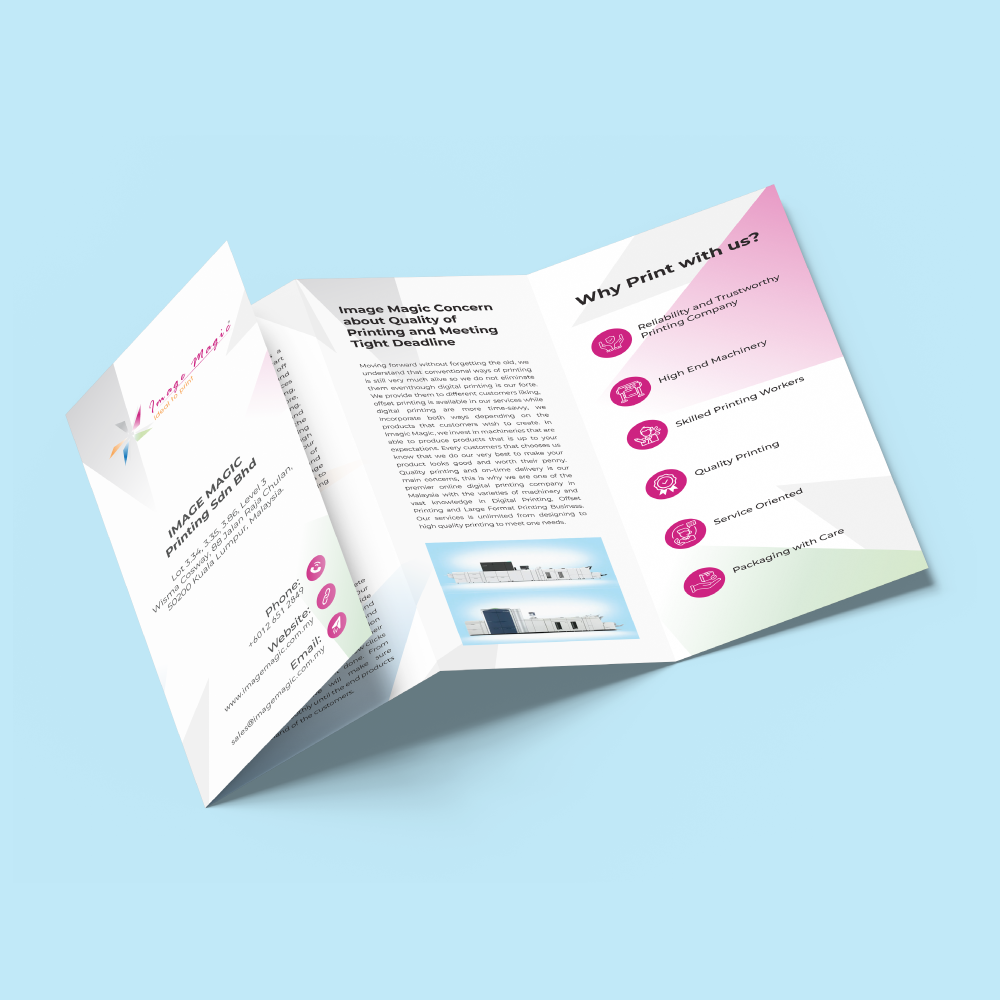
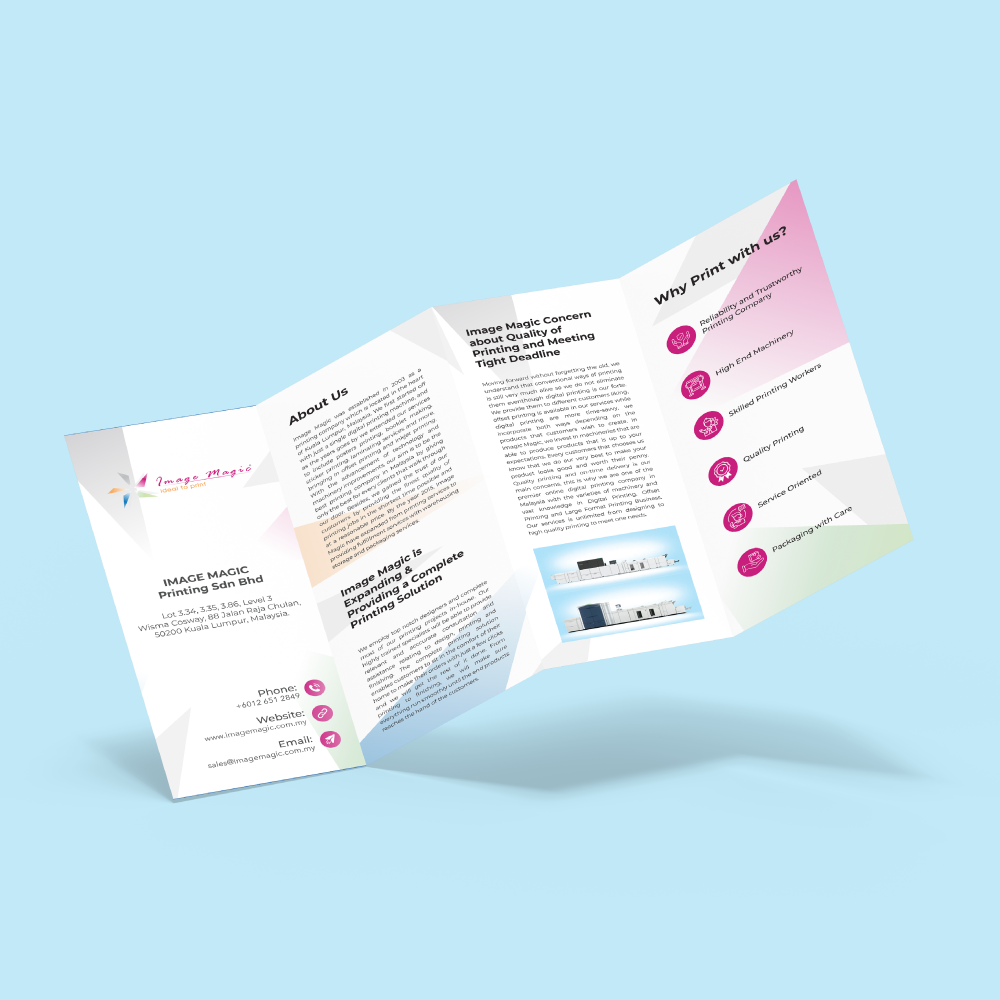
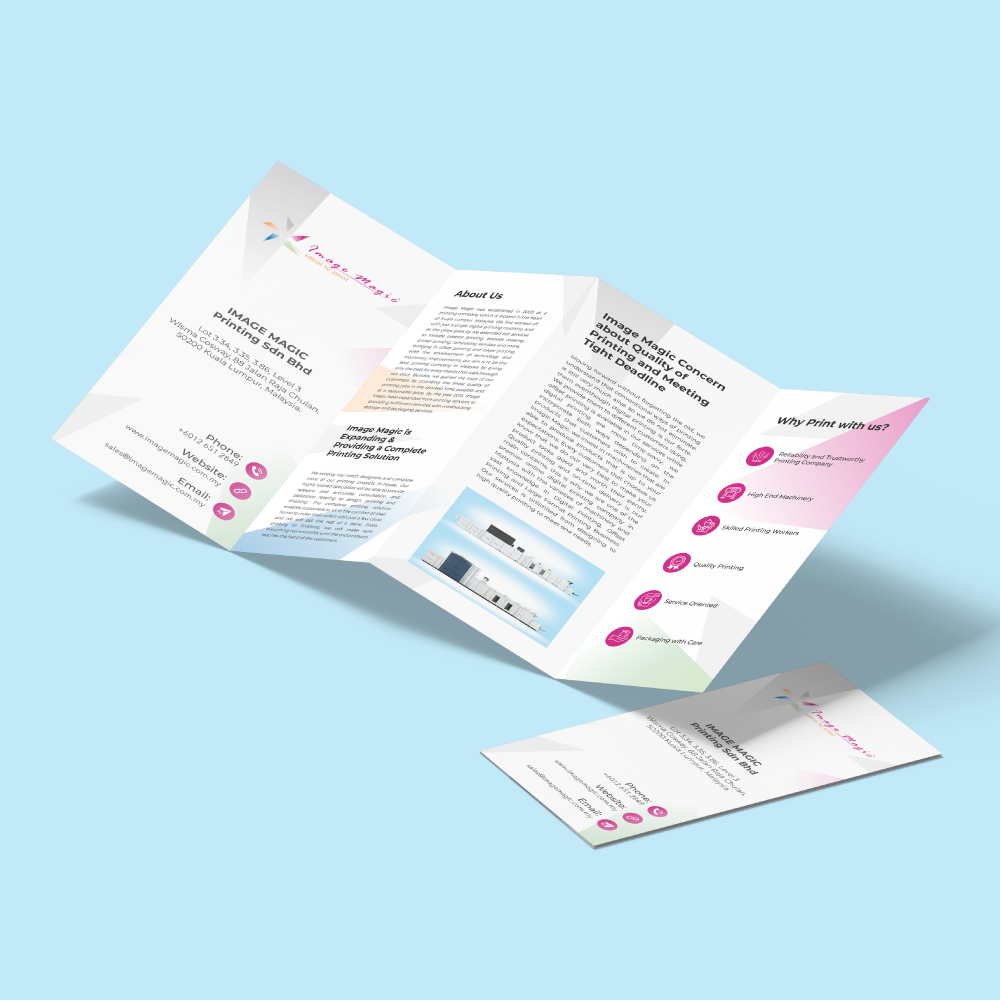
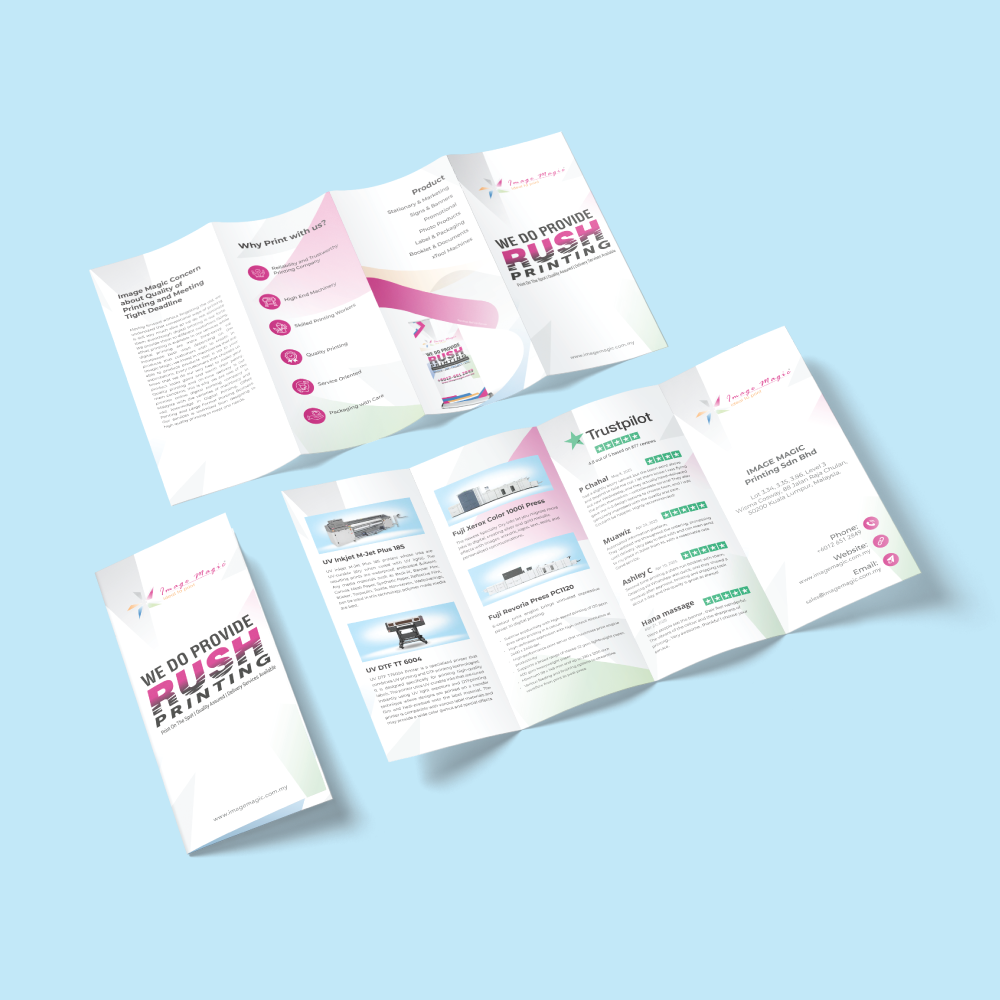
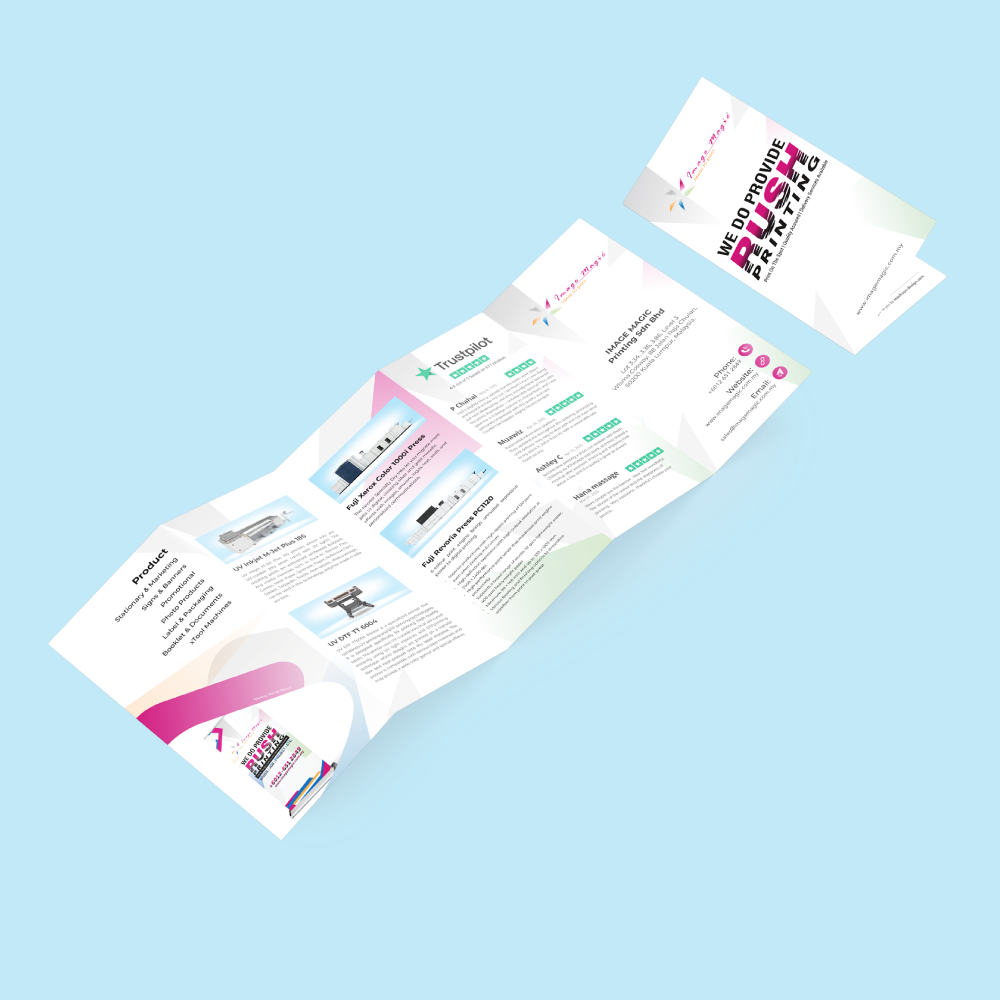
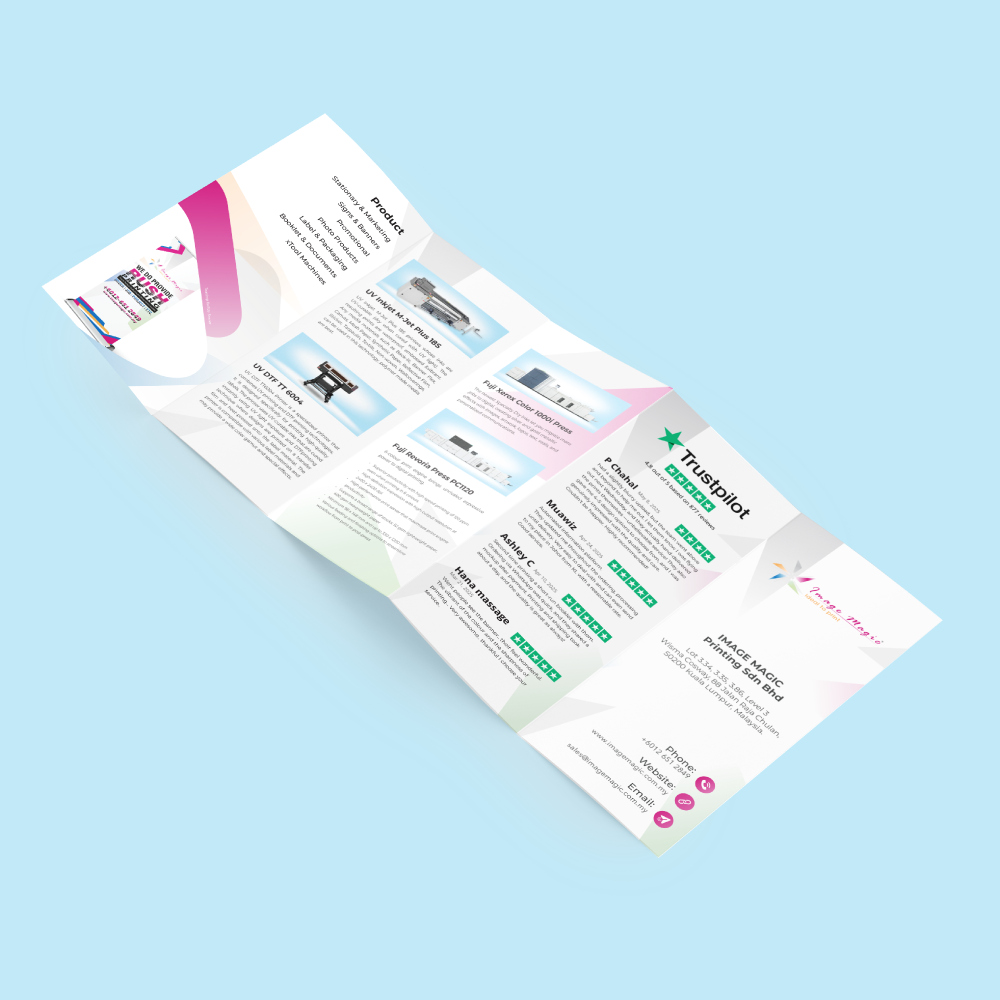
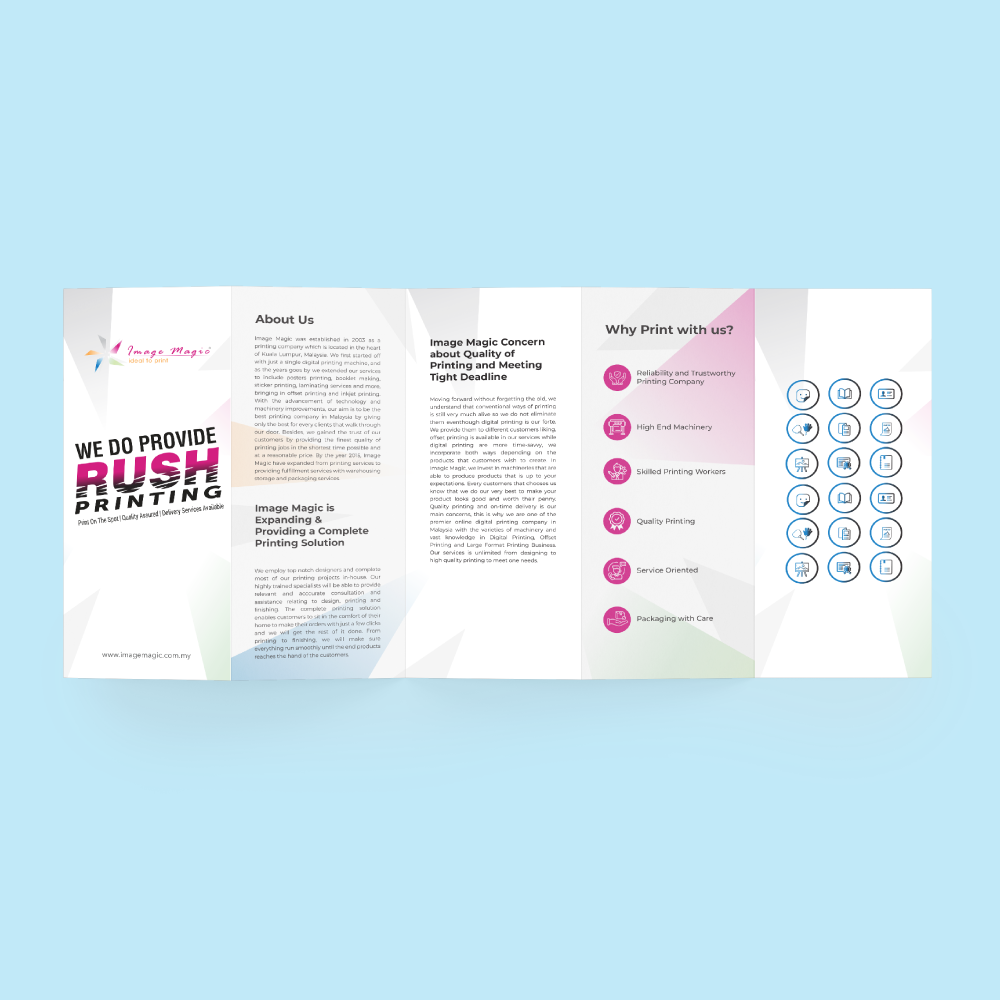
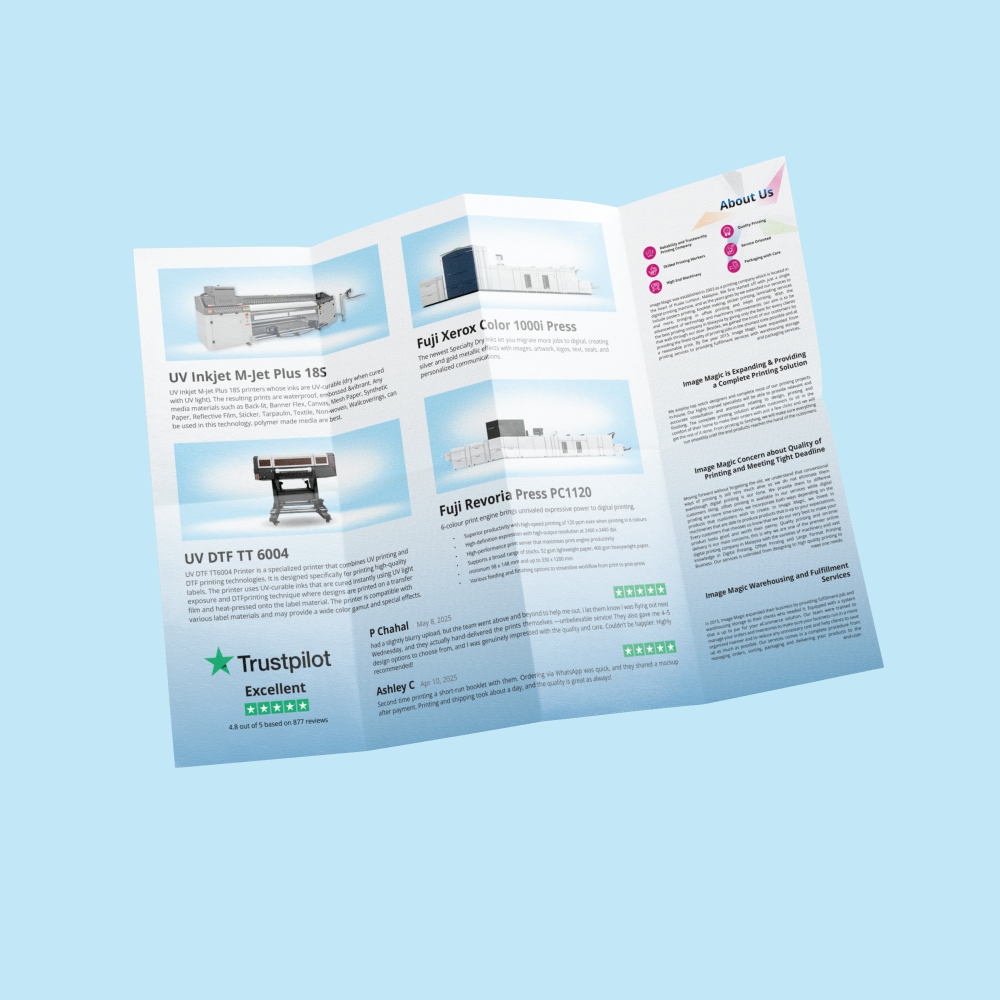
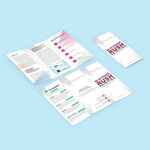
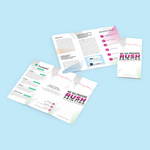
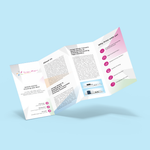
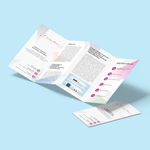
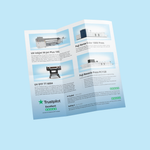
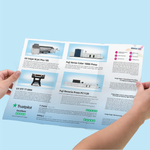
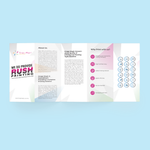
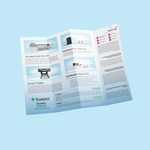
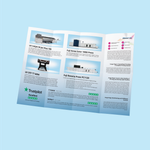
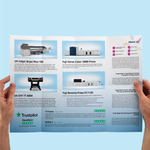
Order flyer printing in Malaysia for promotions, events, property launches, menus, price lists, product information and corporate campaigns. This combined litho-offset product covers flat flyers, folded brochures and leaflets in one calculator, including half fold, tri fold, Z fold, long multi-panel brochures, lamination and selected premium finishing.
Choose the required size, paper, quantity, print side and finishing. Exact combinations are controlled by the online calculator because paper, size, quantity and finishing availability are linked in the supplier specification.
One Product for Flyers, Brochures and Leaflets
Flat Flyer, Half Fold, Tri Fold, Z Fold, Long Brochure, Laminated Brochure and Spot UV Brochure can be consolidated into one option-driven product.
 Flat Flyers & Leaflets
Flat promotional sheets without folding.
- One- or two-sided printing.
- Simili, art paper, matte art paper and selected art card.
- Optional compatible finishing.
 Folded Brochures
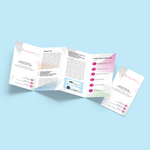
Half fold, tri fold, Z fold and multi-panel brochures.
- Fold type depends on paper and size.
- Long formats supported.
- Creasing or crease + fold applies to selected heavier stocks.
 Premium Finishing
Add finishing without creating separate brochure products.
- Matt or gloss lamination.
- Spot UV on compatible matte-laminated art card.
- Hot stamping, varnish, perforation and more where supported.
Flyer & Brochure Sizes
Core supplier sizes and long-sheet formats are shown below. Quantity availability differs by paper and size.
| Size | Dimensions | Typical Use |
|---|---|---|
| A1 | 594 × 840 mm | Large promotional sheets and display-style flyers. |
| A2 | 420 × 594 mm | Large menus, promotional sheets and information displays. |
| A3 | 297 × 420 mm | Large brochures, menus and folded marketing pieces. |
| A4 | 210 × 297 mm | Popular flyer, leaflet and brochure size. |
| A5 | 148 × 210 mm | Compact promotional flyers and handouts. |
| A6 | 105 × 148 mm | Small flyers, vouchers and inserts. |
| 3 × A4 | 297 × 630 mm | Long three-panel format; two-sided printing only. |
| 4 × A4 | 297 × 840 mm | Long four-panel format; two-sided printing only. |
| 4 × A5 | 210 × 594 mm | Long multi-panel format; two-sided printing only. |
| Custom | 40 × 40 mm to 594 × 840 mm | Subject to paper, finishing and quantity rules. |
Paper Options
| Paper | Weights | Use |
|---|---|---|
| Simili Paper | 80gsm, 100gsm, 140gsm | Cost-effective flyers, notices and text-heavy leaflets. |
| Gloss Art Paper | 80gsm, 100gsm, 128gsm, 150gsm | Colour-rich flyers, menus and brochures. |
| Matte Art Paper | 130gsm | Lower-glare professional marketing pieces. |
| Gloss Art Card — Best Seller | 250gsm | Heavier flyers, laminated brochures and selected premium finishes. |
| Gloss Art Card — Heavy Range | 230gsm, 250gsm, 310gsm, 360gsm | Premium heavier promotional cards and brochures. |
Printing Options
Print-side availability depends on paper, size and quantity.
Brochure Folding Options
Make Folding Type a dependent option instead of separate Half Fold, Tri Fold and Z Fold products.
 Single Fold / Half Fold
One centre fold.
 Tri Fold
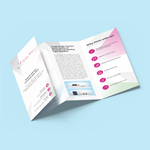
Three-panel folded brochure.
 Z Fold
Zig-zag three-panel fold.
 Cross Fold
Folded in two directions.
 Gate Fold
Gate-style fold with two creasing lines where supported.
 Accordion Fold
Alternating multi-panel fold.
 Z + Cross Fold
Combined Z and cross fold.
 Double Gate Fold
Double gate with three creasing lines.
 4 Panel Fold
Four-panel configuration.
 5 Panel Fold
Five-panel long brochure.
 Double Parallel + Cross Fold
Complex multi-stage fold.
Lamination, Spot UV & Other Finishing
Quantity & Production Time
Exact quantity availability is paper- and size-dependent. Do not use one unrestricted quantity step.
| Configuration | Quantity | Base Process Time |
|---|---|---|
| Best Seller Paper Range | Selected combinations from 100 pcs up to 20,000 pcs. | 1 base process day for supported quantities within the Image Magic online range up to 20,000 pcs. |
| Heavy Gloss Art Card Range | Starts at 250 pcs, with Image Magic online ordering capped at 20,000 pcs; exact quantity availability depends on size and paper. | 1 base process day for supported quantities from 250 to 20,000 pcs. |
| 1C Printing | Supported combinations only; minimum 250 pcs. | 3 process days. |
| Cut-Off | Accepted production orders. | 6:00 PM. |
Popular Uses
Artwork Preparation Guidelines
Supply complete print-ready artwork matching the open size, print side and fold selected. Image Magic provides printing and basic technical file checking; design, layout creation and proofreading are not included.
File Setup & Colour
- PDF is preferred.
- Prepare artwork at 1:1 scale.
- Use CMYK for full-colour printing.
- Outline or embed fonts.
- Use high-resolution images.
Bleed & Safe Area
- Add approximately 3mm bleed where artwork reaches the trim.
- Keep important text safely inside trim edges.
- Keep key content away from folds, crease lines, perforations and holes.
Folded Brochure Artwork
- Prepare the full open sheet, not separate panel files.
- Check front, back and inside panel order.
- Confirm fold code before finalising the layout.
- Avoid critical text directly on fold lines.
Spot UV Artwork
- Supply print and Spot UV artwork as clearly separated files/layers.
- Spot UV artwork should contain only highlighted objects.
- Use only the compatible matte-laminated Art Card option.
Hot Stamping Artwork
- Use solid vector shapes.
- Stay within the selected stamping area.
- Maximum two stamping colours.
- Hot stamping is one-side only.
Technical File Check
- Basic technical checks may cover size, bleed and print readiness.
- This is not design or proofreading.
- Customers remain responsible for all content.
- Incorrect artwork can delay production.
How to Order
- Select Size & QuantityChoose a valid size and quantity.
- Choose Paper & PrintingSelect paper, print side and 1C/4C where available.
- Select Fold / FinishingChoose flat, folding, lamination, Spot UV or another compatible finishing.
- Upload Print-Ready ArtworkSubmit the correct open-size file and confirm before production.
Frequently Asked Questions
What is the minimum order?
Can I order Half Fold, Tri Fold or Z Fold brochures?
Can brochures be laminated?
Can I add Spot UV?
Is hot stamping available?
How long does production take?
Can folding and hole punching be combined?
Does Image Magic provide design services?
Ready to Order Flyers or Brochures?
Choose size, quantity, paper, print side and finishing in the online calculator. For large campaigns, premium finishing or unusual folds, confirm the completion date and artwork specification before ordering.
WhatsApp +6012-651 2849Flat flyers • Folded brochures • Tri Fold • Z Fold • Lamination • Spot UV • Bulk litho-offset printing


