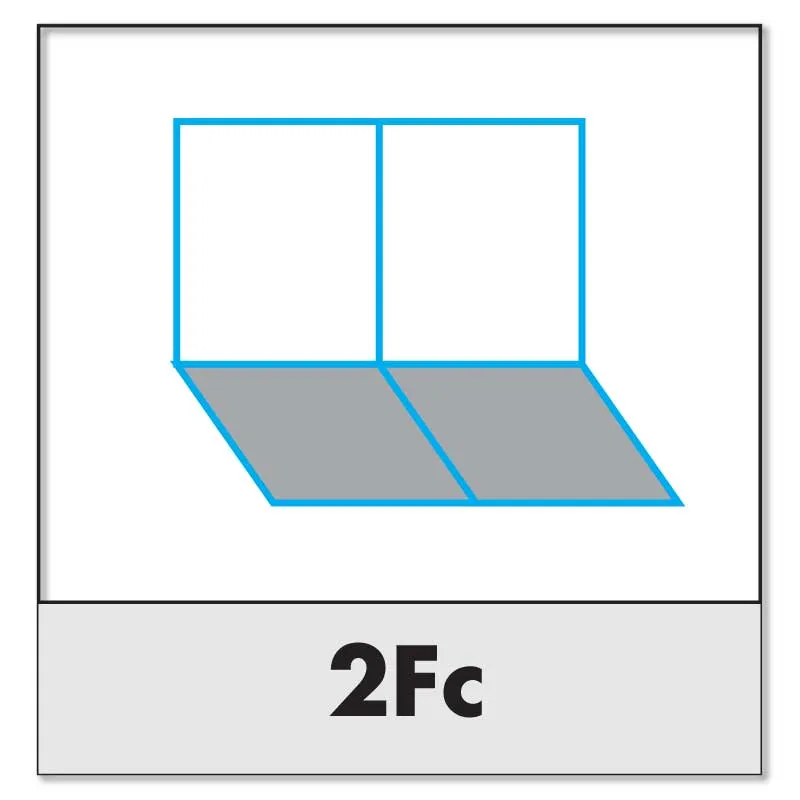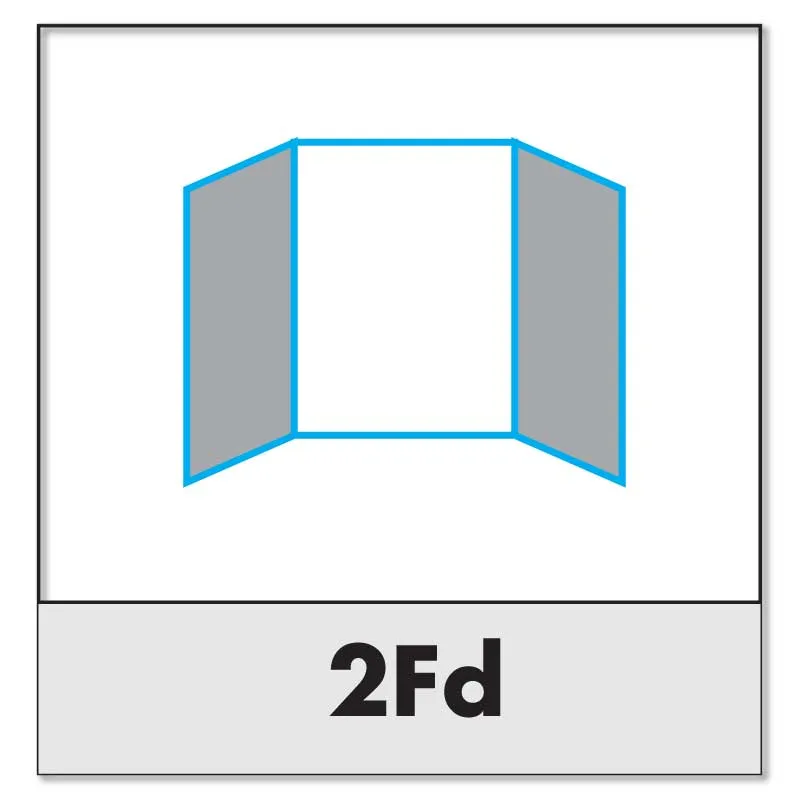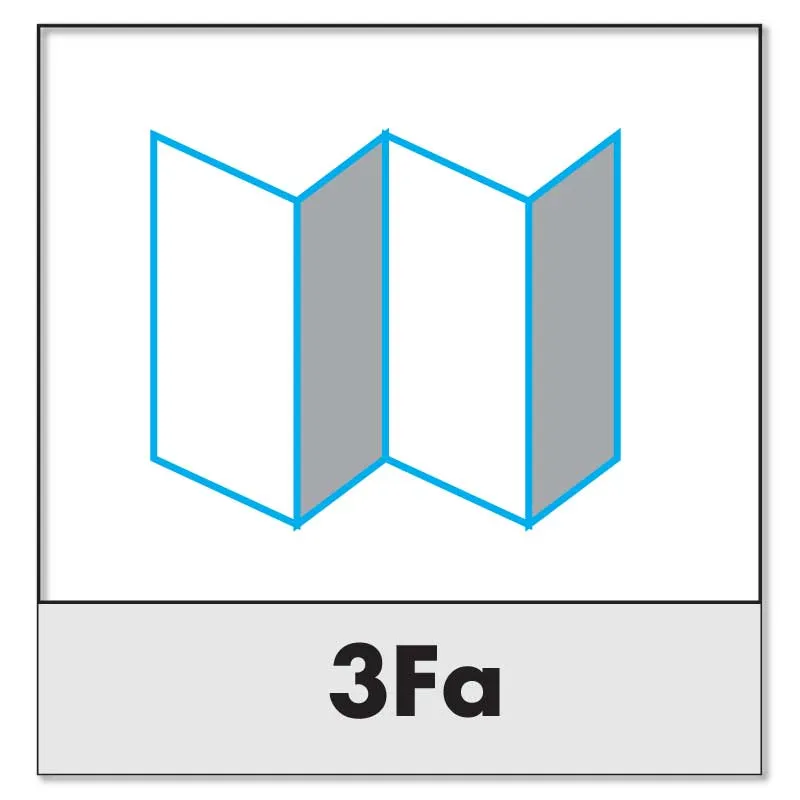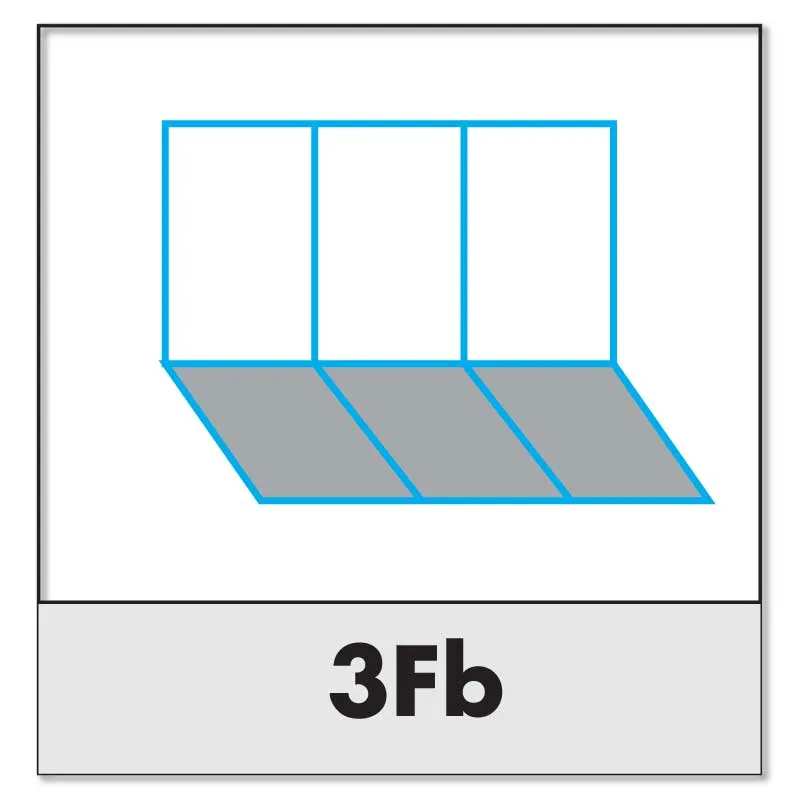
← View all Printing Support Guides

Image Magic Artwork Preparation Guide

Plan the Fold Before Designing the Panels

Folding can transform one printed sheet into an organised brochure, leaflet, menu, programme or instruction guide. The fold style affects panel widths, reading order, artwork position and paper suitability.

Quick Folding Requirements

Prepare artwork flatSupply each printed side at the complete unfolded sheet size.
Check panel widthsSome folds use equal panels while others require narrower panels.
Protect fold linesKeep important text and finishing away from each fold position.

Product templates and confirmed production measurements take priority over the general recommendations in this guide.

Before Choosing a Fold Style

Flat size and folded size

The flat size is the full sheet before folding. The folded size is the final closed size. Confirm both measurements before designing.

Number of panels

A half fold creates four printed pages. A three-panel fold creates six printable panels across the front and reverse sides.

Opening direction

Decide which panel is the front cover, which panel opens first and how the customer should read the information.

Paper and finishing

Paper thickness, lamination, grain direction, solid colours and special finishes can affect the quality of the fold.

Important: Do not divide every flat sheet into equal panels automatically. Roll folds, gate folds and double gate folds may require adjusted panel widths so the folded sections fit correctly.

Common Flyer and Brochure Fold Types

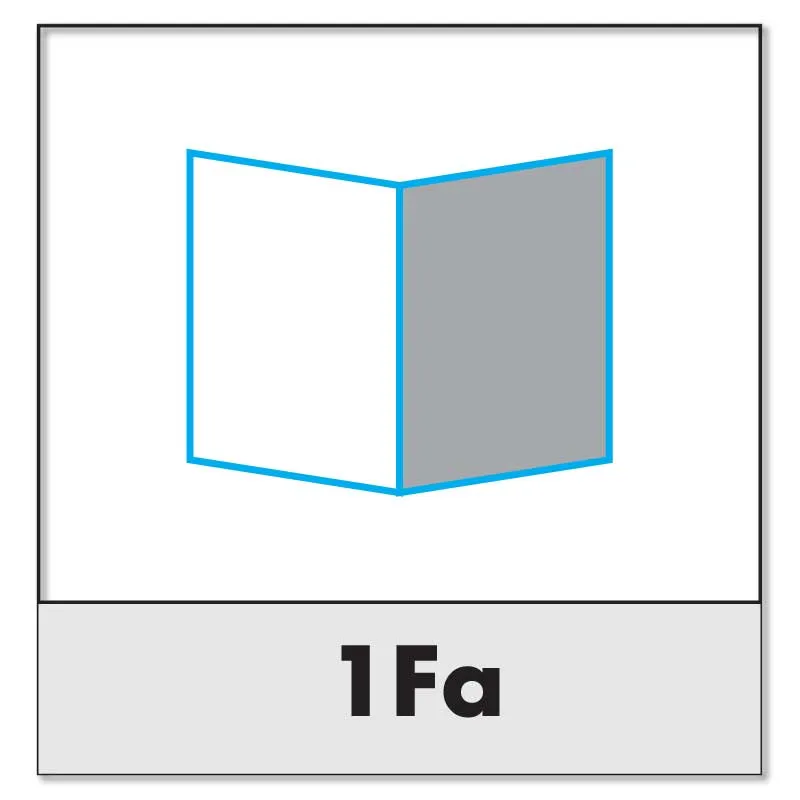
Half fold or single fold brochure diagram
1 fold · 4 pages

Half Fold or Single Fold

The sheet is folded once through the centre. It is suitable for greeting cards, menus, programmes, simple brochures and invitations.

The two panels are normally equal, although the final measurement can be affected slightly by trimming and paper thickness.
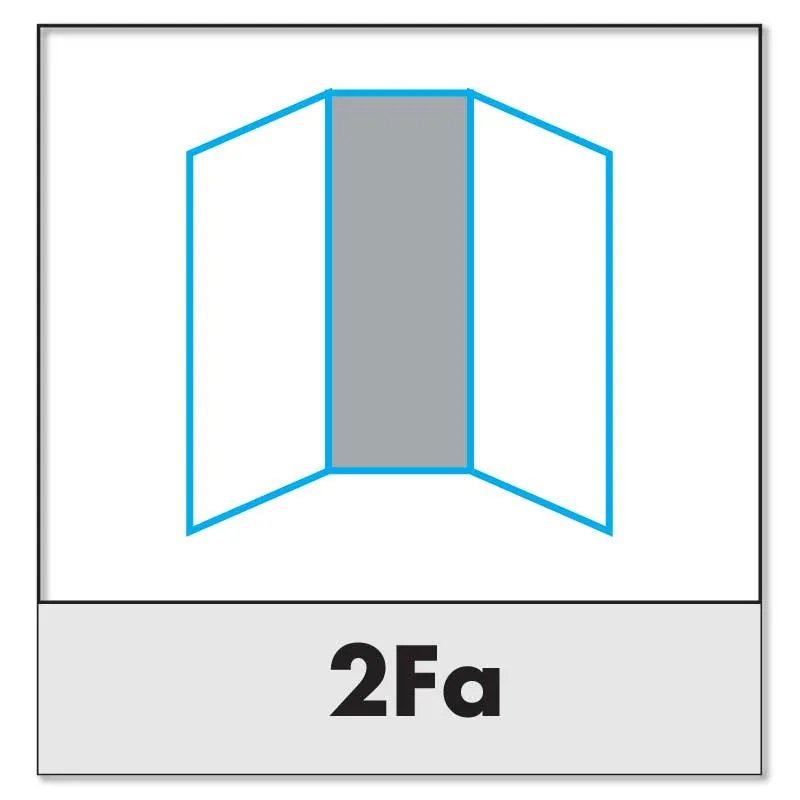
Roll fold or letter fold tri-fold brochure diagram
2 folds · 6 panels

Roll Fold, Letter Fold or Tri-Fold

One outer panel folds inward, followed by the remaining panel folding over it. This is commonly used for company brochures, service leaflets and promotional materials.

The panel folding inside normally needs to be slightly narrower. Use the product template rather than dividing the width equally.

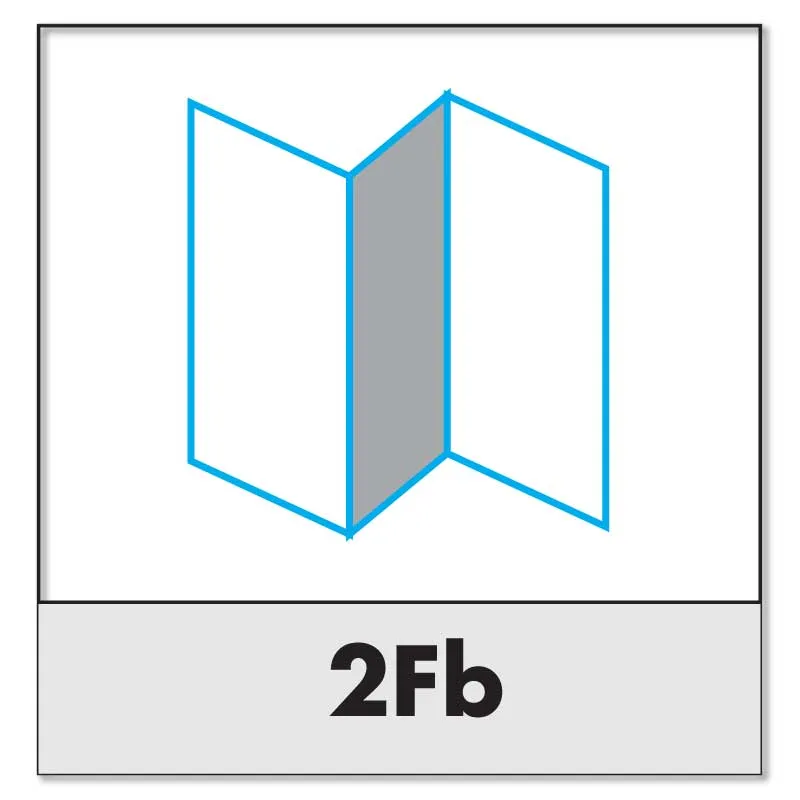
Z fold brochure diagram
2 folds · 6 panels

Z Fold

The sheet folds in alternating directions to form a Z shape. It is useful for step-by-step information, maps, schedules and content that should open in sequence.

Panels are commonly equal, but the exact product template should still be followed.

Cross fold leaflet diagram
2 folding directions

Cross Fold

The sheet is folded in one direction and then folded again at a right angle. It is often used for maps, large instructions, inserts and compact information sheets.

Artwork must be checked carefully because some panels rotate when the sheet is opened and folded.

Gate fold brochure with two crease lines
2 folds · centre reveal

Gate Fold

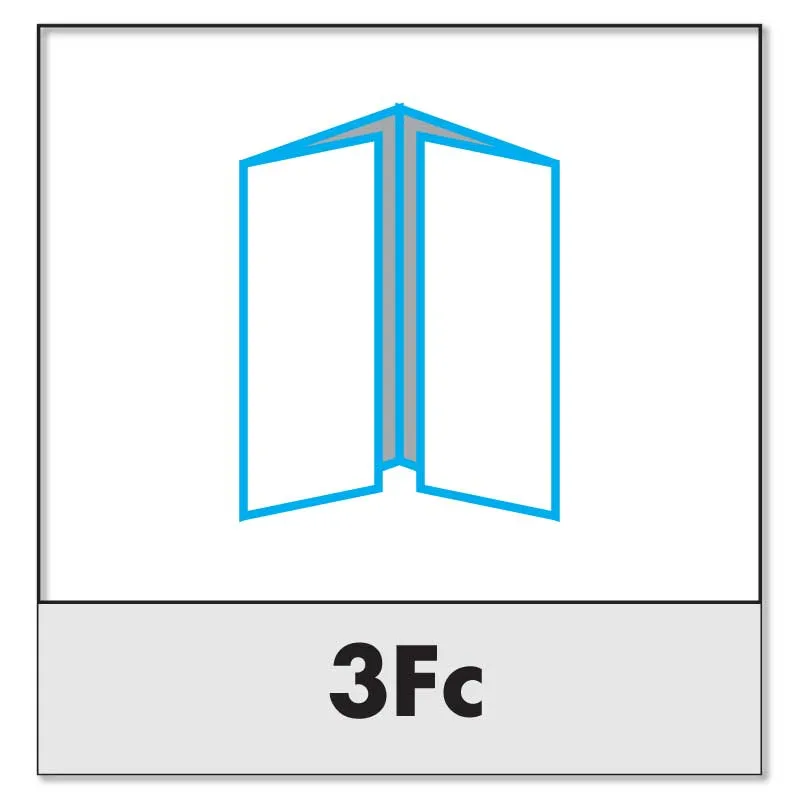
The left and right panels fold inward to meet near the centre, creating a central reveal when the brochure is opened.

The outer panels and centre section must be measured carefully. Paper thickness and production tolerance may require adjustment.

Accordion fold brochure diagram
Alternating folds

Accordion Fold

Multiple panels fold in alternating directions like a concertina. It is suitable for guides, timelines, product ranges, menus and information that should open into one continuous sheet.

Panels are usually equal, but the number of folds and paper thickness must be confirmed.

Combination Z fold and cross fold diagram
Combination fold

Z Fold and Cross Fold

This combines alternating Z folds with a perpendicular cross fold to make a larger sheet compact.

It is useful for maps, event information and instruction sheets, but requires a confirmed template and careful page orientation.

Double gate fold brochure diagram
4 folding sections

Double Gate Fold

The outer panels fold toward the centre before the brochure is folded again. It creates a compact premium presentation with a staged opening sequence.

Panel widths are not normally prepared by simple equal division. A product-specific template is strongly recommended.

Panel Widths: Equal and Unequal Folds

Panel width is one of the most common causes of folding problems. Whether panels should be equal depends on the direction in which they overlap.

Fold styleTypical panel arrangementArtwork consideration
Half foldUsually two equal panelsCheck centre fold and final folded alignment
Z foldUsually equal panelsConfirm the reading order and front-cover position
Accordion foldUsually equal repeating panelsConfirm the number and direction of alternating folds
Roll fold or tri-foldInner folding panel is normally narrowerDo not divide the flat width equally without a template
Gate foldOuter panels meet over a wider centre panelAllow for paper thickness and centre alignment
Double gate foldMultiple adjusted panelsUse the confirmed product-specific folding template
A4 landscape tri-fold example
297 mm flat width should not automatically be divided into three equal 99 mm panels for a roll fold

The exact reduction depends on flat size, paper thickness, lamination, number of folds and production method. Use the supplied template or ask our team to confirm the panel plan before finalising the artwork.

How to Prepare Folded Artwork

Confirm the flat and folded sizes Check the full open size, closed size, orientation and number of panels.
Download the product template Use the template when panel widths or folding directions are supplied.
Prepare each side as one flat page The outside and inside are normally supplied as two complete flat pages.
Add bleed around the outside edge Add the required bleed around the outer trim perimeter, not between panels.
Keep content away from fold lines Keep important text, logos and QR codes approximately 5 mm from each fold.
Check front and back orientation Confirm which panel is the cover, back panel, inside flap and first opening.
Use non-printing fold guides Fold guides should normally remain on a non-printing layer or be removed.
Inspect the exported PDF Check panel sequence, dimensions, bleed, orientation and important content.

Read the Bleed, Trim Line & Safe Area Guide and Supplying Artwork Guide before exporting the final PDF.

Paper Thickness, Grain Direction and Creasing

Thin paper

Lighter paper generally folds more easily and is commonly used for multi-panel leaflets, inserts and mass-distribution brochures.

Heavy paper or card

Heavier stock may need creasing before folding. Not every heavy stock is suitable for every multi-panel fold.

Paper grain

Folding parallel to the paper grain generally produces a cleaner fold and reduces resistance or surface cracking.

Lamination and solid colours

Lamination and heavy ink or toner coverage can make fold cracking more visible, particularly along dark backgrounds.

Image Magic will assess the selected paper, finishing and fold style. Some combinations may require creasing, a different stock or a revised folding method.

Special Finishing Near Fold Lines

Fold lines place physical stress on paper, toner, ink, lamination and special finishes. Avoid placing the following directly across a fold unless our production team confirms that it is suitable:

  • Spot UV and raised varnish.
  • Hot foil stamping or metallic foil.
  • Embossing or debossing.
  • Very small text, fine lines or QR codes.
  • Important faces, logos or product details.
  • Thick laminated areas and dark solid backgrounds.

Read the Spot UV & Hot Stamping Guide when preparing premium finishing artwork.

Please note: Special finishing that crosses a fold can crack, separate, distort or become misaligned. Keep the finishing safely away from fold lines whenever possible.

Common Folding Artwork Mistakes

Dividing every panel equally Roll folds and gate folds may require adjusted panel widths.
Supplying separate panel files Folded artwork should normally be supplied as complete flat pages.
Using the wrong panel order The intended cover or inside panel may appear in the wrong position.
Adding bleed between panels Bleed normally belongs around the outer trim perimeter, not internal folds.
Placing text directly on a fold Content may become difficult to read, distorted or split by the crease.
Ignoring paper thickness Thick or laminated stock may not fold correctly without creasing or adjustment.
Printing fold guides accidentally Construction guides should remain non-printing unless specifically required.
Approving only the flat view Always review how the panels appear after the product is physically folded.

Folding Artwork Checklist

Confirm the fold style, flat size and folded size.
Use the correct panel widths from the product template.
Prepare the outside and inside as complete flat pages.
Add the required bleed around the outer perimeter.
Keep important content away from trim and fold lines.
Check the cover, back panel, flap and reading order.
Keep Spot UV and hot foil away from fold positions.
Inspect the final PDF at the correct dimensions.

Frequently Asked Questions

Are all three panels of a tri-fold equal?

Not always. A roll fold normally needs the panel folding inside to be slightly narrower. A Z fold usually uses equal panels. Follow the product template rather than dividing the sheet automatically.

Should folded artwork be supplied as separate panels?

Normally, no. Supply the outside and inside as complete flat pages at the full unfolded size, unless the product instructions state otherwise.

Do I add bleed along every fold line?

No. Bleed is generally added around the outside trimming perimeter. Internal fold lines do not normally require separate bleed.

How far should text be from a fold line?

Keep important text, logos and QR codes approximately 5 mm away from the fold line unless the product template specifies a larger margin.

Can thick card be folded?

Some card stocks can be folded after creasing, but availability depends on thickness, coating, lamination, grain direction and fold style.

Can Spot UV or foil cross a fold line?

It is generally not recommended because the finish may crack, separate or distort. Confirm the requirement with our production team.

Need Help Planning Your Folded Brochure?

Send us the flat size, required folded size, quantity, paper choice and preferred fold style. Our team can advise on panel widths, paper suitability and the correct artwork template before production.