


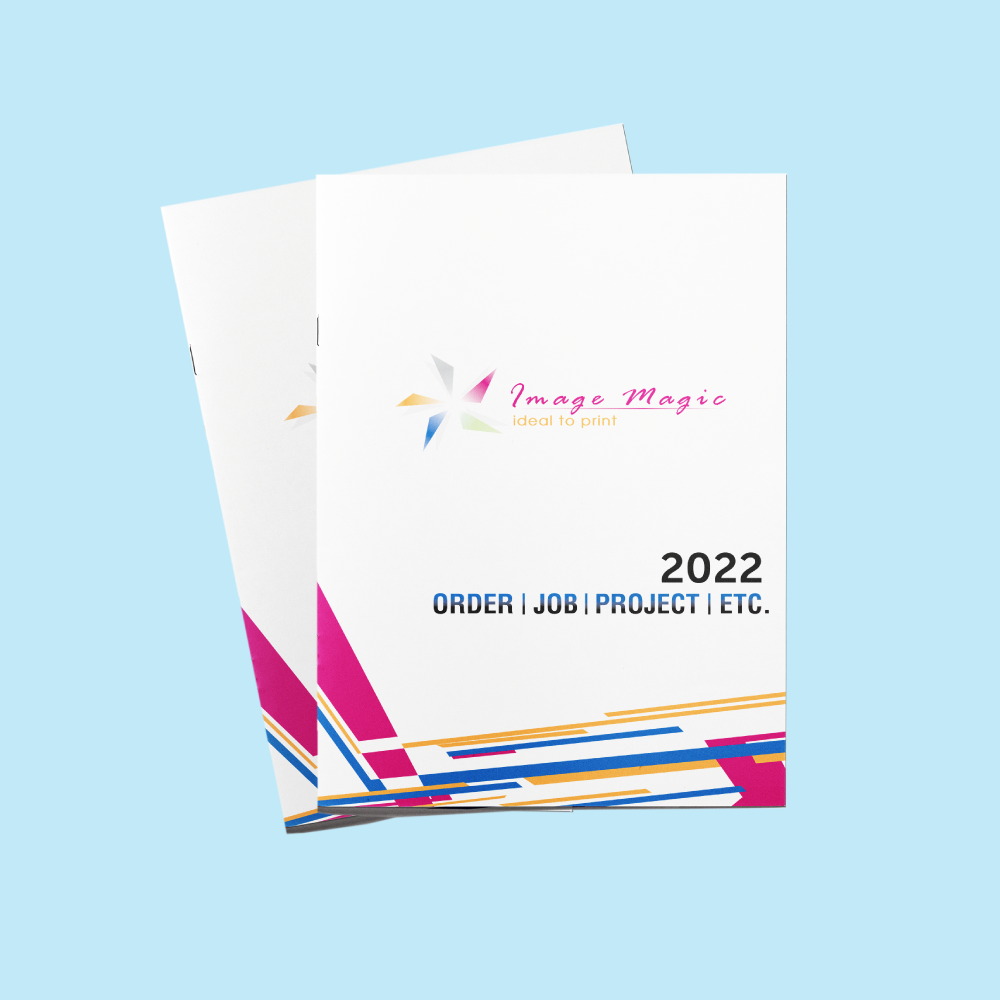
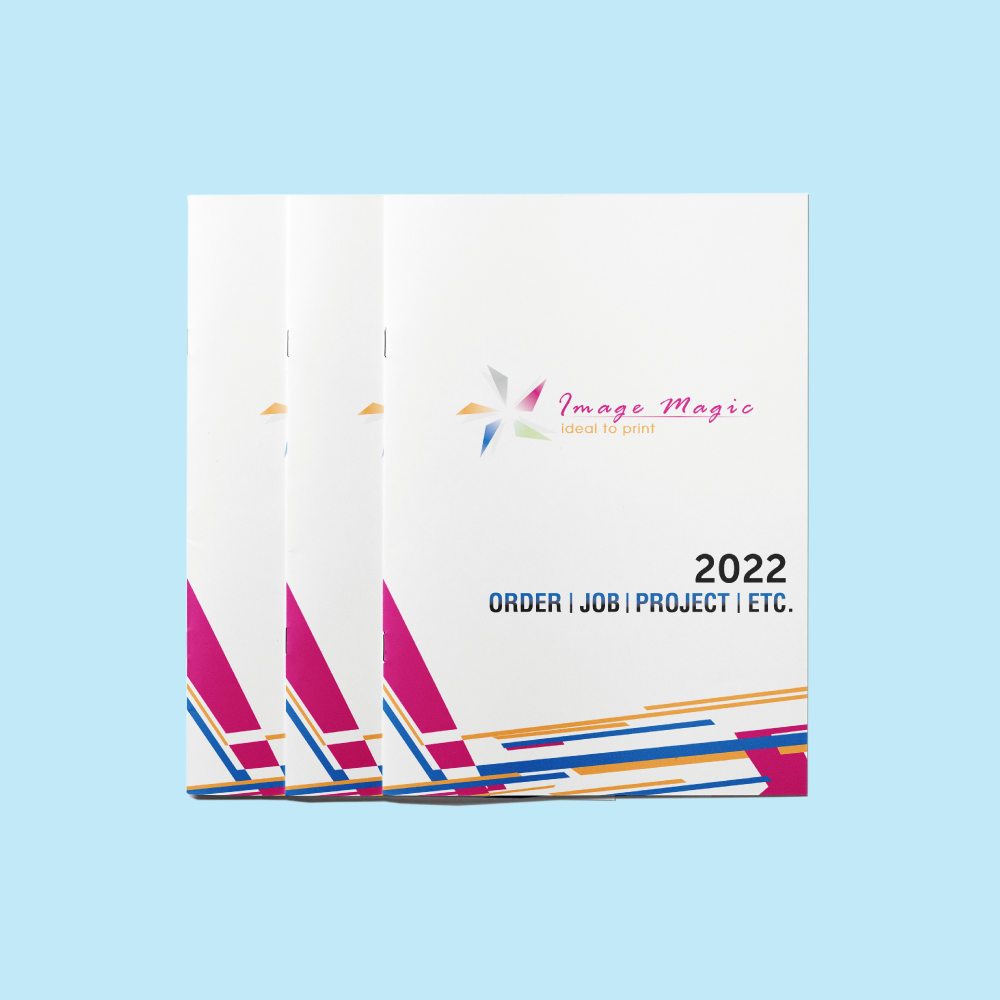
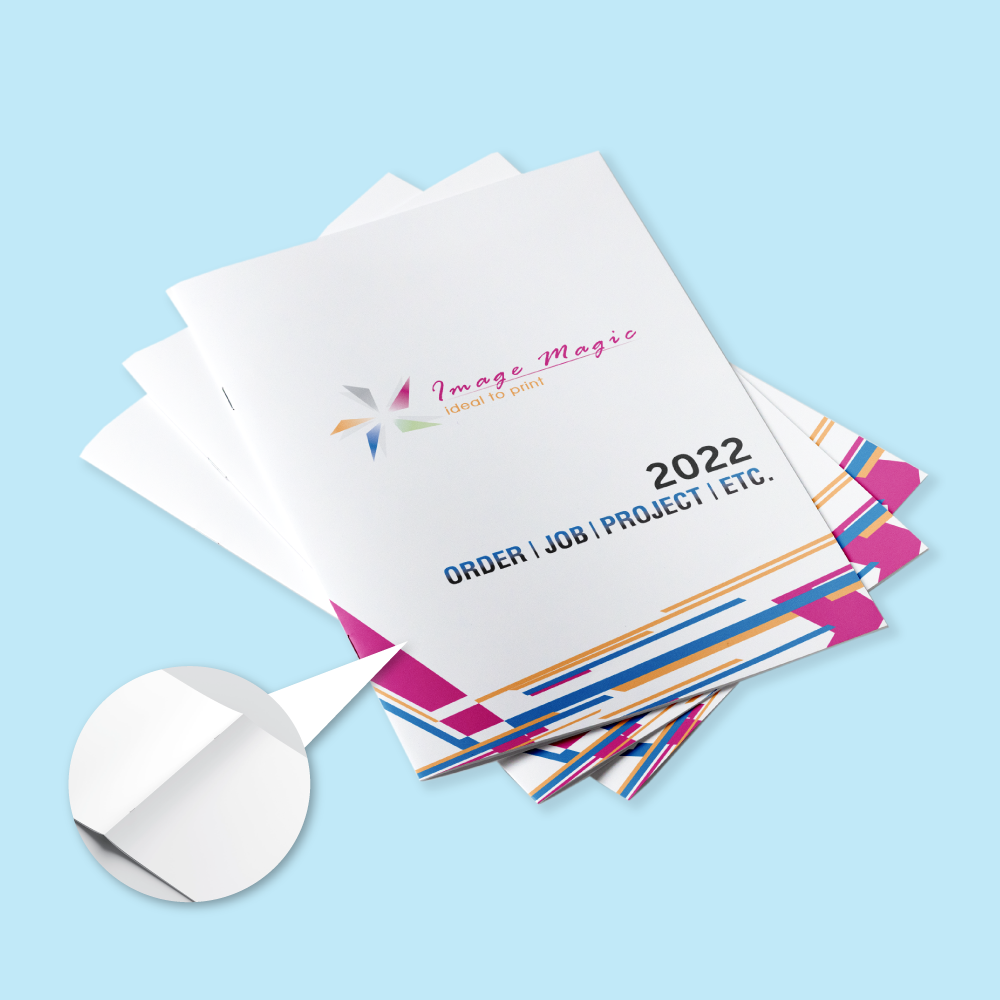
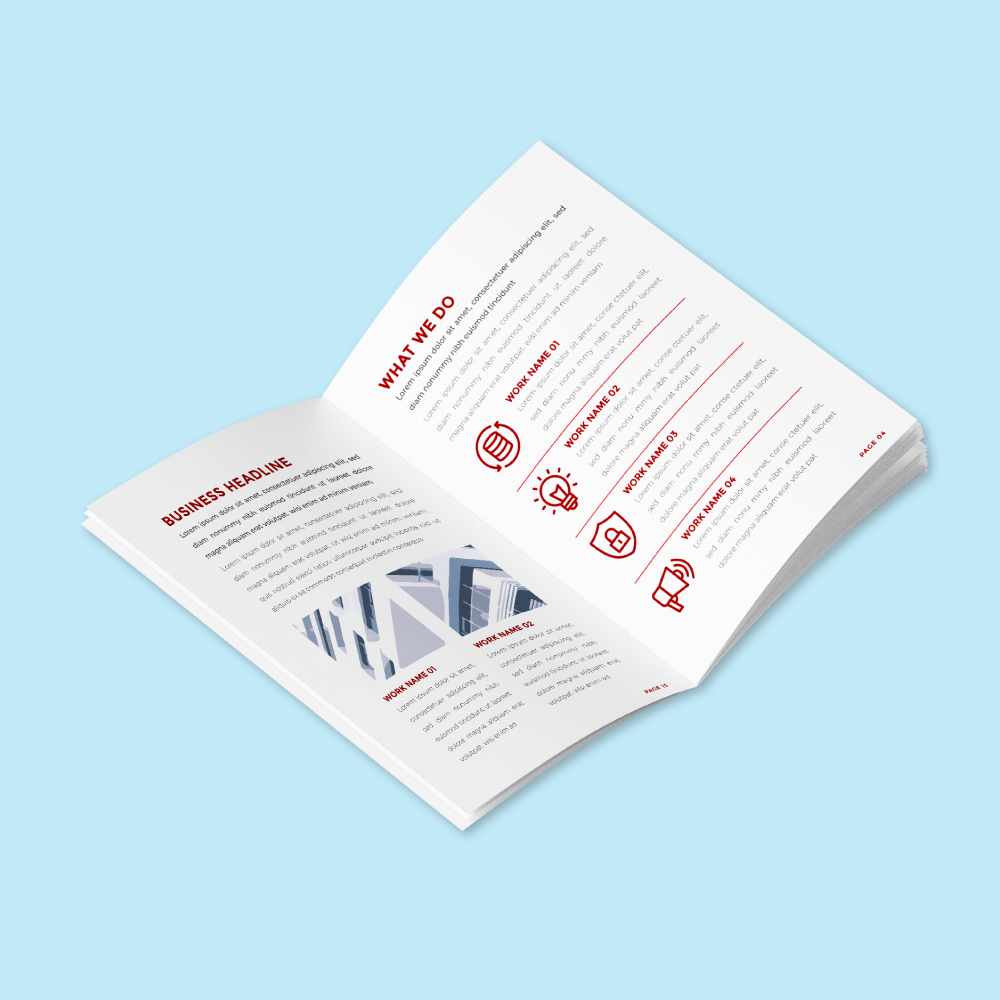
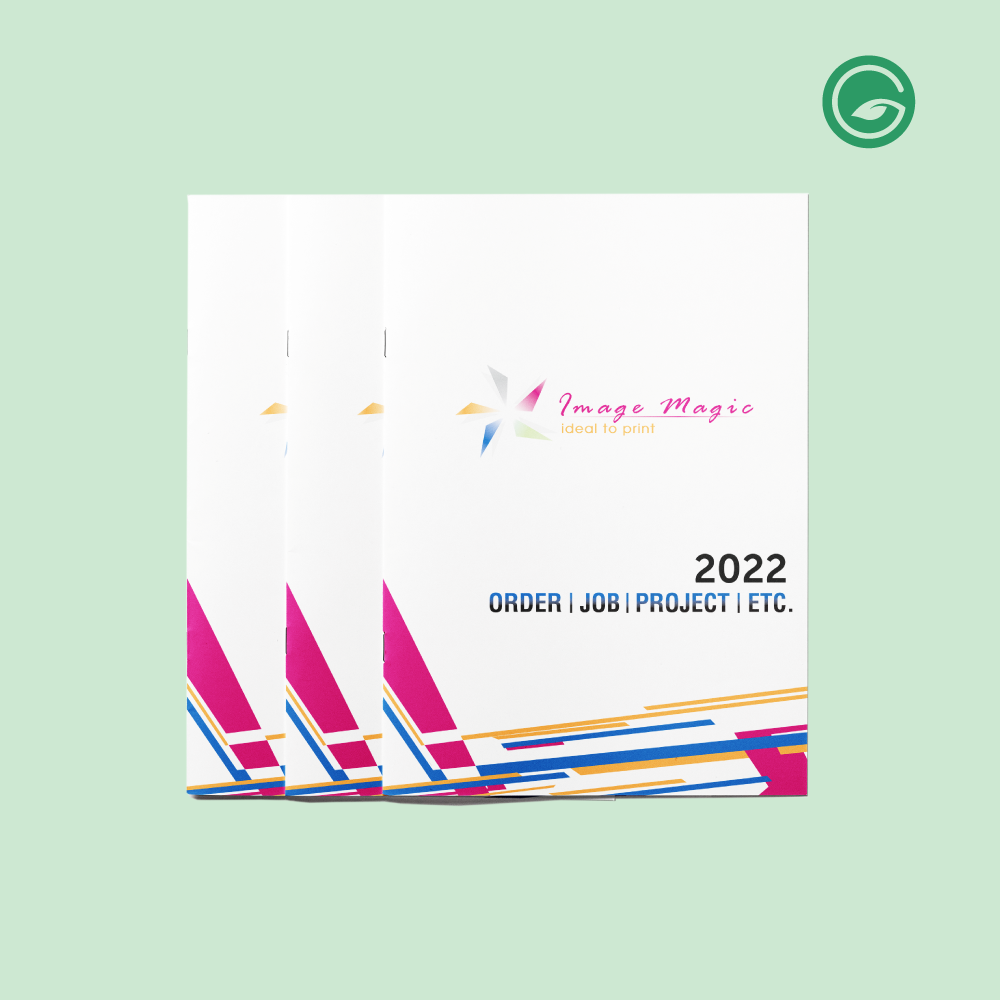
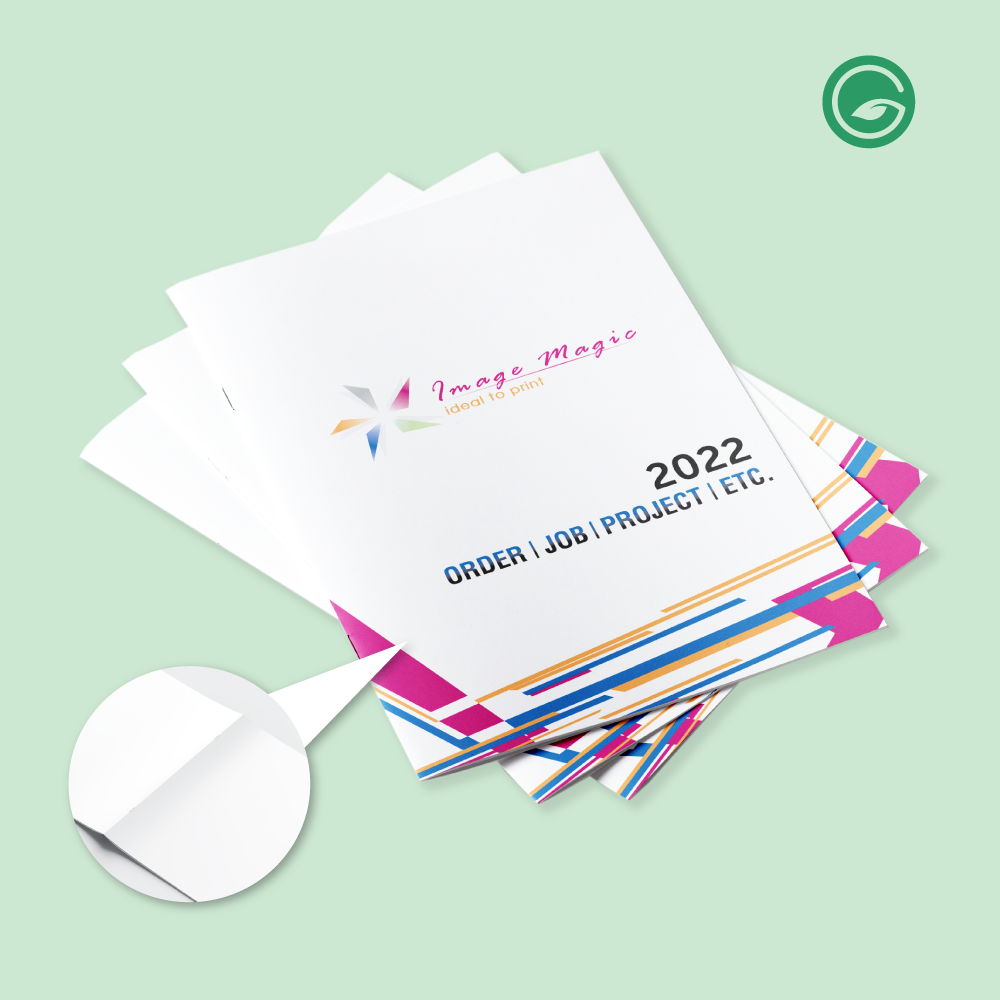
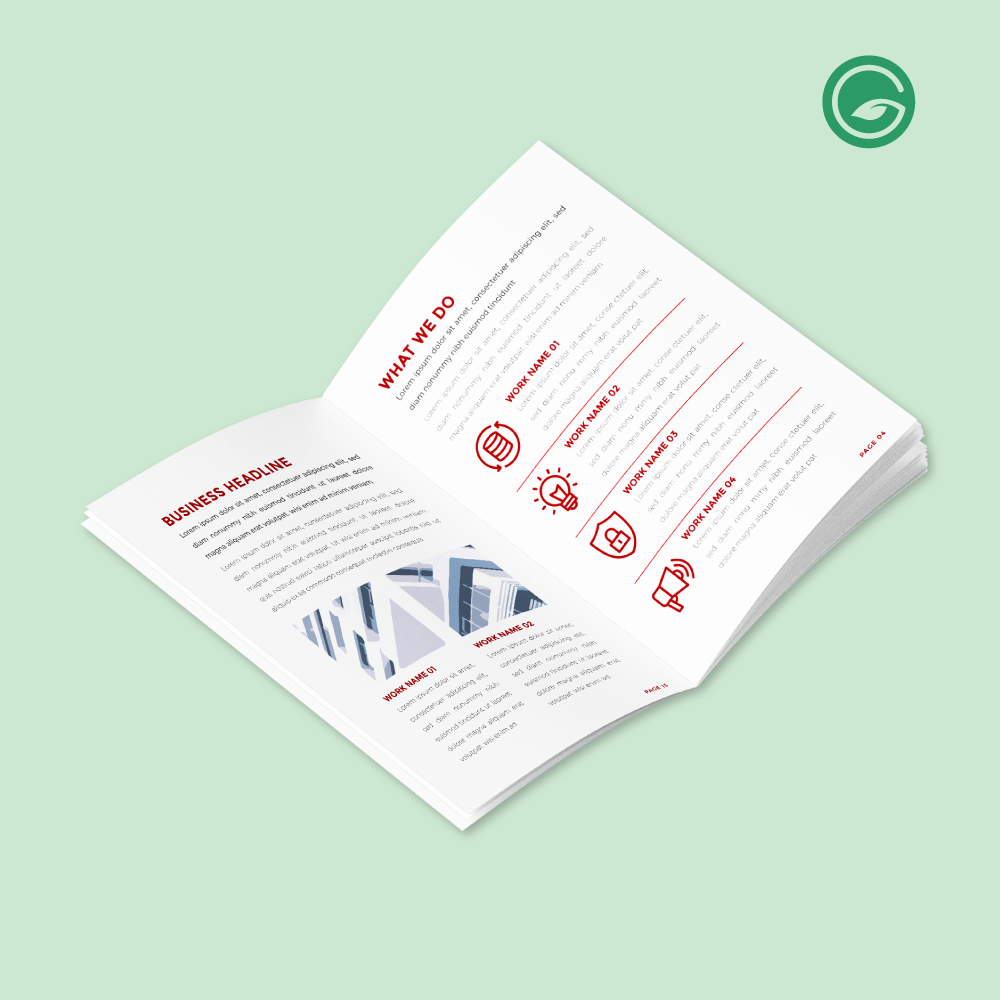
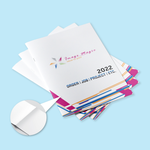
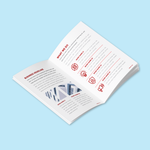
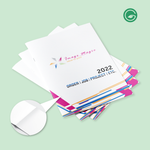
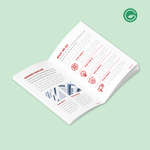
Saddle Stitch Booklet Printing (Booklets)
Choose Options | Get Started To Direct Order
Click Button Below To Order
Designs
Saddle Stitch Booklet Printing with Standard, FSC & Premium Paper Options
Order saddle stitch booklet printing in Malaysia for company profiles, product catalogues, event programmes, training manuals, reports, corporate documents, school publications and marketing booklets. Saddle stitching folds printed sheets and secures them through the centre fold with two staples for a neat, lightweight and cost-effective booklet.
The online price calculator combines the main short-run booklet choices into one product. Select your booklet type, total page count, cover and inside-page printing, paper stock and compatible finishing before uploading your print-ready artwork.
Saddle Stitch Booklet Printing at a Glance
The specifications below reflect the current booklet calculator structure. Available combinations may change automatically according to the selected page count, booklet type, paper and finishing.
Choose Your Booklet Type
Start by selecting the booklet type in the calculator. The paper choices displayed afterwards depend on this selection.
Suitable for catalogues, company profiles, manuals, programmes, brochures, course materials and general corporate publications.
- Simili paper
- Art paper
- Art card
- White Ivory card
- Metallic card option
- Compatible matte or gloss finishing where available
Use this calculator group when you require the listed Conservation FSC papers or selected Conqueror Brilliant White stocks for sustainability-led, formal or premium corporate publications.
- Conservation FSC paper options
- Conqueror Brilliant White Wove 100gsm
- Conqueror Brilliant White Laid 100gsm for applicable cover combinations
- Suitable for reports, formal documents and corporate publications
Popular A4 & A5 Booklet Printing Sizes
A4 and A5 are popular finished booklet sizes for business, event and educational applications. Select the exact finished size available in the online calculator before preparing your artwork.
A5 booklet printing is popular for event programmes, compact catalogues, company introductions, training notes, product guides and handbooks.
A4 booklet printing is well suited to reports, corporate profiles, manuals, proposals, training materials, technical information and image-heavy catalogues.
Available Booklet Page Counts
Saddle stitch booklets are built from folded sheets, so the total page count must be in multiples of four. The total includes the front cover, inside covers, content and back cover.
Front Cover Printing Options
Choose whether the outer cover only or both outer and inner cover surfaces are printed, in either full colour or black and white.
Booklet Paper Options
The paper selector changes according to the chosen booklet type and other specifications. Use the online calculator as the final reference for available combinations.
| Paper Group | Current Listed Paper Options | Typical Use |
|---|---|---|
| Simili Paper | 80gsm, 100gsm, 120gsm, 140gsm | Cost-effective text, manuals, notes, reports and general-purpose booklet pages. |
| Art Paper | 105gsm, 128gsm, 157gsm | Smooth coated paper for photographs, graphics, catalogues, company profiles and marketing booklets. |
| Art Card | 230gsm, 260gsm, 310gsm, 350gsm | Heavier cover or selected page applications where the calculator allows the combination. |
| Specialty Card | White Ivory Card 250gsm; Poladon Metallic Gold Card 250g (Metallic Surface) | Premium presentation, formal documents, invitations, corporate publications and distinctive cover treatments. |
| Conservation FSC | 104gsm, 148gsm, 216gsm, 270gsm | Booklets requiring the listed FSC paper selections for reports, campaigns, educational or sustainability-related publications. |
| Conqueror | Conqueror Wove Brilliant White 100gsm; Conqueror Wove Brilliant White Laid 100gsm | Premium and formal documents such as contracts, agreements, policies, corporate reports and presentation booklets. |
Cover Lamination Options
Lamination availability depends on the selected cover paper. Choose only from the finishing options displayed by the calculator for your selected stock.
Inside Page Printing & Finishing
Select full-colour or black-and-white printing for the inside pages. Content lamination is available only where the selected paper and configuration permit it.
Saddle Stitch Binding & Finishing
This product is specifically configured for saddle stitch booklet production.
What Can Saddle Stitch Booklets Be Used For?
Saddle stitch booklet printing is suitable for a wide range of short-run business, event, educational and corporate applications.
How to Choose the Right Booklet Paper
Start with how the booklet will be used, then choose a paper weight and finish that suits the content and handling requirements.
A practical choice for manuals, notes, training materials, agreements and information-heavy publications.
Suitable for catalogues, company profiles, photographs, product presentations, graphics and colour-rich marketing content.
Consider these stocks for formal corporate documents, reports, agreements, sustainability publications and premium presentation covers.
Booklet Artwork Preparation Guidelines
Supply complete print-ready artwork that matches the size, page count and printing options selected in your order. Image Magic provides printing and basic technical file checking; design, layout editing and proofreading are not included.
File Format & Page Order
- PDF is the preferred print-ready format.
- Submit one complete multi-page PDF where possible.
- Arrange pages in normal reading order from the front cover to the back cover.
- Do not impose the pages or create printer spreads yourself.
- Include required blank pages in their correct positions.
- Make sure the PDF page count matches the page count selected online.
Page Count & Cover Sequence
- The selected total page count includes all cover and content pages.
- Saddle stitch page counts must be divisible by four.
- Include the front cover, inside front cover, inside back cover and back cover in the correct sequence.
- Add blank pages if needed to reach the selected valid page count.
- Do not submit extra pages that are not included in the order specification.
Size, Bleed & Safe Area
- Prepare every page at the selected finished size at 1:1 scale.
- Add approximately 3mm bleed wherever artwork extends to the trimmed edge.
- Extend background colours and edge-to-edge images through the bleed.
- Keep important text and logos at least 5mm inside the trimming edge.
- Keep important content clear of the centre fold and staple area.
Colour, Images & Fonts
- Prepare colour artwork in CMYK colour mode.
- Select the black-and-white printing option when monochrome output is required.
- Images should be approximately 300dpi at their final printed size.
- Embed fonts correctly or convert them to outlines before final export.
- Embed linked images and graphics in the final print-ready PDF.
- Printed colours may differ from colours displayed on a backlit screen.
Basic Technical File Check
- Image Magic may perform a basic technical check for size, page count, bleed and print readiness.
- The check is not a design, layout, proofreading, legal-review or content-correction service.
- Customers remain responsible for spelling, dates, page numbers, prices, names, clauses and publication content.
- Incorrect or incomplete artwork can delay production.
Multiple Designs & Versions
- The minimum quantity applies to each individual booklet design.
- A different cover or different inside-page file is treated as a different design.
- Do not divide one minimum quantity across multiple artwork versions.
- When using the same specifications for multiple designs, ensure every file is clearly named and matched to the correct order.
How to Order Saddle Stitch Booklets Online
- Select Size & Quantity Choose the required finished booklet size and enter the quantity for one design.
- Choose Booklet Specifications Select page count, booklet type, cover printing, paper, inside printing and finishing.
- Upload Print-Ready Artwork Supply a complete PDF in normal reading order matching the selected specification.
- Confirm & Proceed Review the order details, price and artwork information before production.
Need a Different Booklet Production Method?
Use the product that matches the quantity and binding style required for your project.
 Economy Bulk Booklet Printing
For higher-volume booklet orders where bulk unit pricing is more important than short-run flexibility.
View Economy Bulk Booklet Printing Perfect Bind Booklet Printing
For thicker publications requiring glued pages and a square paperback-style spine.
View Perfect Bind Booklet PrintingFrequently Asked Questions About Booklet Printing
Click a question to view the answer.
What is saddle stitch booklet printing?
What is the minimum order quantity?
How many pages can I order?
Why do booklet page counts increase by four?
Can I print the booklet in full colour or black and white?
Can I use FSC paper for my booklet?
Is Conqueror paper available for contract or corporate booklets?
Can the cover be matte or gloss laminated?
Can the inside pages be laminated?
How should I arrange my booklet PDF?
What bleed should I add to the booklet artwork?
Does Image Magic provide booklet design services?
Ready to Order Saddle Stitch Booklet Printing?
Select your size, quantity, page count, booklet type, paper, printing and finishing in the online calculator. If you need help choosing between standard paper, FSC paper or premium Conqueror options, send us your required size, quantity, page count and intended use.
WhatsApp +6012-651 2849From 10 books per design • 8–60 pages including cover • Standard, FSC & selected premium papers • Saddle stitch binding



