



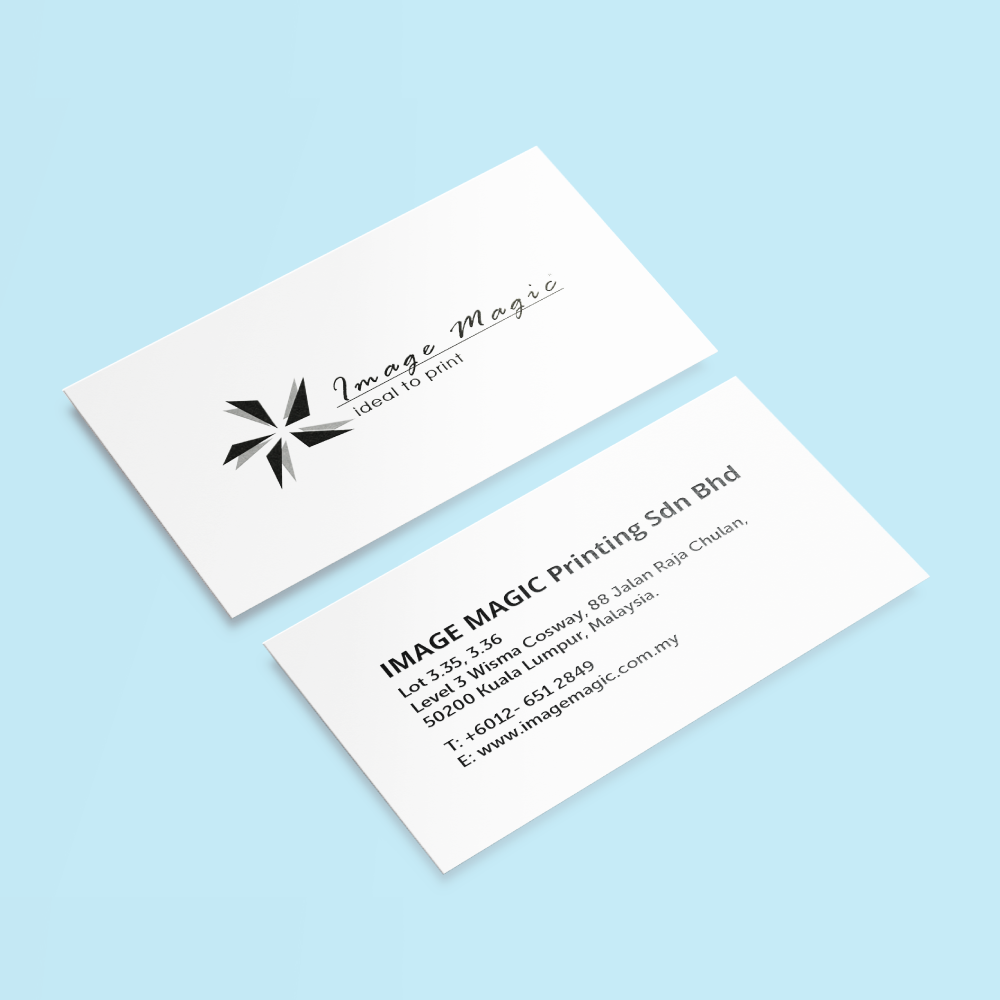
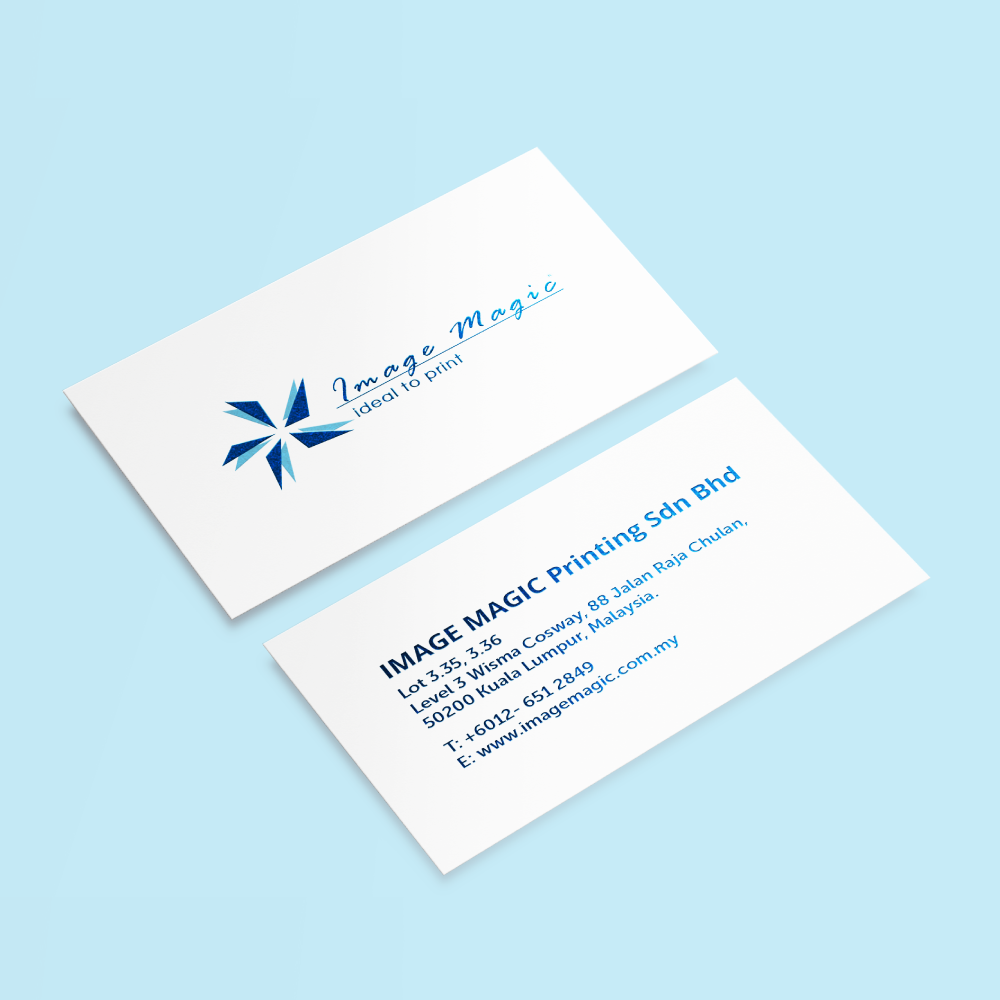
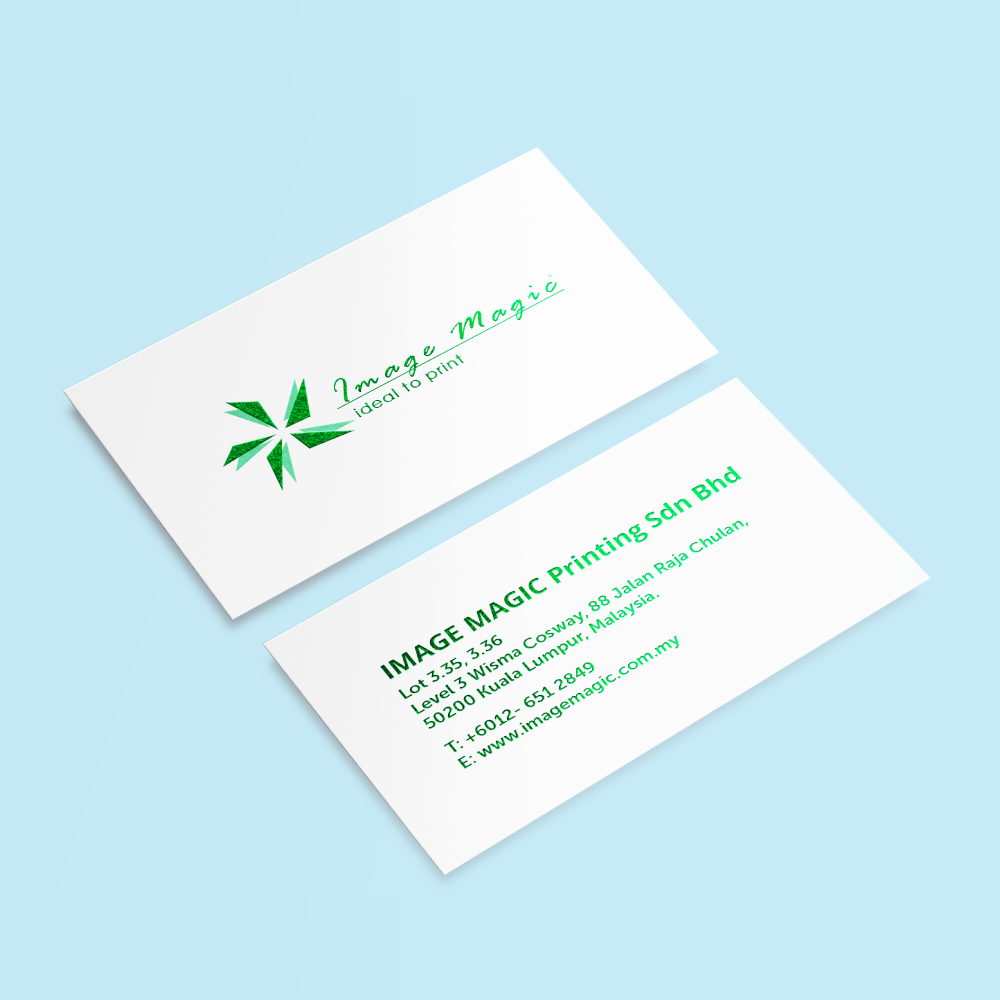
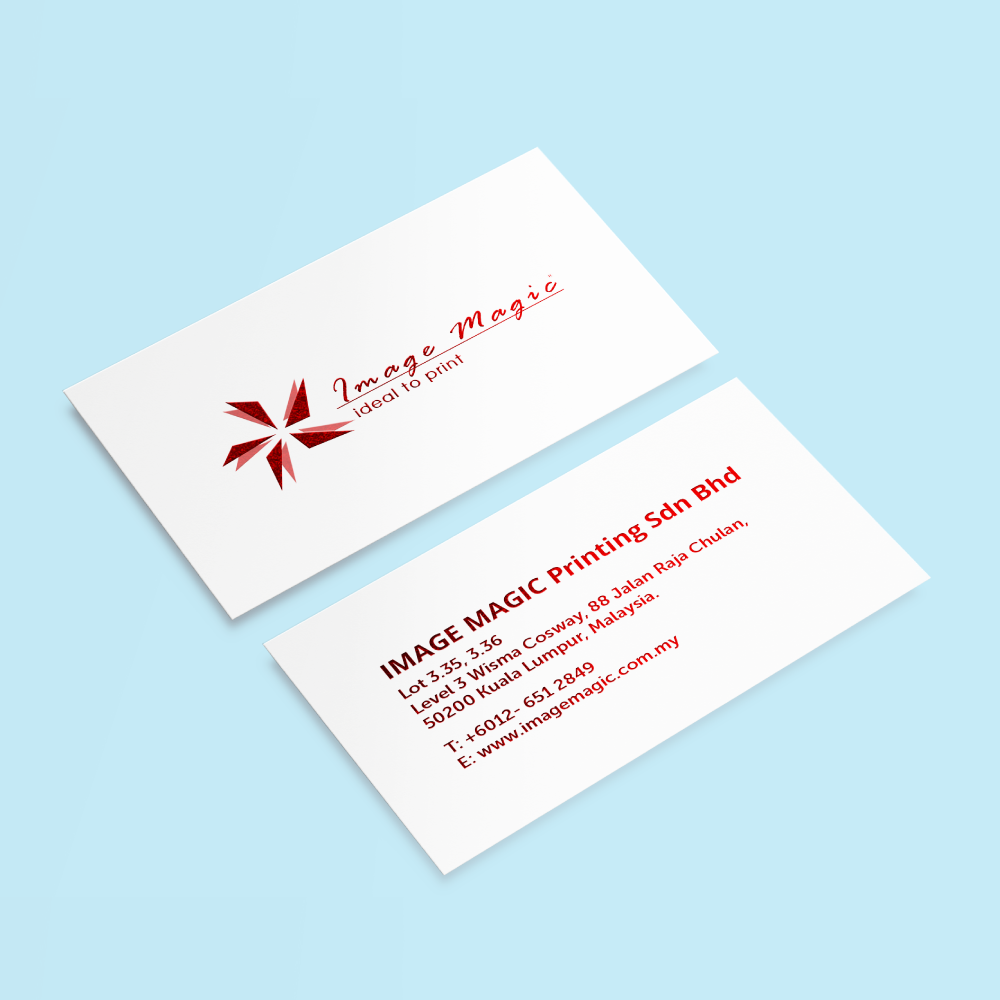
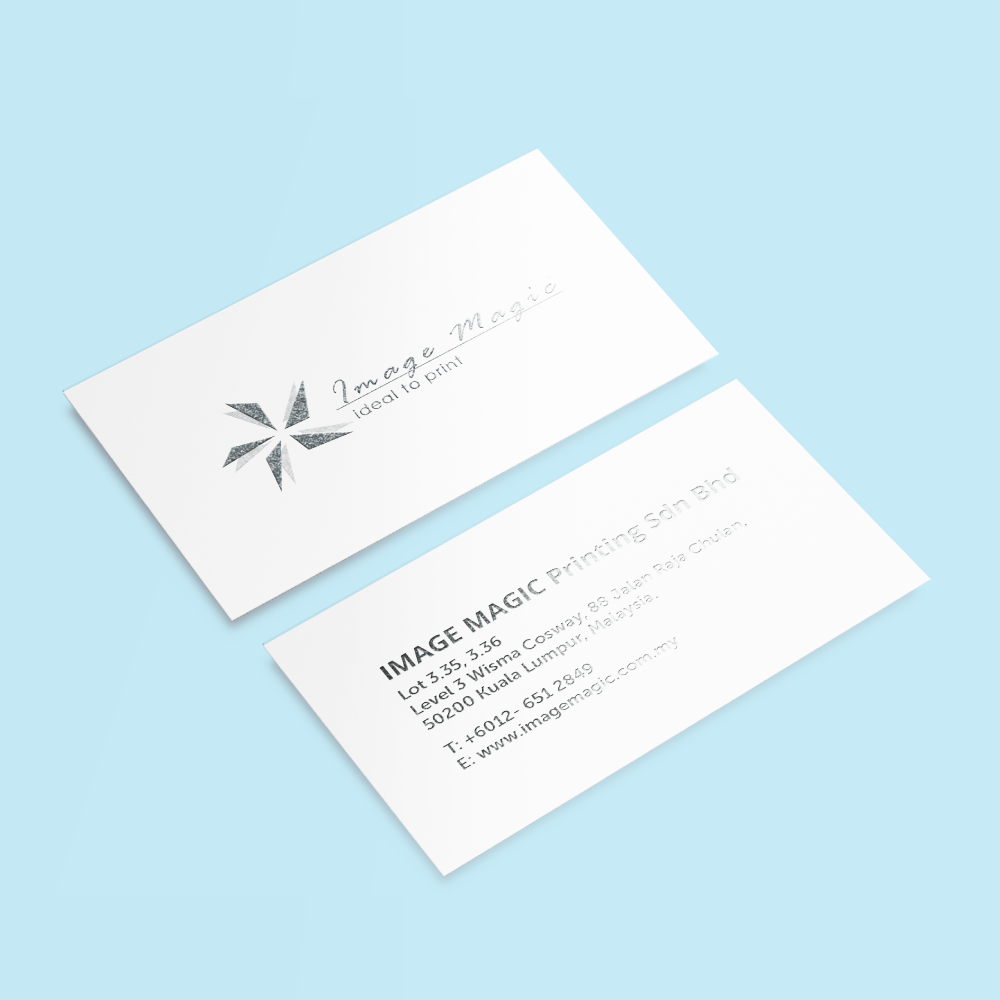






Hot Stamped Business Cards (Business Cards)
Choose Options | Get Started To Direct Order
Click Button Below To Order
Business Cards with Selective Metallic Foil Stamping
Create premium business cards with metallic foil applied to selected logos, names, borders or graphic details. Choose full-colour single- or double-sided printing, matte or gloss lamination, front-only or two-sided foil stamping and sharp or rounded corners.
Current Product Specifications
Printing and Lamination Options
Hot Stamping Options
Hot stamping applies metallic or coloured foil only to selected areas shown in the separate mask file.
Available Foil Colours
Select only a colour currently available in the product calculator.
Corner Options
Hot Stamping or Spot UV?
 Hot Stamped Business Cards
Uses coloured foil to create metallic or solid-colour highlights on selected artwork elements.
 Spot UV Business Cards
Uses a transparent glossy coating rather than coloured metallic foil.
View Spot UV Business CardsSuitable for
Artwork Preparation Guidelines
Submit the printed artwork and a separate foil-stamping mask that aligns exactly with the intended stamped elements.
Printed Artwork Files
- PDF or AI is recommended.
- Supply front artwork for single-sided printing.
- Supply clearly labelled front and back artwork for double-sided printing.
- Prepare printed artwork in CMYK.
- Use approximately 300 DPI images at final size.
Separate Hot-Stamp Mask
- Supply a separate mask showing only the areas that require foil.
- Use solid 100% black for foil areas.
- Keep all non-foil areas white or empty.
- The mask must match the printed artwork size and position exactly.
- Clearly label front and back masks when foil is selected on both sides.
Foil Artwork Restrictions
- Avoid gradients, shadows and transparency.
- Use clean vector artwork where possible.
- Avoid excessively thin lines and very small foil text.
- Do not extend hot stamping through the trim edge.
- Avoid placing critical foil details close to rounded corners.
Bleed and Safe Area
- Add 3mm bleed to the printed artwork.
- Extend printed backgrounds fully through the bleed.
- Keep names, logos and contact details inside the safe area.
- Foil artwork should remain inside the trimming area rather than extending into the bleed.
Multiple Designs
- The minimum quantity applies to each individual design.
- Different names or contact details are separate artwork versions.
- Additional items may use the same specifications and quantity with separate artwork.
- One selected quantity cannot be divided among several designs.
Before Uploading
- Confirm the printing sides.
- Confirm matte or gloss lamination.
- Confirm front-only or two-sided foil.
- Confirm the selected foil colour.
- Confirm sharp or rounded corners.
- Check names, job titles and contact information.
How to Order Hot Stamped Business Cards
- Select Printing Choose full-colour single- or double-sided printing.
- Select Finishing Choose lamination, foil sides, foil colour and corners.
- Prepare Artwork Create the print artwork and separate solid-black foil mask.
- Upload Files Submit all required print and foil files for the order.
Frequently Asked Questions
What is the minimum order quantity?
What card size is available?
What paper is used?
What foil colours are available?
Can hot stamping be applied on both sides?
Is matte lamination compulsory?
What artwork files are required?
How long does production take?
Need Hot Stamped Business Cards?
Select the printing sides, lamination, foil sides, foil colour and corner style, then upload the print artwork and separate hot-stamping mask.
WhatsApp +6012-651 2849From 50 pieces per design • 250gsm art card • Six foil colours • Front or two-sided hot stamping
Download Product Guideline
Upload Artwork Guideline
Format: AI / PDF / PSD (300 DPI)
Size: 90mm × 54mm + 3mm bleed
Colour: CMYK for main design
Foil Area: Provide a separate black & white mask file for stamping area
Fonts: Outlined or embedded
📥 Don’t worry — our team will help you set up the foil mask file if needed. (May have charges depend on complexity)



