

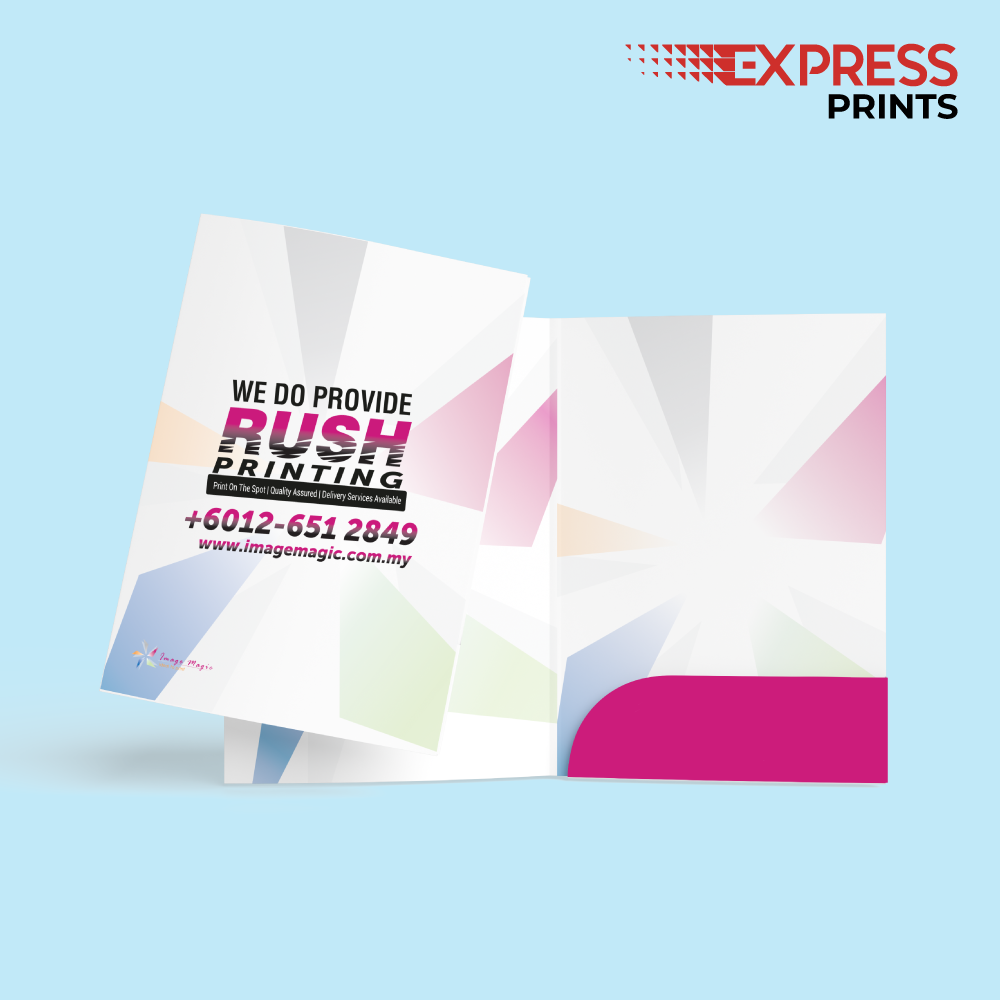
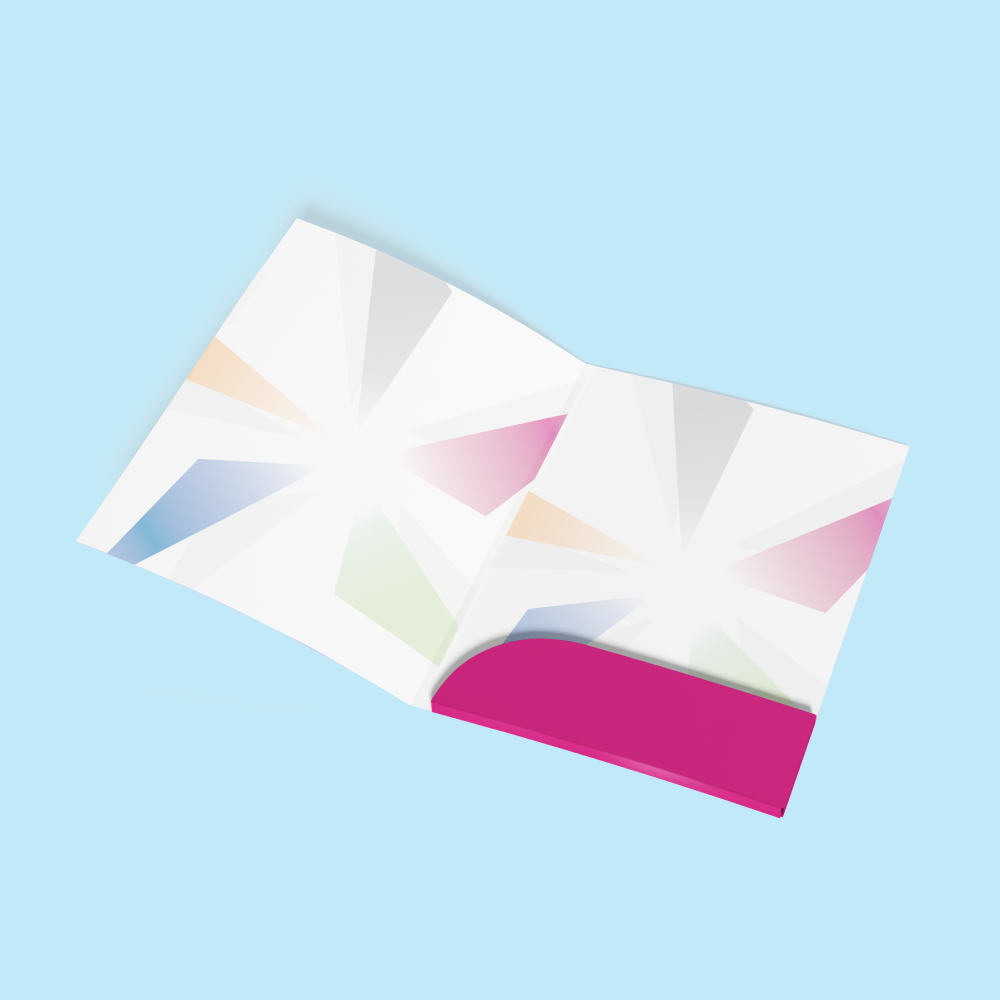
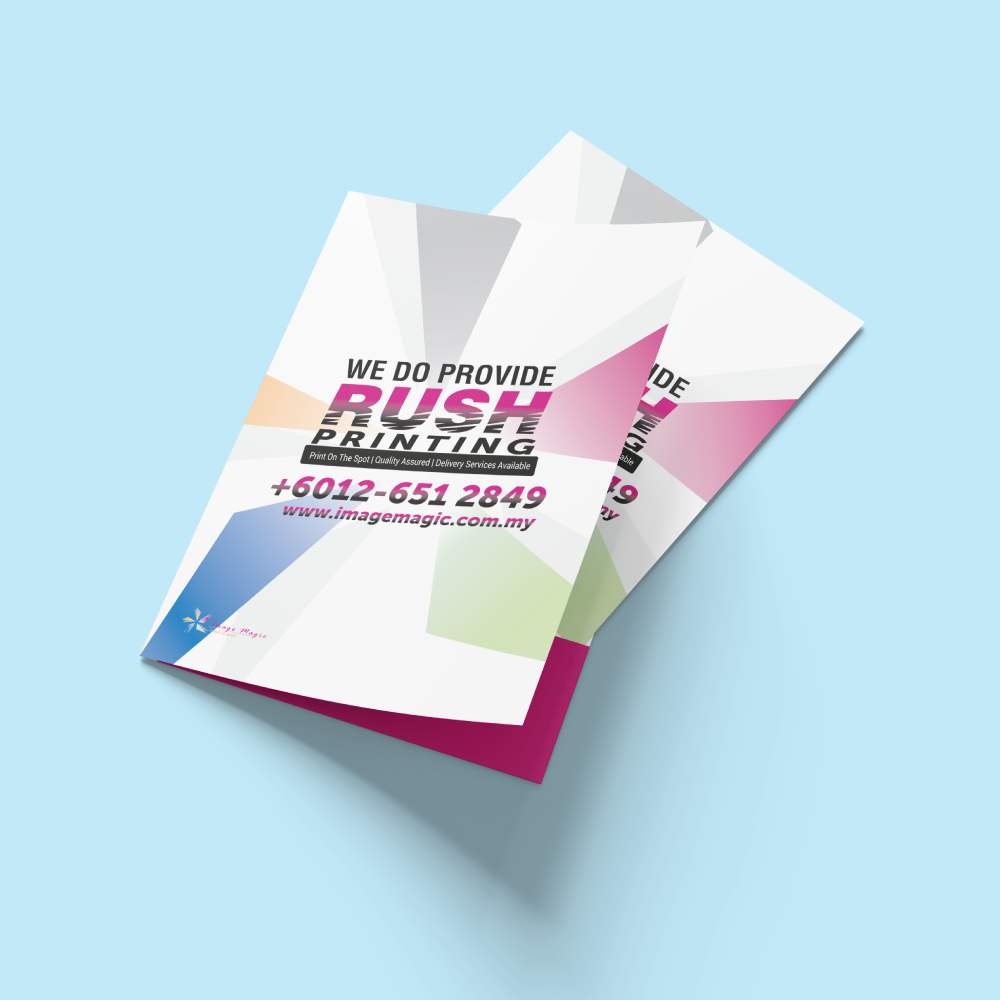
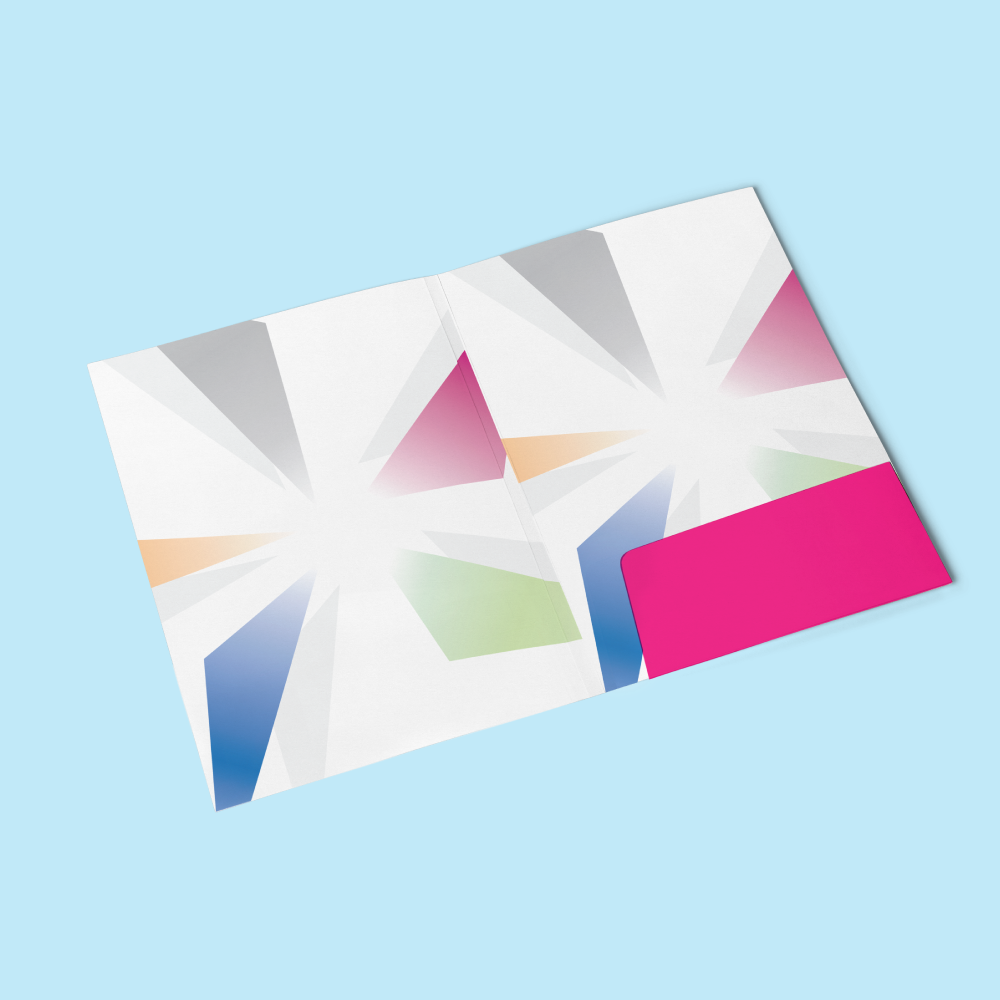


Express Presentation Folder Printing (Stationery)
Click Button Below To Order
Custom Corporate Folders from 10 Pieces — 2-Working-Day Production
Present your company documents professionally without ordering hundreds of folders. Our Express Presentation Folders are suitable for urgent meetings, corporate proposals, tender submissions, seminars and small-volume marketing campaigns.
Choose from two folder models, 310gsm or 360gsm Gloss Art Card, full-colour printing and matte or gloss lamination to suit your presentation requirements.
Product at a Glance
Choose Your Presentation Folder Model
Select the folder structure before preparing your artwork. Each model has its own cutting, folding and pocket layout.
 350 × 510mm
Larger listed template format. Follow the PF 001 dieline for the exact closed dimensions, pocket arrangement and structural details.
 297 × 424mm
More compact listed template format. Use the PF 002 dieline to check the finished folder dimensions and document fit.
Check the cutting lines, folds, pocket flaps, glue areas and any business-card-slot positions before finalising your design.
Which Paper Weight Should You Choose?
Both paper options use Gloss Art Card coated on both sides. Choose according to your preferred folder feel, presentation requirements and budget.
A substantial card stock suitable for everyday corporate proposals, meeting folders, seminar materials and promotional document packs. Generally easier to handle and fold than a heavier card stock.
A heavier card stock for customers who prefer a firmer, more substantial presentation folder. Suitable for premium company presentations, important proposals and professional client packs.
Printing Options
Printing is applied to one side of the flat folder layout. Suitable when branding is mainly required on the outer folder surfaces.
Printing is applied to both sides of the flat folder layout. Suitable for designs requiring artwork on the outside and inside surfaces.
Matte & Gloss Lamination Options
Lamination enhances the surface appearance and helps protect the printed card from normal handling. Choose one of the following four finishing options.
A smooth, lower-glare finish on the front side of the flat folder layout.
A consistent matte laminated finish on both sides of the folder sheet.
A shiny, reflective finish on the front side, suitable for colourful branding and graphics.
A glossy laminated finish on both sides for a consistent surface appearance.
Product Specifications
| Folder Models | PF 001 and PF 002 |
|---|---|
| Template Sizes |
PF 001: 350 × 510mm PF 002: 297 × 424mm |
| Order Quantity | 10–150 pieces in increments of 10, plus a 200-piece option, per design. |
| Paper Type | 310gsm or 360gsm Gloss Art Card, coated on both sides. |
| Printing | Full-colour single-sided or double-sided. |
| Lamination | Matte or gloss, front only or both sides. |
| Folder Structure | Cutting, folding, pocket and card-slot arrangement according to the selected model template. |
| Production | 2 working days, subject to order confirmation and print-ready artwork. |
| Delivery / Collection | Arranged separately after production. |
Folder Pockets, Folds & Document Fit
Check the selected folder template to confirm the pocket position and usable document area.
Where included in the selected model, the card-slot position follows the structural dieline.
The folder structure follows the selected model. Do not modify the cutting or folding lines.
Ideal for Urgent Corporate Requirements
Artwork Preparation Guidelines
Download the matching folder guideline before designing. Correct artwork preparation is especially important for express production.
File Format & Colour Setup
- PDF is the preferred print-ready format.
- AI artwork may also be supplied.
- Prepare colour artwork in CMYK.
- Use images of approximately 300 DPI at final printing size.
- Convert fonts to outlines or embed them correctly before exporting.
- Embed all linked images.
Use the Correct Folder Dieline
- PF 001 artwork must use the PF 001 template.
- PF 002 artwork must use the PF 002 template.
- Do not stretch, resize or reposition the structural dieline.
- Preserve the original cutting and folding positions.
- Keep structural guides separate from the printable artwork.
Bleed & Safe Area
- Add 3mm bleed where artwork extends to a trimmed edge, following the supplied template.
- Extend background colours and photographs through the bleed.
- Keep important text and logos safely inside the cutting boundary.
- Keep critical information away from folds, pockets and card-slot cuts.
- Follow the template instructions for glue and non-printing areas.
Front & Back Artwork
- Single-sided orders require artwork for the corresponding printed side.
- Double-sided orders require artwork for both sides of the flat layout.
- Clearly identify the front and back artwork files.
- Check the orientation of every panel and pocket before submission.
- Printing and lamination selections must match your order requirements.
Pocket & Fold Orientation
- Check the front cover, back cover and inside-panel arrangement.
- Pocket artwork may need a different orientation when folded into place.
- Avoid positioning important text directly across a folding line.
- Keep business-card-slot areas clear of important information.
- A paper mock-up can help you check orientation before submitting files.
Multiple Artwork Files
- Name files clearly by model, design and printing side.
- Include all required supporting files and linked artwork.
- Package related files into a clearly named ZIP file where appropriate.
- Different artwork versions require separate order quantities.
Basic Technical Artwork Check
It is not a full design or proofreading service. Customers remain responsible for spelling, contact details, prices, QR codes, panel orientation and final artwork content.
Artwork requiring substantial corrections may affect the express production schedule.
Final Checklist Before Uploading
- Confirm PF 001 or PF 002.
- Confirm quantity per design.
- Choose 310gsm or 360gsm Art Card.
- Confirm single- or double-sided printing.
- Confirm matte or gloss lamination.
- Confirm the surfaces to be laminated.
- Check cutting, folding and pocket areas.
- Check spelling and test all QR codes.
- Confirm the required completion date.
Express Production & Delivery
Production begins after payment, order confirmation and acceptance of complete print-ready artwork.
Incorrect templates, missing artwork or outstanding approvals may delay the start of production.
Allow additional time for courier transit or collection arrangements after production is complete.
Express or Standard Presentation Folders?
Choose the most suitable product based on order quantity, required finishing and completion schedule.
Suitable for urgent requirements and smaller corporate folder orders.
- From 10 pieces per design
- PF 001 and PF 002 models
- 310gsm or 360gsm Gloss Art Card
- Matte or gloss lamination
- 2-working-day production
Suitable for planned corporate campaigns and larger-volume requirements.
- From 250 pieces per design
- FPF001, FPF004 and FPF005 models
- 310gsm or 360gsm Gloss Art Card
- Matte lamination with selected Spot UV options
- 10-working-day production
How to Order Express Presentation Folders
- Choose Folder Model Select PF 001 or PF 002.
- Select Specifications Choose quantity, paper, printing and lamination.
- Prepare Artwork Use the matching folder dieline and check orientation.
- Upload & Order Submit complete print-ready artwork and checkout.
Frequently Asked Questions
Click a question to view the answer.
What is the minimum order quantity?
What folder models are available?
Can the folder hold A4 documents?
What is the difference between 310gsm and 360gsm?
Can presentation folders be printed inside?
What lamination options are available?
Does both-sided lamination include both-sided printing?
Does the folder include a business card slot?
Can I split 100 pieces between different designs?
Is Spot UV available for Express folders?
How long does production take?
Does production time include courier delivery?
Need Express Presentation Folder Printing?
Order from 10 pieces per design. Select your folder model, paper weight, printing sides and lamination, then submit complete artwork using the matching folder template.
WhatsApp +6012-651 2849Download Product Guideline
Artwork Upload Guidelines
File format: print-ready PDF (preferred) or AI, with bleed and crop marks
Size: use the matching PF 001 or PF 002 dieline template
Bleed: 3mm around trimmed edges
Colour: CMYK; images at 300 DPI at final size
Fonts: outlined or embedded
Finishing: choose matt or gloss, front only or front and back; check the selected printing sides separately
📩 Request the matching folder template (AI or PDF) before designing.