


Canvas Prints (Wall Decor)
Choose Options | Get Started To Direct Order
Click Button Below To Order
Custom Photo Canvas Prints for Wall Art, Gifts and Displays
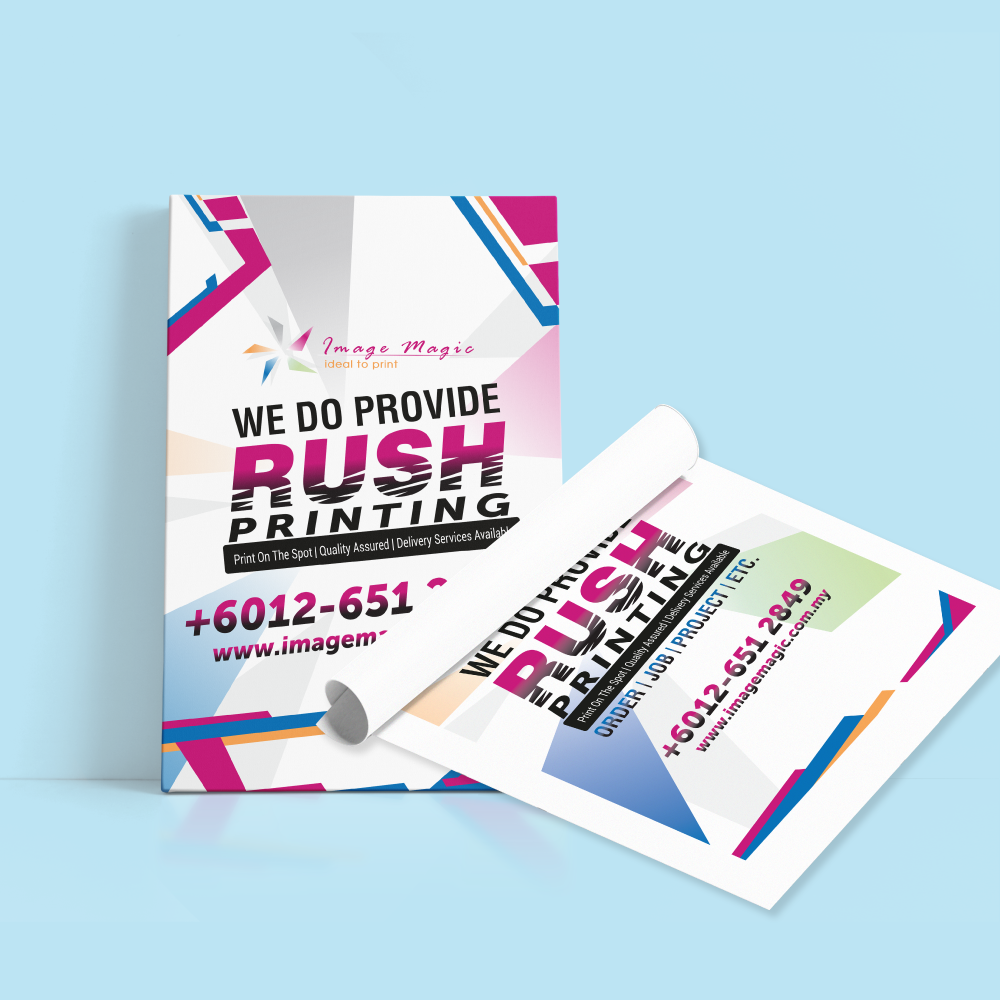
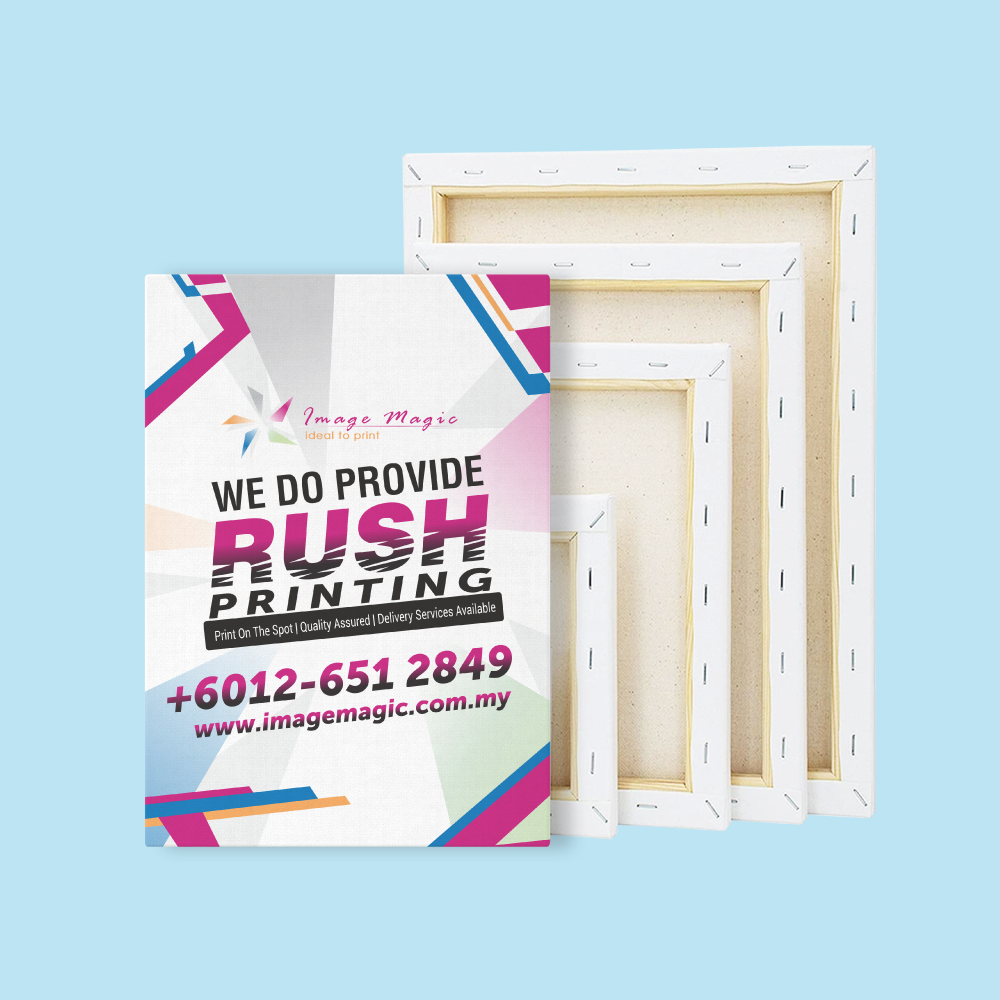
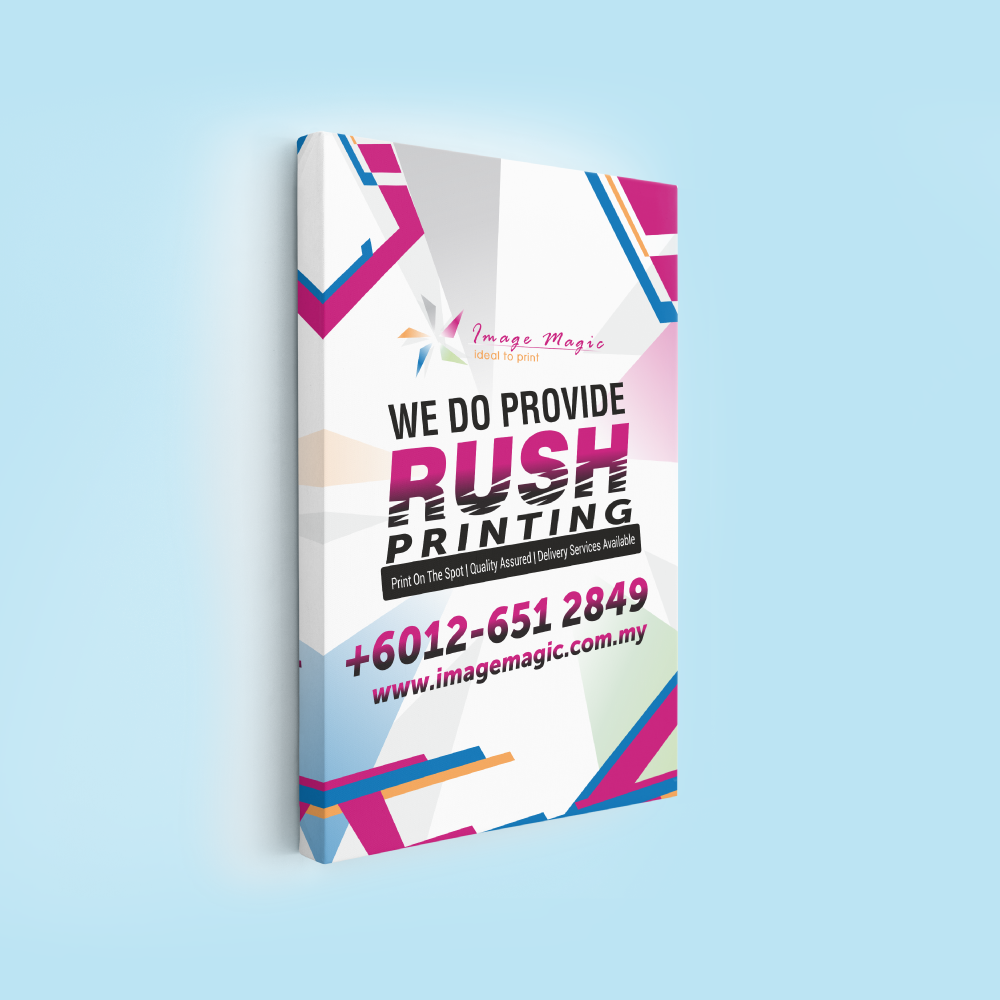
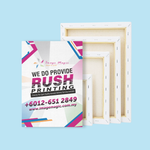
Turn photographs, artwork and graphics into custom canvas prints in Malaysia. Order canvas printing only or choose a stretched wooden-frame finish with an image-wrapped edge, solid white side or solid black side. Frame-depth options are available for different wall-art styles.
Current Canvas Print Product Options
The live calculator currently exposes Sizes, Quantity Per Design, Material Type, Printing Type, Finishing, Frame Thickness, Back Finishing and Production Time. The four finishing choices and two frame-depth choices below are visible in the current product configuration.
Choose the Correct Canvas Finishing
The current product is more detailed than simply “with frame” or “without frame”. Match the description to the four actual Finishing selections shown in the calculator.
Printed canvas supplied without a stretched wooden frame. Suitable when the customer will arrange their own stretching, mounting or display method.
The canvas image continues around the frame edges for a gallery-wrap appearance. Important faces, logos and text must stay away from the wrap area.
The main image stays on the front while the wrapped side area is finished in solid white. This helps preserve more of the front image when edge cropping is undesirable.
The main image stays on the front while the wrapped side area is finished in solid black for a stronger, darker edge treatment.
Image-Wrap, White-Side or Black-Side Canvas?
 Image Wrap
Best when the photograph has enough extra image area near all edges to continue naturally around the sides.
 Solid White Side
Useful for bright interiors, minimalist photographs and artwork where the full front composition should remain visible.
 Solid Black Side
Useful for darker images, portraits and displays that benefit from stronger visual separation from the wall.
Frame Thickness: Standard 1 Inch or Premium 2 Inch
 Standard – 1" (25.4mm)
A slimmer stretched-canvas profile suitable for general photo canvas, home décor and lighter visual presentation.
 Premium – 2" (50.4mm)
A deeper side profile that makes the canvas project farther from the wall and gives the edge treatment more visual presence.
 No Stretched Frame
Frame thickness does not apply when Canvas Printing Only is selected. Use the live calculator to confirm which dependent options are required.
Canvas Material, Printing Type and Back Finishing
These three fields are part of the current calculator, but the public search crawl does not expose their dropdown values. The enhanced page therefore avoids inventing specifications that may not match production.
| Material Type | Use the exact current canvas-material name shown in OnPrintShop. Do not publish “artist-grade”, cotton, polyester or a blend percentage unless the substrate specification is confirmed. |
|---|---|
| Printing Type | Use the exact current printing-method label shown in OnPrintShop. Remove the old “HP Latex 1440dpi” wording unless it matches the actual current production mode. |
| Back Finishing | Use only the options currently visible in the Back Finishing dropdown. Do not promise hanger wire, sawtooth hooks or other hardware unless the selected option includes it. |
| Production Time | Follow the selected Production Time in the live calculator. Framed and unframed jobs may have different schedules. |
Canvas Size and Aspect Ratio
Choose the finished canvas size from the live Sizes field and prepare the artwork to the same aspect ratio. The public page currently mentions A-series, square and custom formats, but the crawler does not expose the actual active dropdown values.
Canvas Artwork and Photo Preparation
Upload final print-ready files. Image Magic performs a basic preflight for image size, margin and print suitability; the customer remains responsible for the final crop, artwork content, text and image rights.
Recommended File Types
- JPG or PNG is recommended for photographic images.
- PDF may be used for finished graphic artwork.
- Use original high-resolution files rather than screenshots.
- Avoid heavily compressed social-media or messaging-app images.
Resolution
- The current guideline recommends approximately 300 DPI.
- Prepare the image at or near the final selected print size.
- Large enlargements need enough source pixels to avoid visible softness.
- Do not enlarge a small thumbnail and expect lost detail to return.
RGB or CMYK
- The current canvas guideline accepts RGB or CMYK.
- Screen brightness can make a photo appear brighter than the printed canvas.
- Very dark images may lose shadow detail.
- Submit the final corrected image rather than relying on automatic editing.
Safe Area for Framed Canvas
- Keep important elements approximately 30–40mm away from the edge for framed wraps.
- Allow additional image area for the selected side treatment.
- Do not place text or faces directly on the fold line.
- Use the current template or preview for the final selected size.
Image-Wrap Preparation
- Check what will appear on the front and on all four sides.
- Avoid cropping hands, faces or important objects into the edge wrap.
- Use white or black solid sides when the original image has insufficient edge area.
- Review the preview before submitting production artwork.
Photo Rights and Privacy
- Upload only photos or artwork you are authorised to reproduce.
- Check private family and customer photos before submitting them.
- Avoid unnecessary personal information in filenames.
- Remove draft or duplicate files from the final upload package.
Popular Uses for Custom Canvas Printing
Canvas Prints vs Photo With Frame
Both products are suitable for personalised photos and wall displays, but they use different materials and finishing styles. Compare them below to choose the option that best suits your presentation.
 Canvas Prints
Your image is printed on canvas material. Choose Canvas Printing Only or select a stretched wooden-frame finish with image-wrap, solid white or solid black side treatment. Framed canvas is available with applicable 1-inch or 2-inch frame-depth options.
 Photo With Frame
Your image is printed on 5mm Foamboard and finished as a lightweight framed-style display. Choose this product when you prefer a smooth rigid photo presentation rather than the textured surface of printed canvas.
View Photo With FrameHow to Order Canvas Prints Online
- Select Size and Quantity Choose the active canvas size and quantity for one photo or artwork design.
- Select Material and Printing Type Use the exact options shown in the live Material Type and Printing Type fields.
- Select Finishing and Frame Depth Choose canvas only, image wrap, white side or black side, then select the applicable 1-inch or 2-inch frame.
- Upload Final Artwork Submit JPG, PNG or PDF artwork at the correct ratio with safe margin for any framed wrap.
Frequently Asked Questions
What is the difference between canvas printing only and framed canvas?
What are the current frame thickness options?
What is an image-wrap canvas?
Should I choose white or black solid sides?
What image resolution should I upload?
Can I upload RGB photos?
How much safe margin should I leave for framed canvas?
How long does canvas printing take?
Order Custom Canvas Printing in Malaysia
Choose your canvas size, quantity, material, printing type and finishing. For framed canvas, select image wrap, solid white or solid black sides and the required 1-inch or 2-inch frame depth, then upload print-ready artwork.
WhatsApp +6012-651 2849Canvas only or framed • Image / white / black sides • 1" or 2" frame depth
Templates
To start, select the product size, preview the design guidelines, download the guidelines for reference, and proceed with the customization options.
Upload Artwork Guideline
File Format: JPG / PNG / PDF
Recommended DPI: 300
Colour Mode: RGB or CMYK
Aspect Ratio: Match selected frame size
Include margin if frame overlaps artwork
📥 Not sure about sizing? Send us your photo via WhatsApp and we’ll adjust it for best fit.



