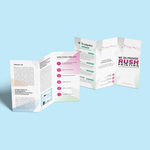
[Economy] Z Fold Brochures (Brochures & Flyers - Economy Prints)
Choose Options | Get Started To Direct Order
Click Button Below To Order
Accordion-Style Brochures for Structured Marketing Content
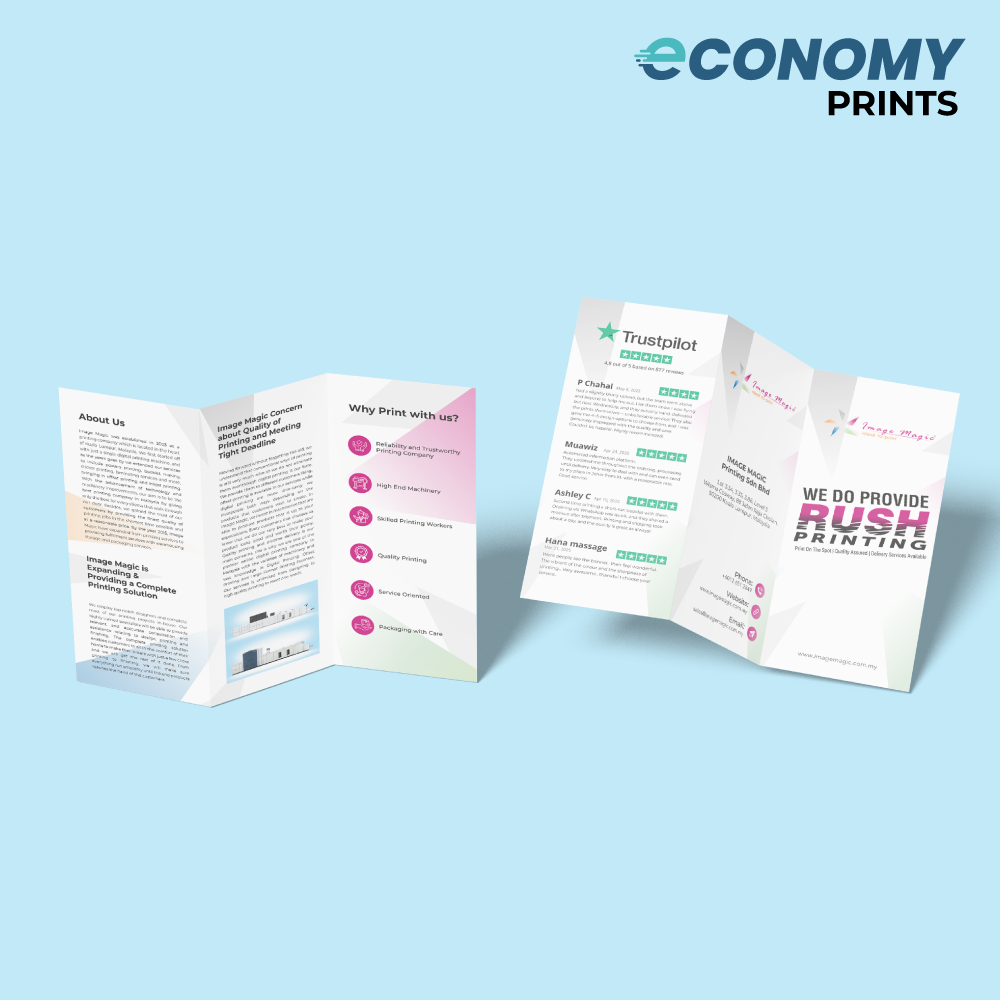
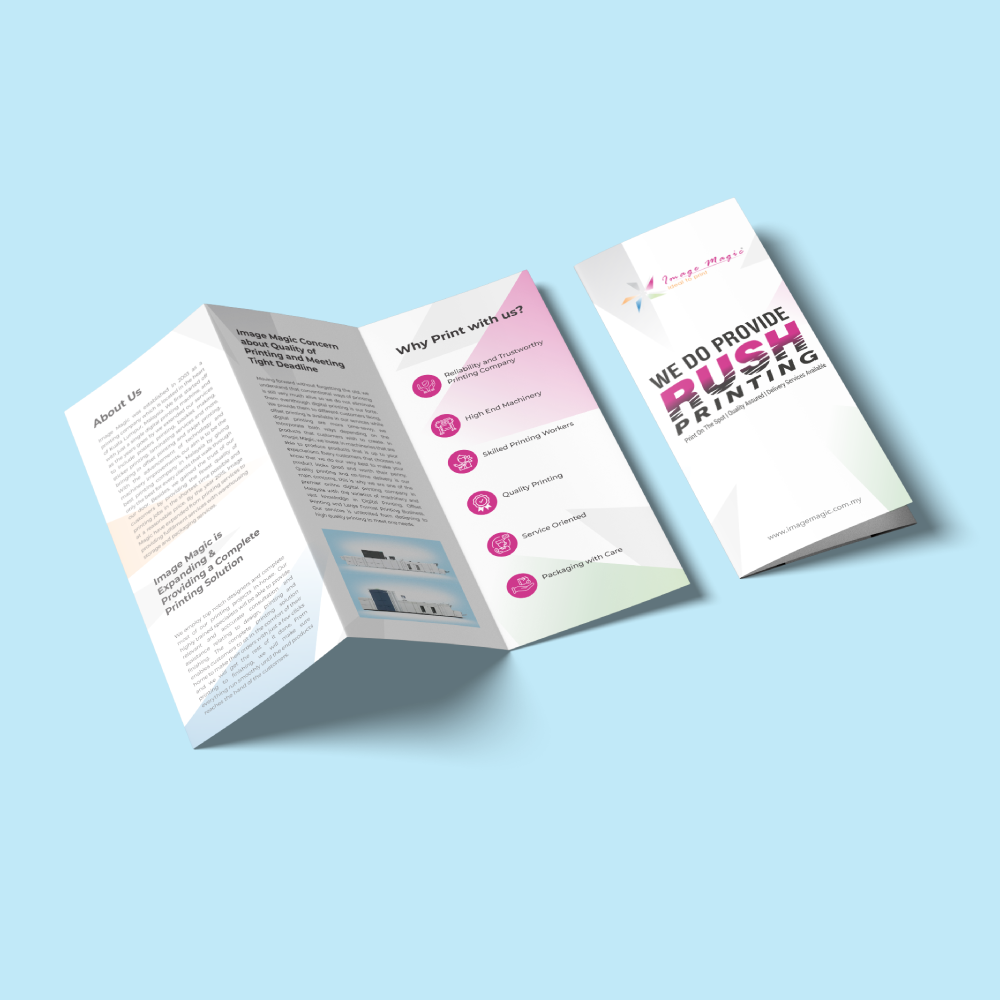
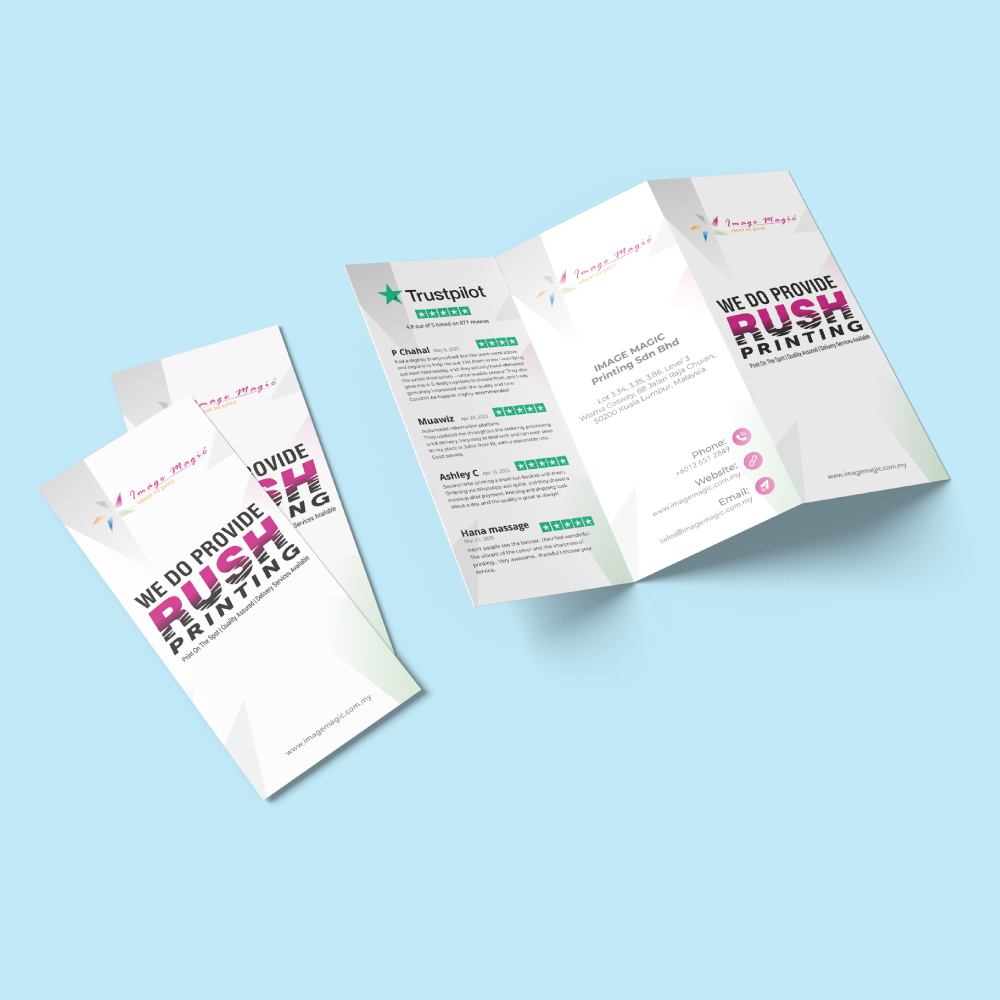
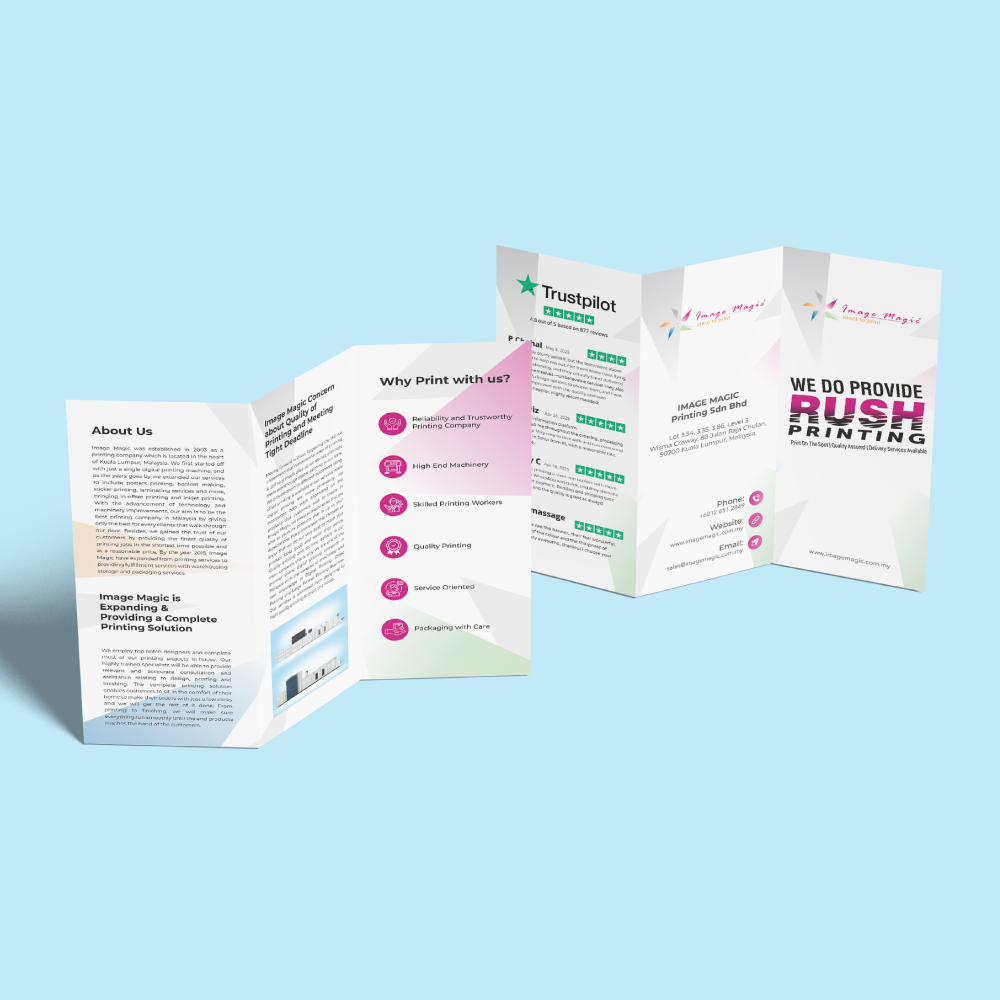
A Z-fold brochure begins as one flat landscape sheet and is folded twice in alternating directions. This creates three accordion-style panels per side for maps, timelines, product features, instructions, service information and marketing campaigns.
Current Product Specifications
How a Z-Fold Brochure Works
Artwork is created at the complete open size before folding.
One panel folds forward and the other folds backward, creating the characteristic Z shape.
Both-sided printing provides up to six printed panel faces after folding.
Current Downloadable Z-Fold Templates
Open size is the complete flat landscape sheet before folding. Folded dimensions below are approximate.
Paper Selection
A lightweight uncoated paper suitable for economical distribution and brochures requiring a writable surface.
Use the exact paper name and gsm shown after selecting the required open size.
Matte and gloss lamination are not currently displayed as standard options for this product.
Printing Options
Production Schedule
Applies after the order and complete print-ready artwork have been accepted.
Late, incomplete or incorrect artwork may affect the production schedule.
The production period does not include transportation or collection arrangements.
Suitable for
Artwork Preparation Guidelines
Prepare each printed side as one continuous three-panel layout using the matching Z-fold template.
File Format and Resolution
- PDF is the preferred print-ready format.
- AI files may also be submitted.
- Prepare full-colour artwork in CMYK.
- Use images of approximately 300 DPI at final size.
- Outline or embed all fonts.
Continuous Z-Fold Layout
- Prepare one continuous flat layout containing all three panels.
- Position each panel according to the alternating Z-fold direction.
- Use the template supplied for the selected open size.
- Do not submit six unrelated pages unless specifically requested.
Bleed and Safe Area
- Add 3mm bleed on every outer edge when the background extends to the trimming edge.
- Keep important text and logos 3–5mm inside trim lines.
- Keep important content 3–5mm away from both fold lines.
- Avoid thin borders close to trim or fold lines.
Fold-Line Preparation
- Follow the exact fold positions shown in the selected template.
- Keep small text, QR codes and logos away from the folds.
- Large images may cross a fold, but slight alignment variation may remain visible.
- Remove fold guides from printable artwork or identify them clearly as non-printing guides.
Single- and Both-Sided Files
- Upload one continuous front layout for single-sided printing.
- Upload clearly labelled front and back layouts for both-sided printing.
- Check the panel sequence and back orientation before submission.
Panel Sequence Check
- Confirm which panel acts as the front cover when the brochure is folded.
- Check the reading sequence when the brochure is opened from either side.
- Print a reduced paper mock-up before submitting complex panel layouts.
Multiple Designs
- The minimum quantity applies to each design.
- One quantity cannot be divided among different brochure artworks.
- Use Add Item for another design using the same specifications and quantity.
Basic Artwork Check
- A basic check may cover size, margins, bleed, colour setup and fold positioning.
- It is not a design, layout or proofreading service.
- Customers remain responsible for text, prices, dates, contact details and QR codes.
How to Order Economy Z-Fold Brochures
- Select Open Size Choose the complete landscape sheet size before folding.
- Select Paper Choose the exact paper name and gsm shown in the calculator.
- Select Printing Sides Choose full-colour single- or both-sided printing.
- Upload Flat Artwork Submit the correctly arranged front and back Z-fold layouts.
Frequently Asked Questions
What is a Z-fold brochure?
Is Z-fold the same as roll tri-fold?
What does open size mean?
What is the minimum quantity?
What paper is currently confirmed?
Can Z-fold brochures be printed on both sides?
Is lamination available?
Do all three panels have equal widths?
How long does production take?
Need Economy Z-Fold Brochures?
Select the open size, paper and printing sides, then upload the complete front and back layouts using the matching Z-fold template.
WhatsApp +6012-651 2849From 600 pieces per design • Landscape Z-fold • Full-colour printing • 4-working-day production
Download Product Guideline
Upload Artwork Guideline
Format: PDF / AI / EPS / PSD (300 DPI)
Colour Mode: CMYK
Bleed: 3mm on all sides
Safe Zone: Keep content 5mm inside fold and trim lines
Fonts: Outlined or embedded
Folding guides: Indicate clearly if submitting flat design
📩 Request free folding layout templates via WhatsApp.
![[Economy] Flat Flyers](https://d2k7xl8xl93d43.cloudfront.net/images/opt/product/620_Flat-Flyer-_Economy_-5.png?v=6767)