


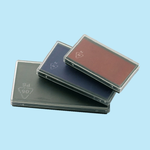
Rubber Stamp Spare Pad (Stamps & Embossing Seal)
Choose Options | Get Started To Direct Order
Original Replacement Pads for COLOP Self-Inking Stamps
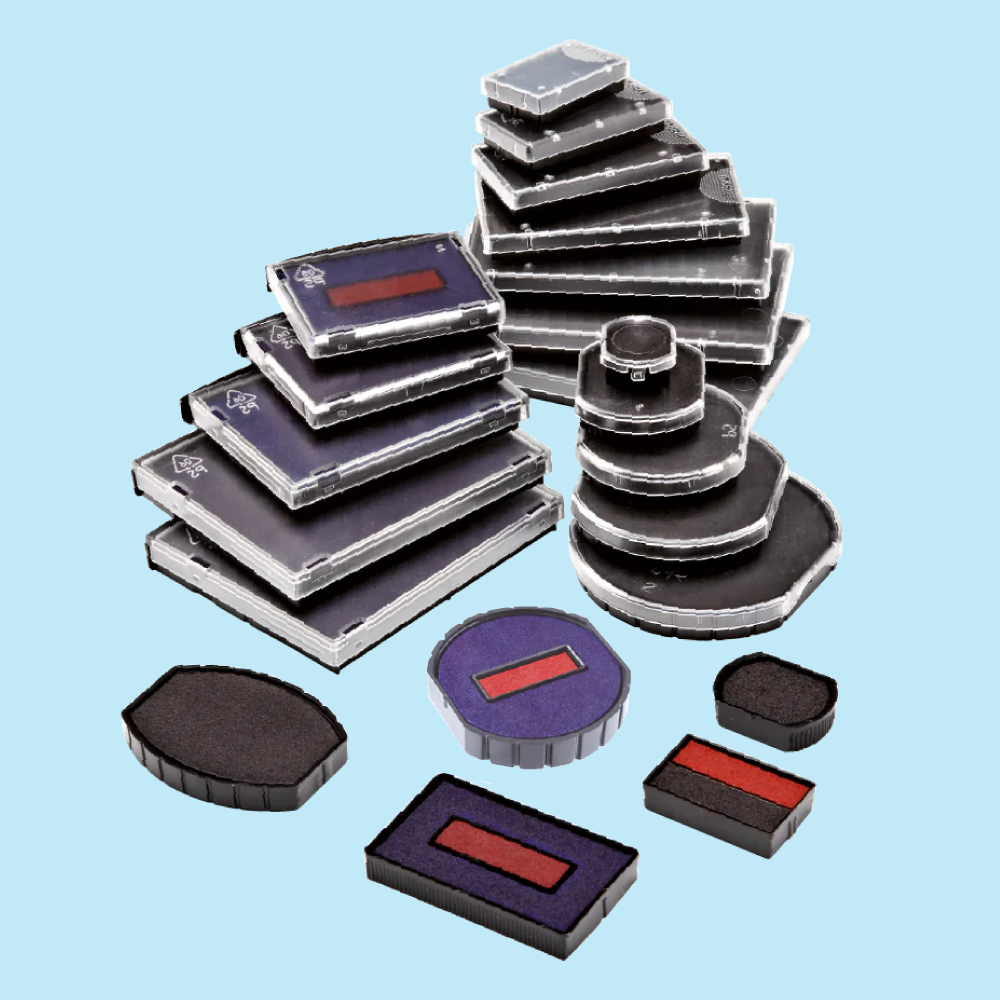
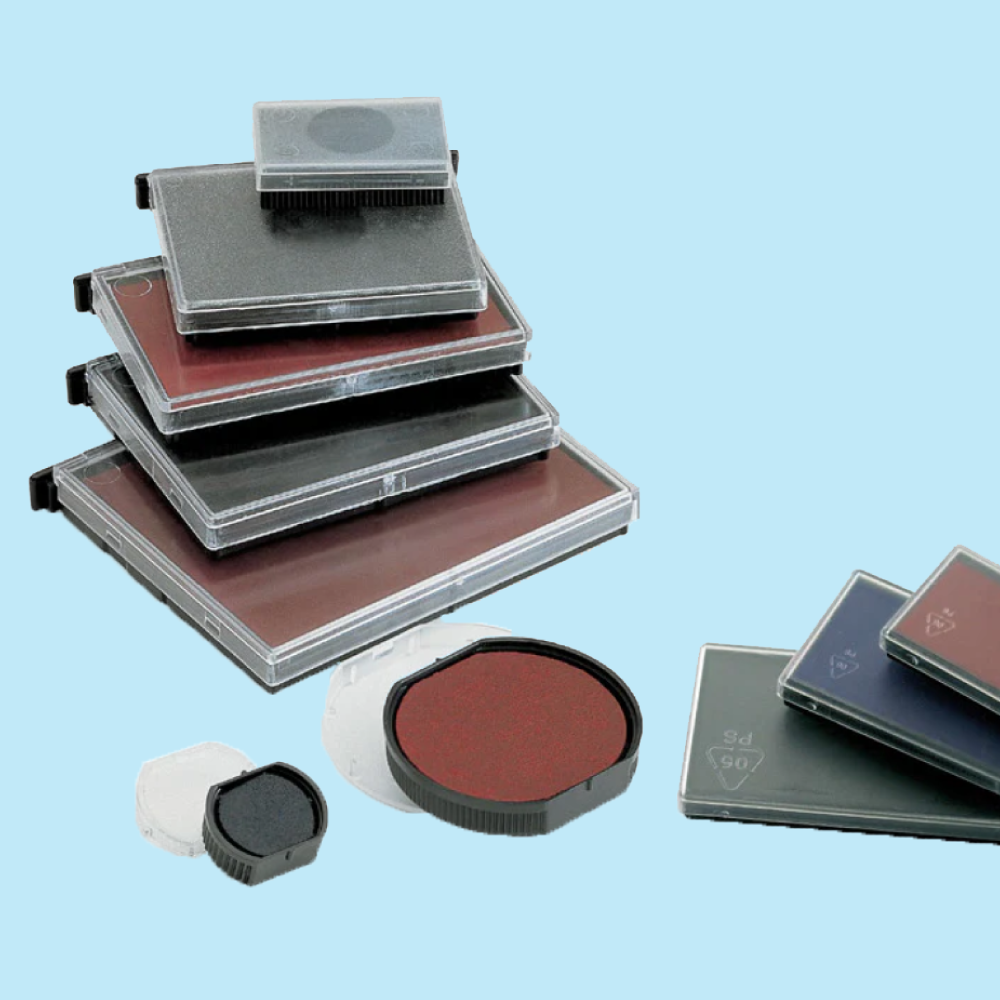
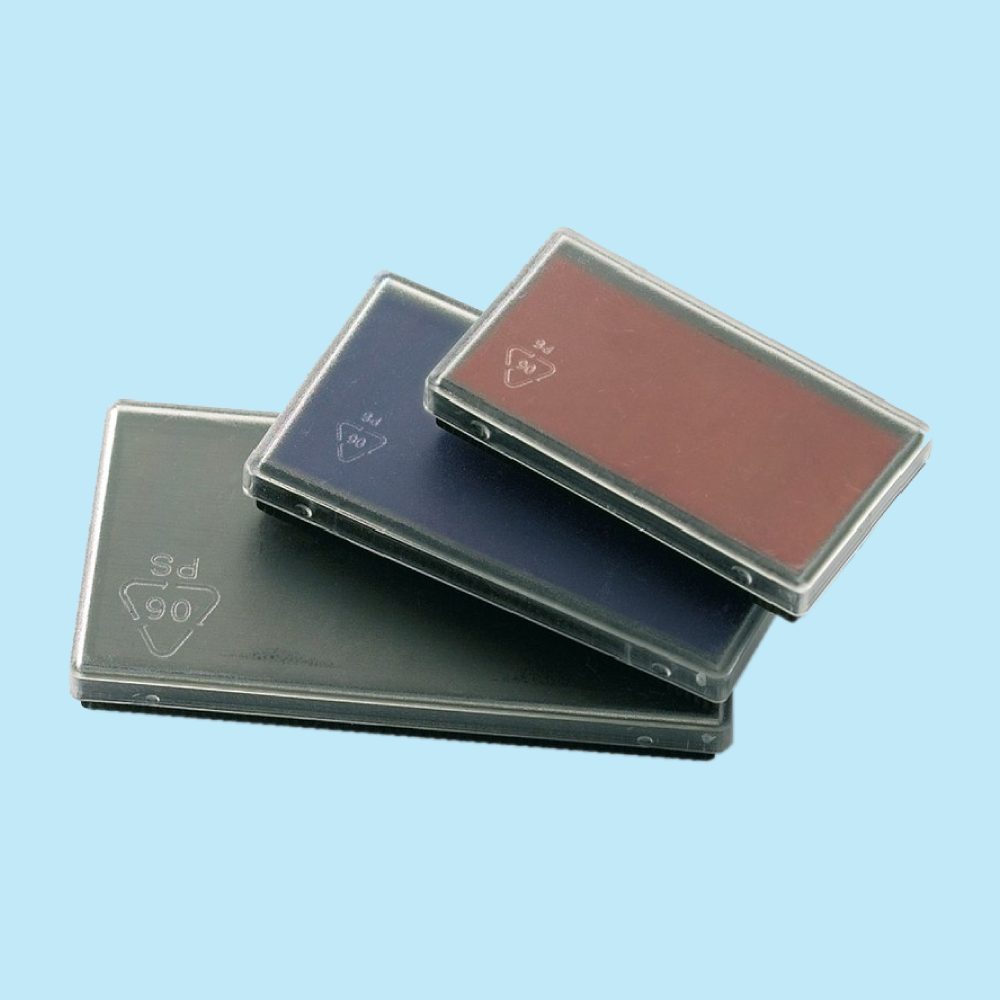
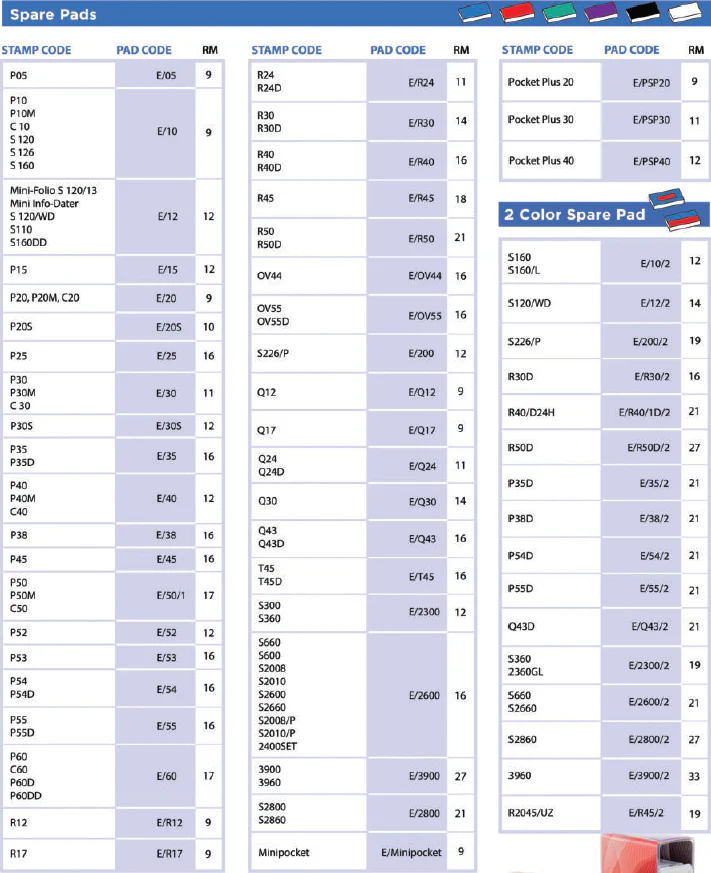
Restore a light, dry or worn stamp impression by replacing the internal ink pad in your compatible COLOP self-inking stamp. Select the exact Pad Code that matches your stamp model, choose the required quantity and select your preferred ink colour.
Before You Order
Current Order Options
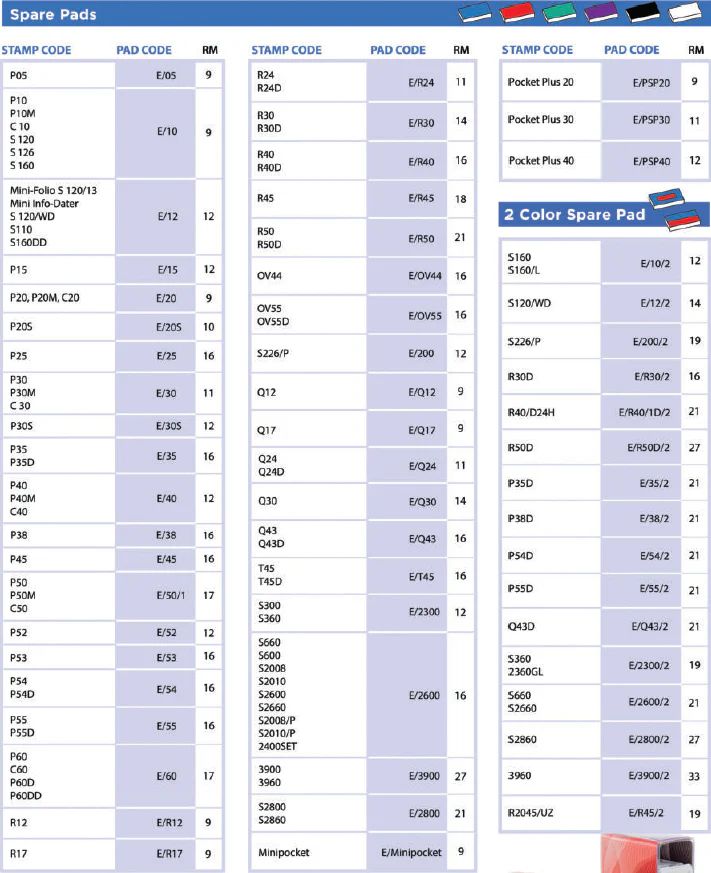
How to Choose the Correct Pad Code
Check the model number printed on your COLOP stamp body and match it with the corresponding replacement Pad Code.
Ink Colour Options
What Does “No Ink” Mean?
Select No Ink when an uninked replacement pad is required. Add only suitable ink that is compatible with the pad, stamp and intended application.
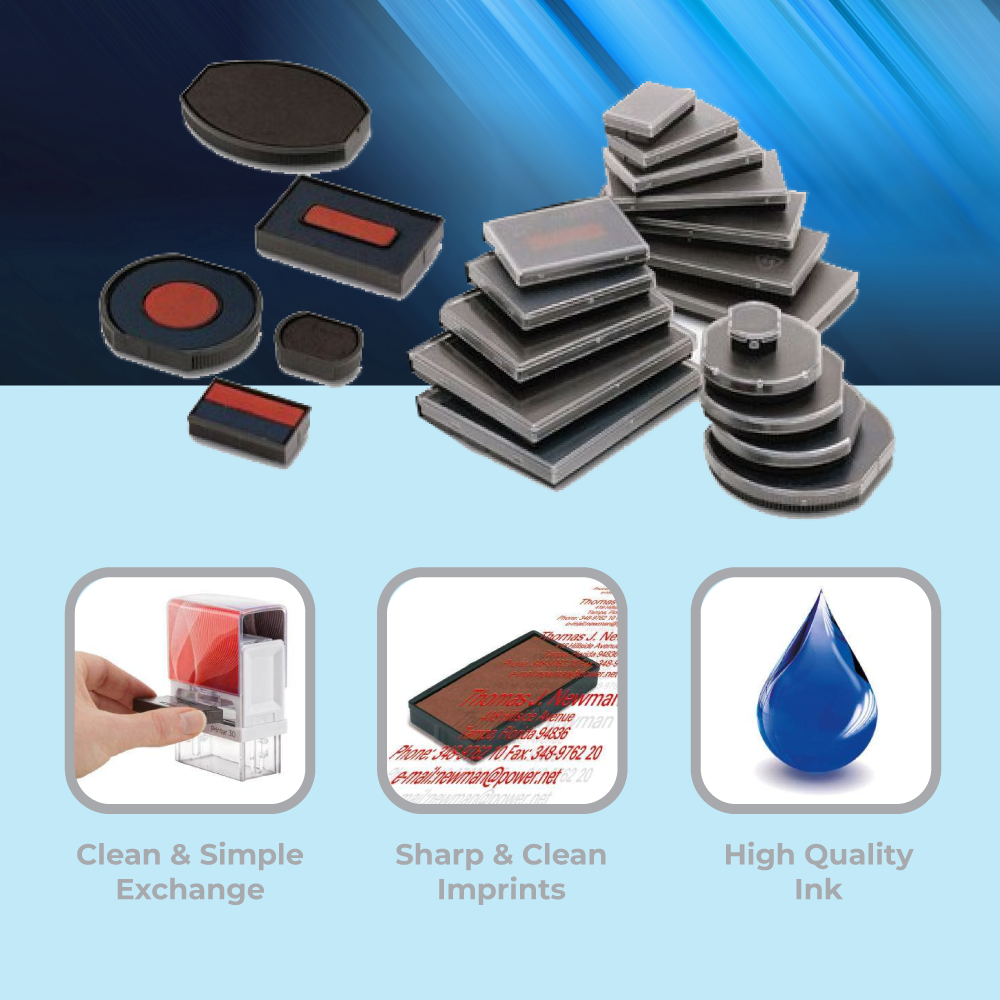
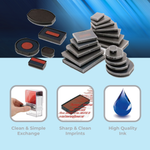
COLOP Spare Pad Features
When Should You Replace the Pad?
Replacing a COLOP Spare Pad
- Check Stamp Model Identify the model number printed on the stamp.
- Select Pad Code Order the replacement code made for that model.
- Remove Old Pad Lock the stamp slightly down and slide the old pad out.
- Insert New Pad Slide the replacement pad into position without touching the inked surface unnecessarily.
Watch Example: Changing a COLOP Printer R30 Pad
This video demonstrates pad replacement on a COLOP Printer R30. Other stamp models may use a different pad size or removal method.
Frequently Asked Questions
How do I know which COLOP spare pad to order?
Can one spare pad fit every COLOP stamp?
What ink colours are available?
What does No Ink mean?
Is the COLOP stamp included?
Is a spare pad the same as refill ink?
Can I change my stamp to another ink colour?
What should I do if I cannot identify my pad code?
Not Sure Which COLOP Spare Pad You Need?
Send us a clear photo of your stamp showing the model number. We can help you identify the correct replacement Pad Code before you place your order.
WhatsApp +6012-651 2849
![[Economy] Flat Flyers](https://d2k7xl8xl93d43.cloudfront.net/images/opt/product/620_Flat-Flyer-_Economy_-5.png?v=1896)